
Control Plus
With name and key recognition modes, it adds a powerful search bar to the control menu and a keyboard indicator panel showing which assignment is assigned…
⬇ Download on Modrinth
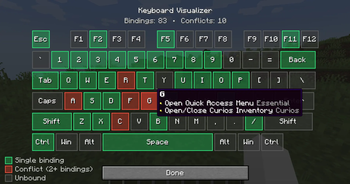

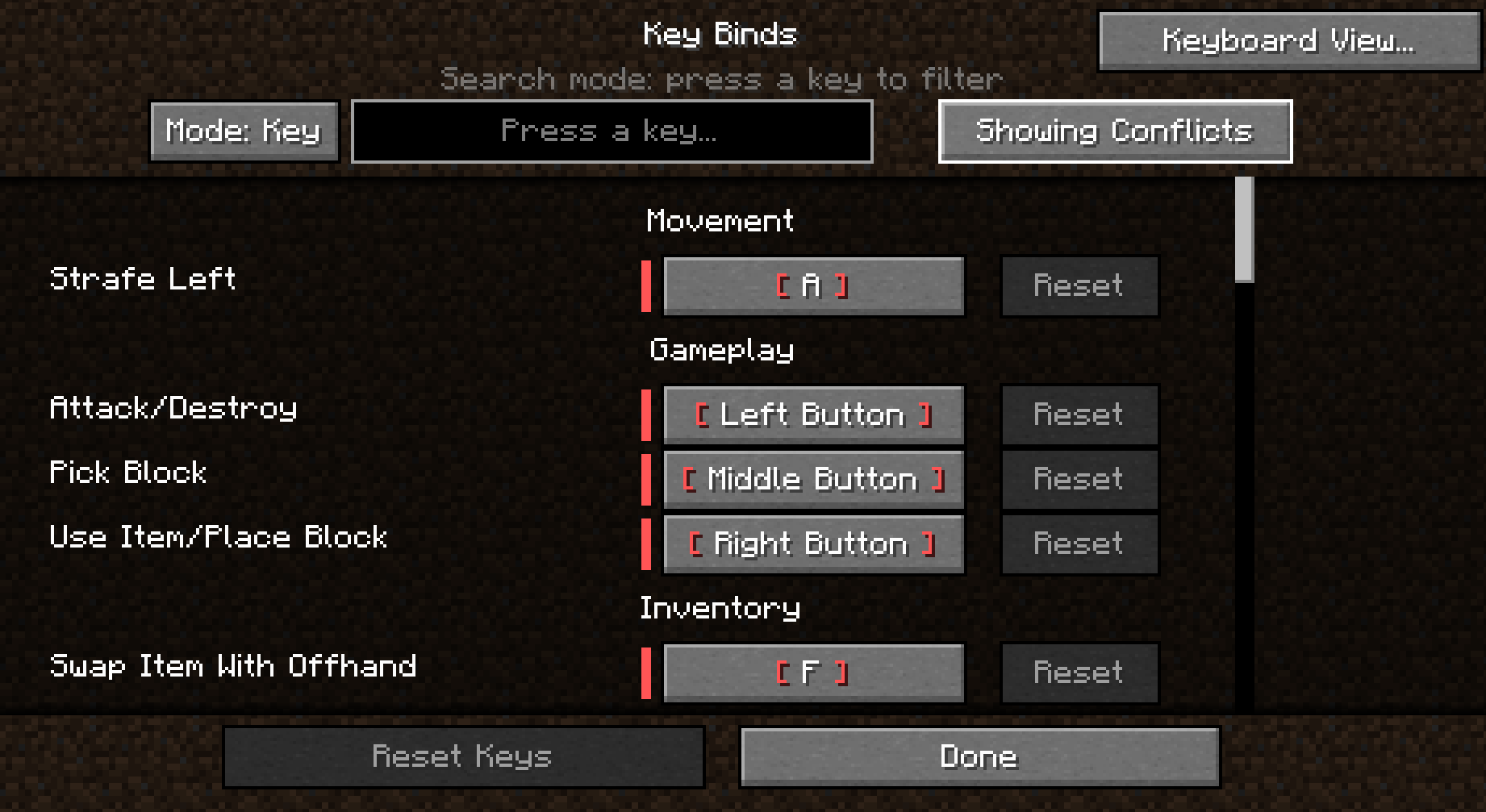
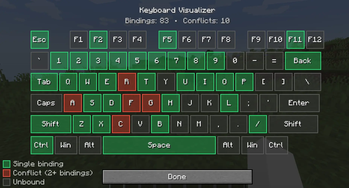
Controls Plus makes one of the most frustrating parts of Minecraft much easier. It adds a functional search bar to the keyboard bindings panel with two unique modes:
Name Mode: Search for specific keybindings by typing their names directly.
Key Mode: Simply press a key on your keyboard to see which action it is currently assigned to.
Stop scrolling through endless menus to find your keys! For more details, you can check the images or download the mod to try it out yourself.
Control Plus - Official License License Type: All Rights Reserved (ARR) Allowed:
You may use this mod in any modpack. You may create addons, integrations, and datapacks for this mod. You may create videos and other content using this mod.
Not Allowed:
You may NOT reupload this mod on any website. You may NOT redistribute this mod in any form. You may NOT claim this mod as your own. You may NOT sell this mod or its source code. All rights belong to the original author.
- Edition: Minecraft Java
- File type: .jar
- Minecraft version listed: 1.21.1
- How to install: Install the matching mod loader (Forge, Fabric or NeoForge) for your Minecraft version. → Download the .jar. → Put it in the .minecraft/mods folder and launch that loader profile.
- Where to get it: Opens on Modrinth — not every file is mirrored on our own servers.
Install steps are the general flow for this file type — How to install Minecraft Java mods & modpacks walks through it step by step.
- Ships as controlplus - 1.21.1 neoforge - 1.0.2.jar — drop this file into the mods folder
- Download size: 30 KB
- Download link checked 8 Sept 2026 — working
These come from our own check of the pack file, not from the source page.