
BridgeLab – Bridging Trainer for Bedwars/Skywars
Java mod listed for Minecraft 1.8. Downloads from the MC Java Mods app on Android.
A Minecraft 1.8.9 practice mod for speed-bridging, diagonal bridging, and jump timing, with ghost-block guides, sound cues, and real-time feedback for…
⬇ Download on Modrinth
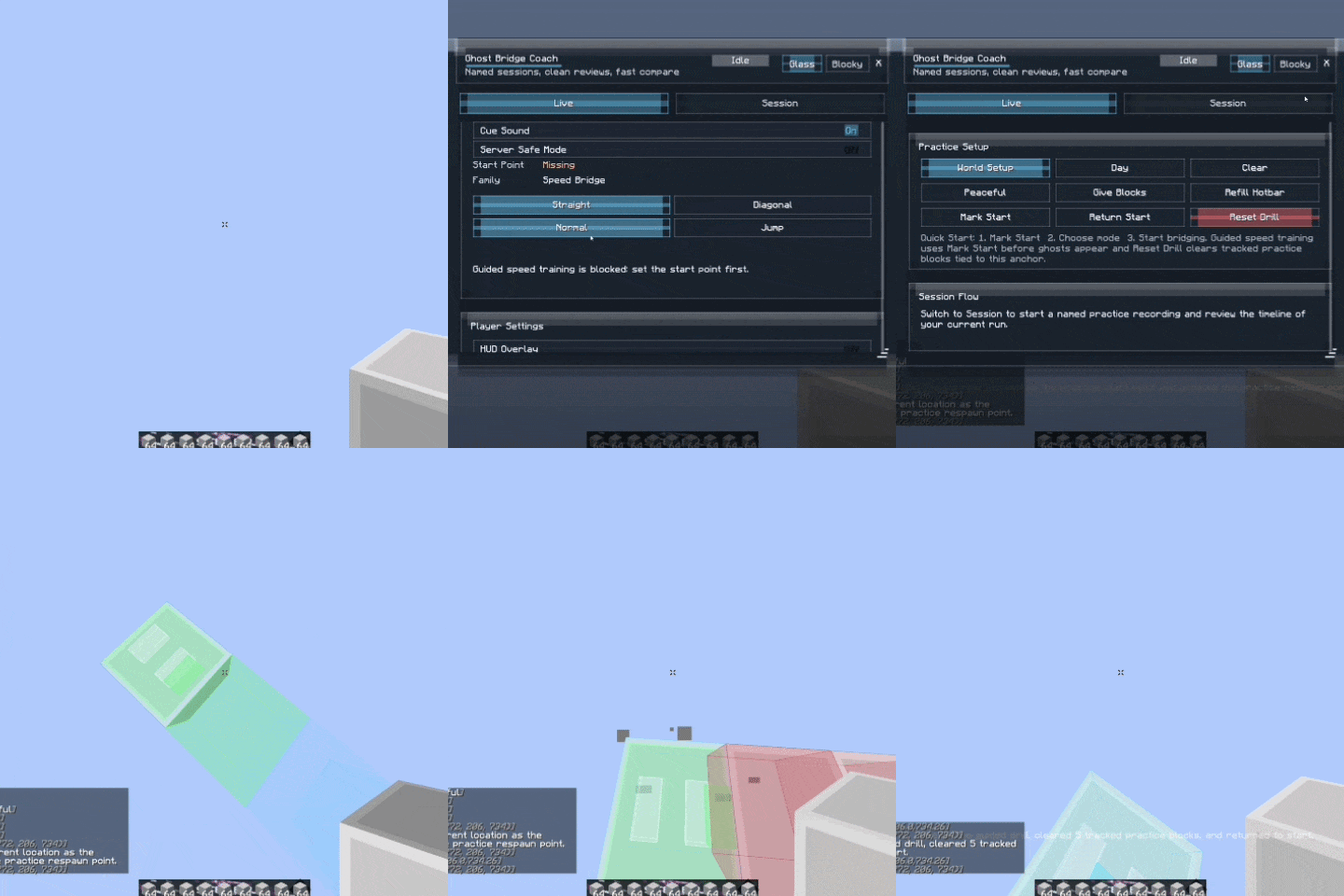
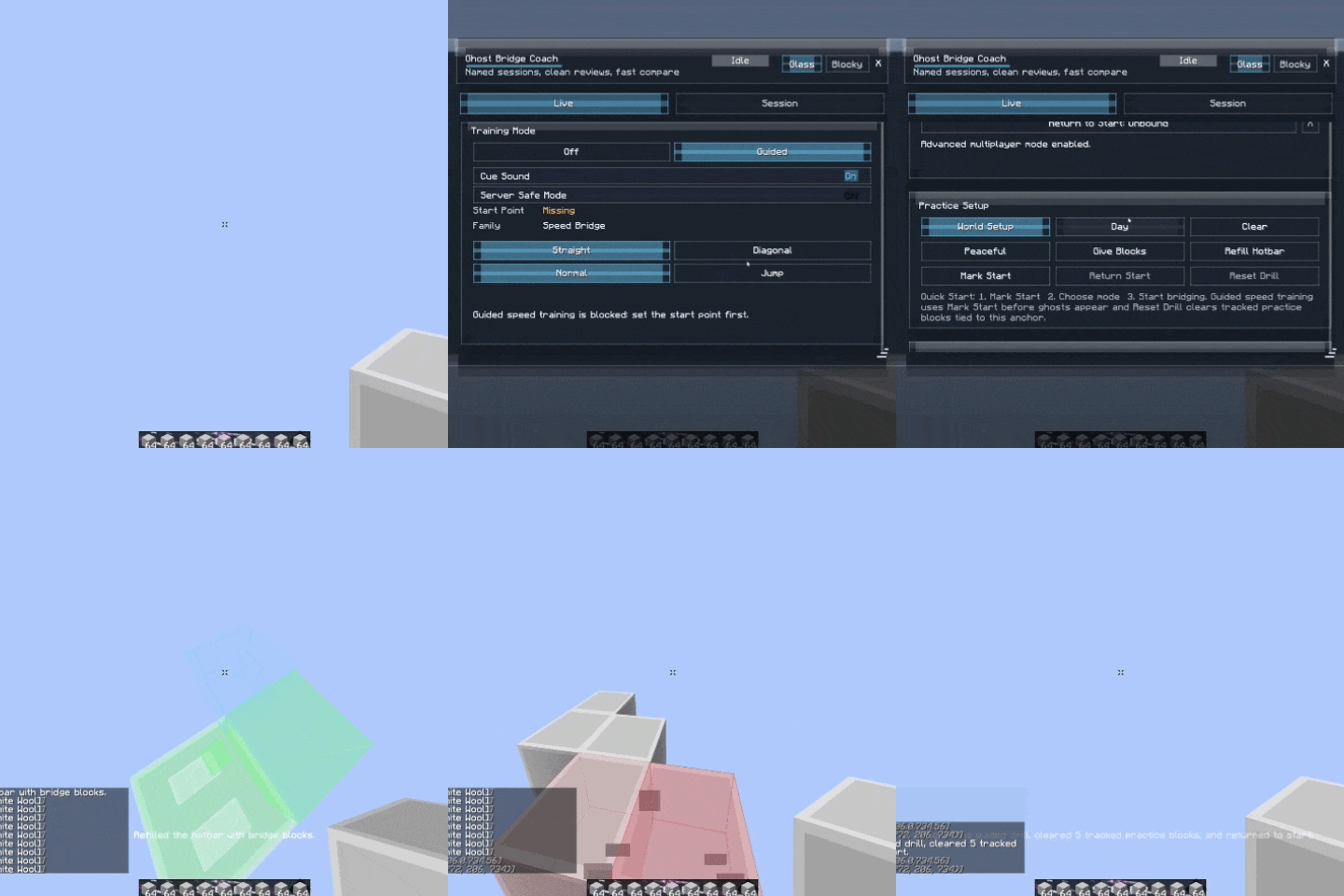
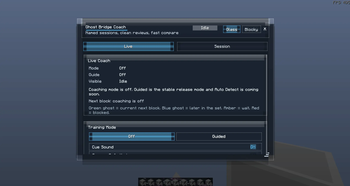
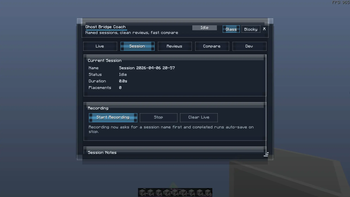
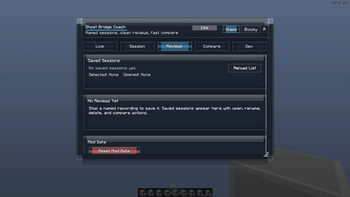
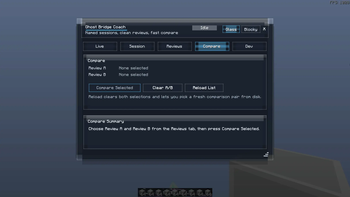
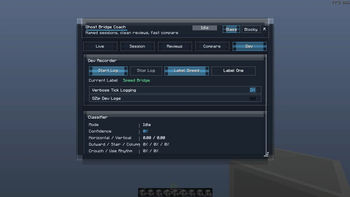

Learn Speed-Bridging the Right Way
BridgeLab is a Minecraft 1.8.9 bridging practice mod made for players who want to improve speed bridging, diagonal bridging, and jump timing through repetition and real-time feedback.
Instead of only guessing your timing, BridgeLab shows guide blocks for your next placements and gives visual or sound feedback while you practice. Over time, this helps your movement feel more natural and consistent.
Demo
Gameplay GIF coming soon.
What It Helps With
You can train with:
- Straight speed bridging
- Diagonal speed bridging
- Jump timing
- Face A / Face B diagonal switching
- Optional cue sounds
- Visual green timing feedback
- Bedwars / Skywars bridging practice
- Hypixel-style 1.8.9 PvP movement practice
Practice Tools
BridgeLab includes simple tools to make training faster:
- Mark Start — saves your practice start point
- Setup World — prepares a clean practice setup
- Clear Placed Blocks — removes tracked practice blocks
- HUD Editor — move and scale the live feedback HUD
- Theme & Accent Settings — customize the UI look
Why Use BridgeLab?
Speed bridging is not only about clicking fast. It is about rhythm, timing, movement, and consistency.
BridgeLab gives you feedback while you practice so you can repeat the right timing until it becomes muscle memory. You can use sound cues, visual feedback, or both depending on how you like to train.
This is especially useful if you are trying to get better at:
- Bedwars bridging
- Skywars rushing
- Diagonal bridging
- Ninja bridging / speed bridging
- Jump timing practice
Safety Notes
BridgeLab is mainly designed as a practice tool for singleplayer worlds and private practice setups.
Some practice actions are meant for singleplayer practice worlds, while the guide overlay and visual feedback are client-side.
Always check a server’s rules before using any client-side mod. BridgeLab should be marketed and used as a training/practice tool, not as a way to gain an unfair advantage on public servers.
Coming Later
Planned improvements include:
- Better Auto Detect
- Review tools
- Graphs and session analysis
- More practice presets
- More detailed feedback after each run
- Edition: Minecraft Java
- File type: .jar
- Minecraft version listed: 1.8.9
- How to install: Install the matching mod loader (Forge, Fabric or NeoForge) for your Minecraft version. → Download the .jar. → Put it in the .minecraft/mods folder and launch that loader profile.
- Where to get it: Opens on Modrinth — not every file is mirrored on our own servers.
Install steps are the general flow for this file type — How to install Minecraft Java mods & modpacks walks through it step by step.
- Ships as BridgeLab-1.0.0.jar — drop this file into the mods folder
- Download size: 432 KB
- Download link checked 19 Oct 2026 — working
These come from our own check of the pack file, not from the source page.