
sharky's random ideas
Java mod listed for Minecraft 1.21. Downloads from the MC Java Mods app on Android.
⬇ Download on Modrinth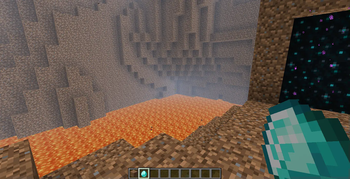
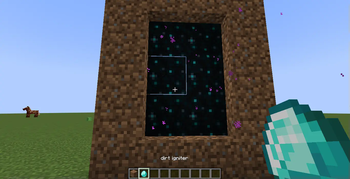

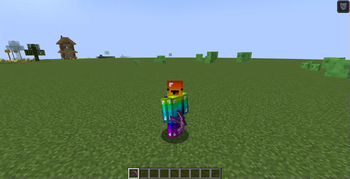
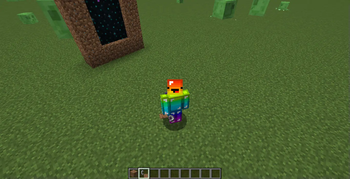
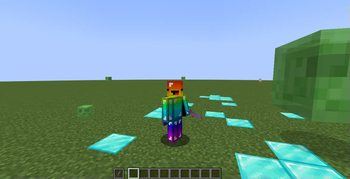
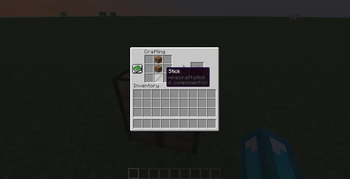

my most random, wierdest and funniest ideas are in this mod
-----------------------------------------------features----------------------------------------------------------
things like the dirt dimension, the dirt toolset and dirt dude
-----------------------------------------------Installation----------------------------------------------------------
Follow these simple steps to get started:
Download the Mod: Head over to the mod’s download page (or click the green “Download” button) to grab the latest version. Install NeoForge: Make sure you have the latest version of NeoForge installed for Minecraft 1.21.1 Save to Mods Folder: Place the downloaded mod file in the mods folder within your Minecraft directory. On Windows: Press Win + R type
%appdata%\.minecraft\mods
, and hit Enter. On Mac: Navigate
to ~/Library/Application Support/minecraft/mods
. Launch Minecraft: Open Minecraft with the NeoForge profile, and the mod will load automatically. Enjoy: Dive into your Minecraft world and let the madness begin!
- Edition: Minecraft Java
- File type: .jar
- Minecraft version listed: 1.21.1
- How to install: Install the matching mod loader (Forge, Fabric or NeoForge) for your Minecraft version. → Download the .jar. → Put it in the .minecraft/mods folder and launch that loader profile.
- Where to get it: Opens on Modrinth — not every file is mirrored on our own servers.
Install steps are the general flow for this file type — How to install Minecraft Java mods & modpacks walks through it step by step.
- Ships as sharky's random ideas [neoforge 1.21.1].jar — drop this file into the mods folder
- Download size: 10.3 MB
- Download link checked 19 Oct 2026 — working
These come from our own check of the pack file, not from the source page.