
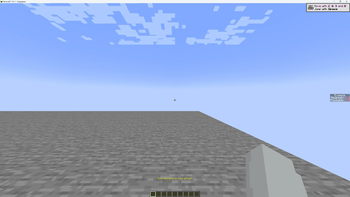
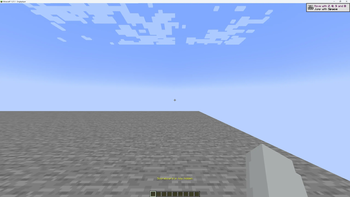
Hide Scoreboard
Have you ever wanted to remove this ugly scoreboard from your screen? Now you can. Drag and drop the mod into your mods folder, then press O (customizable) - tada: show and hide.
Singleplayer Showcase
Multiplayer Showcase
To know
- Default key bind is
O; you can change it. - The scoreboard keeps its state for the instance only. It's not permanent!
Feedbacks
You can open an issue on the GitHub repo for questions, ideas, or bug reports. I may support more versions or loaders. Express your interest by opening an issue.
Quick facts
- Edition: Minecraft Java
- File type: .jar
- Minecraft version listed: 1.21.1
- How to install: Install the matching mod loader (Forge, Fabric or NeoForge) for your Minecraft version. → Download the .jar. → Put it in the .minecraft/mods folder and launch that loader profile.
- Where to get it: Opens on Modrinth — not every file is mirrored on our own servers.
Install steps are the general flow for this file type — How to install Minecraft Java mods & modpacks walks through it step by step.
Verified by MCModsHub
- Ships as Hide-Scoreboard-1.1.jar — drop this file into the mods folder
- Download size: 19 KB
- Download link checked 9 Sept 2026 — working
These come from our own check of the pack file, not from the source page.