
Features
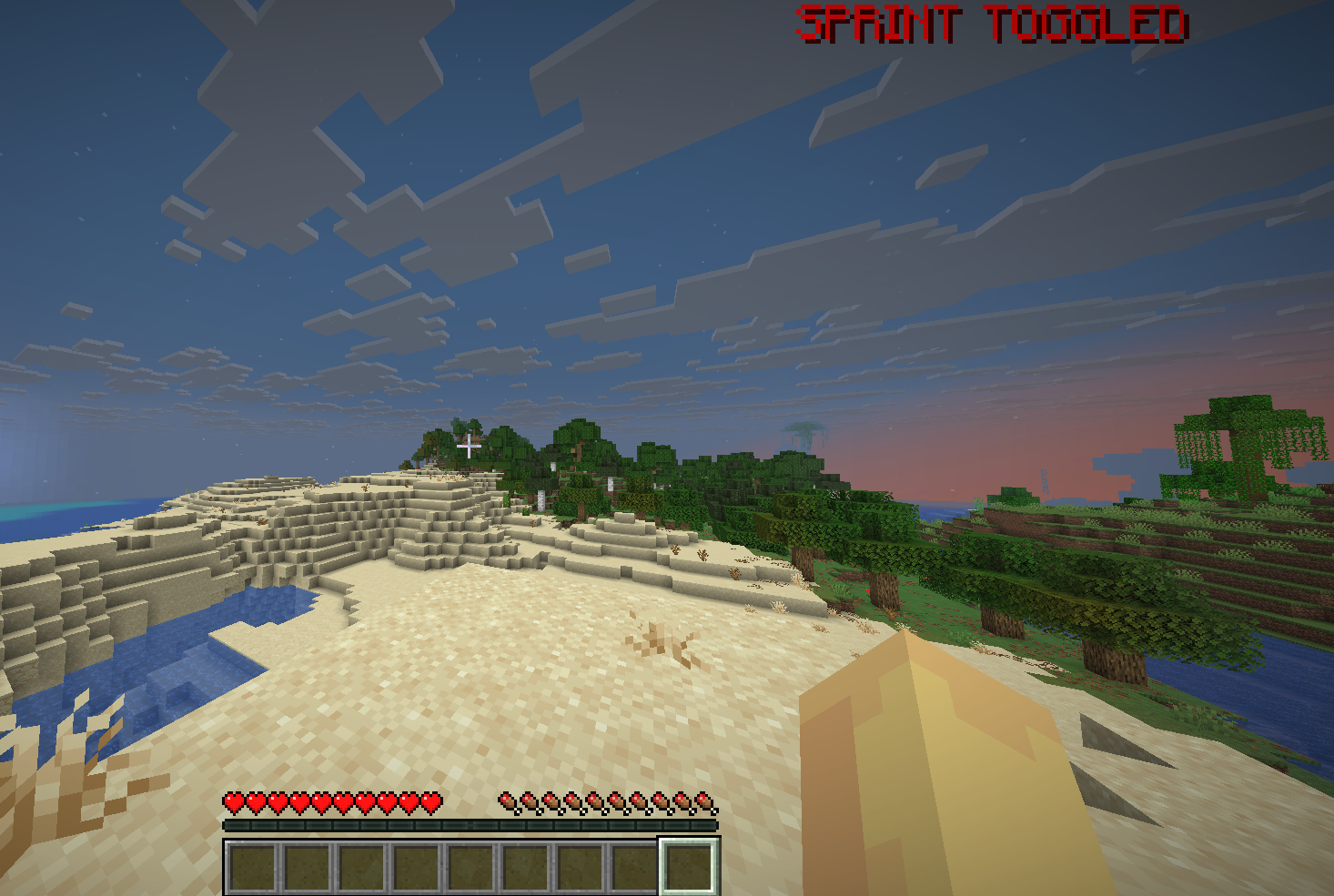
ToggleDisplay
See when your vanilla toggle sprint/sneak is active or inactive
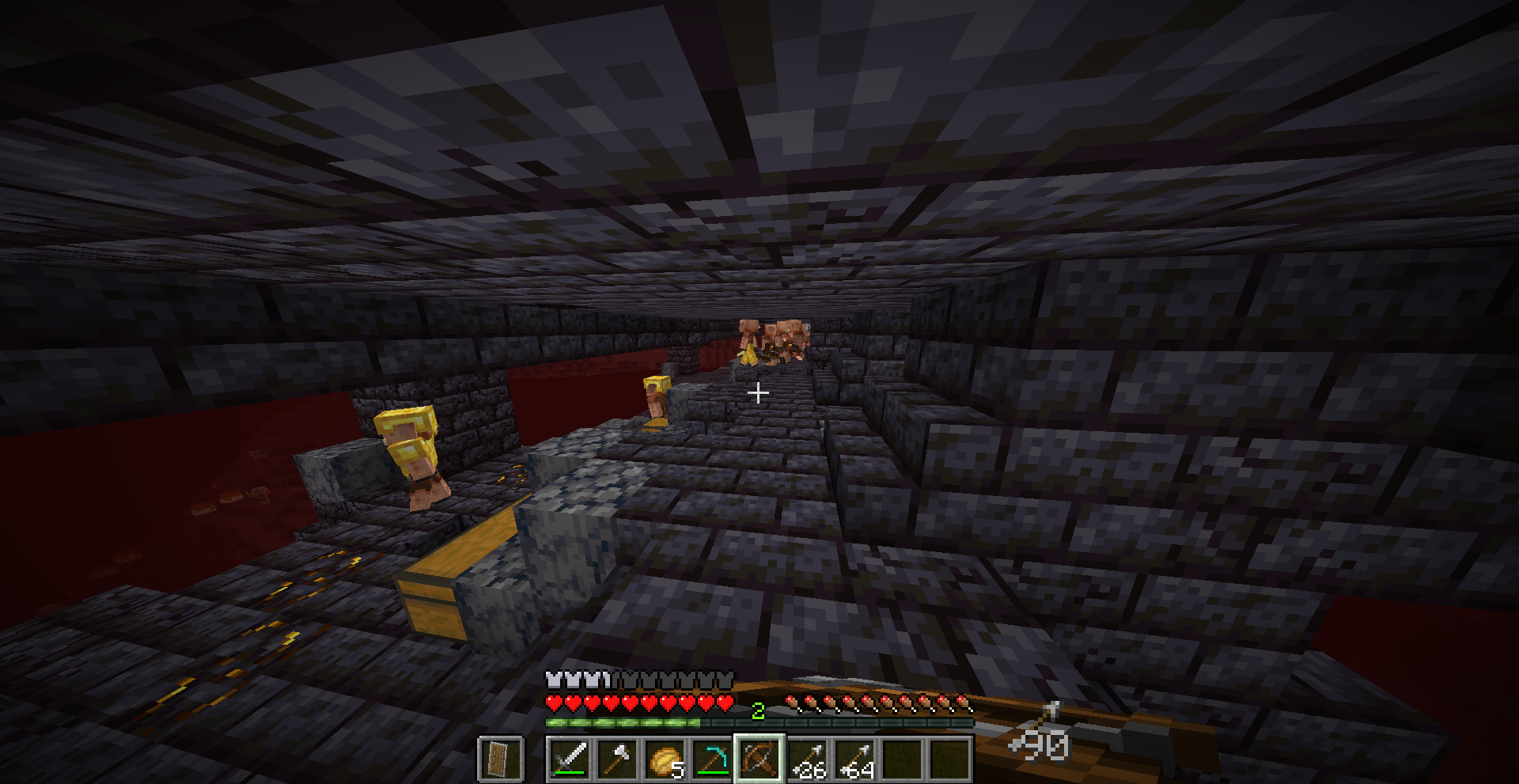
Arrow HUD
Widget to see how many arrows you have left
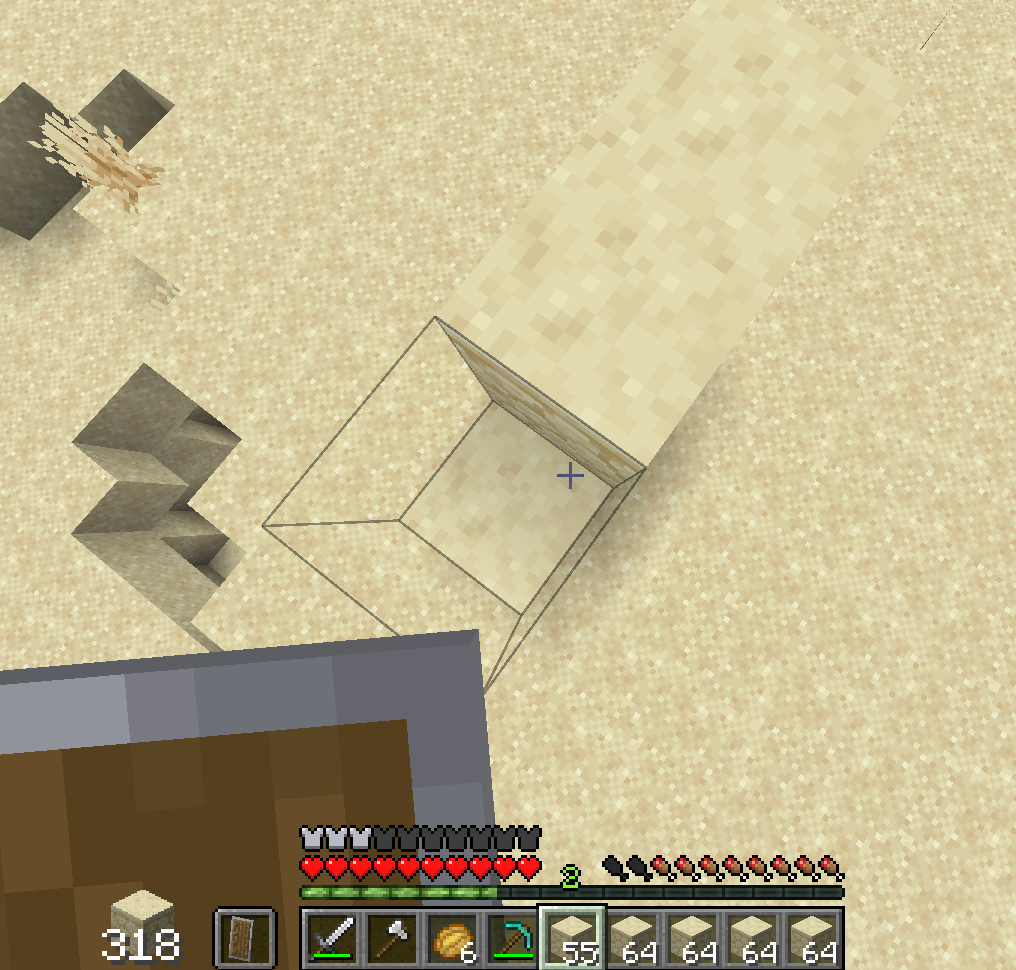
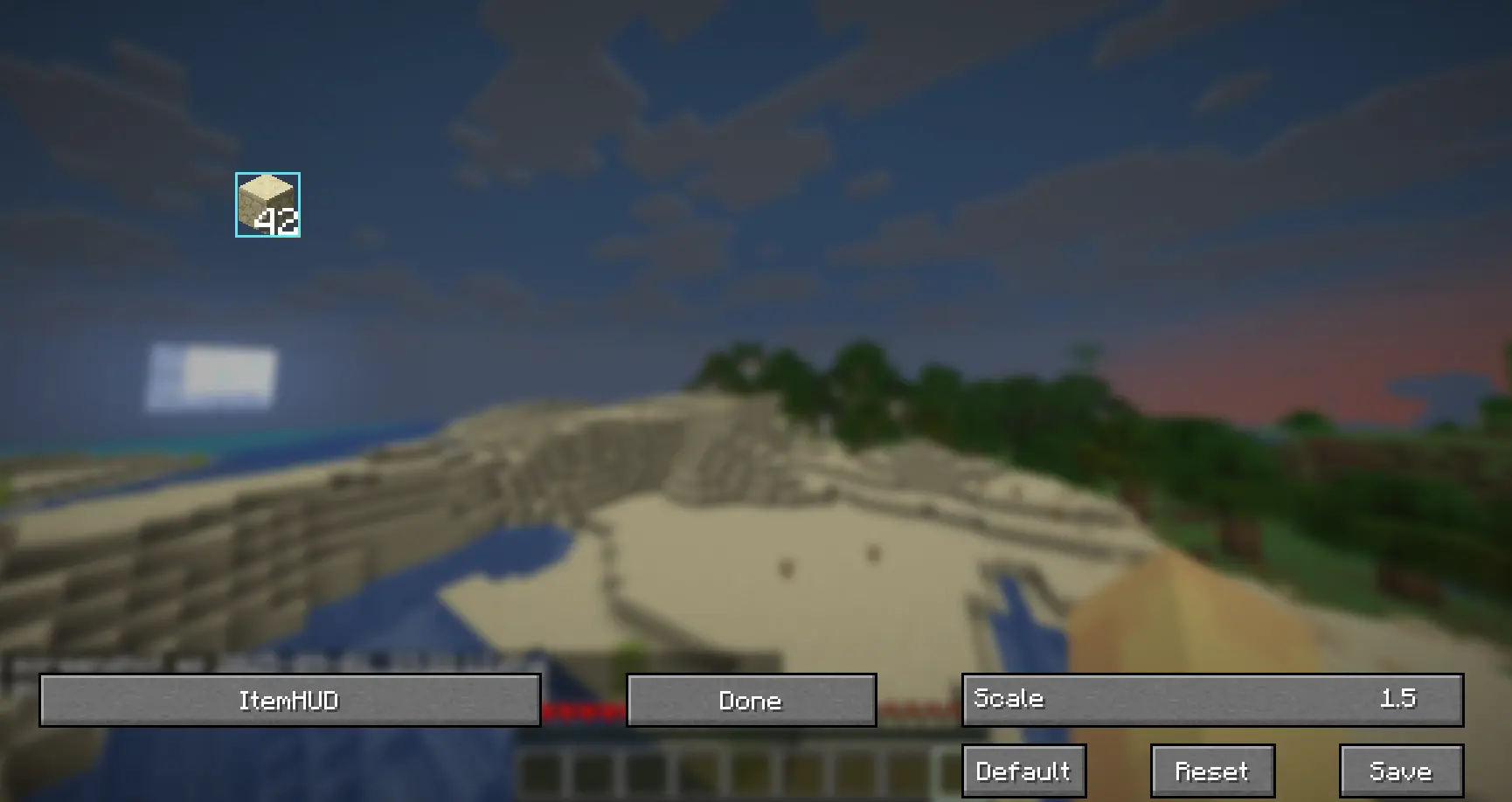
Item HUD
Widget to see how many items of the item that you are holding in your inventory
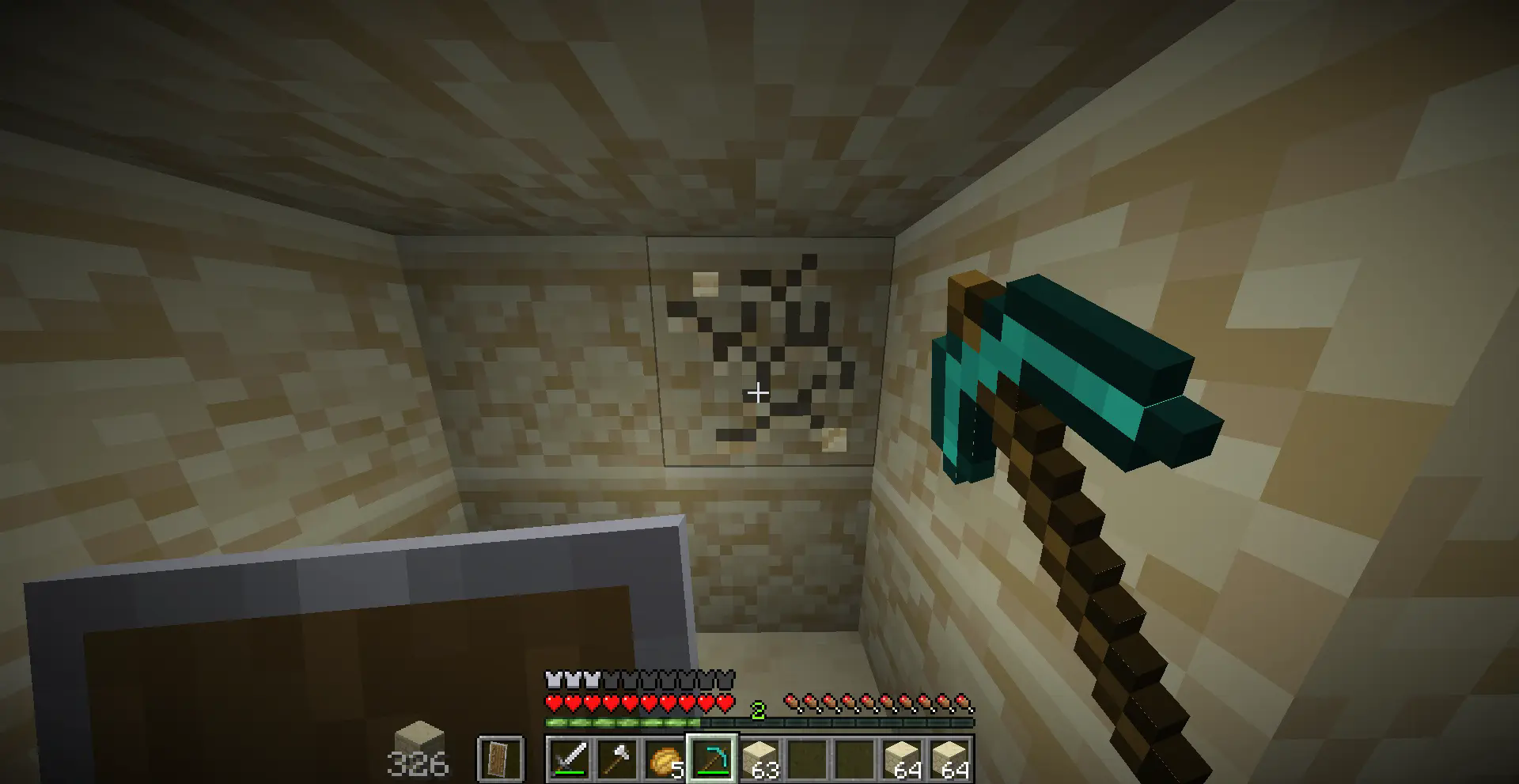
 Alternatively, you can 'pin' an item so it will only show how much of the 'pinned' item you have in your inventory, regardless of what you're holding
Potion Display
A nice little timer on your potion effects to see the intensity and the duration
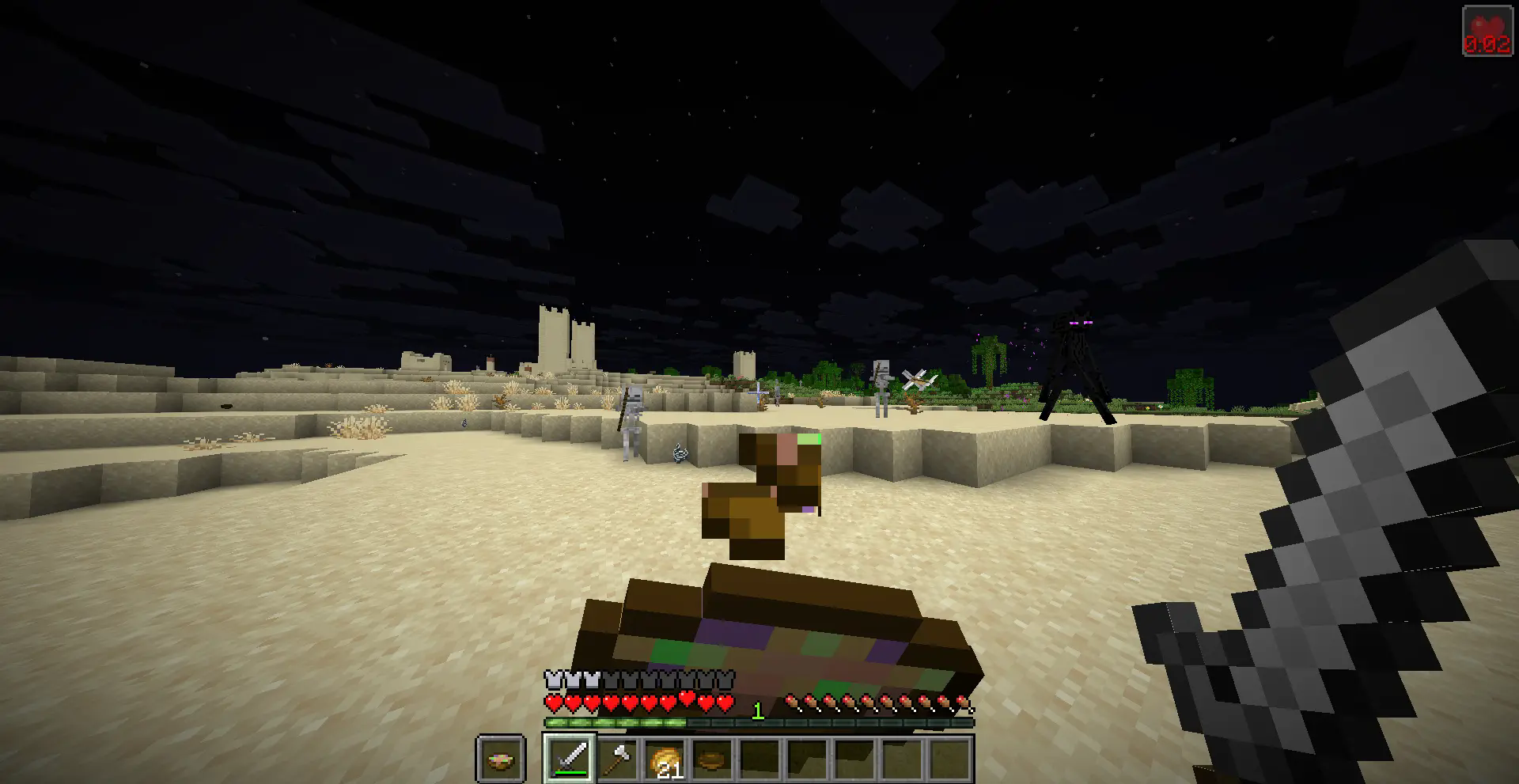
Ping Display
A widget that can tell you the ping on the server that you're connected to
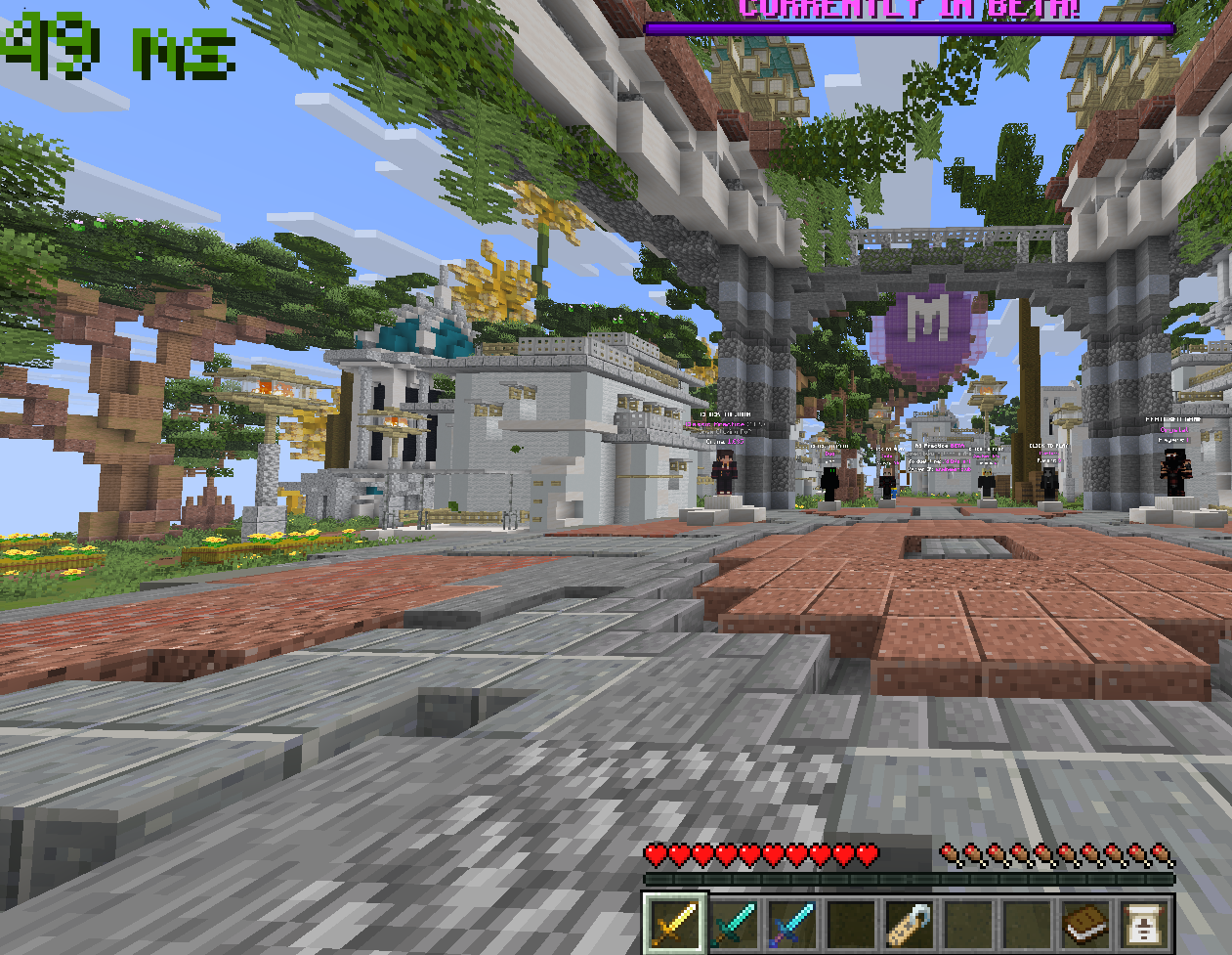
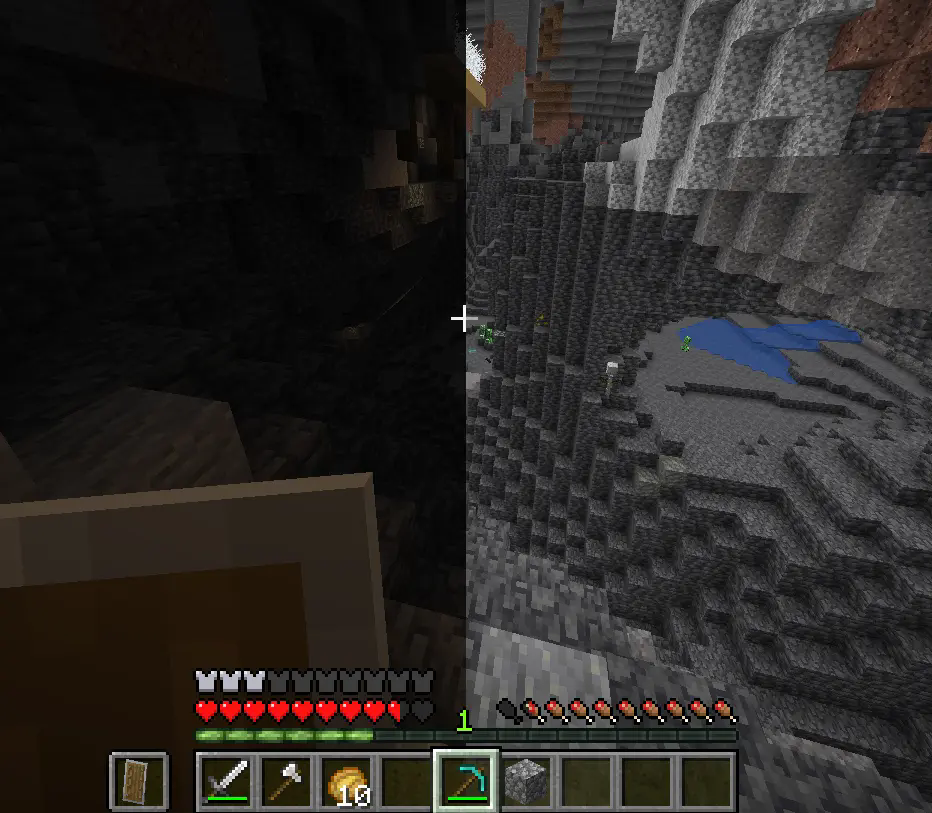
Fullbright
If it's too dark, with a click of a button you can turn on FullBright to make everything light up
Limitless customization
With the configuration menu accessed throught ModMenu, you can edit all the settings to your desires.
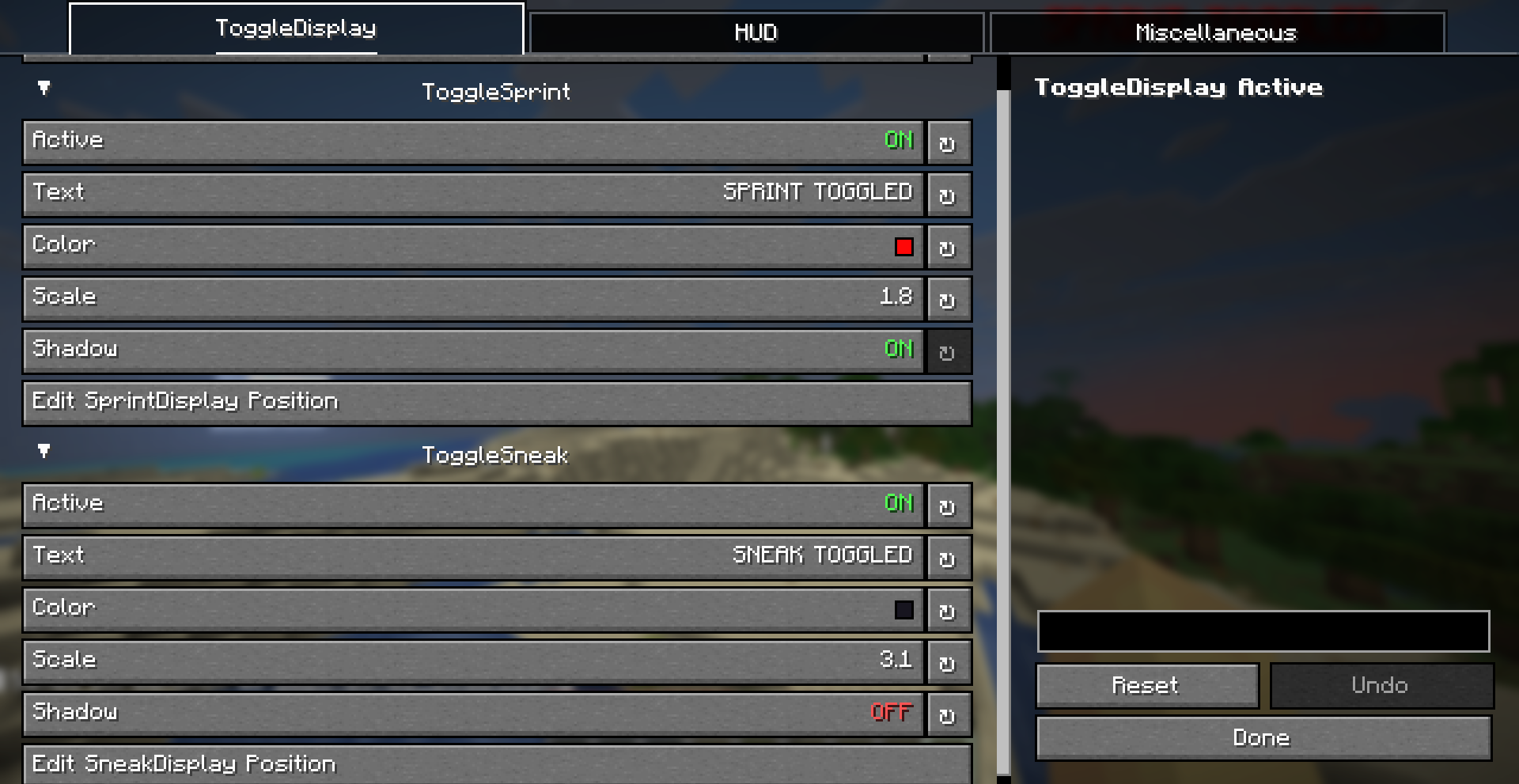 Furthermore, you can move and scale the widgets to whereever you like with the drag n drop widget display
- Edition: Minecraft Java
- File type: .jar
- Minecraft version listed: 1.21.11
- How to install: Install the matching mod loader (Forge, Fabric or NeoForge) for your Minecraft version. → Download the .jar. → Put it in the .minecraft/mods folder and launch that loader profile.
- Where to get it: Opens on Modrinth — not every file is mirrored on our own servers.
Install steps are the general flow for this file type — How to install Minecraft Java mods & modpacks walks through it step by step.
- Ships as perplexedutils-1.0+1.21.11.jar — drop this file into the mods folder
- Download size: 105 KB
- Download link checked 9 Sept 2026 — working
These come from our own check of the pack file, not from the source page.