
Studycraft
Java mod listed for Minecraft 1.21. Downloads from the MC Java Mods app on Android.
I don't know my version or loader
Studycraft
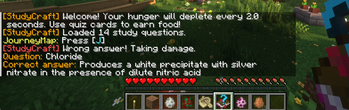
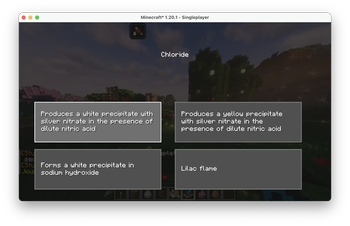
This mod allows you to use a custom Quizlet flashcard set and answer questions in-game. It introduces a new survival mechanism by increasing the time for hunger to deplete, but earning back hunger points for each correct answer.
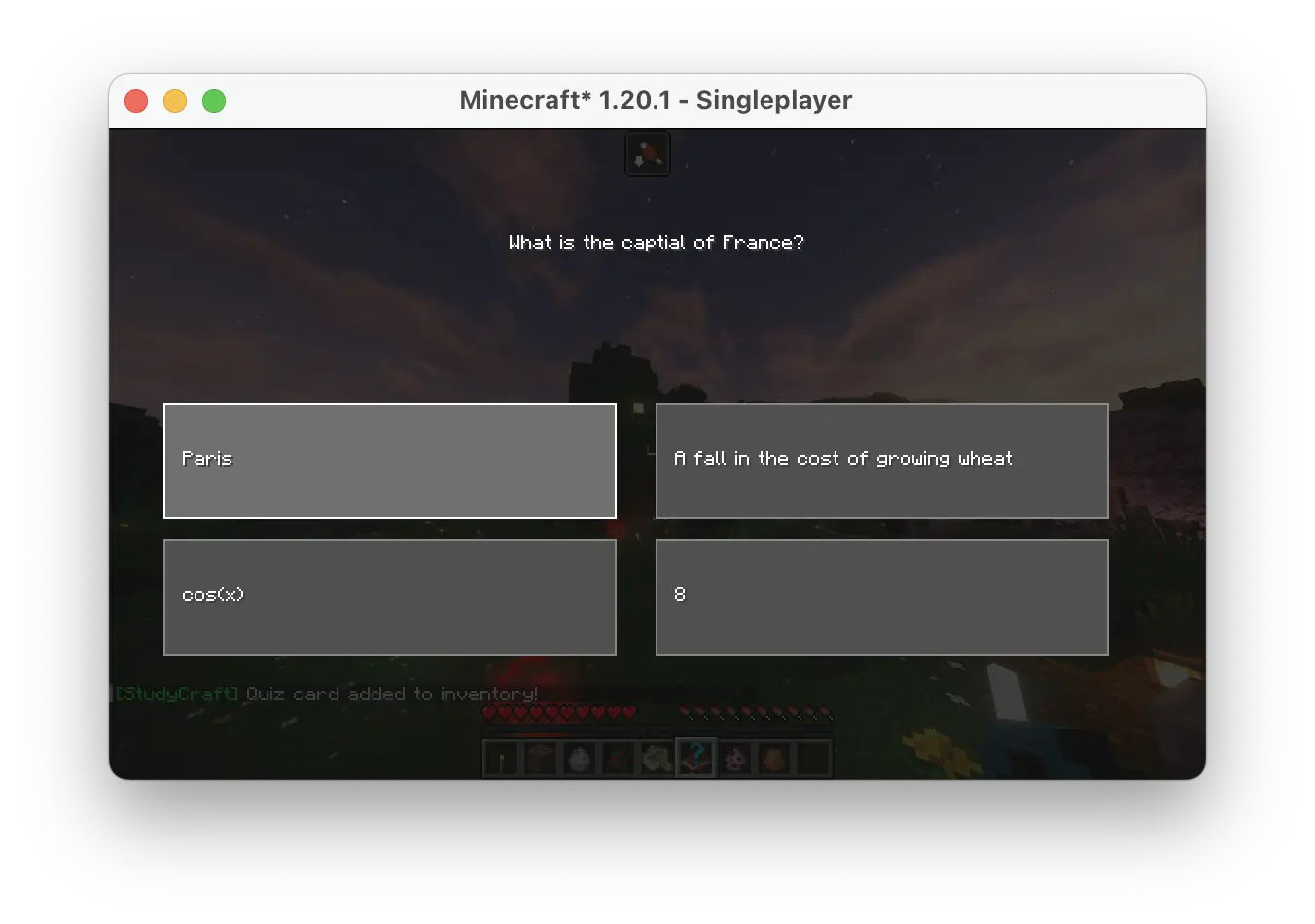
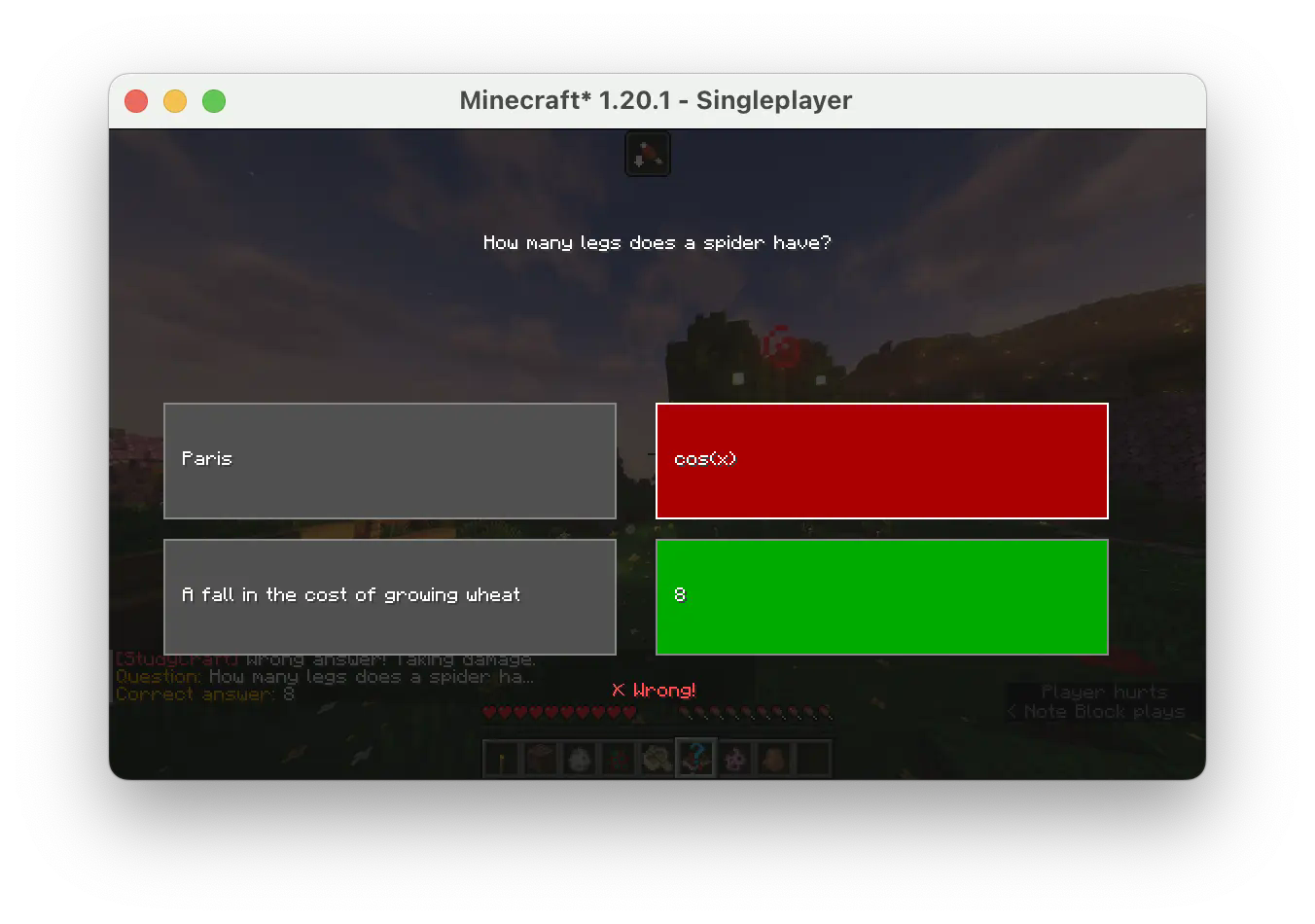
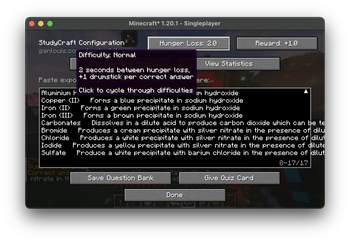
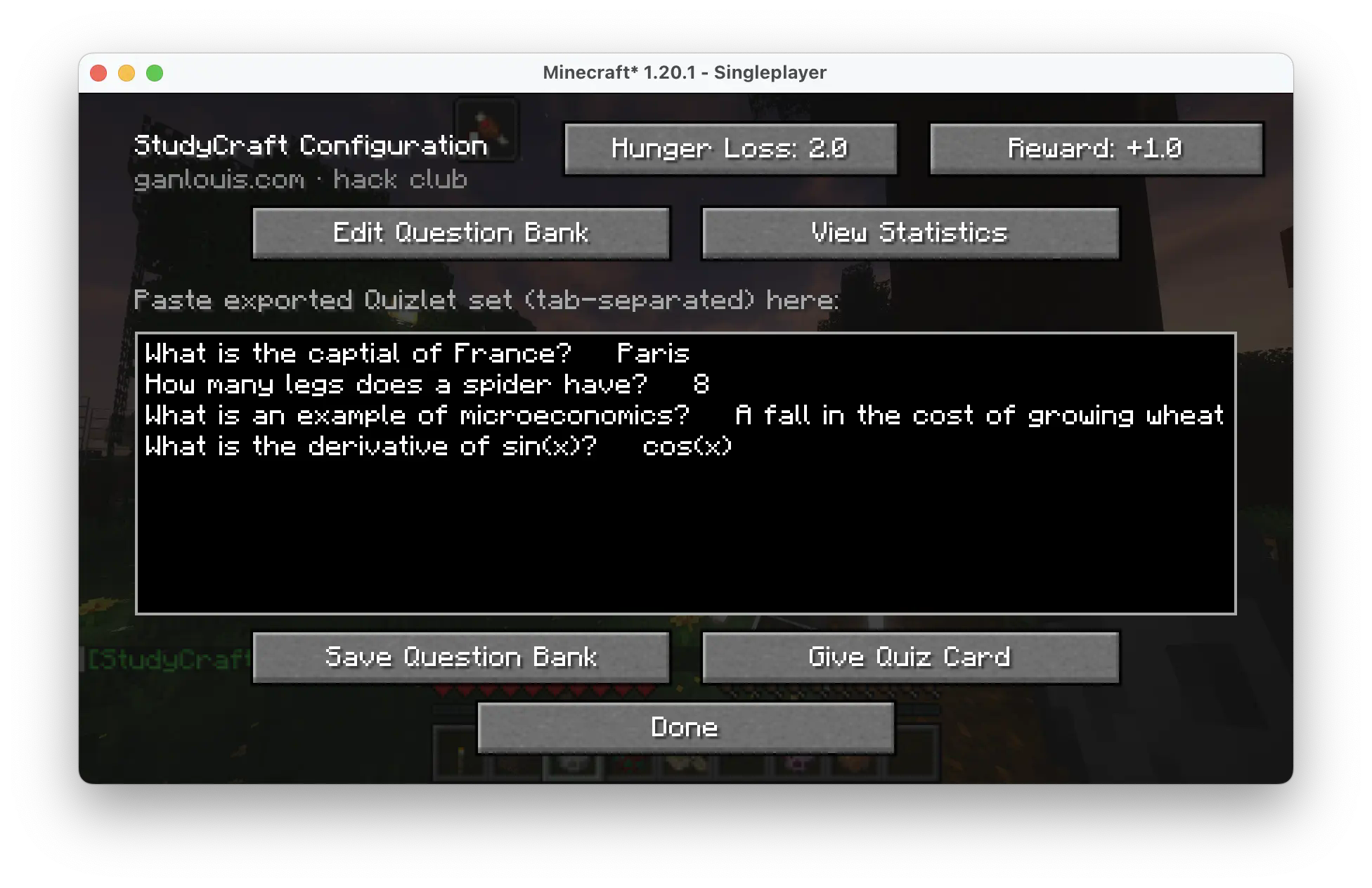
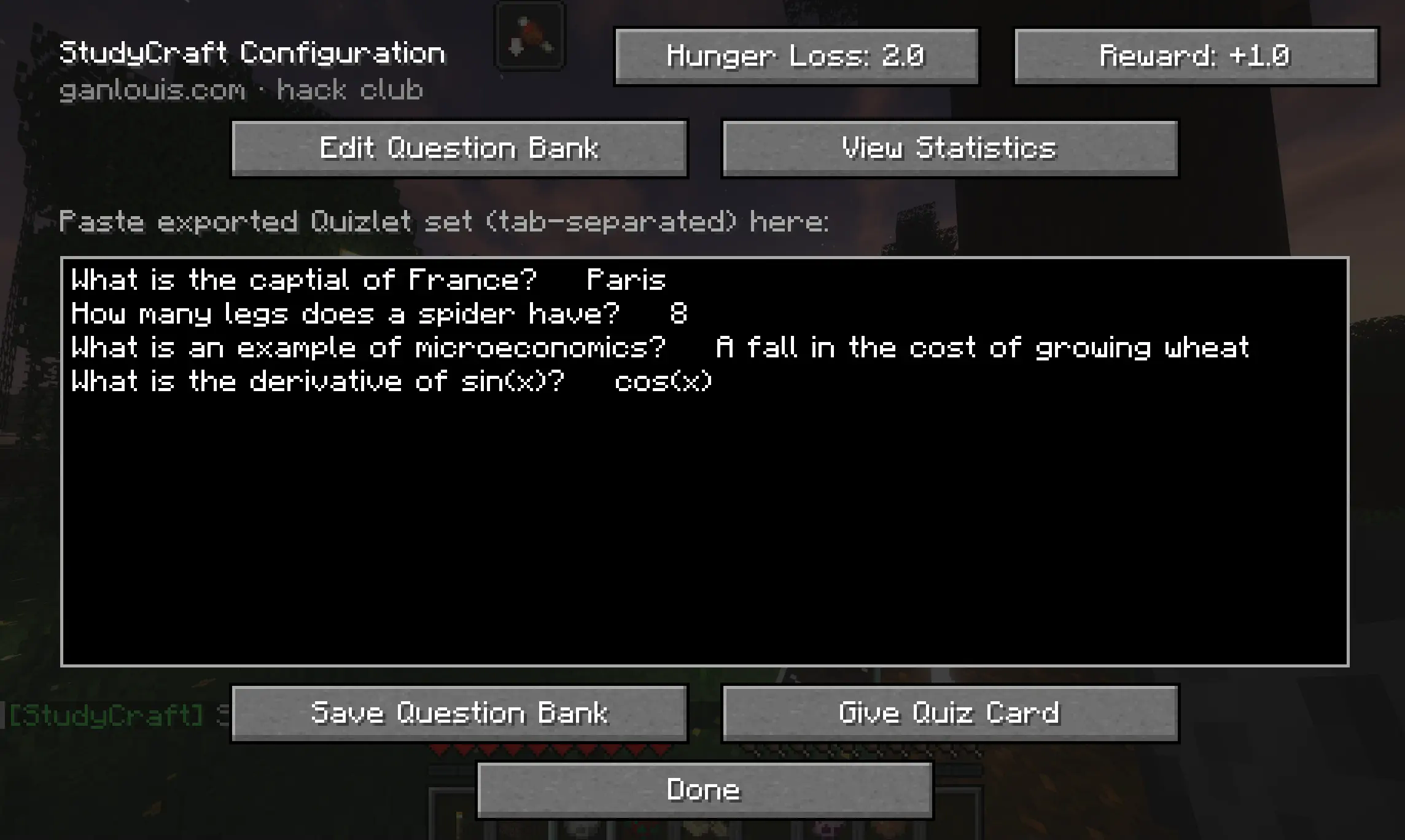
Open the Studycraft configuration screen
By default, press Y to open the screen. You can also change the hotkey in the settings. To answer a question, give yourself a Quiz Card and right-click to use it in game. Depending on the difficulty set in the config screen, you will gain hunger points for each correct answer and get damage for every incorrect answer.
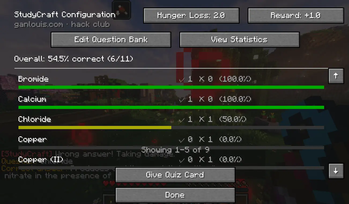
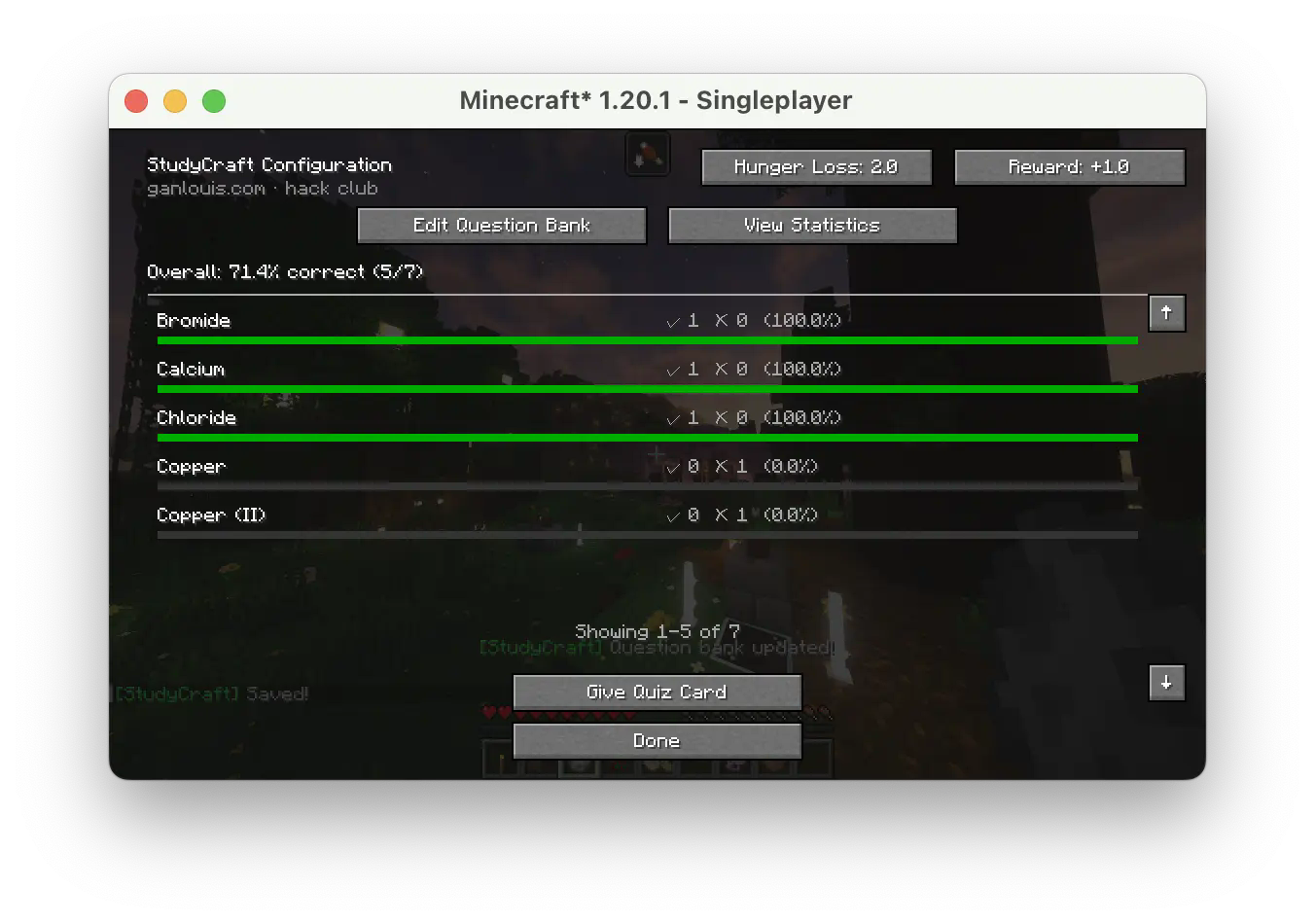
Answer statistics
You can view your ratio of correct answers for each question in real-time by going to the View Statistics menu.
Writing questions
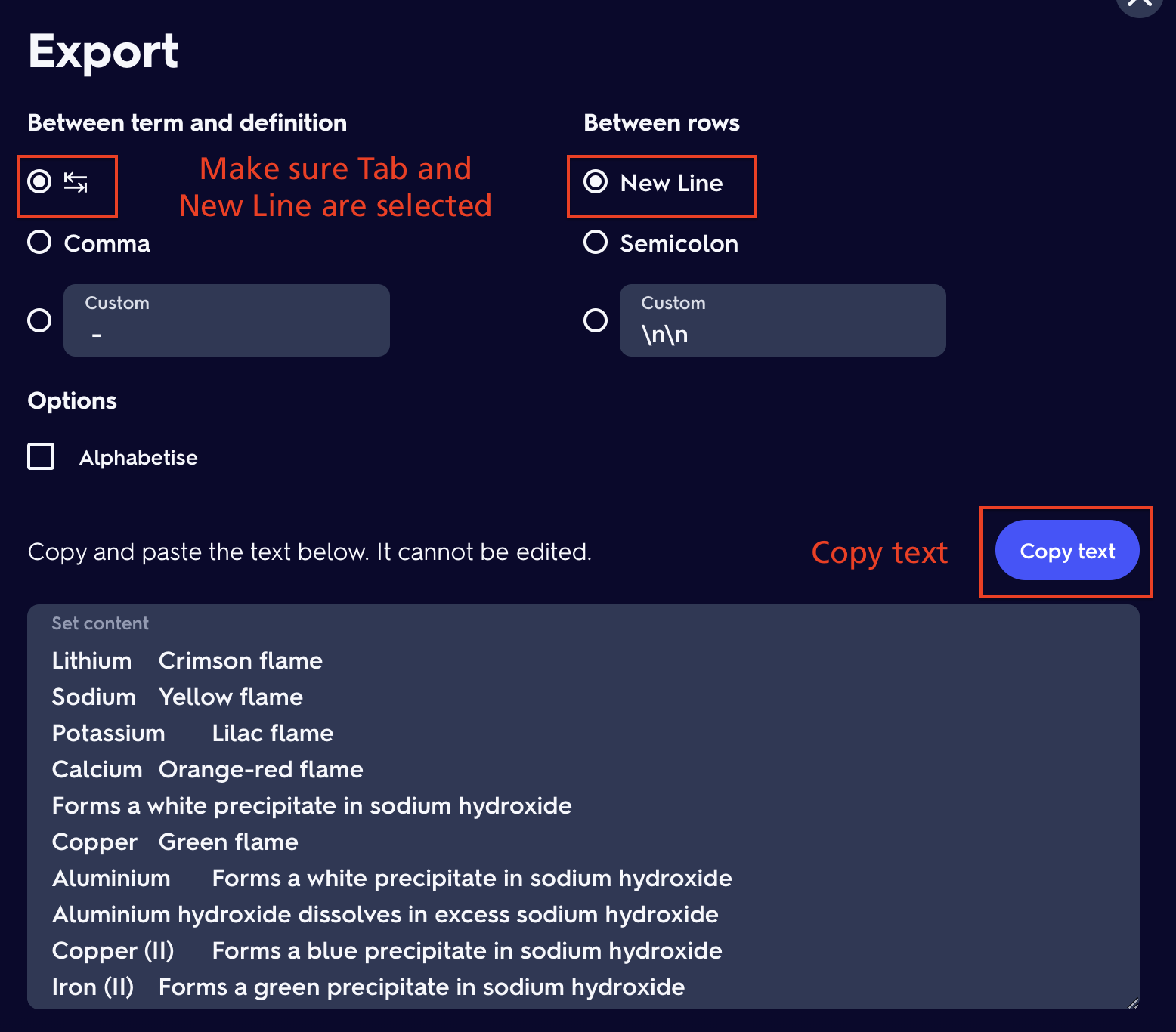
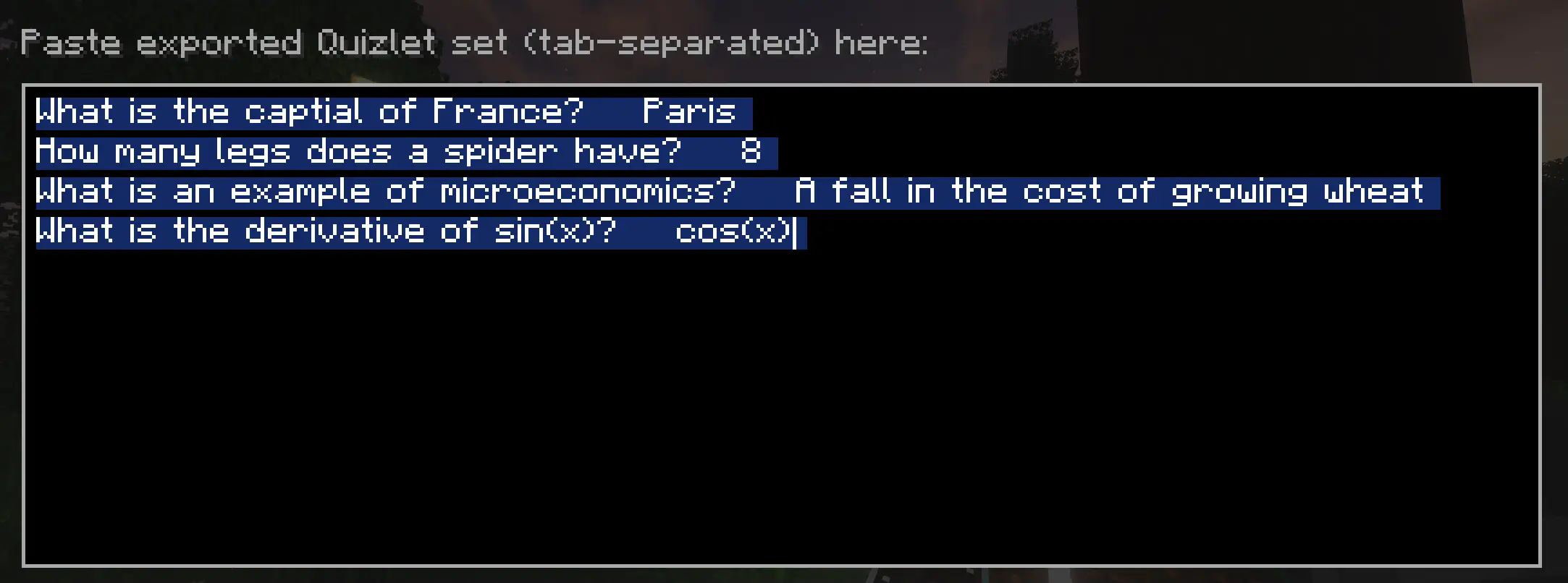
Each question can be added manually using this format:
Question 1[TAB]Answer
Question 2[TAB]Answer
Insert a tab between the question and the answer and a newline for another question
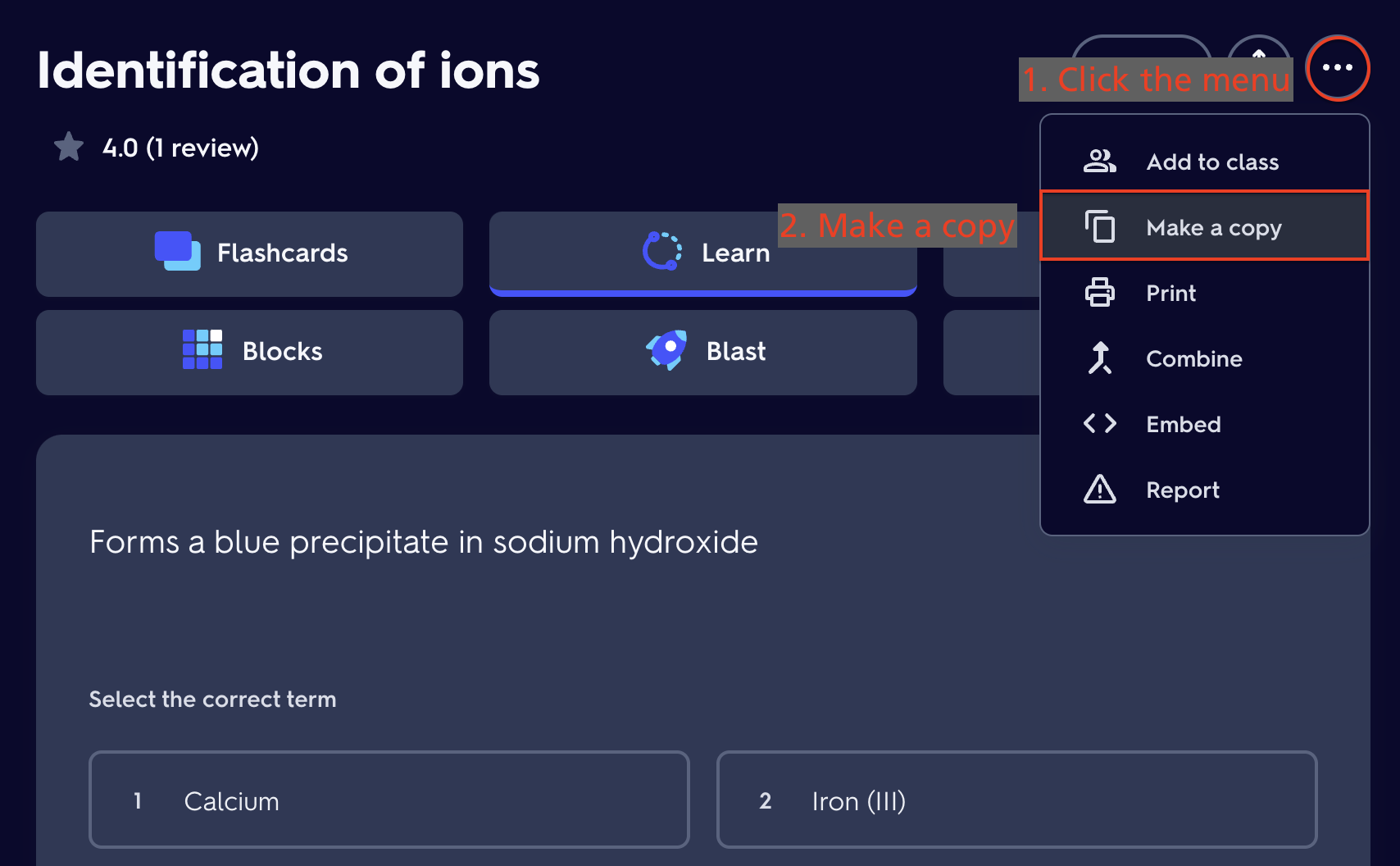
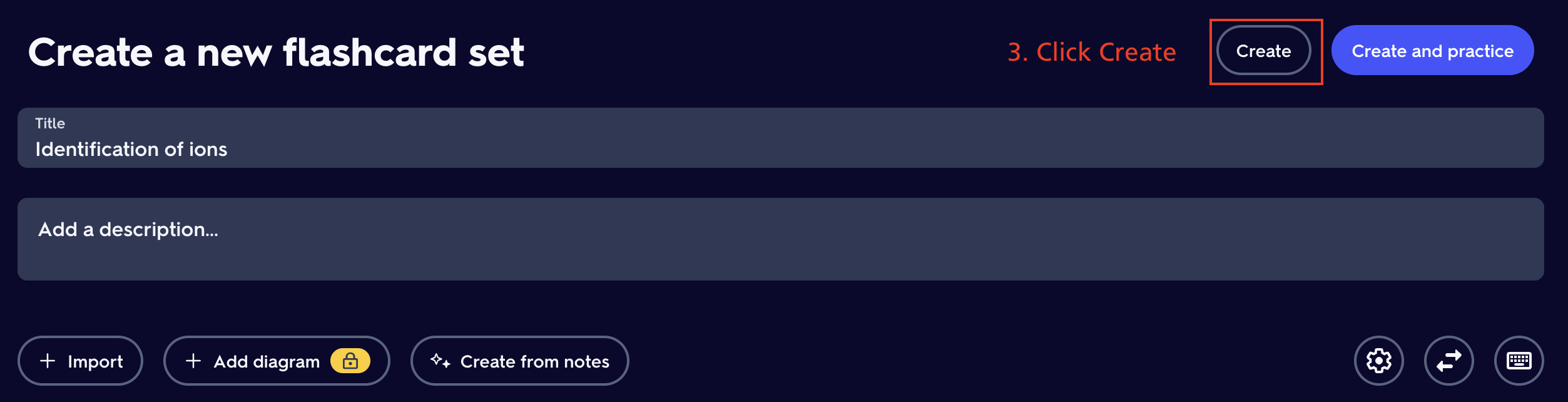
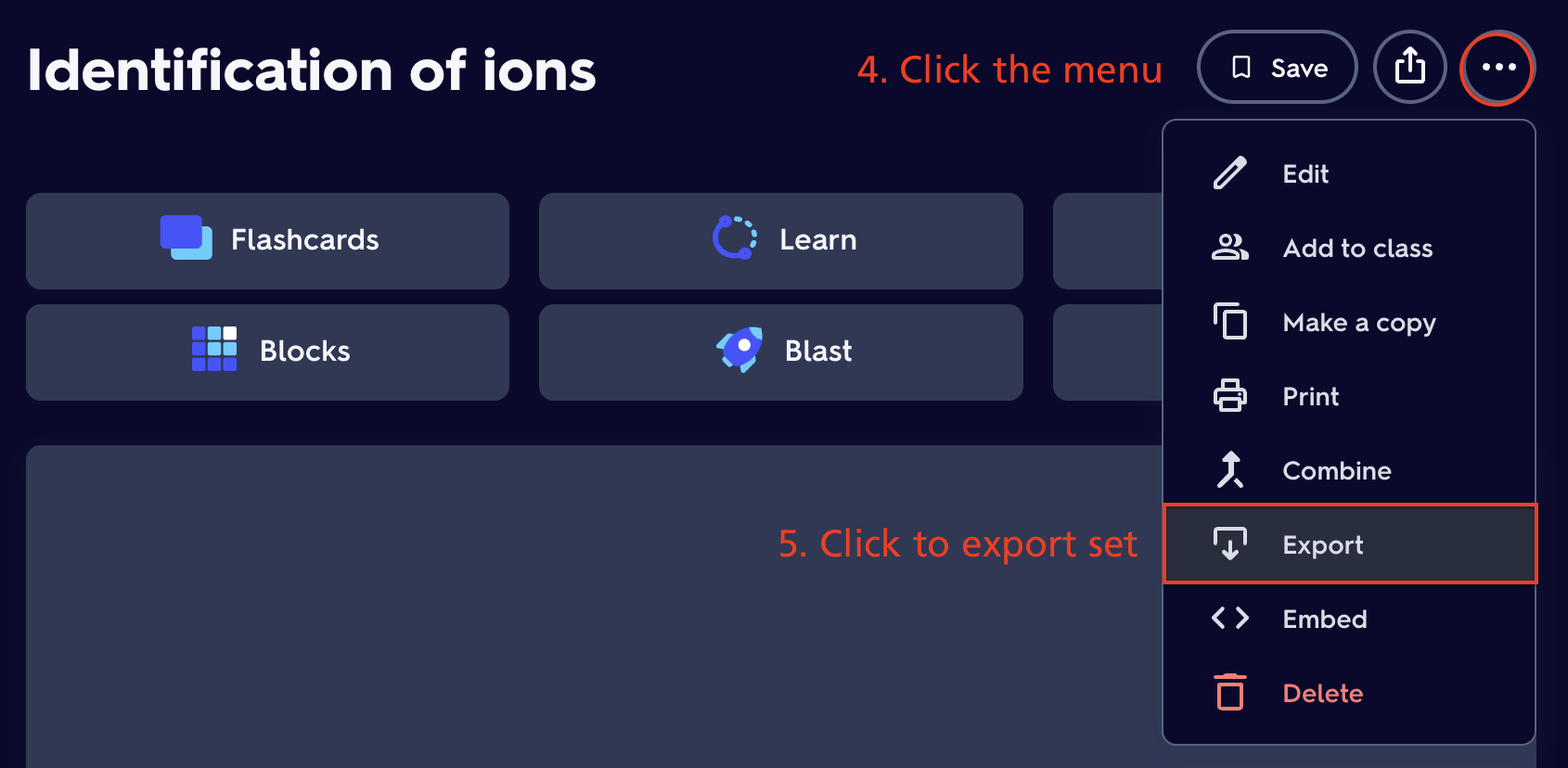
Using Quizlet to import questions
- Edition: Minecraft Java
- File type: .jar
- Minecraft versions listed: 1.21, 1.21.1, 1.21.2
- How to install: Install the matching mod loader (Forge, Fabric or NeoForge) for your Minecraft version. → Download the .jar. → Put it in the .minecraft/mods folder and launch that loader profile.
- Where to get it: Opens on Modrinth — not every file is mirrored on our own servers.
Install steps are the general flow for this file type — How to install Minecraft Java mods & modpacks walks through it step by step.
- Ships as studycraft-1.0.jar — drop this file into the mods folder
- Download size: 69 KB
- Download link checked 19 Oct 2026 — working
These come from our own check of the pack file, not from the source page.