
ModsJava
HoloFrames
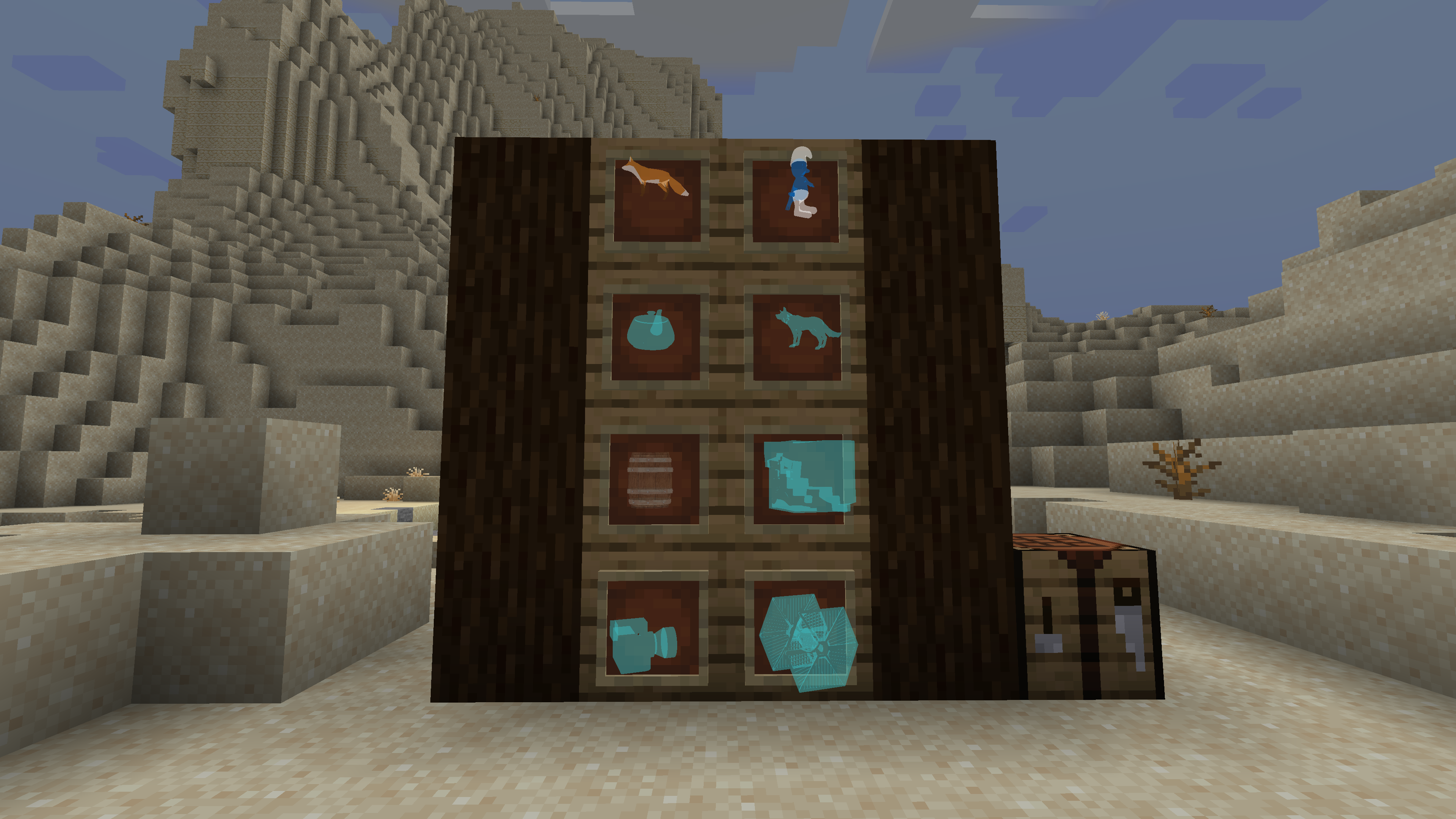
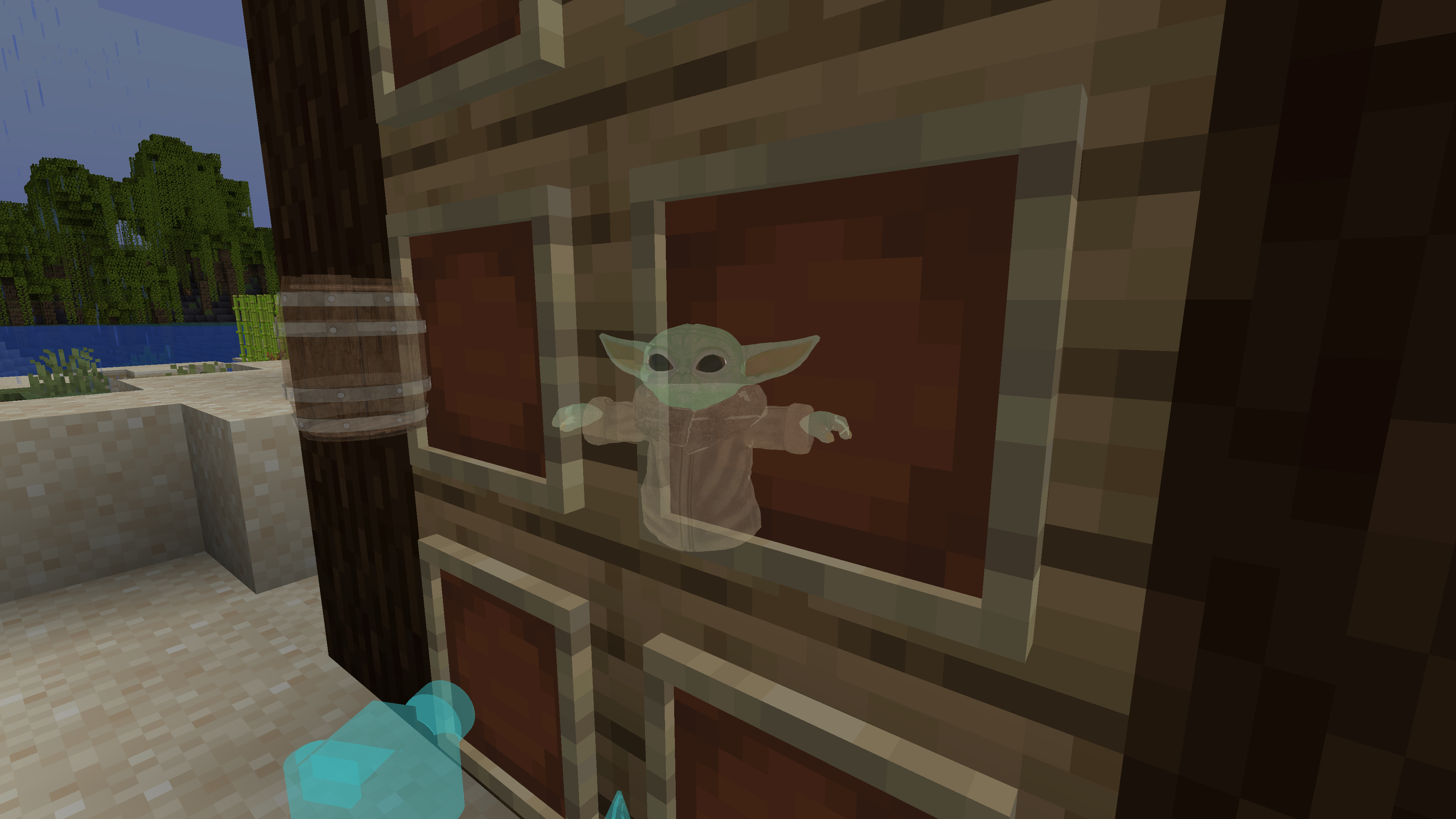
A Minecraft Fabric mod that allows you to display custom 3D hologram models in item frames using OBJ files and textures.
⬇ Download on Modrinth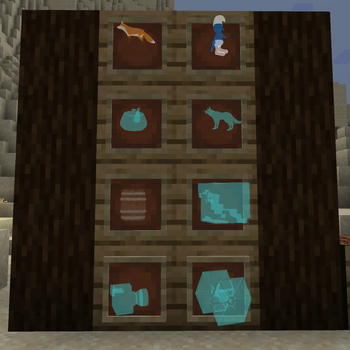
HoloFrames
A Minecraft Fabric mod that allows you to display custom 3D hologram models in item frames using OBJ files and textures.
Features
- Place hologram models in item frames using the Hologram item
- Supports custom OBJ models and PNG textures
- In-game GUI for selecting hologram models
- Server-client synchronization of model data
Screenshots
Getting Started
Requirements
- Minecraft 1.21.5
- Fabric Loader 0.16.14 or newer
- Fabric API
Adding Custom Hologram Models
- Place your
.objmodel files and corresponding texture files (PNG) in:config/holoframes/models/ - The texture file name must match the reference in the OBJ file (e.g.,
mtllib/usemtl). - Restart Minecraft or reload the mod to load new models.
Usage
- Craft the Hologram item using glass and lapis lazuli.
- Right-click with the Hologram item to open the model selection screen.
- Place the Hologram item in an item frame to display the selected hologram.
Credits
Quick facts
- Edition: Minecraft Java
- File type: .jar
- Minecraft version listed: 1.21.5
- How to install: Install the matching mod loader (Forge, Fabric or NeoForge) for your Minecraft version. → Download the .jar. → Put it in the .minecraft/mods folder and launch that loader profile.
- Where to get it: Opens on Modrinth — not every file is mirrored on our own servers.
Install steps are the general flow for this file type — How to install Minecraft Java mods & modpacks walks through it step by step.
Verified by MCModsHub
- Ships as HoloFrames-1.0.jar — drop this file into the mods folder
- Download size: 524 KB
- Download link checked 10 Sept 2026 — working
These come from our own check of the pack file, not from the source page.