
‼️ WARNING: Flashing lights ‼️
This mod contains flashing lights that may cause discomfort or trigger seizures for people with photosensitive epilepsy. Please play with caution!
❓ About Mod
Colored Lamps is a utility mod that adds 16 Dynamic and 16 Static colored light sources to Minecraft. All lamps (especially the Static ones) function similarly to the Vanilla Light Block, making them perfect for map makers and decorators.
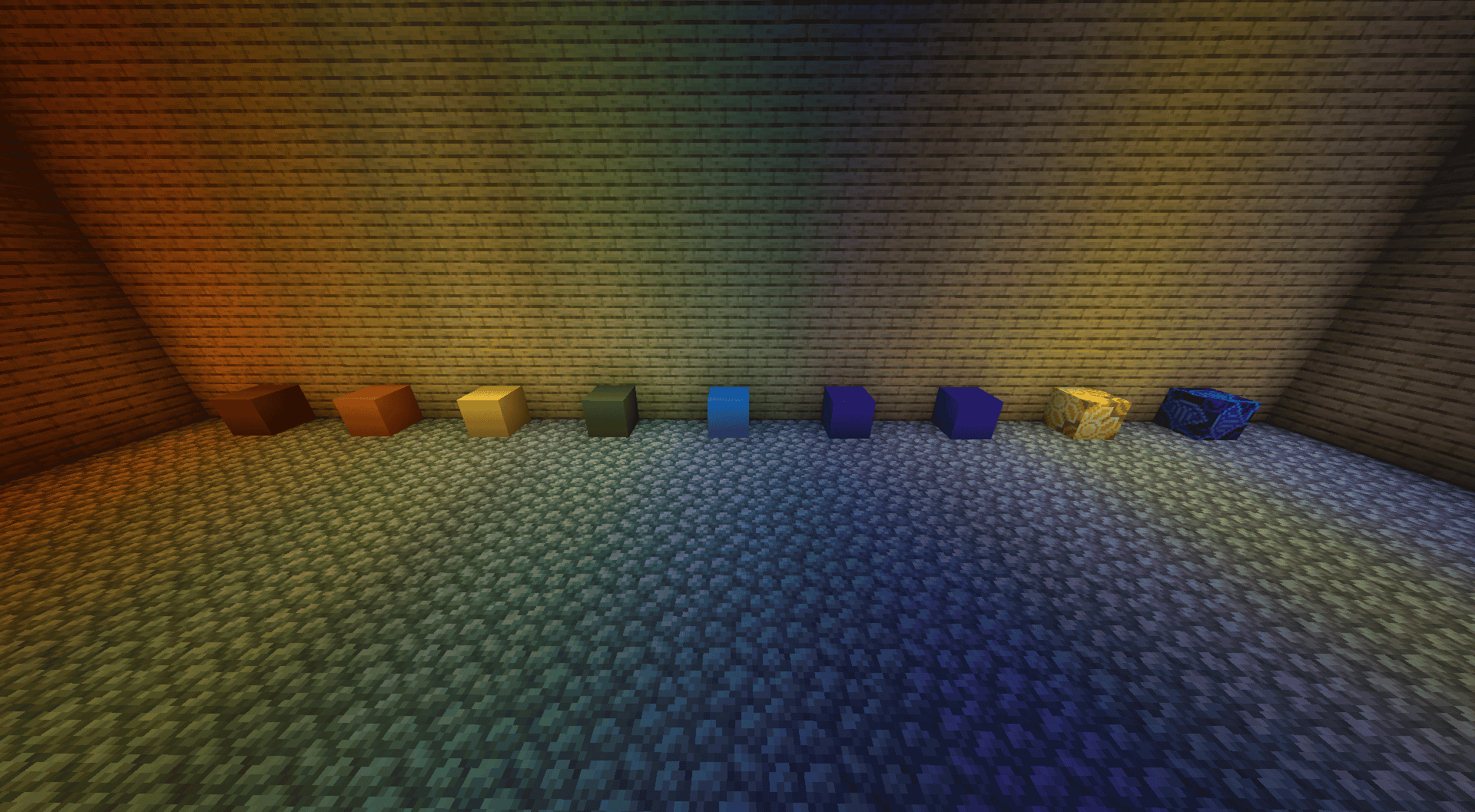
✨ Dynamic Light Patterns
Dynamic lamps feature a lighting system inspired by Source Engine games. Use Shift + RMB to cycle through 7 different patterns:
- Steady: Consistent light.
- Flicker: Natural flickering.
- Flicker 1: More aggressive flickering.
- Fluorescent: Imitates a faulty fluorescent tube.
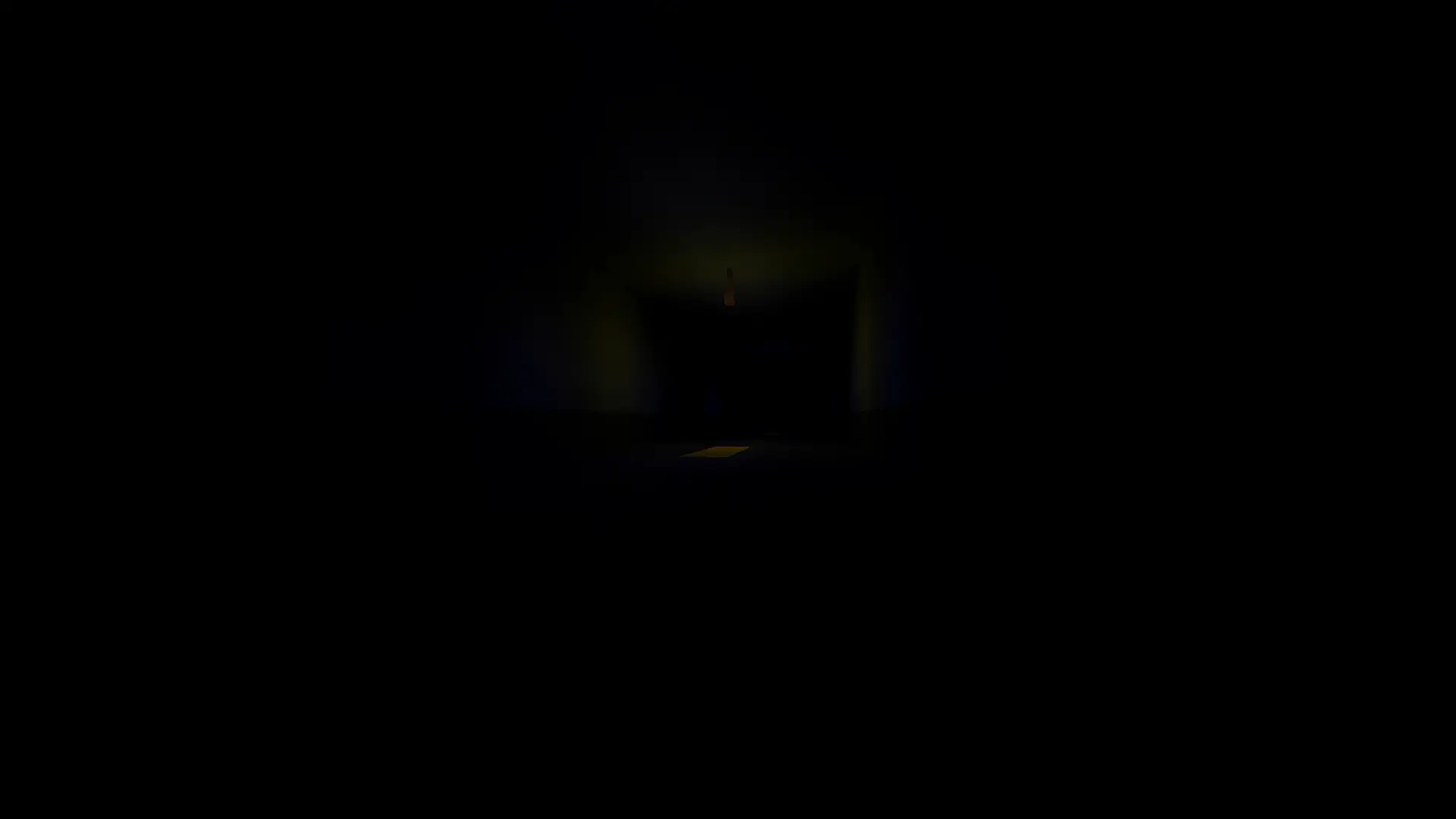
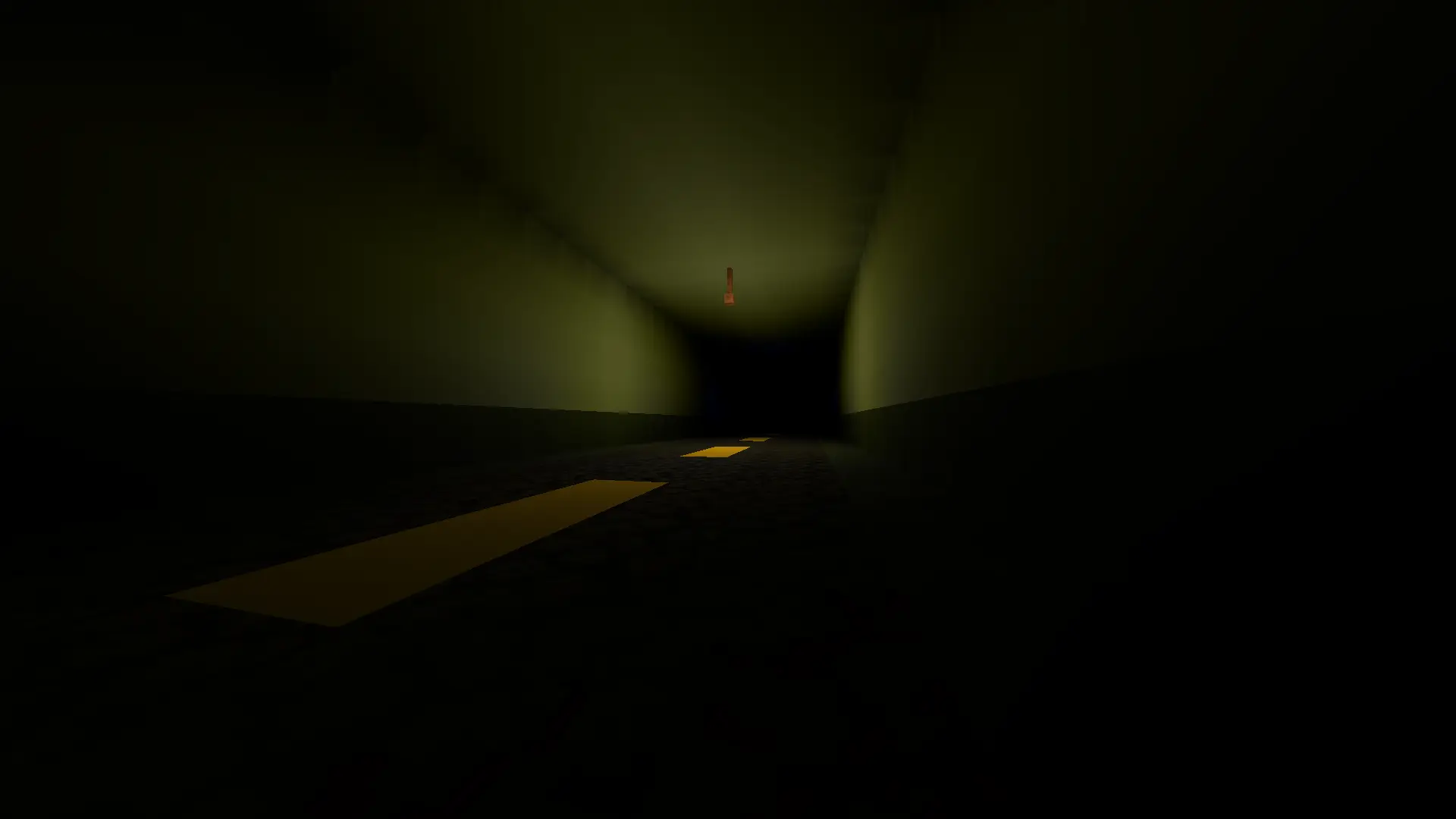
- Slow Pulse: Smoothly fading in and out.
- Strobe: Rapid flashing (Epilepsy Warning).
- Candle: Gentle, chaotic trembling of a flame.
Here's example of Slow Pulse Light:
ℹ️ Controls & Customization
- Right Click (RMB): Cycle through brightness levels (0-15).
- Shift + RMB: Change the light pattern (Dynamic lamps only).
- Stick + RMB: Increase flicker delay (makes it slower).
- Flint + RMB: Decrease flicker delay (makes it faster).
- Hold any Lamp: Reveals all invisible light blocks in a 16-block radius with colored outlines.
🔗 Compatibility
CRITICAL: This mod requires Colorful Lighting or Colorful Lighting (Sodium Compat) to display actual colored light.
Yes, it also works well with Embeddium.
⚠️ Performance
WARNING: Having many dynamic lights updating simultaneously can cause lag. Use them wisely! For large-scale decorations, please use the Static versions of the lamps.
- Edition: Minecraft Java
- File type: .jar
- Minecraft versions listed: 1.20.1, 1.20.2, 1.20.3
- How to install: Install the matching mod loader (Forge, Fabric or NeoForge) for your Minecraft version. → Download the .jar. → Put it in the .minecraft/mods folder and launch that loader profile.
- Where to get it: Opens on Modrinth — not every file is mirrored on our own servers.
Install steps are the general flow for this file type — How to install Minecraft Java mods & modpacks walks through it step by step.
- Ships as coloredlamps-1.0.jar — drop this file into the mods folder
- Download size: 52 KB
- Download link checked 9 Sept 2026 — working
These come from our own check of the pack file, not from the source page.