

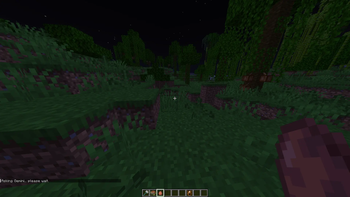
🌌 Wikki — AI
Chat with Google Gemini right inside your Minecraft world!
Type your questions, get smart answers, and explore creativity — without ever leaving the game.
🚀 Setup Guide (Free to Use!)
- Visit Google AI Studio
- Log in with your Google account
- Click “Create API Key”
- Select or create a Google Cloud project
- Copy the API key
- In Minecraft, press
Gto open the configuration menu - Paste your API key and choose your Gemini model
- Done ✅ — start chatting with AI right inside Minecraft!
🧩 Requirements
- 🧱 Fabric Loader
>= 0.17.3 - ⚙️ Fabric API
>= 0.135.0 - ☕ Java 17+
📜 License
This mod is open-source under the MIT License.
❤️ Credits
Built with ☕ & 💡 by Jason Pi
Powered by Google Gemini API
💬 If you enjoy the mod, drop a ⭐ on GitHub or share your creations on Modrinth!
Quick facts
- Edition: Minecraft Java
- File type: .jar
- Minecraft version listed: 1.21.10
- How to install: Install the matching mod loader (Forge, Fabric or NeoForge) for your Minecraft version. → Download the .jar. → Put it in the .minecraft/mods folder and launch that loader profile.
- Where to get it: Opens on Modrinth — not every file is mirrored on our own servers.
Install steps are the general flow for this file type — How to install Minecraft Java mods & modpacks walks through it step by step.
Verified by MCModsHub
- Ships as wikki-1.1.2.jar — drop this file into the mods folder
- Download size: 25 KB
- Download link checked 10 Sept 2026 — working
These come from our own check of the pack file, not from the source page.