
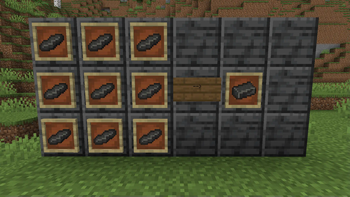
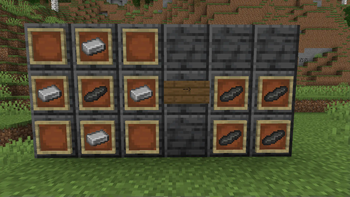
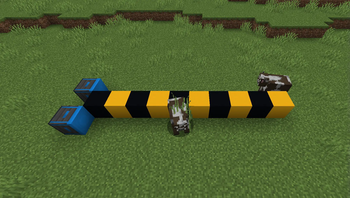
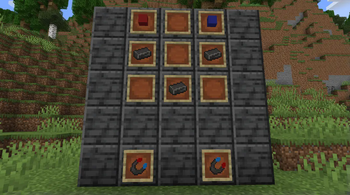
Introducing - Magnetite! A new ore kept by some pillagers near them as a luck charm. You can get some of it yourself after defeating them in battle.
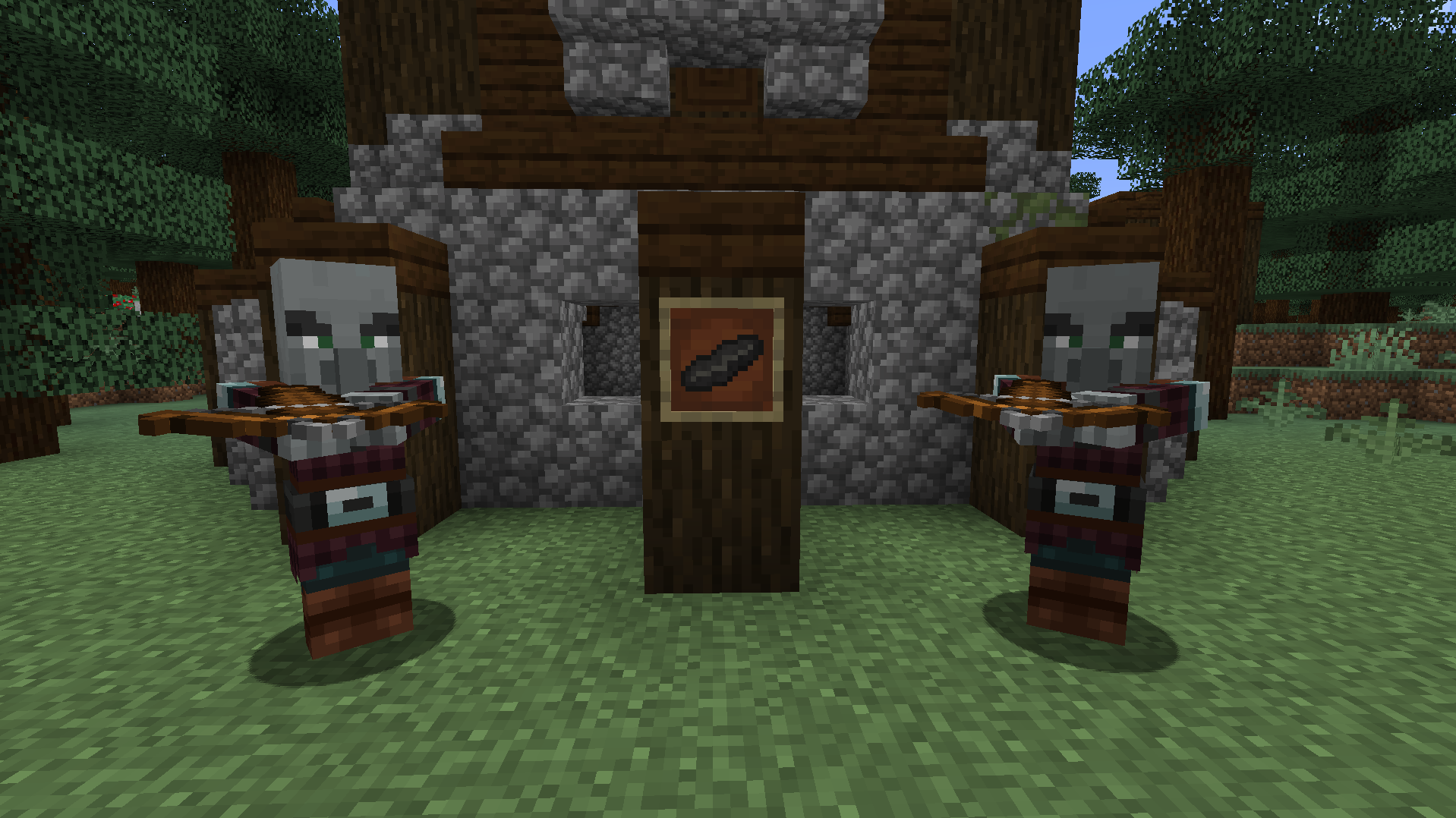
Unfortunetly the magnetite that the pillagers have... let's just say its a bit broken. But worry not! If you manage to get 9 of those shards you can make a Magnetite Bar!
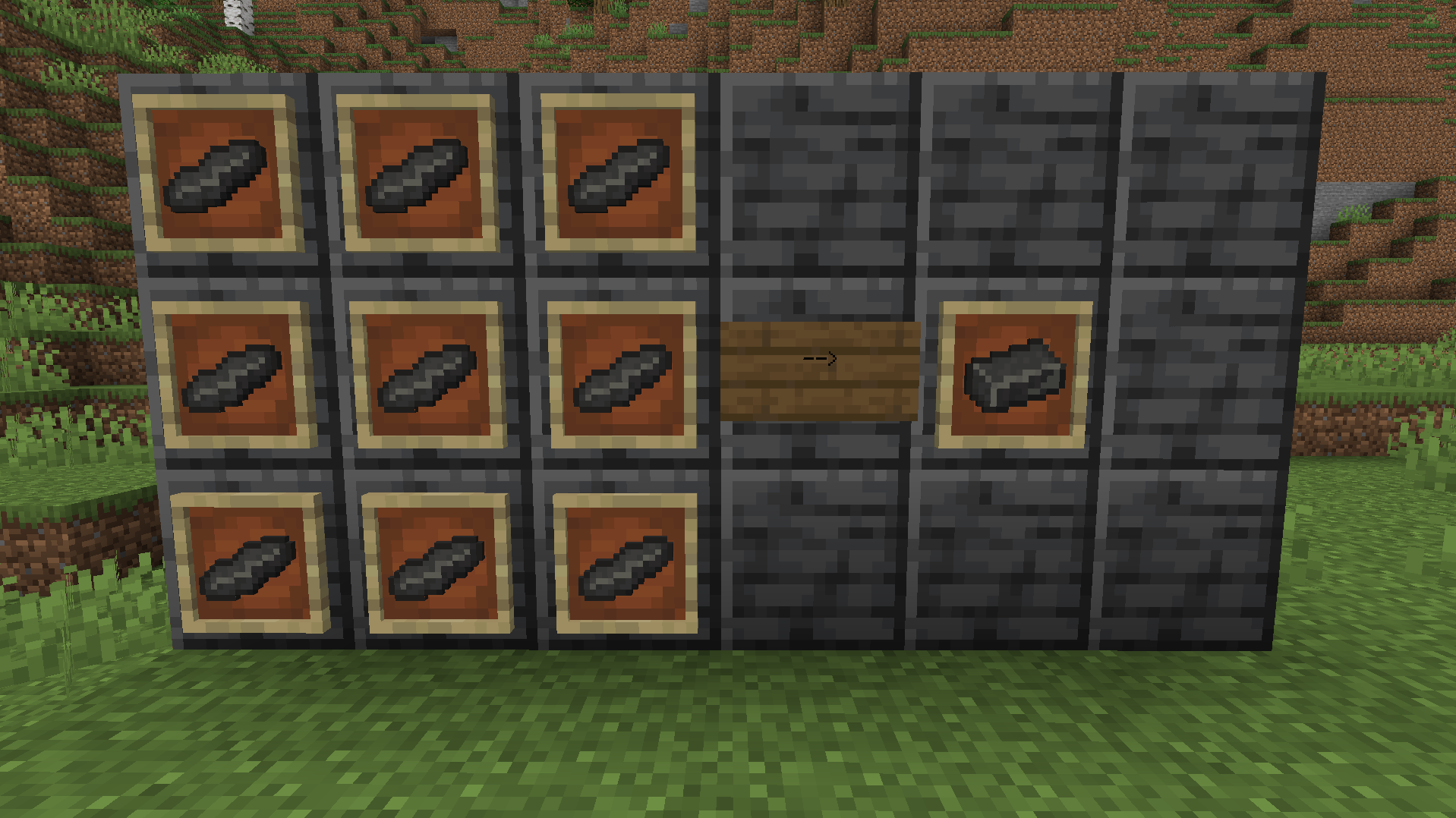
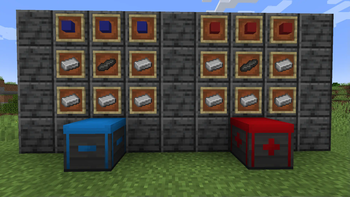
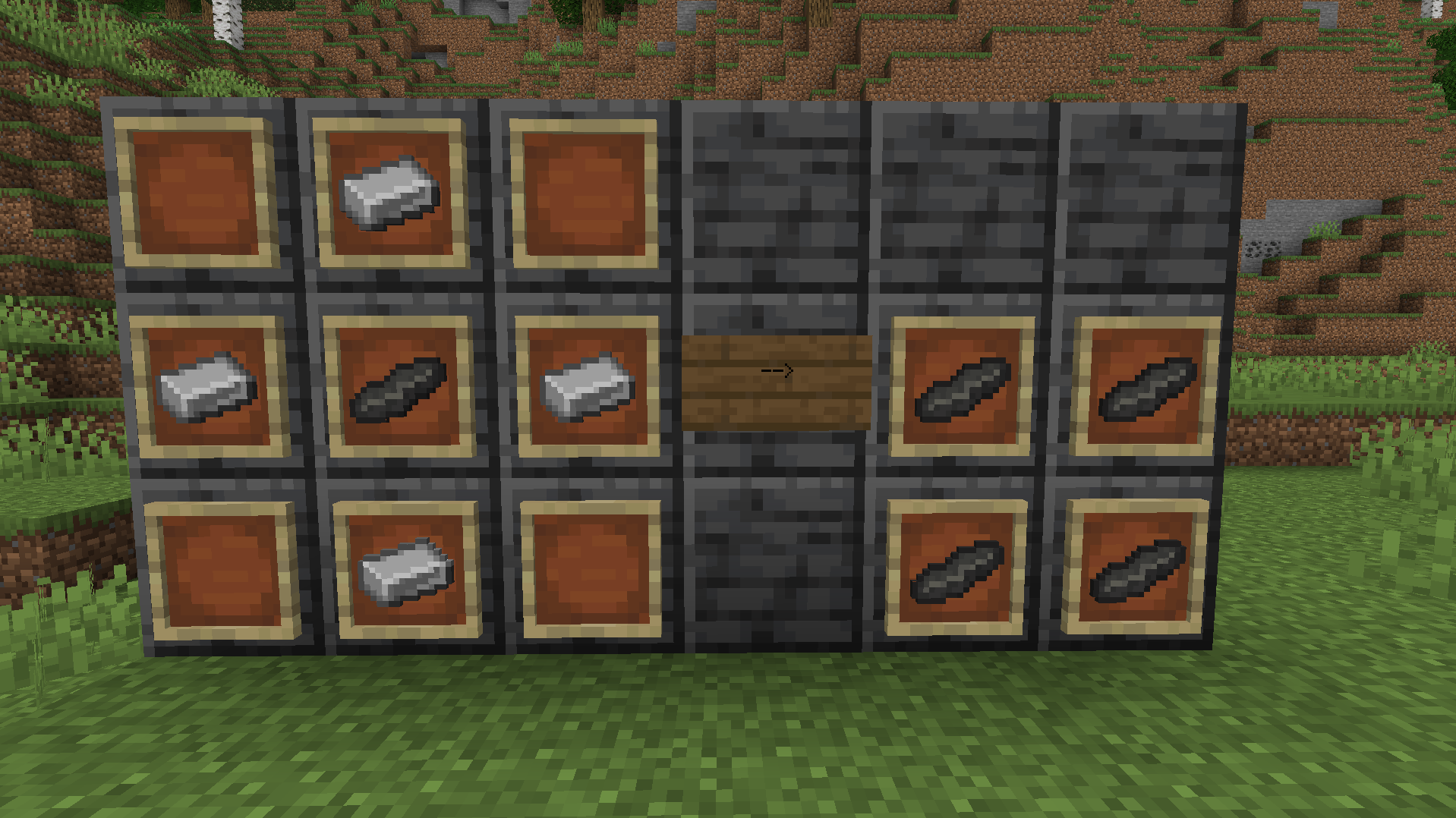
But what can you use it for, you might ask. Well if you kept some of the shards you can dupilcate them using iron or make new blocks - Magnets!
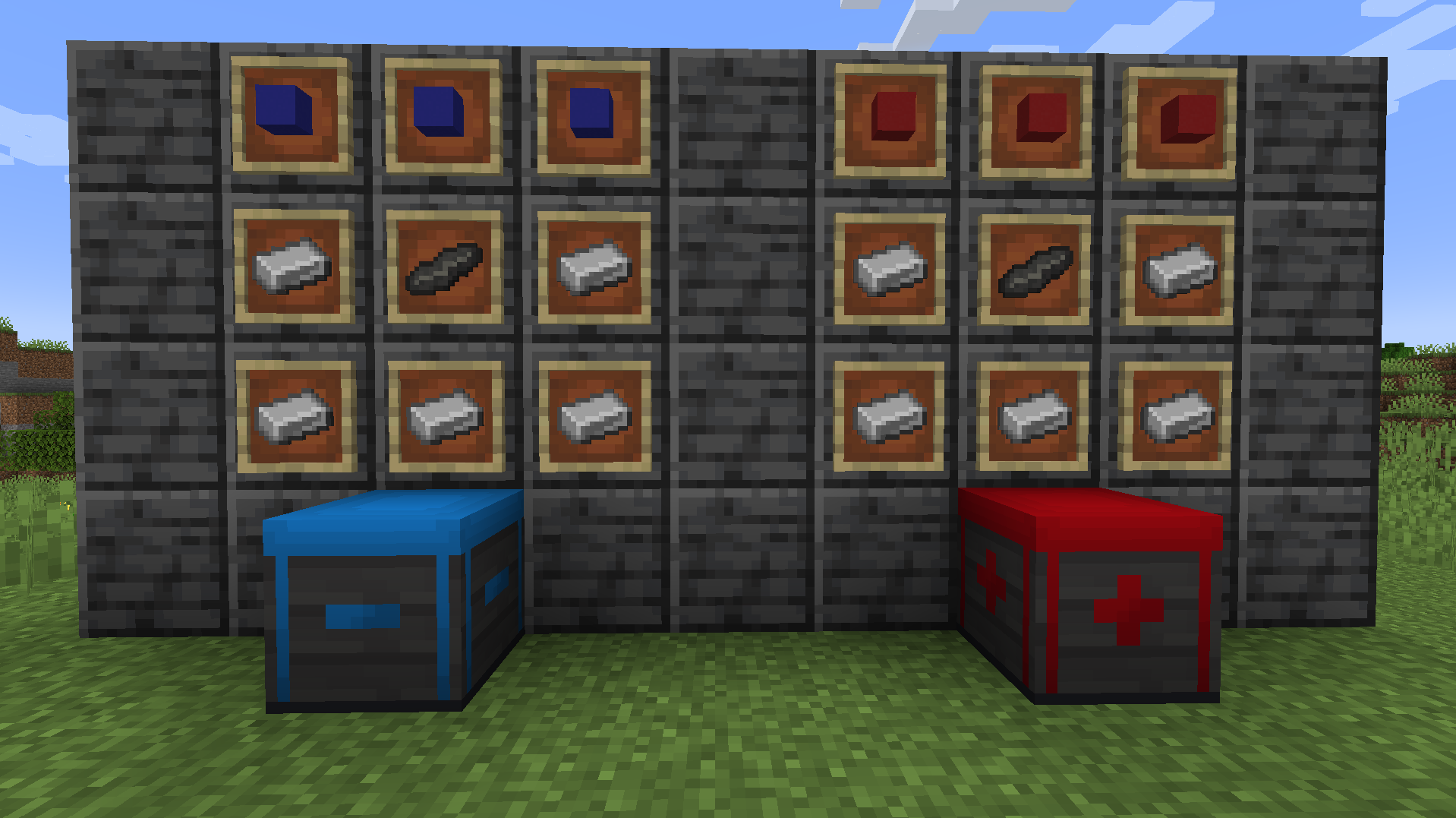
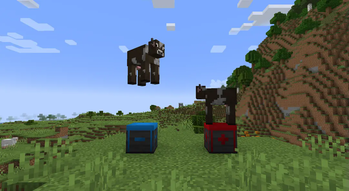
The magnets have 2 variants, they can either push or pull entities, projectiles and items depending on what variant is used. Red magnet (+) pulls and Blue magnet (-) pushes. You can also use redstone to turn off the Magnets by powering them.
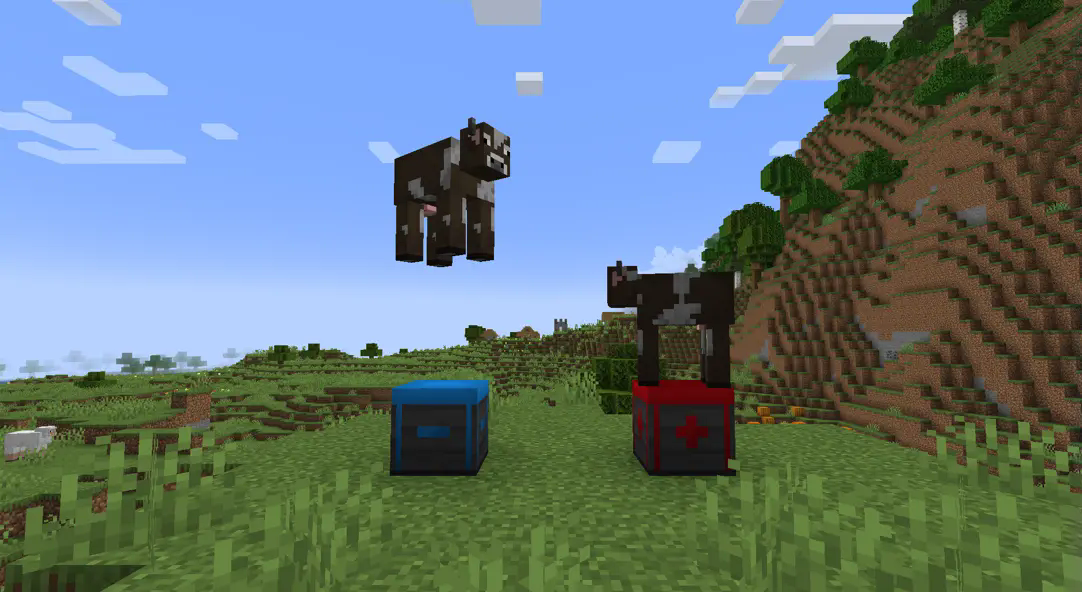
Each magnet has a range of 10 blocks. If anything blocks the path of the magnet (even blocks like grass) the effect will cut off.
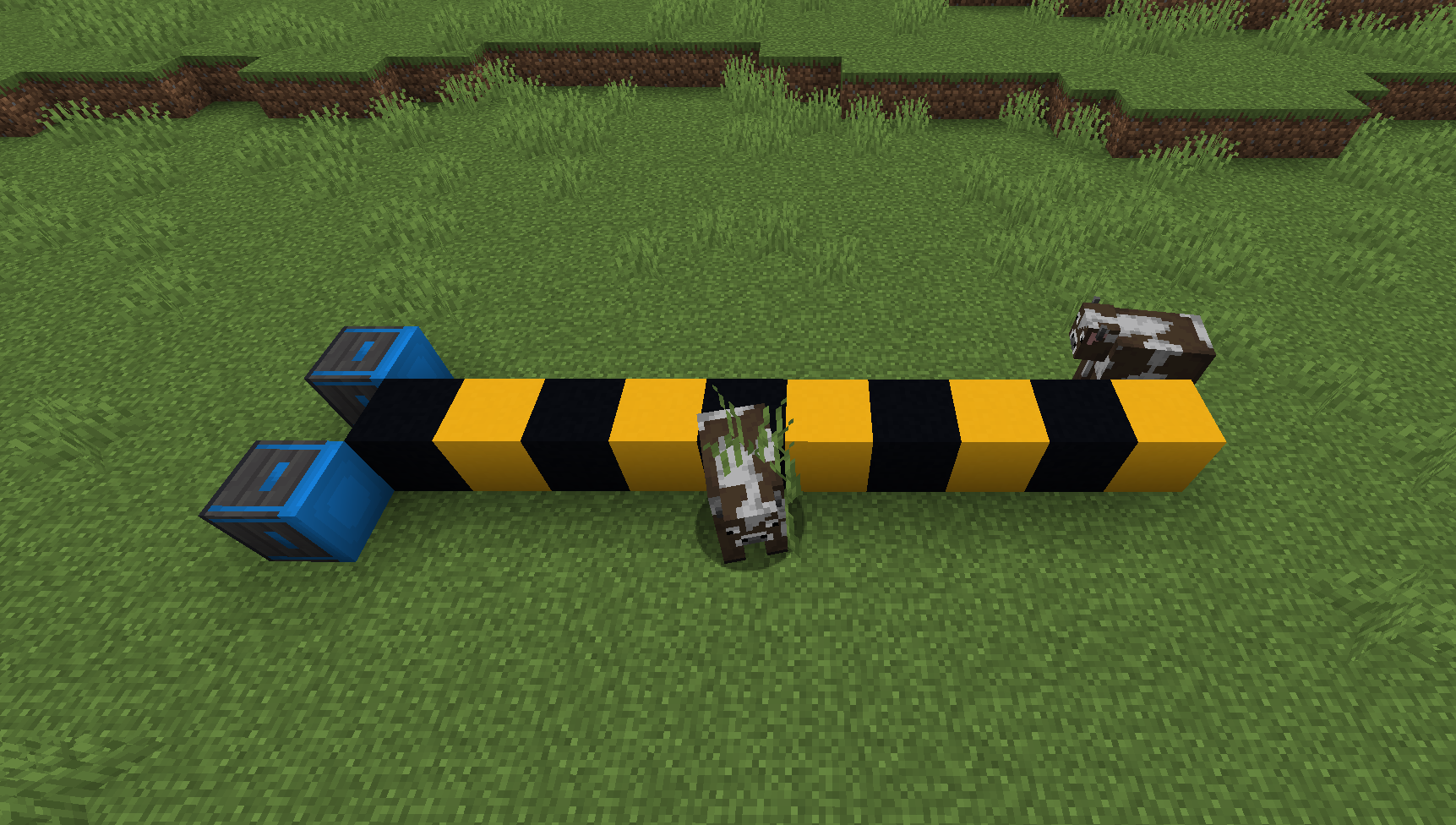
And what if you need the Magnet to pull and not push? Just for this scenario there is a new item - The Handheld Magnet, that is able to change the way Magnets interact with the entity that is holding it.
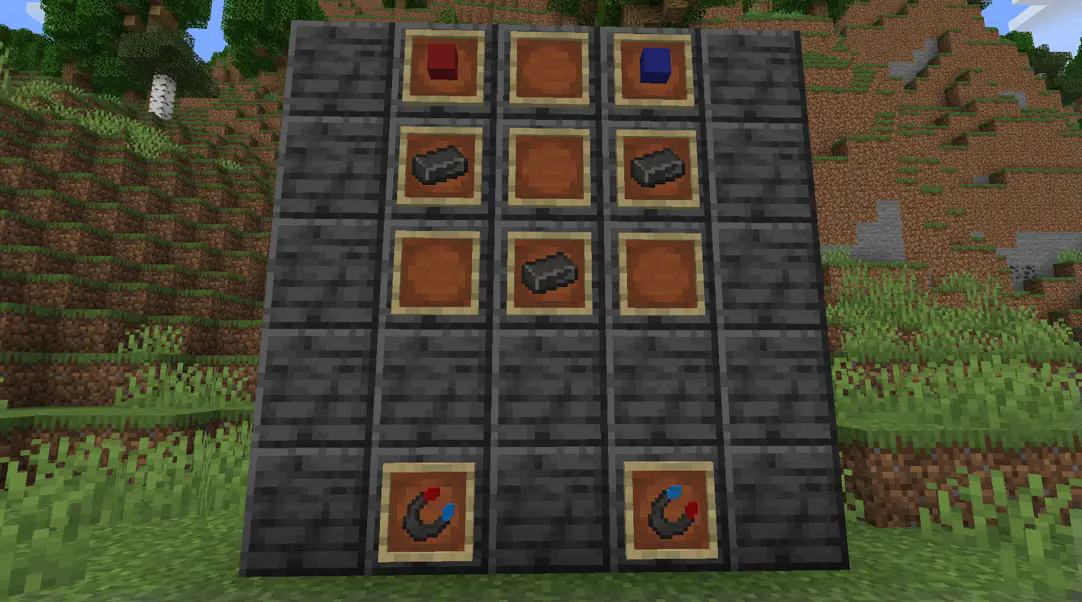
By right clicking you can change the polarization of the Handheld Magnet allowing to be pushed by the Magnet faster (if the polarization of the Handheld Magnet and the Magnet block is the same) or make the Magnet pull faster (if the polarization of the Handheld Magnet and the Magnet block are different).
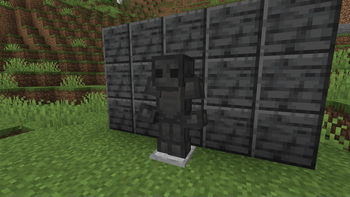
But what if you don't want to be effected by the magnets at all? For that there is the Magnetite Armor!
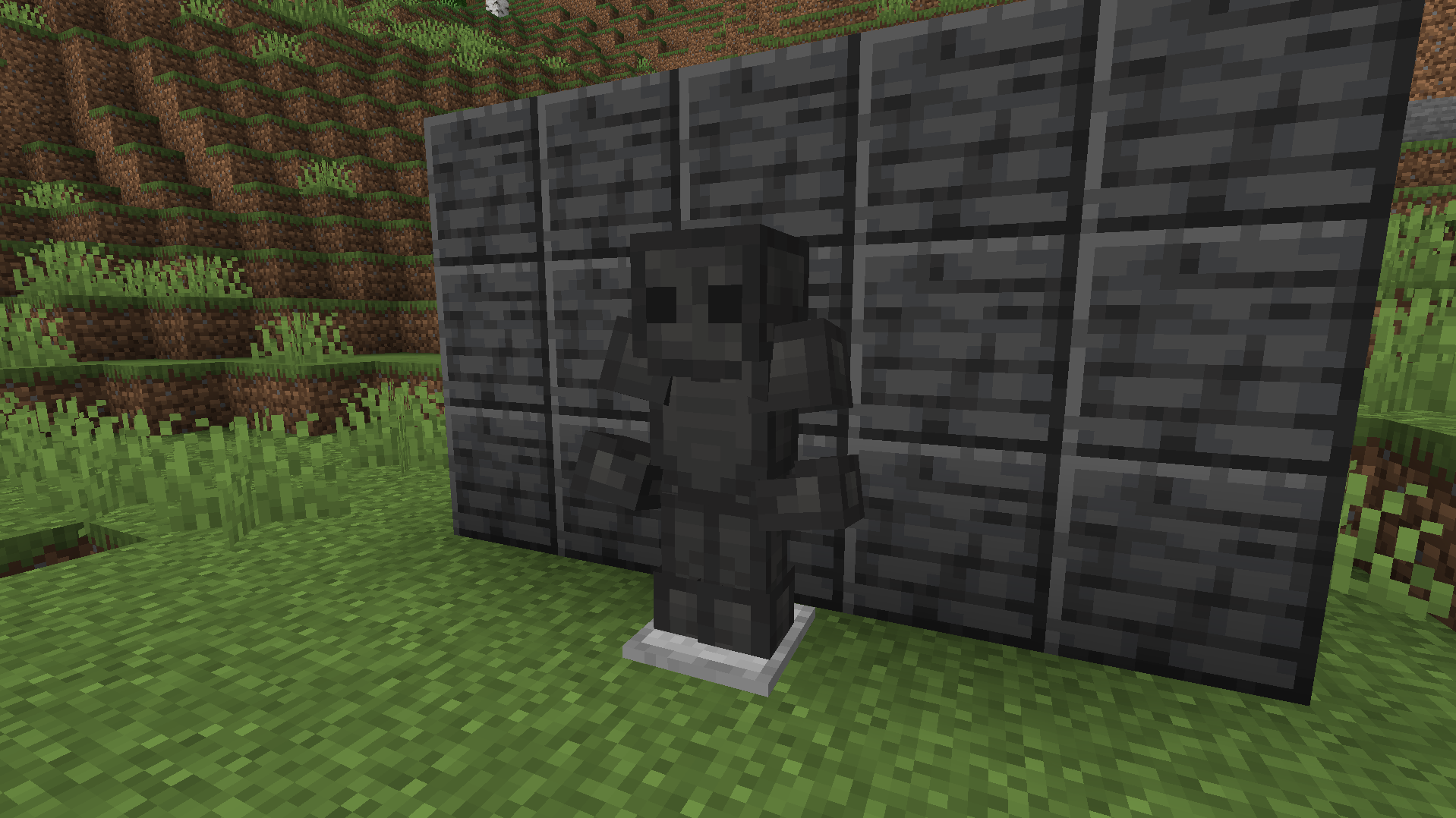
If you wear a full suit of Magnetite Armor you are immune to all magnets (with the only exception being when you are holding a Handheld Magnet). Additionally when en entity wearing a full set of said armor is hit, it's faster for a few second and the attacker, is slowed for a bit too. (to make the armor also useful aside from working with magnets) (the armor is made from Magnetite Bars).
- Edition: Minecraft Java
- File type: .jar
- Minecraft versions listed: 1.19, 1.19.1, 1.19.2
- How to install: Install the matching mod loader (Forge, Fabric or NeoForge) for your Minecraft version. → Download the .jar. → Put it in the .minecraft/mods folder and launch that loader profile.
- Where to get it: Opens on Modrinth — not every file is mirrored on our own servers.
Install steps are the general flow for this file type — How to install Minecraft Java mods & modpacks walks through it step by step.
- Ships as Magnetising.jar — drop this file into the mods folder
- Download size: 279 KB
- Download link checked 10 Sept 2026 — working
These come from our own check of the pack file, not from the source page.