
| Command | Permission | Description |
|---|---|---|
| /pokelog | minecraft.command.pokelog | Shows all available commands. |
| /pokelog about | minecraft.command.pokelog | Shows the plugin information. |
| /pokelog reload | minecraft.command.pokelog | Reloads the configuration files. |
| /pokelog shopkeeper <sell/purchase> <any/itemID> [] | minecraft.command.pokelog | Opens the pokelog user interface with the specified options. |
| /pokelog <hatch/catch/trade/receive/pcdelete> <any/shiny/beast/legendary/pokename> [] | minecraft.command.pokelog | Opens the pokelog user interface with the specified options. |
| Permission | Description |
|---|---|
| pokelog.restore.pokemon | Allows the player to restore the pokemon. |
Main Configuration
Expand{
# The timezone for the logs
"TimeZone": "GMT+8",
# If false, hatch log will be disabled
"EnableHatchLog": true,
# If false, catch log will be disabled
"EnableCatchLog": true,
# If false, trade log will be disabled
"EnableTradeLog": true,
# If false, receive log will be disabled
"EnableReceiveLog": true,
# If false, pcdelete log will be disabled
"EnablePCDeleteLog": true,
# If false, shopkeeper log will be disabled
"EnableShopkeeperLog": true,
# The player UUID`s listed here will not be logged
"PlayerWhitelist": [
"7b0b5d51-4786-462b-9866-c71ee6f8604e",
"7b0b5d51-4786-462b-9866-c71ee6f8604e"
]
}
Dependencies
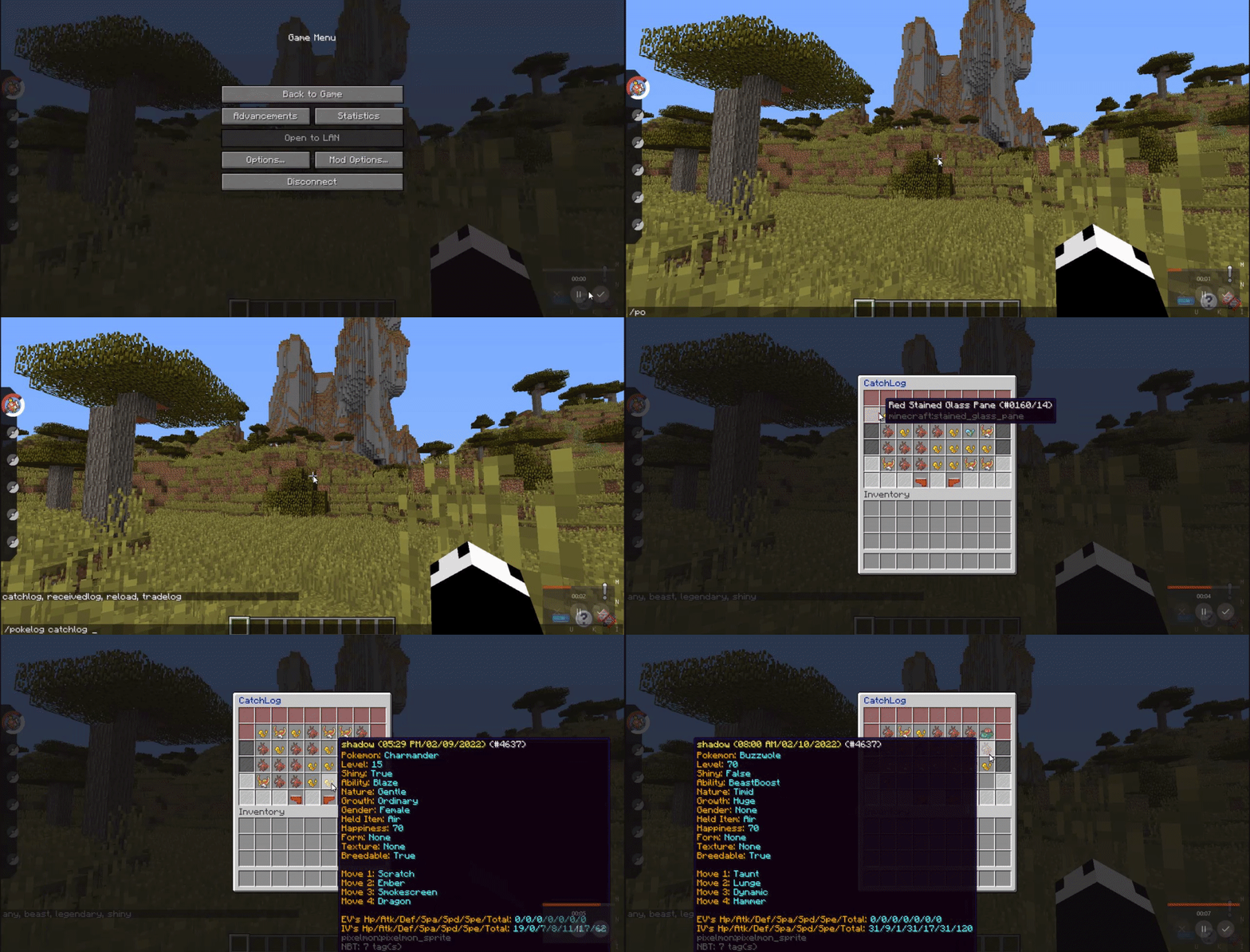
Example Video
Quick facts
- Edition: Minecraft Java
- File type: .jar
- Minecraft version listed: 1.16.5
- How to install: Install the matching mod loader (Forge, Fabric or NeoForge) for your Minecraft version. → Download the .jar. → Put it in the .minecraft/mods folder and launch that loader profile.
- Where to get it: Opens on Modrinth — not every file is mirrored on our own servers.
Install steps are the general flow for this file type — How to install Minecraft Java mods & modpacks walks through it step by step.
Verified by MCModsHub
- Ships as PokeLog-2.0.1.jar — drop this file into the mods folder
- Download size: 38 KB
- Download link checked 10 Sept 2026 — working
These come from our own check of the pack file, not from the source page.