
Unihopper
Java mod listed for Minecraft 1.21. Downloads from the MC Java Mods app on Android.
⬇ Download on Modrinth
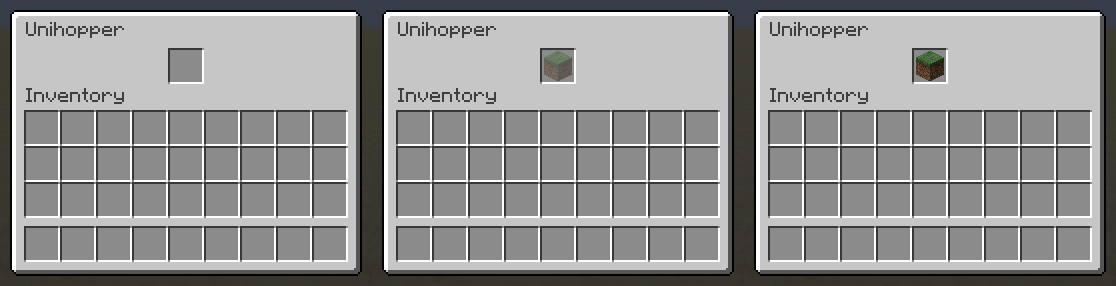

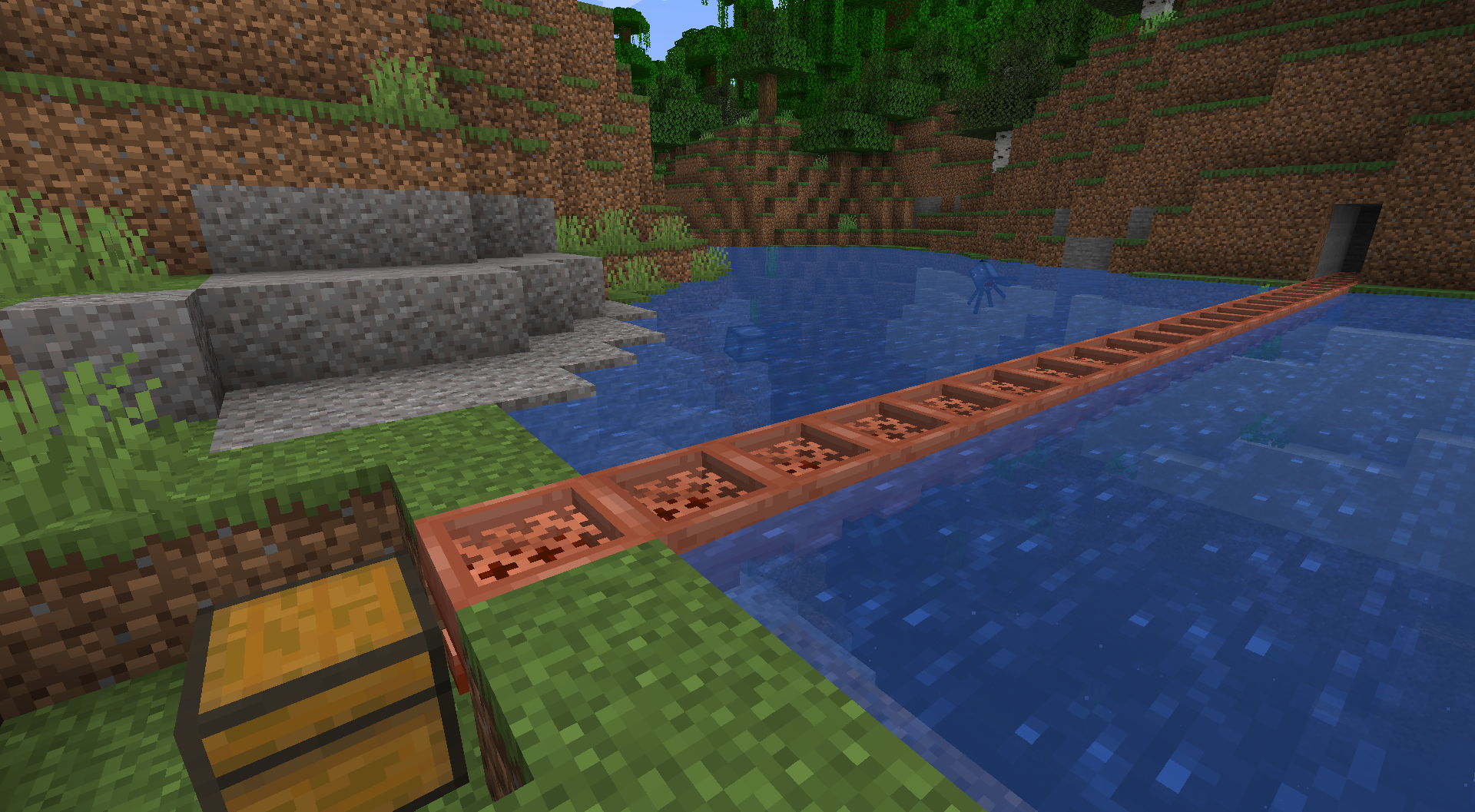
A Unihopper is an early-game variant of the hopper you're probably familiar with. It has only one slot, hence its name, and transfers items more slowly than a standard hopper, but benefits from item filtering, waterlogging, and piston movement. As a copper-based item, it also oxidizes.
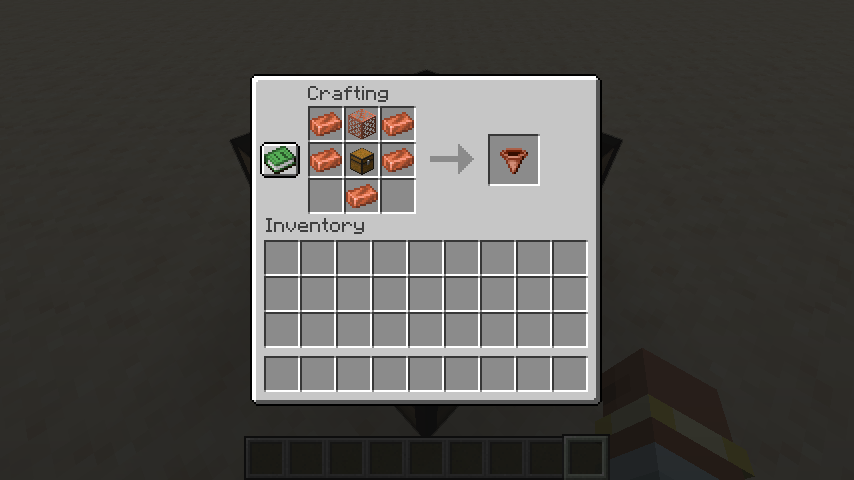
Crafting a Unihopper requires only early-game items. Because sometimes you're in a world where you can't find a lot of iron nearby, but you're up to your neck in copper.
Unihopper Functionality: Item Filtering
If an item filter is set, only that type of item can enter a unihopper. To set an item filter, simply place an item in the unihopper, as you normally would. If you'd like the put that item in the unihopper, click a second time. If you'd like to put an item in a unihopper without setting a filter, you'll want to toss it in (outside the inventory). Waxing and axe-scraping will reset your item filter. Item filtering can be disabled in the config.
Unihopper Functionality: Transfer Cooldown
While a standard vanilla hopper has an 8-tick transfer cooldown, a unihopper's cooldown is based on its oxidation state, as follows:
- Unaffected: 10 ticks waxed, 12 ticks unwaxed
- Exposed: 14 ticks waxed, 16 ticks unwaxed
- Weathered: 18 ticks waxed, 20 ticks unwaxed
- Oxidized: 22 ticks waxed, 24 ticks unwaxed
Unihoppers will always have a 10-tick cooldown if alone and adjacent to a lightning rod or if they are part of a chain of unihoppers in which the first is adjacent to a lightning rod.
To leave Feedback or a Bug Report, click "Report Issues" on the right and then click "New Issue". You are also welcome to leave a comment or a suggestion, or ask a question.
Permissions
- Please do not upload this mod to other websites.
- Feel free to use this in modpacks, if they are shared on Modrinth.
Mod authoring is difficult and time-consuming. Please consider donating, if you enjoy the mod.
Credits
Thanks to Commoble on the NeoForge Discord for help with block variant log warnings.
My Projects


- Edition: Minecraft Java
- File type: .jar
- Minecraft version listed: 1.21.5
- How to install: Install the matching mod loader (Forge, Fabric or NeoForge) for your Minecraft version. → Download the .jar. → Put it in the .minecraft/mods folder and launch that loader profile.
- Where to get it: Opens on Modrinth — not every file is mirrored on our own servers.
Install steps are the general flow for this file type — How to install Minecraft Java mods & modpacks walks through it step by step.
- Ships as unihopper-mc1.21.5-v1.1.jar — drop this file into the mods folder
- Download size: 179 KB
- Download link checked 20 Oct 2026 — working
These come from our own check of the pack file, not from the source page.