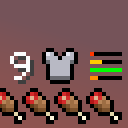
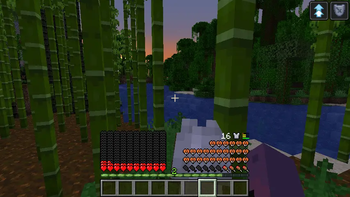

Ever felt that the armor bar is just unnecessary clutter in the UI (Specially when having multiple Heart rows)?
Ever wanted to have an unintrusive, yet intuitive way to display the armor durability?
I made this mod to address those problems.
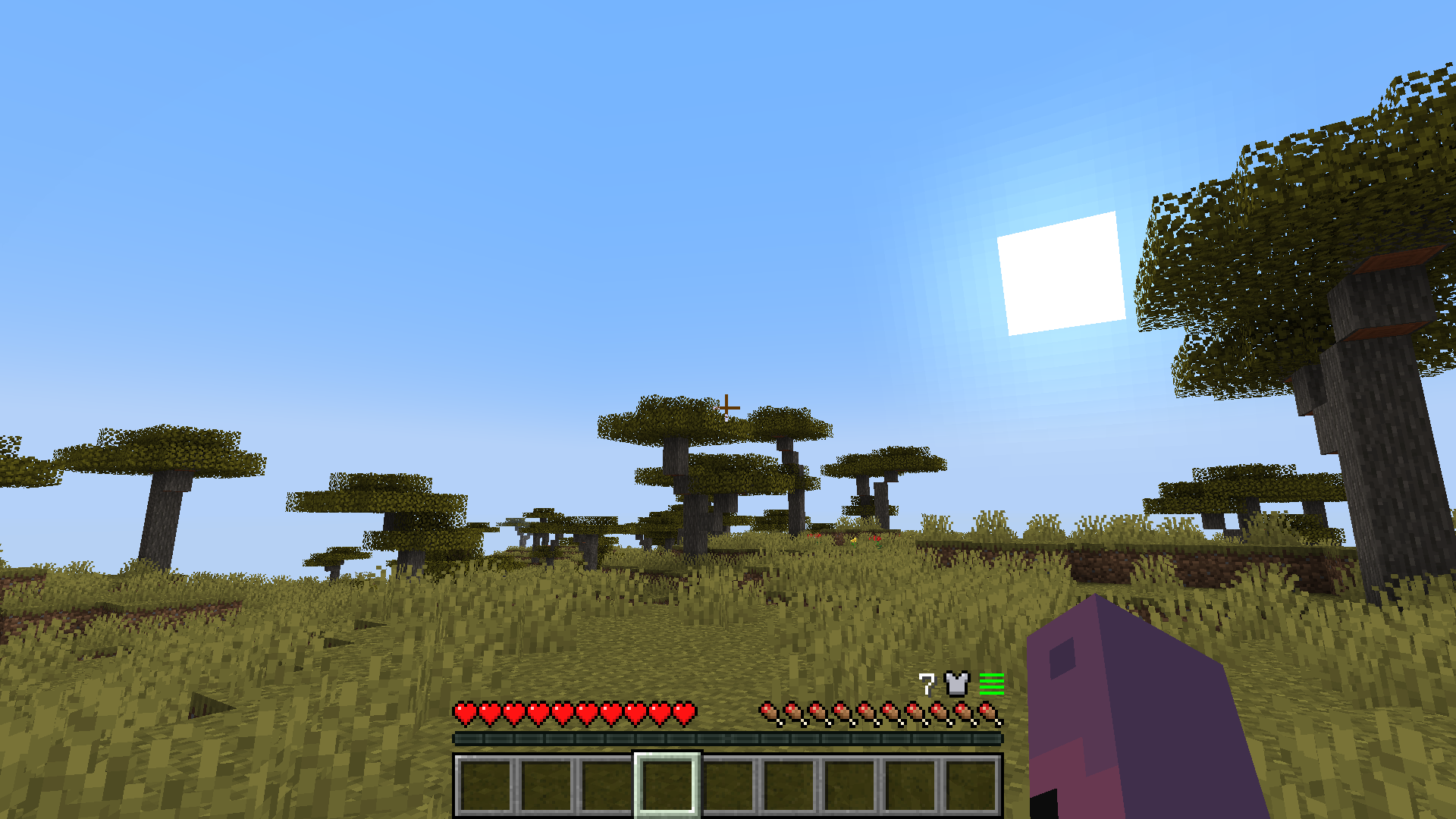
Compact Armor Bar/HUD is a client-side mod that changes the Armor bar to be clear and short. No need for fancy icons or big UI elements.
Features:
- New armor bar display located at the right of the HUD above hunger.
- Total armor points display.
- Durability display for each armor piece.
- Low durability bar blink to make noticing easier.
- Robust UI adaptation for things like GUI size, bubbles and mounts with 2 or more Heart rows.
- Mod support for Better Mount HUD or similar, Immersive Aircraft/Machinery and hopefully any other with mounts that have high HP (E.g. Ice and Fire)
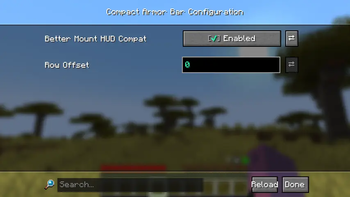
- Configurable row offset for mods that add new rows at the right side of the UI (E.g. thirst mods).
Config Screen (owo-lib)
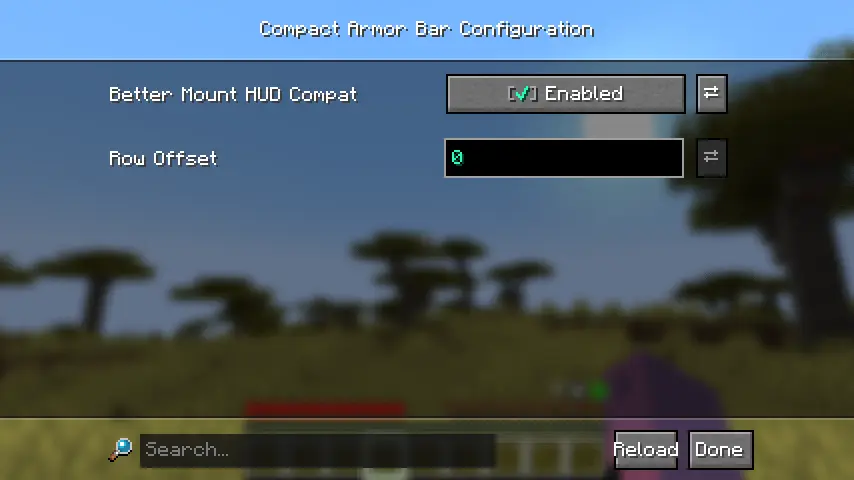
I hopefully solved most overlap issues... If you find any or have a suggestion, check the GitHub repository.
If there's enough interest, I can try to port it to NeoForge and more Minecraft versions.
Have fun.
- Edition: Minecraft Java
- File type: .jar
- Minecraft version listed: 1.21.1
- How to install: Install the matching mod loader (Forge, Fabric or NeoForge) for your Minecraft version. → Download the .jar. → Put it in the .minecraft/mods folder and launch that loader profile.
- Where to get it: Opens on Modrinth — not every file is mirrored on our own servers.
Install steps are the general flow for this file type — How to install Minecraft Java mods & modpacks walks through it step by step.
- Ships as compact-armor-bar-1.0.1.jar — drop this file into the mods folder
- Download size: 30 KB
- Download link checked 10 Sept 2026 — working
These come from our own check of the pack file, not from the source page.