Biomes Were Already Plenty
Java mod listed for Minecraft 1.21. Downloads from the MC Java Mods app on Android.
⬇ Download on Modrinth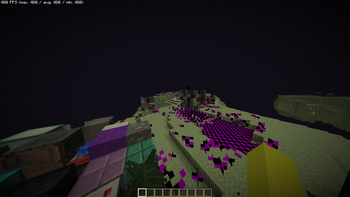
Biomes Were Already Plenty
Client-side Fabric mod that stops the Anomaly block from Biomes O' Plenty flickering and tanking your FPS.
Tested on 1.21.1. Will probably work on other 1.21.x versions but no guarantees
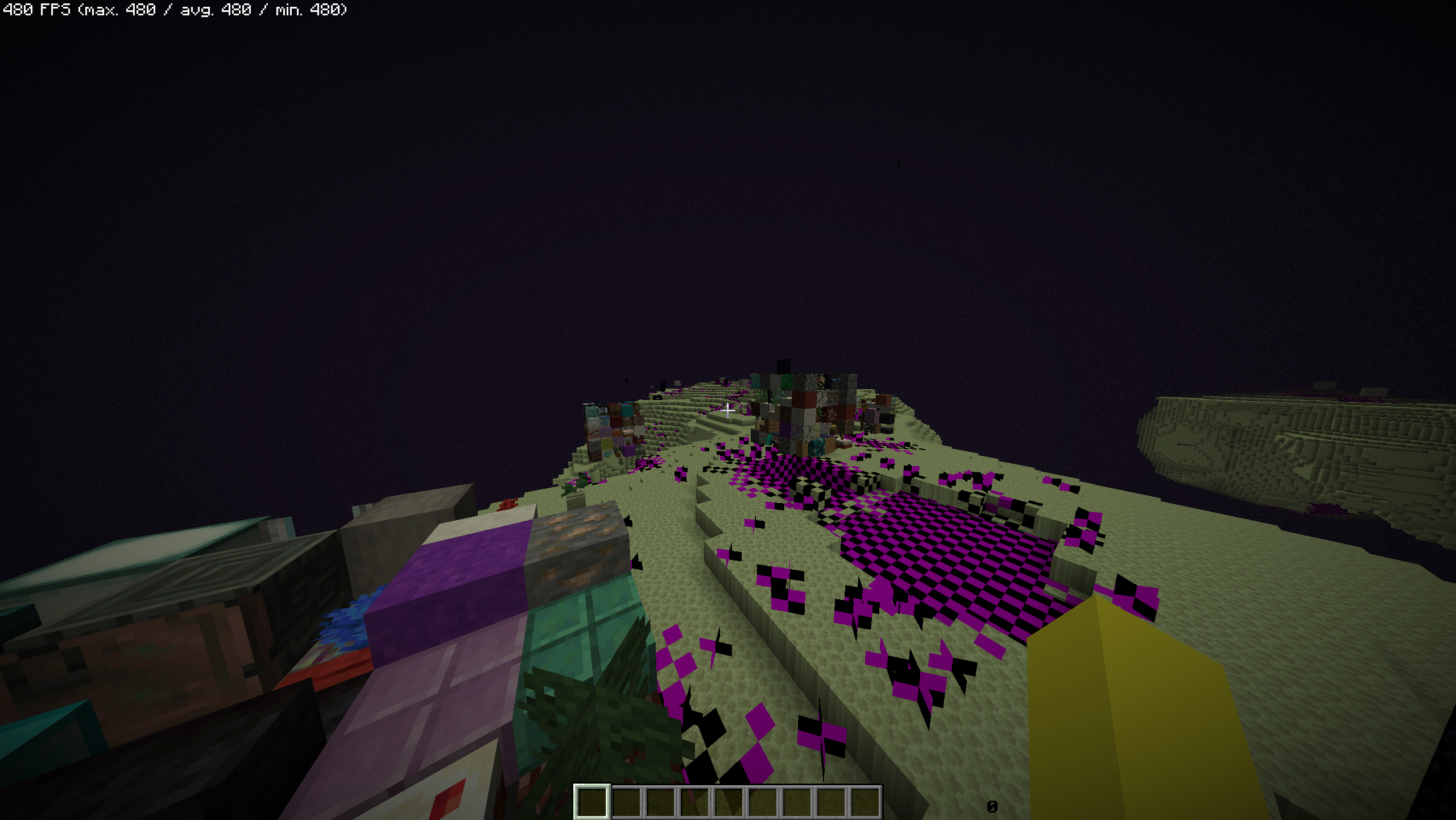
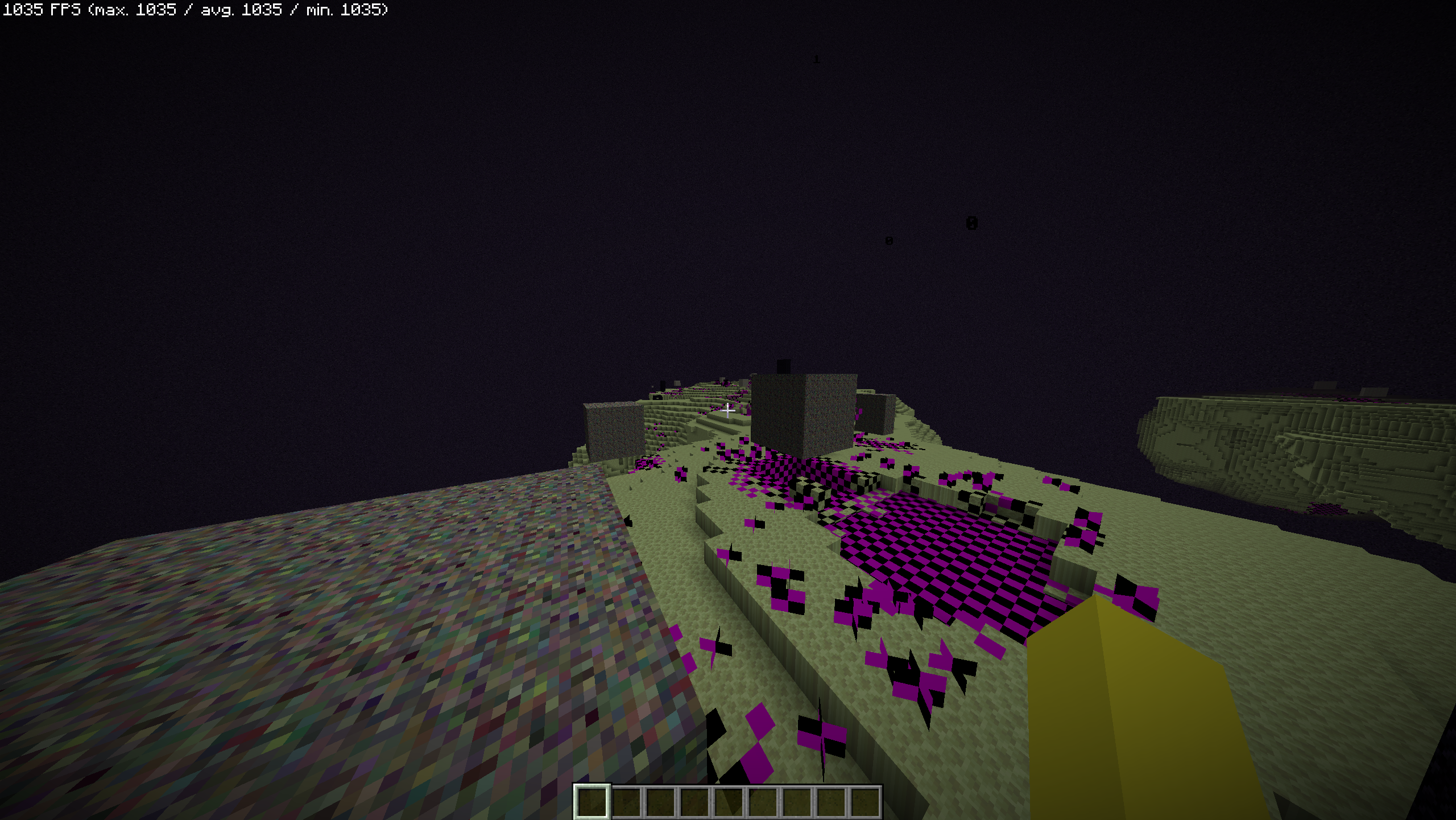
Before / After
| Before | After |
|---|---|
 |
 |
What it does
The Anomaly block rapidly cycles through random block textures when you get close to it, which tanks your FPS. This mod makes it show its own texture instead.
Config
Via Mod Menu or .minecraft/config/biomes-were-already-plenty.json
| Option | Default | Description |
|---|---|---|
| Fix Anomaly Block Flickering | true | Stops the block cycling through random block states |
| Freeze Anomaly Texture | false | Freezes the texture on the first frame (requires F3+T) |
Dependencies
- Fabric Loader
- Fabric API
- Cloth Config
- Mod Menu (optional)
Building
Builds without any extra steps. If you want IDE support for BOP classes, drop a BOP fabric jar into libs/ it's
gitignored and not needed to build anyway, it just stops the IDE from displaying evil red texts.
License
- Edition: Minecraft Java
- File type: .jar
- Minecraft version listed: 1.21.1
- How to install: Install the matching mod loader (Forge, Fabric or NeoForge) for your Minecraft version. → Download the .jar. → Put it in the .minecraft/mods folder and launch that loader profile.
- Where to get it: Opens on Modrinth — not every file is mirrored on our own servers.
Install steps are the general flow for this file type — How to install Minecraft Java mods & modpacks walks through it step by step.
- Ships as biomes-were-already-plenty-1.0.0+1.21.1.jar — drop this file into the mods folder
- Download size: 35 KB
- Download link checked 20 Oct 2026 — working
These come from our own check of the pack file, not from the source page.