
Atlas Companion
Java mod listed for Minecraft 26.x. Downloads from the MC Java Mods app on Android.
Recipe and item intelligence mod for Minecraft. Modern, maintained alternative to JEI, REI, EMI etc. - Search, browse, and understand every recipe…
⬇ Download on Modrinth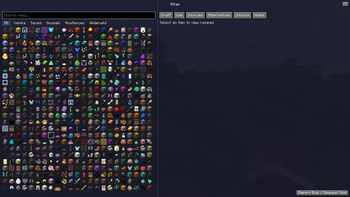
Atlas
A recipe and item intelligence mod for Minecraft 26.1 (Fabric) - acting as an independent, newer version of JEI, REI, EMI etc. - with easier and better Mod API Integration coming soon!
Atlas goes beyond the typical recipe viewer. Instead of just showing you flat recipe cards, it gives you a complete picture of how to get any item in the game, which recipes use it, where it comes from, and what alternatives exist. It works with vanilla and modded content out of the box.
What it does
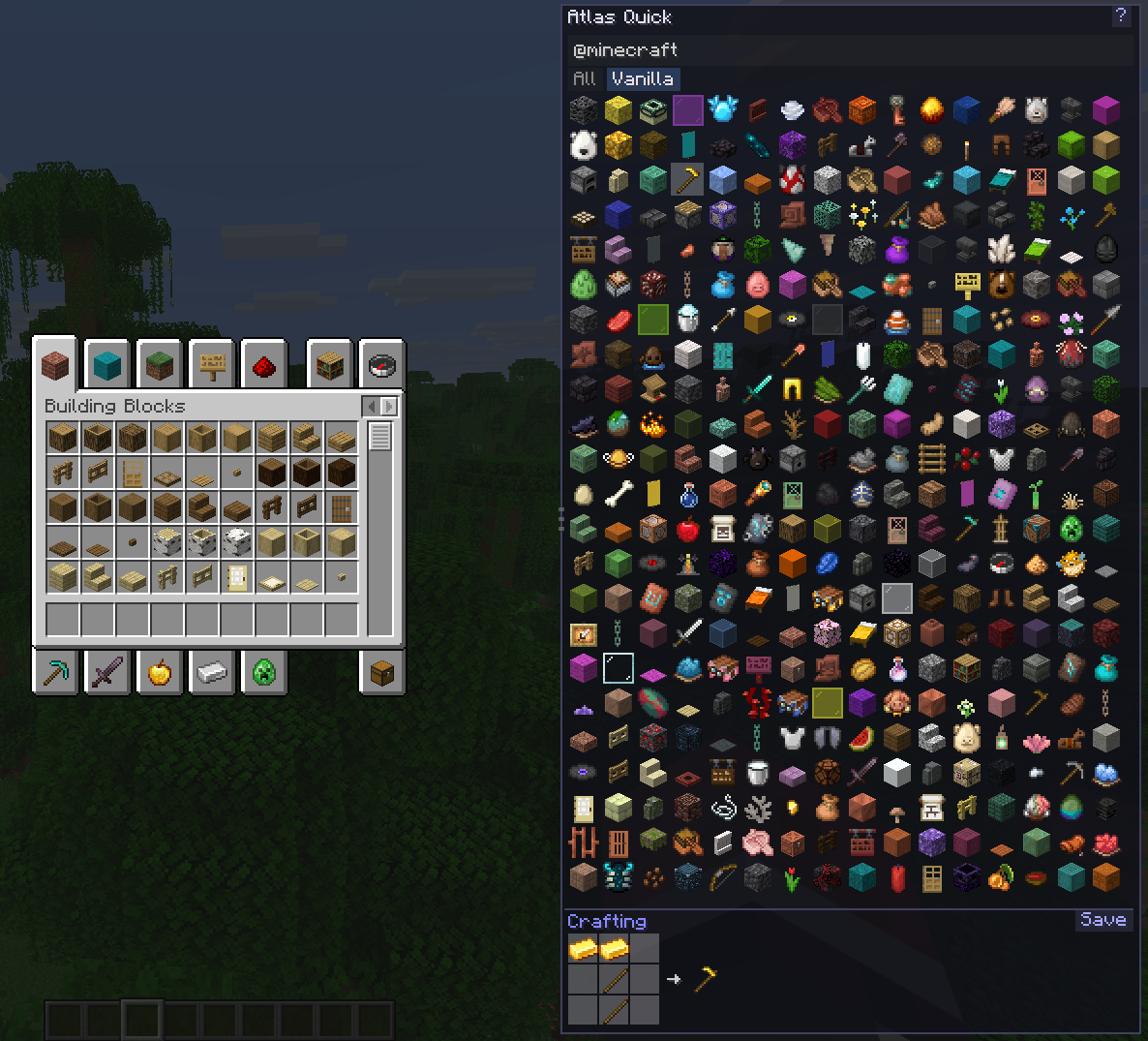
Quick Mode shows up as a resizable panel on the side of your inventory. Browse items, search by name, mod, tag or tooltip, and see recipes right there without leaving your crafting table. It stays out of your way but is always one keypress away.
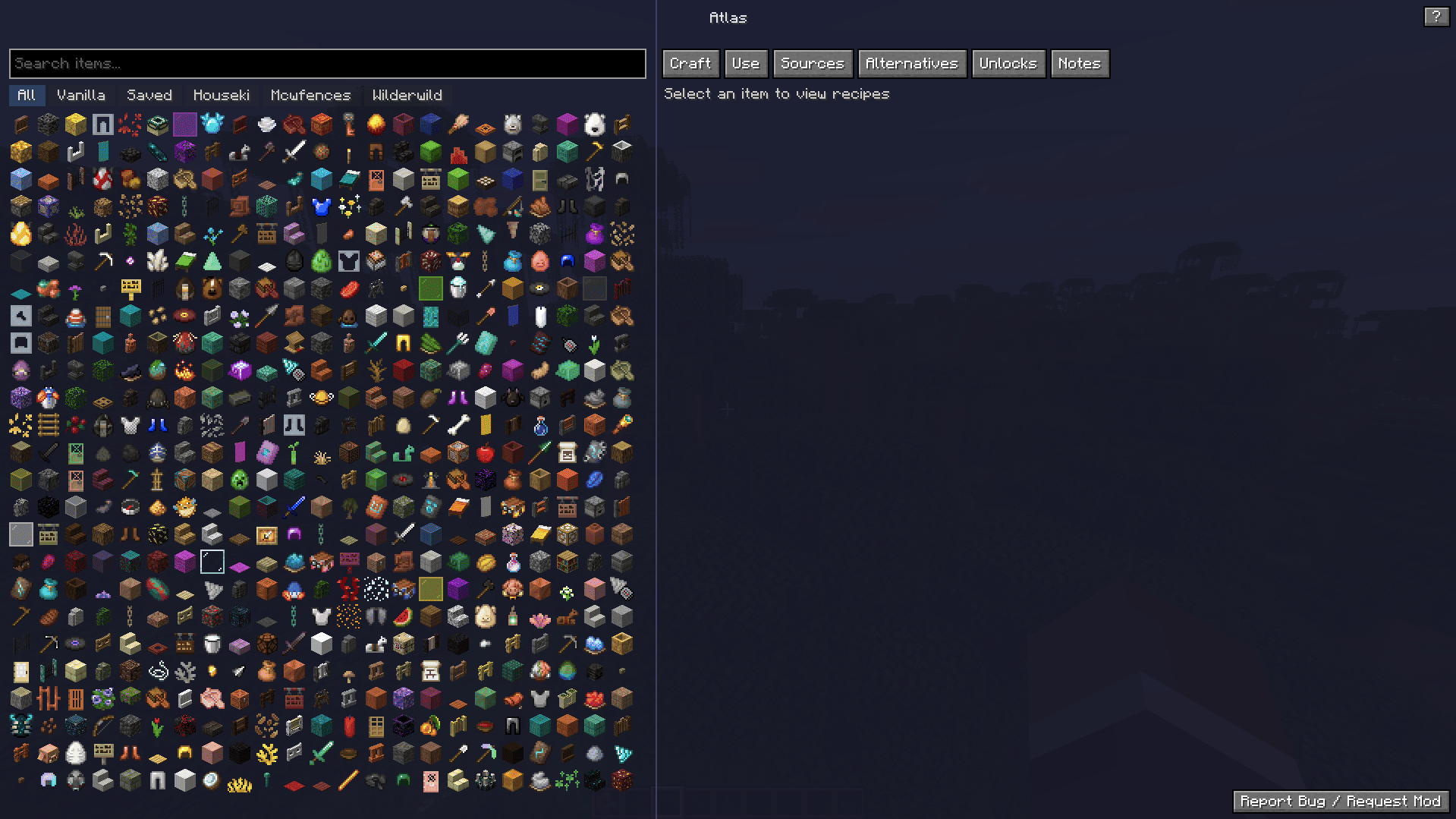
Deep Mode is a full-screen interface (press U) with a browsable item list on the left and detailed recipe information on the right. Tabs let you switch between how to craft something, what it is used in, and all the ways you can obtain it.
Search supports prefixes like @modname to filter by mod, $tag to filter by item tag, and #text to search inside tooltips. Filter buttons are auto-detected based on which mods are installed.
Save items you care about so you can find them quickly later. The Saved filter narrows the list to just your bookmarked items.
Creative mode lets you click any item in the Atlas UI to add it directly to your inventory.
Coming soon
- Availability Engine that explains why you can not make something yet (missing workstation, wrong dimension, locked progression)
- Alternative Resolver showing tag-based substitutions and marking the cheapest or simplest options
- Recipe graph with tree views, intermediate requirements, cycle detection, and material totals
- Pinned build plans that track what you still need and what you already have
- Notes and info pages for pack-specific tips and item details
- NeoForge support
- Mod API so other mods can register their machines and custom recipe types with zero effort
Keybinds
| Key | Action |
|---|---|
| O | Toggle Quick Mode panel |
| U | Open Deep Mode |
Both can be rebound in the controls menu under the Atlas category.
Links
- Source code: github.com/shaedy180/Atlas
Feedback
If you run into a bug, please open an issue on GitHub. I am happy to look into it.
Feature requests and mod support suggestions are also welcome. If there is a mod you want Atlas to work better with, let me know in the GitHub issues.
License
LGPL-3.0-or-later
- Edition: Minecraft Java
- File type: .jar
- Minecraft versions listed: 26.1, 26.1.1
- How to install: Install the matching mod loader (Forge, Fabric or NeoForge) for your Minecraft version. → Download the .jar. → Put it in the .minecraft/mods folder and launch that loader profile.
- Where to get it: Opens on Modrinth — not every file is mirrored on our own servers.
Install steps are the general flow for this file type — How to install Minecraft Java mods & modpacks walks through it step by step.
- Ships as atlas-0.2.0.jar — drop this file into the mods folder
- Download size: 107 KB
- Download link checked 20 Oct 2026 — working
These come from our own check of the pack file, not from the source page.