

Multiplayer only works on 2.0.0+

Serpentine
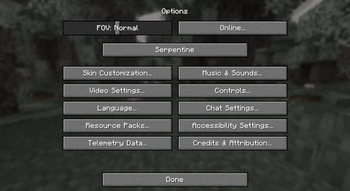
Serpentine is a lightweight configuration library mod that can easily be used in other projects.
Serpentine provides an easy way to setup configuration for any mod, all you need is a class that extends the Config class provided by Serpentine and to then register it in your modInitializer.
Potential Bloat
what bloat?
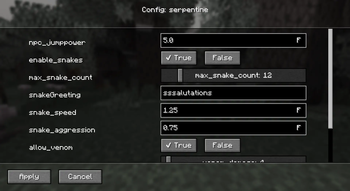
The config screen is probably the only bloat in this mod but even then its just three classes that automate making a config screen for you.
what does the config screen do?
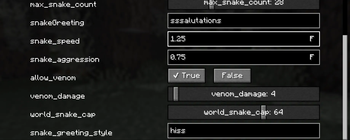
The config screen parses your config's expects and detects their default value's type. If it is an integer it makes a SliderWidget that goes from 0-100 (I'll add more customisation for this in later versions), if it is a boolean it'll make two buttons for True and False, the currently selected one (not saved one) will have a checkmark next to it. If it is a float or string then a textField will be made where the user can type in their desired value.
How to setup serpentine?
Check this out for how to install serpentine as a dependency.
Then to setup a config, check out this example
- Edition: Minecraft Java
- File type: .jar
- Minecraft versions listed: 1.21, 1.21.1, 1.21.2
- How to install: Install the matching mod loader (Forge, Fabric or NeoForge) for your Minecraft version. → Download the .jar. → Put it in the .minecraft/mods folder and launch that loader profile.
- Where to get it: Opens on Modrinth — not every file is mirrored on our own servers.
Install steps are the general flow for this file type — How to install Minecraft Java mods & modpacks walks through it step by step.
- Ships as serpentine-2.0.5.jar — drop this file into the mods folder
- Download size: 52 KB
- Download link checked 10 Sept 2026 — working
These come from our own check of the pack file, not from the source page.