Guidebook.md
Add Markdown guides to BTA, allowing modders to efficiently create and format guides. Markdown books were added to BTA, allowing users to create, edit…
⬇ Download on Modrinth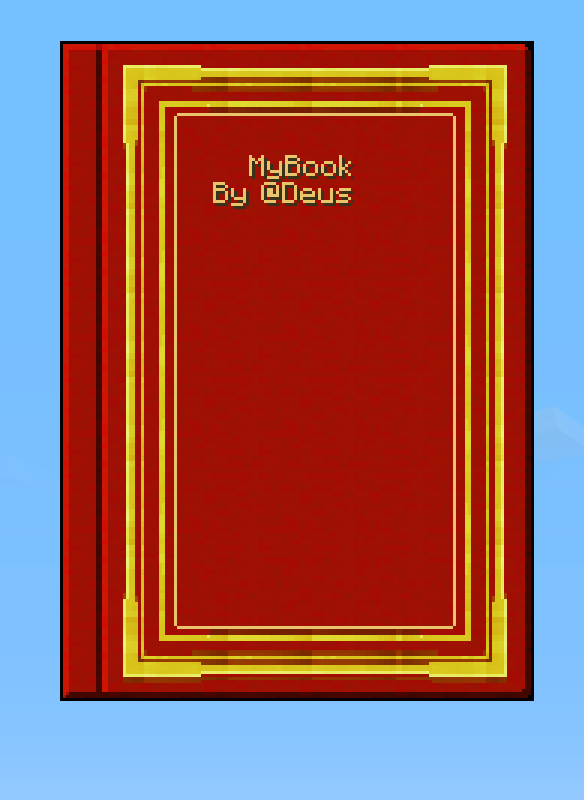

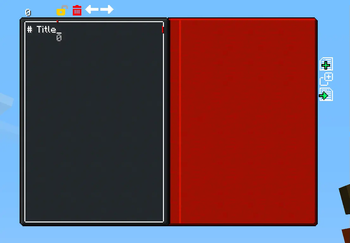
Guidebook.md
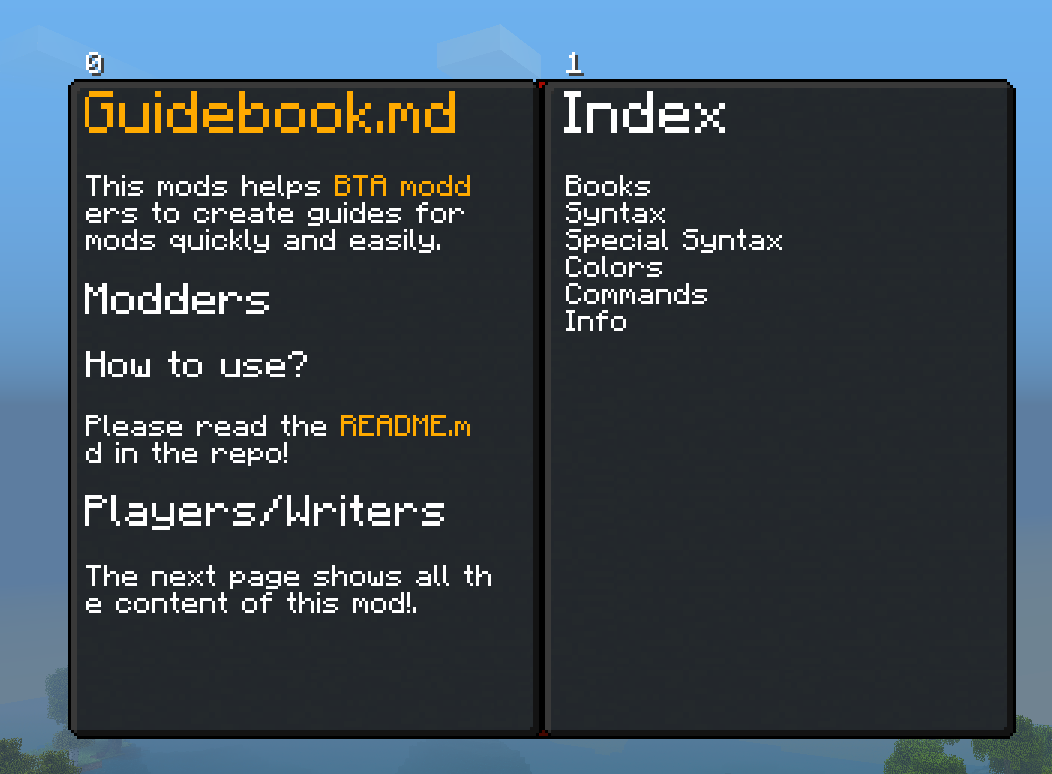
Helps BTA modders create mod guides quickly and easily using Markdown with extra features
How to Use?
Create a MDBookScreen inherited class.
Load config from asset path, include .md files.
Use as a normal screen, opened from a trigger.
Formats
Use < & > chars for color codes:
- 0 = &0Black
- 1 = &1Dark Blue
- 2 = &2Dark Green
- 3 = &3Dark Aqua
- 4 = &4Dark Red
- 5 = &5Dark Purple
- 6 = &6Gold
- 7 = &7Gray
- 8 = &8Dark Gray
- 9 = &9Blue
- a = &aGreen
- b = &bAqua
- c = &cRed
- d = &dLight Purple
- e = &eYellow
- f = &fWhite
- s = &sShadow
- r = Reset
Syntax
Regular &3Markdown syntax adapted for &6BTA Guidebook format:
# H1
## H2
### H3
#### H4
##### H5
###### H6
* Unordered List
- Unordered List
1. Ordered List
Specials
**Images**
- [text](/assets/modid/textures/path/to/img.png)(width,height,type)
- 
- 
- Width & Height in pixels
- type = default | icon or (no text) to use default option
- The workbench last slot it's for output item
How to use?
Markdown guidebook
public class MyBook extends MarkdownGuidebook<MDPage> {

    public IntroBook() {
        String path = "/assets/modid/markdown/mybook/";
        config = BookConfig.fromJsonResource(getClass(), path + "config.json");

        DecimalFormat formatter = new DecimalFormat("000");
        for (int i = 0; i<11; i++) {
            String fileName = "page_" + formatter.format(i + 1) + ".md";

            loadMarkdownPages(path + fileName);
        }
    }
}
Display markdown
Check superclass for more info.
public class MyMDScreen extends MDScreen {
    public MyMDScreen() {
        currentPage = MarkdownCompiler.compile("/assets/modid/markdown/path/to/your/file.md", getClass());
    }
}
In-Game Markdown Editor
Use the editable book in-game and export the Markdown content to use in your project! Or use it to share information with your friends in your world!
Commands
Export or load markdown books.
Use: /guidebook export </p> <ul> <li>to export to: btafolder/guidebook/exported/<title></li> </ul> </li> <li><p>Use: /guidebook load <title></p> <ul> <li>Load from: btafolder/guidebook/load/<title></li> </ul> </li> </ul> <h3>Showcase</h3> <p>Download the zip with the files in the release page <img width="1464" height="879" alt="image" src="https://github.com/user-attachments/assets/d87392c0-9c10-44e0-878c-a8926bffca7f" /></p> <p><a href="https://github.com/user-attachments/assets/d2f9fe57-74f7-433e-8f00-0848fc137571">https://github.com/user-attachments/assets/d2f9fe57-74f7-433e-8f00-0848fc137571</a></p>
- Edition: Minecraft Java
- File type: .jar
- Minecraft version listed: b1.7.3
- How to install: Install the matching mod loader (Forge, Fabric or NeoForge) for your Minecraft version. → Download the .jar. → Put it in the .minecraft/mods folder and launch that loader profile.
- Where to get it: Opens on Modrinth — not every file is mirrored on our own servers.
Install steps are the general flow for this file type — How to install Minecraft Java mods & modpacks walks through it step by step.
- Ships as guidebookmd-1.1.0.jar — drop this file into the mods folder
- Download size: 840 KB
- Download link checked 10 Sept 2026 — working
These come from our own check of the pack file, not from the source page.