
ReviveToken
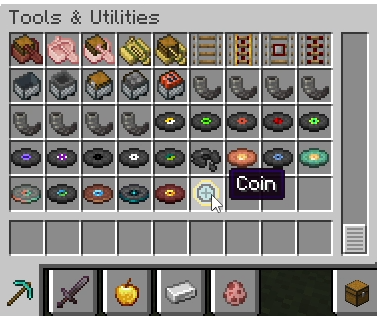
Revive Token - Coin 
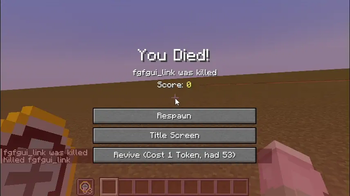
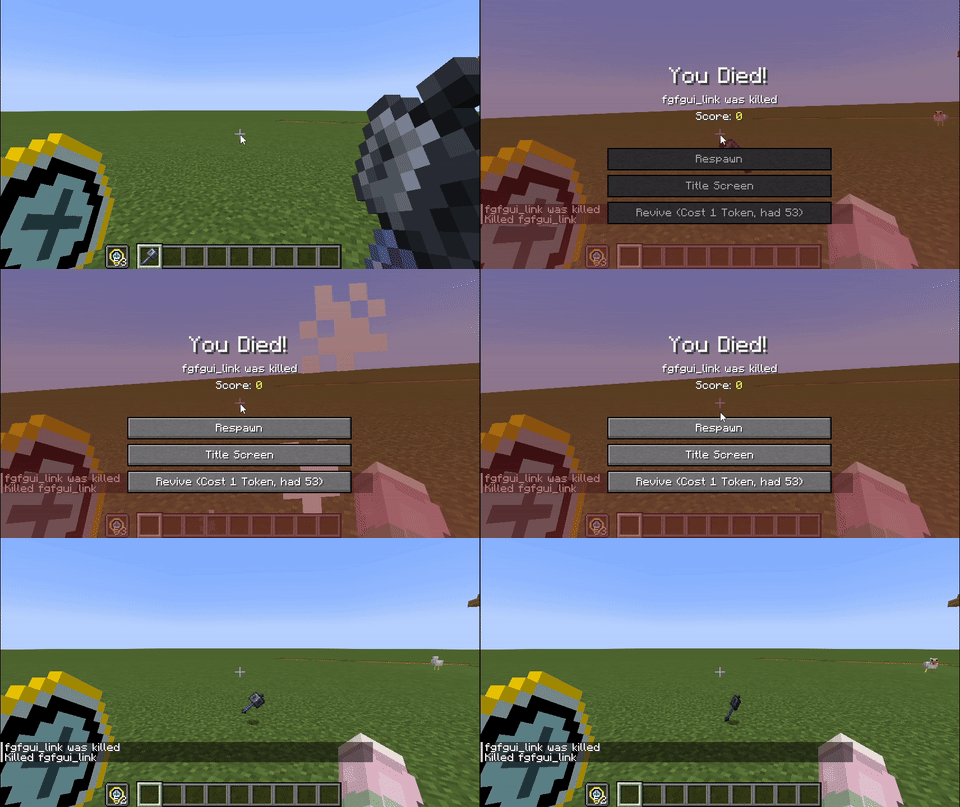
Consuming 1 Revive Token allows you to respawn on the spot. Tokens will not drop on death.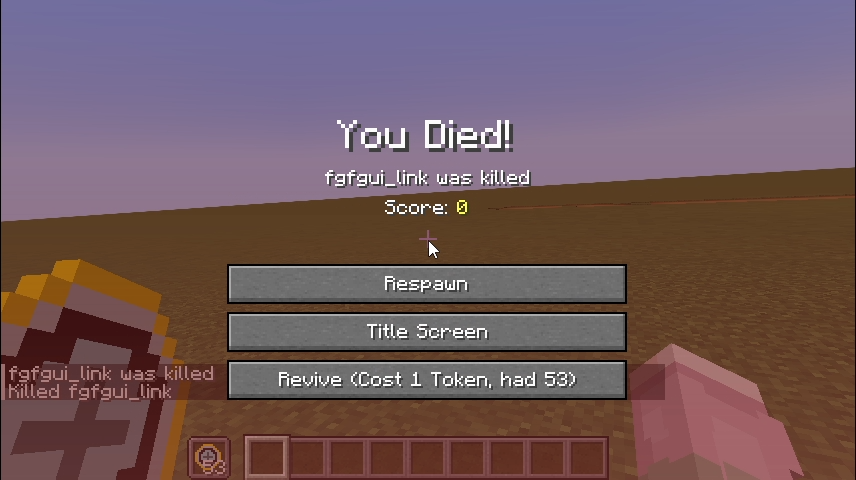
gif:
New Features
- Item: Revive Token
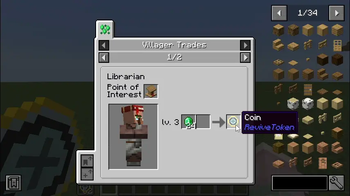
- Trades:
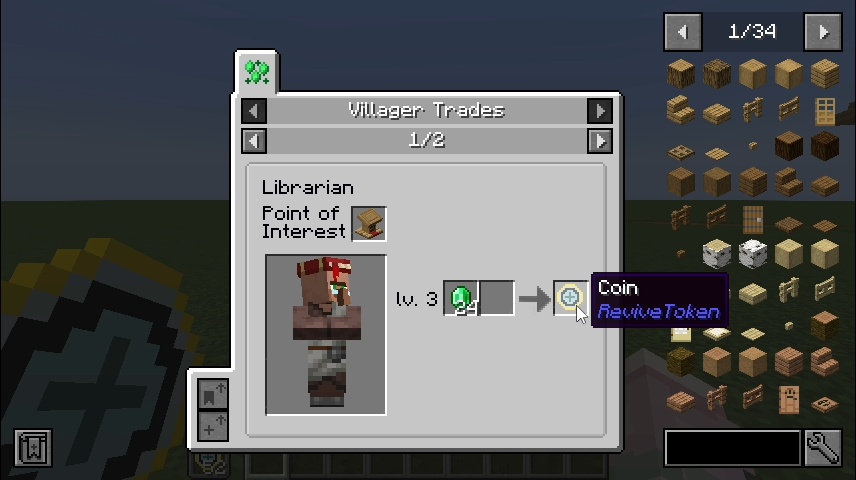
- Librarian
- Wandering Trader – Common Trade
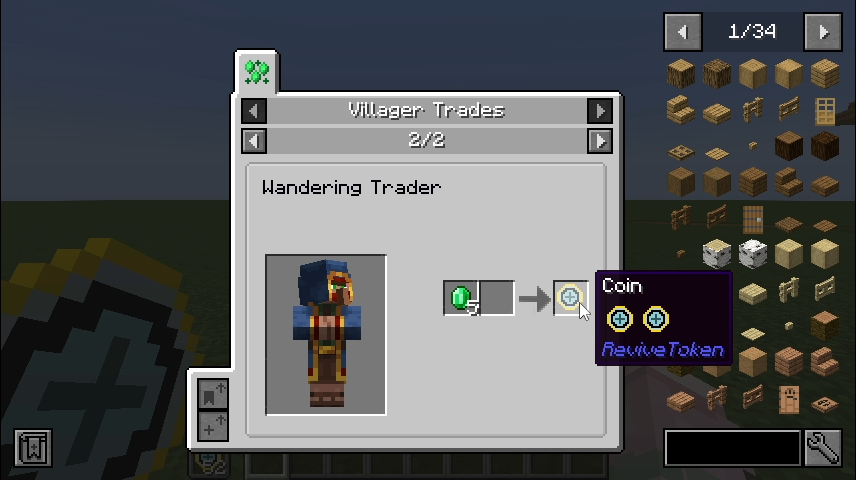
- Wandering Trader – Rare Trade
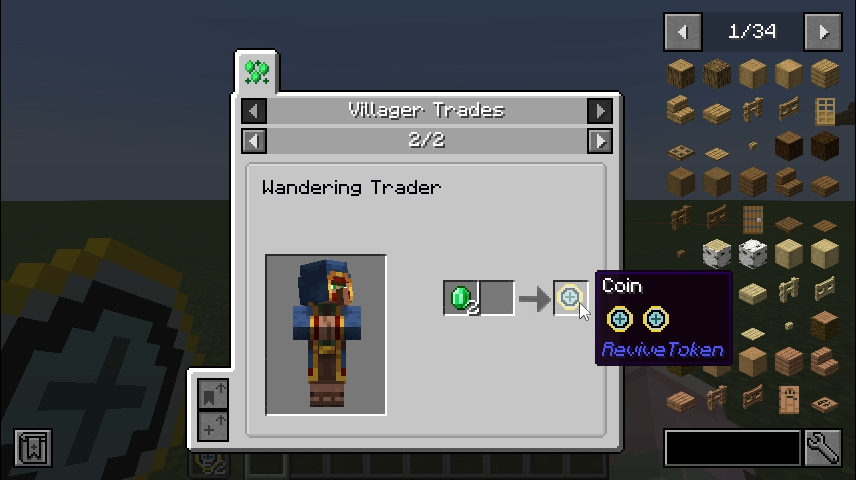
- Librarian
- "Revive" button
Customizable Settings
Sample configuration file:
#Specify the Token item to consume
token = "revivetoken:coin"
#Specify the Item count to consume
# Default: 1
# Range: > 0
cost = 1
#Disable the trade recipes of Coin
notrade = false
Changing token lets you define which item is consumed upon revival (non-droppable items will also change accordingly).
Changing cost lets you set how many tokens are consumed when reviving.
Set notrade to true to disable the added trade recipes.
FAQ
Q: Why doesn’t the respawn button appear even though I have tokens in my inventory?
A: Not enough tokens / tokens don’t match the item defined in the config file.
Q: Fabric / Forge / 1.20.1 support?
A: Not implemented. PRs are welcome.
- Edition: Minecraft Java
- File type: .jar
- Minecraft version listed: 1.21.1
- How to install: Install the matching mod loader (Forge, Fabric or NeoForge) for your Minecraft version. → Download the .jar. → Put it in the .minecraft/mods folder and launch that loader profile.
- Where to get it: Opens on Modrinth — not every file is mirrored on our own servers.
Install steps are the general flow for this file type — How to install Minecraft Java mods & modpacks walks through it step by step.
- Ships as revivetoken-1.0.0.jar — drop this file into the mods folder
- Download size: 25 KB
- Download link checked 20 Aug 2026 — working
These come from our own check of the pack file, not from the source page.