
Count Macaroon
Client-side tally counter mod for the fabric mod loader, game version 1.21.6.
Remember!
There is no auto saving/loading yet, so please remember to /counter_load <name> on joining and /counter_save on
leaving.
Features
Keybinds
Up Arrow
By default, this key increments the current counter by the current counter's step size.
Down Arrow
By default, this key decrements the current counter by the current counter's step size.
Number Pad 0
By default, this key sets the value of the current counter to 0.
Commands
/counter_value <value>
Sets the current counter's value to value.
/counter_save
Saves the current counter as a JSON file in the counters directory. Its name is determined by the name of the counter
set in game.
// ./counters/leaf_litter.json
{
  "value": 35,
  "step": 2,
  "name": "leaf_litter"
}
/counter_load <name>
Loads the counter specified. (The name doesn't need .json at the end)
/counter_list
Lists the saved counters and when they were last modified.
/counter_step [<step>]
With no arguments, it gets the current step size of the current counter.
With the argument named step, it sets the current counter's step size to the specified value.
/counter_name [<new_name>]
With no arguments, it gets the current name of the current counter.
With the argument named new_name, it sets the current counter's name to the specified value.
/counter_new <new_name>
Discards the current counter and creates a new counter with its name set to the value of new_name, with a step size of 1 and a value of 0.
/counter_help [<command>]
If you need help using a help command, then no help command has the means to help you.
Customizing the counter's background
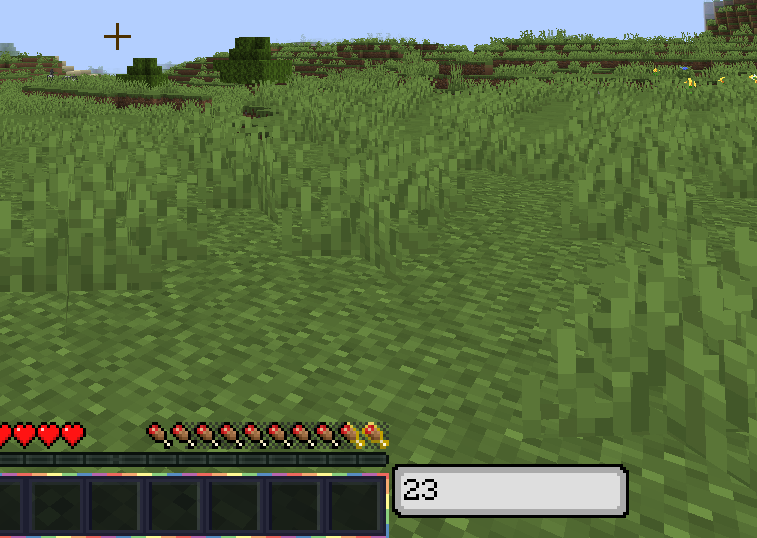
Create a resource pack and replace the texture /assets/countmacaroon/textures/gui/counter_background.png. Its dimensions are 79 x 18 pixels.
- Edition: Minecraft Java
- File type: .jar
- Minecraft versions listed: 1.21.5, 1.21.6
- How to install: Install the matching mod loader (Forge, Fabric or NeoForge) for your Minecraft version. → Download the .jar. → Put it in the .minecraft/mods folder and launch that loader profile.
- Where to get it: Opens on Modrinth — not every file is mirrored on our own servers.
Install steps are the general flow for this file type — How to install Minecraft Java mods & modpacks walks through it step by step.
- Ships as countmacaroon-0.1.0+mc.1.21.5.jar — drop this file into the mods folder
- Download size: 31 KB
- Download link checked 20 Aug 2026 — working
These come from our own check of the pack file, not from the source page.