
One Click Play
Java mod listed for Minecraft 1.21. Downloads from the MC Java Mods app on Android.
I don't know my version or loader
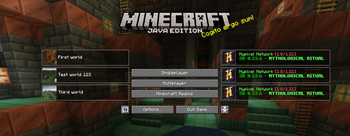
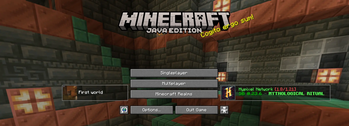
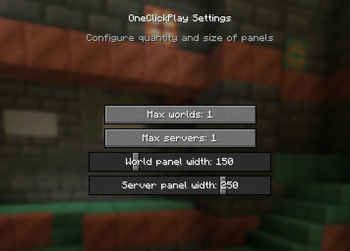
(EN)
This mod adds panels to the main screen, by clicking on which you can connect to a singleplayer world or to a server. Now you don't have to go to the list of singleplayer worlds/list of servers to connect to the game.
- The main screen can have up to the last 3 singleplayer worlds that you played on, or up to 3 servers that are at the top of your server list.
You can customize the width and number of panels separately for servers/singleplayer worlds.
Screenshot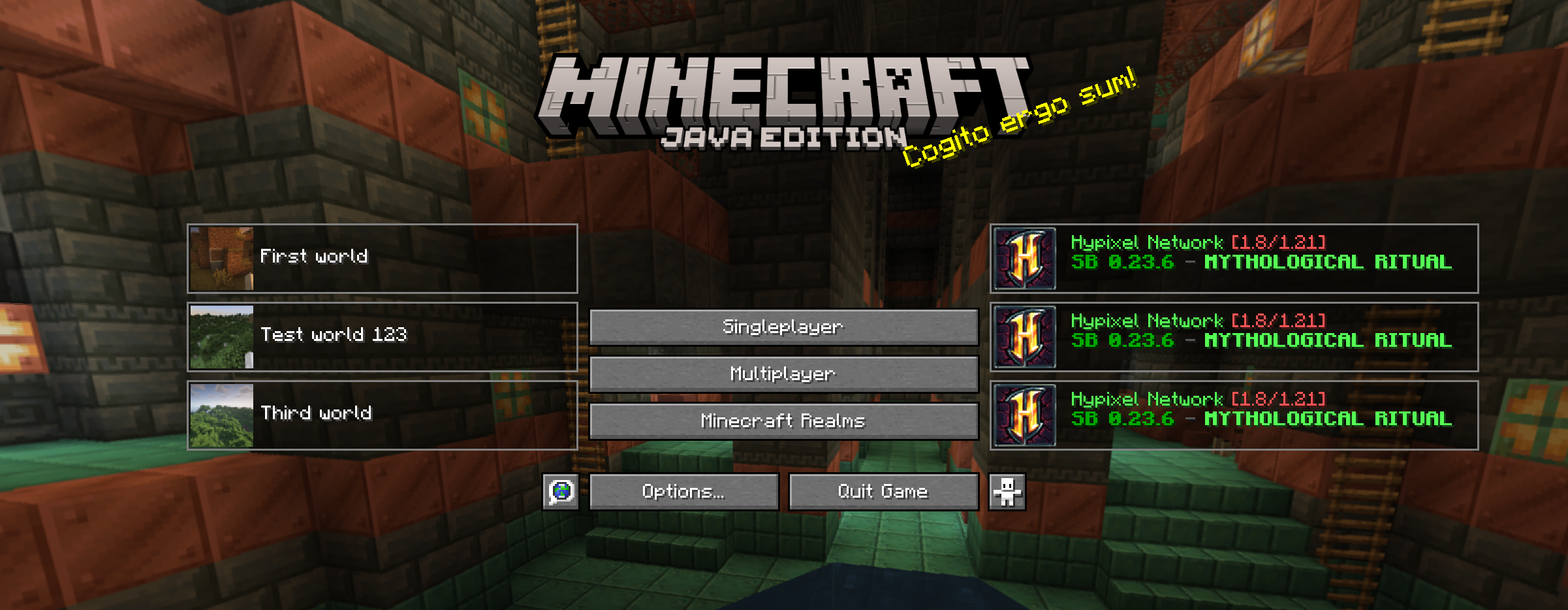
(RU)
Этот мод добавляет на главный экран панели, нажимая на которые вы можете подключится к одиночному миру или к серверу. Теперь вам не обязательно заходить в список одиночных миров/список серверов, чтобы подключится к игре.
- На главном экране может быть до 3 последних одиночных миров, на которых вы играли, или же до 3 серверов, которые находятся сверху в вашем списке серверов.
Вы можете настраивать ширину и количество панелей отдельно для серверов/одиночных миров.
Скриншот
- Edition: Minecraft Java
- File type: .jar
- Minecraft versions listed: 1.21, 1.21.1
- How to install: Install the matching mod loader (Forge, Fabric or NeoForge) for your Minecraft version. → Download the .jar. → Put it in the .minecraft/mods folder and launch that loader profile.
- Where to get it: Opens on Modrinth — not every file is mirrored on our own servers.
Install steps are the general flow for this file type — How to install Minecraft Java mods & modpacks walks through it step by step.
- Ships as oneclickplay-neoforge-1.21-1.0.jar — drop this file into the mods folder
- Download size: 32 KB
- Download link checked 11 Nov 2026 — working
These come from our own check of the pack file, not from the source page.