
Mute Toggle is a simple Minecraft mod that lets you mute or unmute all game sounds with one key
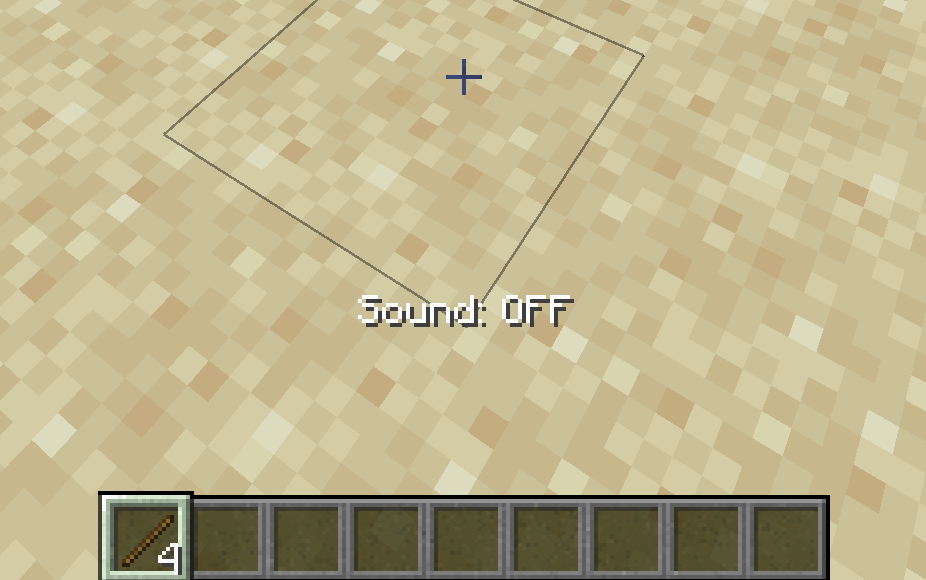
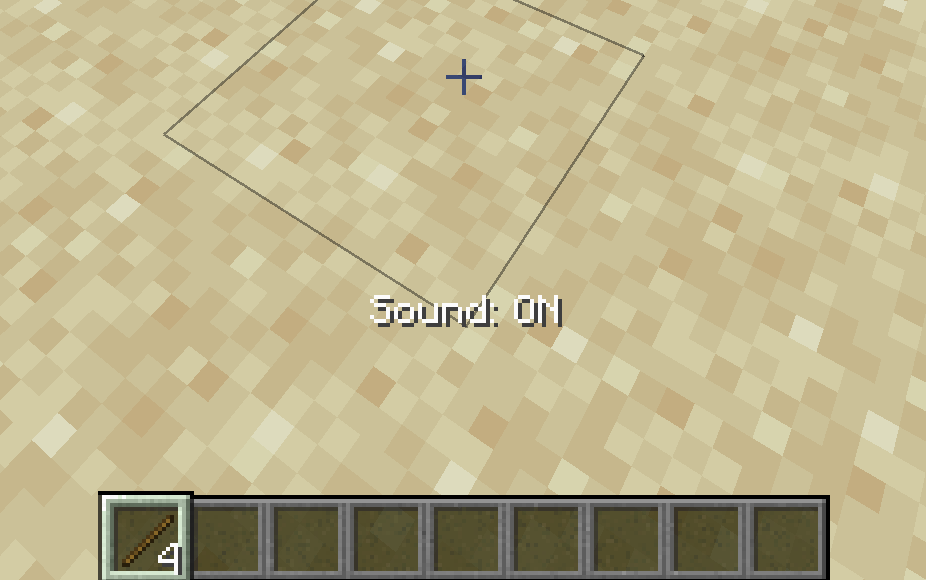
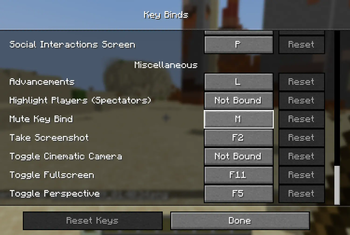
Press the M key (default) to toggle sound ON or OFF. A message will show to let you know if it’s muted or not
It mutes everything: music, blocks, mobs, weather, etc...
Even though the key only works in-game, the sound stays muted or unmuted in menus after you use it
No new buttons or settings. Just one keybind (set in Controls) to quickly switch sound on or off.
Great if you want instant silence while playing (or switching apps)
Quick facts
- Edition: Minecraft Java
- File type: .jar
- Minecraft versions listed: 1.21.1, 1.21.2, 1.21.3
- How to install: Install the matching mod loader (Forge, Fabric or NeoForge) for your Minecraft version. → Download the .jar. → Put it in the .minecraft/mods folder and launch that loader profile.
- Where to get it: Opens on Modrinth — not every file is mirrored on our own servers.
Install steps are the general flow for this file type — see the MC Java Mods guides for the full walkthrough.
Verified by MCModsHub
- Ships as mute_toogle-1.0.0-neoforge-1.21.1.jar — drop this file into the mods folder
- Download size: 12 KB
- Download link checked 20 Aug 2026 — working
These come from our own check of the pack file, not from the source page.