
Audio Focus
Audio Focus allows you to target specific sounds in-game and lower their volume dynamically with your scroll-wheel
⬇ Download on Modrinth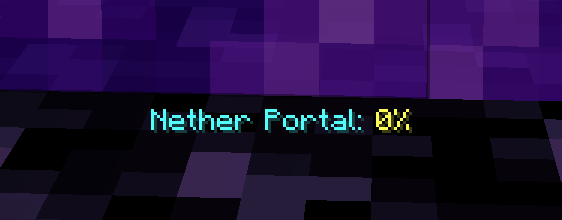
Audio Focus is a simple QoL mod that allows you to target and lower specific sounds of blocks and entities by pressing (by default) LEFT ALT + Scroll Wheel in-game.
You can also use the mod's config menu to add specific sounds you'd like to lower yourself if those are not readily available in the world, such as cave ambient noises. Sounds that are back to 100% are deleted.
Keep in mind that a lot of blocks have shared sounds, it is currently not possible to split the sounds from block to block as it would require to rework the sound system entirely. This would be a gigantic endeavor and it would also most likely conflict with popular sound mods.
The mod has autocompletion in the config, but please take a look at the Sound Effects wiki page, if needed.
- Edition: Minecraft Java
- File type: .jar
- Minecraft version listed: 1.21.10
- How to install: Install the matching mod loader (Forge, Fabric or NeoForge) for your Minecraft version. → Download the .jar. → Put it in the .minecraft/mods folder and launch that loader profile.
- Where to get it: Opens on Modrinth — not every file is mirrored on our own servers.
Install steps are the general flow for this file type — How to install Minecraft Java mods & modpacks walks through it step by step.
- Ships as audio-focus-1.0.1-1.21.10.jar — drop this file into the mods folder
- Download size: 1014 KB
- Download link checked 20 Aug 2026 — working
These come from our own check of the pack file, not from the source page.