
FGTS Steel
Java mod listed for Minecraft 1.21. Downloads from the MC Java Mods app on Android.
⬇ Download on Modrinth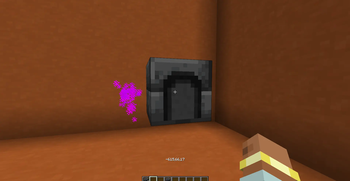
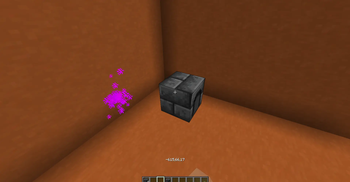
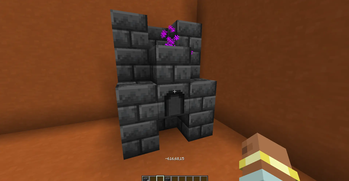
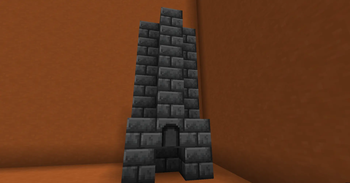
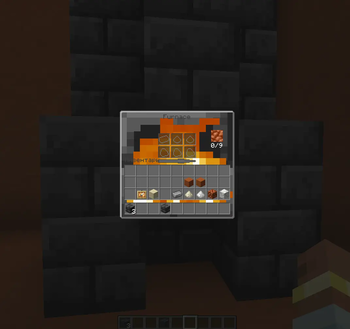
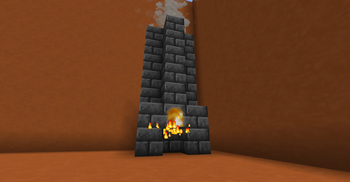
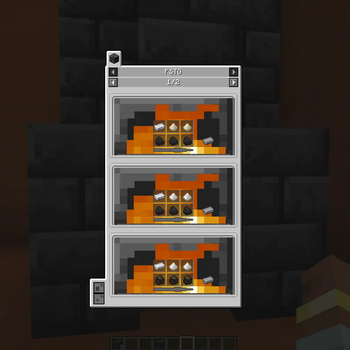
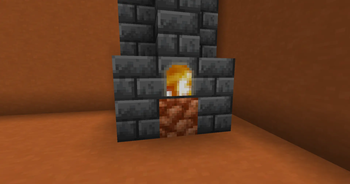
FSTG offers you a steel making experience, that is both realistic and balanced, perfect for semi-realistic modpacks!
This mod includes a Blast Furnace Multiblock. To make it you need to craft a Blast Furnace Hatch. Once, you have crafted the Hatch you can see where to place the multiblock, by right-clicking it.
Make steel, by inserting iron, Flux and coal.
There are two types of Flux - Sand and Calcite. Sand Flux is obtained by washing sand and Calcite Flux is obtained by right clicking Calcite blocks with an axe.
- Edition: Minecraft Java
- File type: .jar
- Minecraft versions listed: 1.21, 1.21.1
- How to install: Install the matching mod loader (Forge, Fabric or NeoForge) for your Minecraft version. → Download the .jar. → Put it in the .minecraft/mods folder and launch that loader profile.
- Where to get it: Opens on Modrinth — not every file is mirrored on our own servers.
Install steps are the general flow for this file type — How to install Minecraft Java mods & modpacks walks through it step by step.
- Ships as steelftgs-1.0.4.jar — drop this file into the mods folder
- Download size: 79 KB
- Download link checked 21 Oct 2026 — working
These come from our own check of the pack file, not from the source page.