
BERRYCRAFT
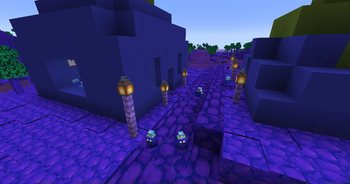
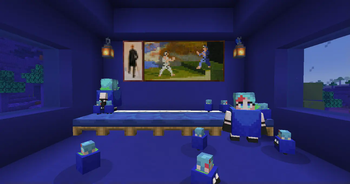
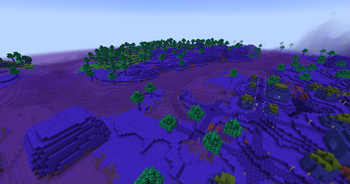
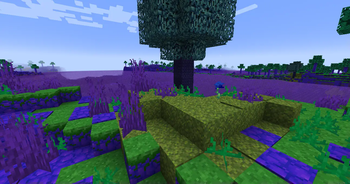
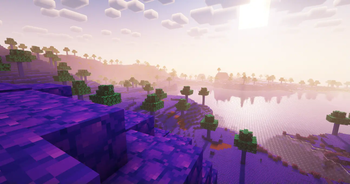
You begin in a special dimension called the Blueberry Dimension. Your main goal is to escape, but that won't be easy! Follow the advancements as your simple guide. You’ll also receive a book with helpful tips and descriptions of key items and mechanics.
HOW TO PLAY
You begin in a special dimension called the Blueberry Dimension. Your main goal is to escape but that won't be easy!
Follow the advancements as your simple guide. You’ll also receive a book with helpful tips and descriptions of key items and mechanics.
Your Main Objective:
- Collect Bu Shards and Diamonds.
- Give Diamonds to the Blueberry Transporter, she might reward you with Sugar.
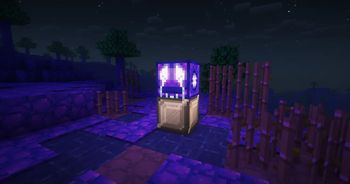
- Trade that Sugar with the Blueberry Dealer to get the Blueberry Reactor Core, which is essential for crafting the Blueberry Reactor.
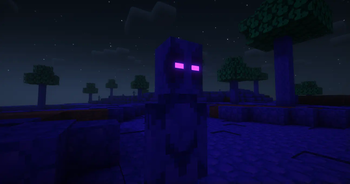
Place the Reactor on a Bu Shard Block to activate it. Then you can print the Cursed Blueberry Scroll, which summons the Blueberry Demon. Defeat the Demon to receive a special tool that allows you to duplicate any blueberry, including the legendary Queen Berry.
You can craft the Queen Berry by combining all types of blueberries in the world. Gather many Queen Berries and mix them with Electro Berries to create the powerful Electro Berry. With that power, you can finally build a Blueberry Portal to escape the dimension!
There are also fun side quests and areas to explore, so take your time and enjoy the adventure!
ISSUES
Please keep in mind that Berrycraft is still a work in progress. You may encounter a few issues:
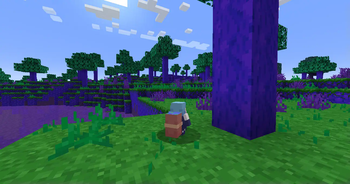
- Grassy Land is very rare, it often generates like an ocean biome.
- Some blocks or entities may not behave correctly.
- Structures might spawn on top of water.
- Occasionally, you won’t receive the advancement reward for defeating the Blueberry Demon.
(recommended to play with JEI mod for full recipe guide!)
- Edition: Minecraft Java
- File type: .jar
- Minecraft version listed: 1.20.1
- How to install: Install the matching mod loader (Forge, Fabric or NeoForge) for your Minecraft version. → Download the .jar. → Put it in the .minecraft/mods folder and launch that loader profile.
- Where to get it: Opens on Modrinth — not every file is mirrored on our own servers.
Install steps are the general flow for this file type — How to install Minecraft Java mods & modpacks walks through it step by step.
- Ships as BERRYCRAFT.jar — drop this file into the mods folder
- Download size: 20.8 MB
- Download link checked 11 Sept 2026 — working
These come from our own check of the pack file, not from the source page.