
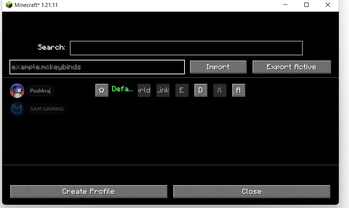
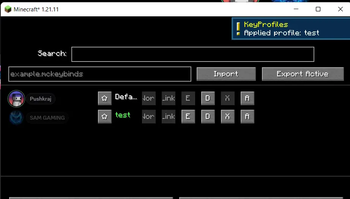
🎮 KeyProfiles
«Simple and fast keybind profile manager for Minecraft.»
📖 Overview
KeyProfiles lets you create, save, and switch between multiple keybind setups instantly — without opening the Controls menu every time.
✨ Features
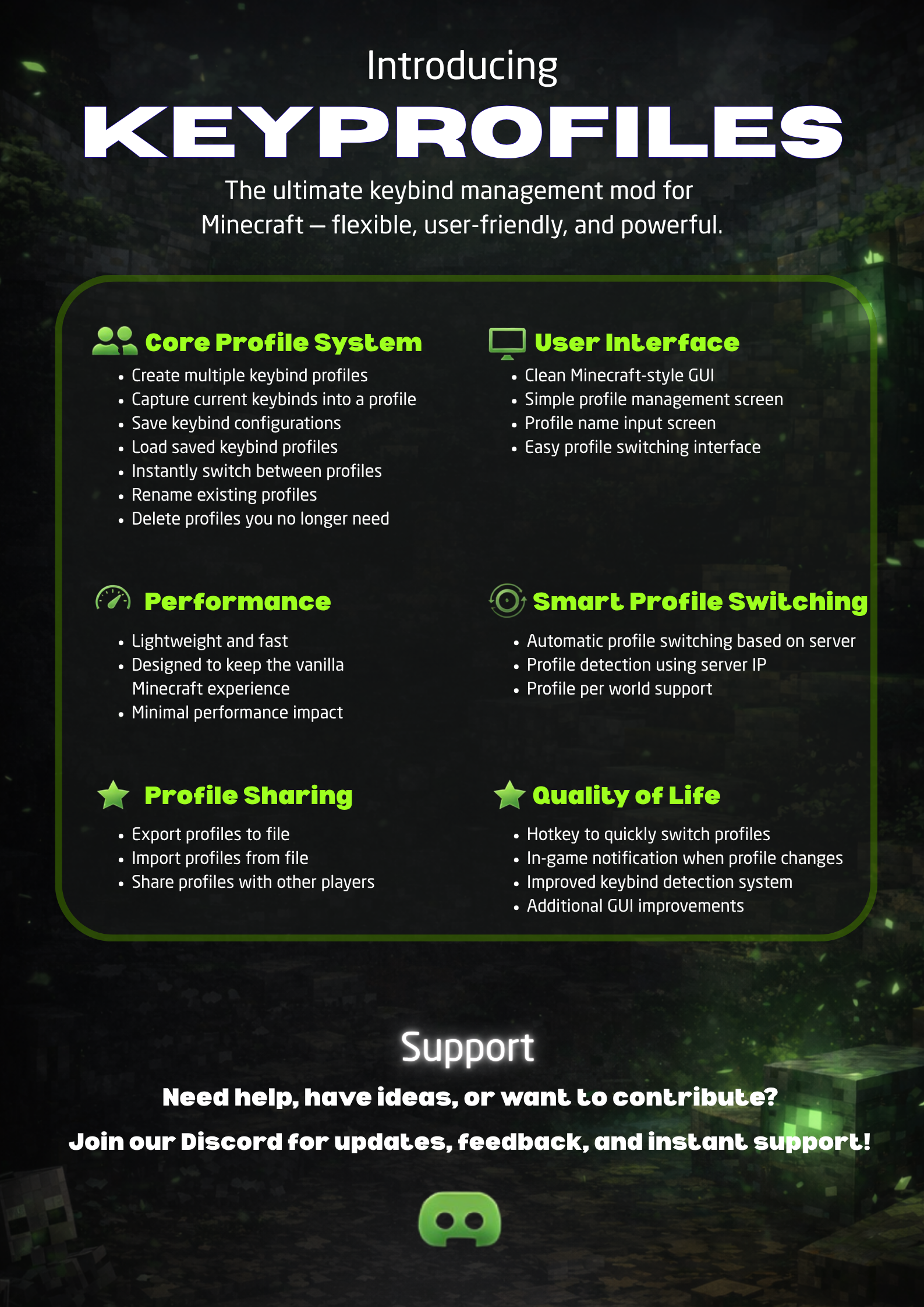
- Create and manage multiple keybind profiles
- Save/load keybinds instantly
- Switch profiles in-game with a hotkey
- Auto-switch profiles per world/server
- Import/export profiles for sharing
- Clean and simple GUI
- Lightweight with minimal performance impact
🎮 How to Use
- Press B to open the KeyProfiles menu (default key — can be changed)
- Or go to Options → Controls → KeyProfiles
- Create a new profile from your current keybinds
- Switch profiles anytime in-game
- Profiles can auto-switch based on world/server
🖼️ Preview
«Check the Gallery tab for all screenshots and visuals.»
📋 Requirements
- Minecraft 1.21.1
- Fabric Loader
- Fabric API
🚀 Installation
- Install Fabric Loader
- Add Fabric API to "mods" folder
- Add KeyProfiles to "mods" folder
- Launch the game
❓ FAQ
Works with other mods? Yes, supports all keybinds.
Client-side? Yes, no server install needed.
🔗 Links
- Modrinth: https://modrinth.com/mod/keyprofiles
- Discord: https://discord.com/invite/AE2zZwzwAy
Quick facts
- Edition: Minecraft Java
- File type: .jar
- Minecraft version listed: 1.21.11
- How to install: Install the matching mod loader (Forge, Fabric or NeoForge) for your Minecraft version. → Download the .jar. → Put it in the .minecraft/mods folder and launch that loader profile.
- Where to get it: Opens on Modrinth — not every file is mirrored on our own servers.
Install steps are the general flow for this file type — How to install Minecraft Java mods & modpacks walks through it step by step.
Verified by MCModsHub
- Ships as keybinds-0.2.jar — drop this file into the mods folder
- Download size: 107 KB
- Download link checked 11 Sept 2026 — working
These come from our own check of the pack file, not from the source page.