
Item Frame Item Blocker (NykooX's version)
Description:
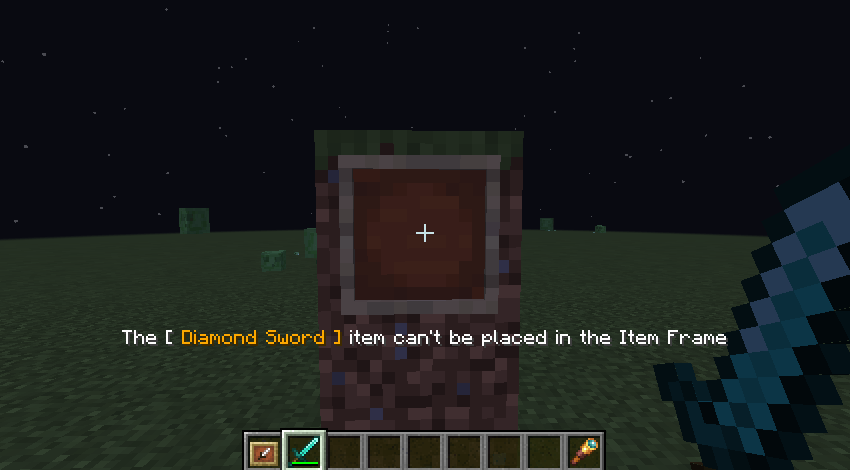
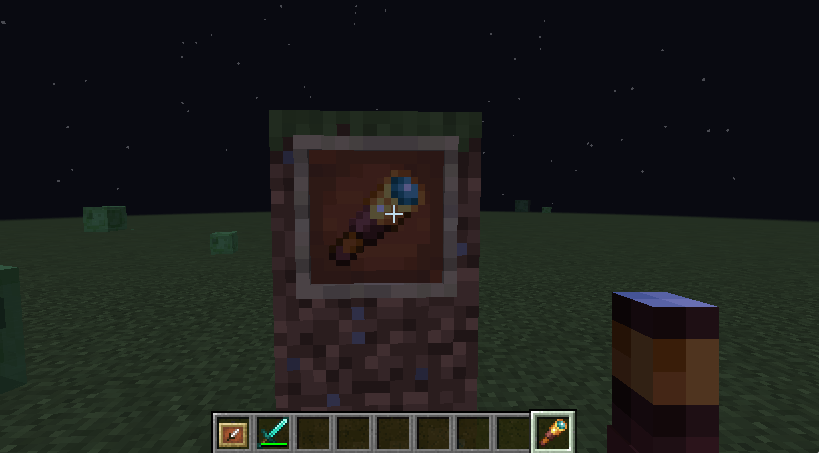
The Item Frame Item Blocker mod enhances your Minecraft experience by allowing you to control which items can be placed in item frames. This mod is perfect for map makers and players who want to restrict item placement for adventure maps, mini-games, or custom builds.
Showcase
Text for illustrative purposes only
Features:
- Customizable Blocked Items: Easily configure the items that cannot be placed in item frames through a simple configuration file.
- User-Friendly Configuration: Modify the
config.propertiesfile to add or remove items from the block list. Just separate item IDs with commas, like so:blockedItems=iron_sword,diamond_sword.
Installation:
- Download the mod from the CurseForge page.
- Place the mod file into the
modsfolder of your Minecraft installation. - Launch Minecraft with the Fabric loader.
- Edit the
config.propertiesfile to customize your blocked items.
Example Configuration:
# List of blocked items for item frames
# Separate items by comma, no spaces
# Only these items will be accepted
blockedItems=iron_sword,diamond_sword
Compatibility:
- Minecraft Version: 1.20.1
- Fabric Loader: Ensure you have the Fabric API installed for optimal performance.
Support:
For any issues or feature requests, please visit the mod's GitHub repository or Discord or leave a comment on the CurseForge page.
Quick facts
- Edition: Minecraft Java
- File type: .jar
- Minecraft version listed: 1.20.1
- How to install: Install the matching mod loader (Forge, Fabric or NeoForge) for your Minecraft version. → Download the .jar. → Put it in the .minecraft/mods folder and launch that loader profile.
- Where to get it: Opens on Modrinth — not every file is mirrored on our own servers.
Install steps are the general flow for this file type — How to install Minecraft Java mods & modpacks walks through it step by step.
Verified by MCModsHub
- Ships as NxItemBlocker-1.0.jar — drop this file into the mods folder
- Download size: 9 KB
- Download link checked 21 Aug 2026 — working
These come from our own check of the pack file, not from the source page.