
FakeThings
Java mod listed for Minecraft 1.20. Downloads from the MC Java Mods app on Android.
Add fake item & fake block for your game. Has been open-sourced on GitHub . This command can spawn a fake item: /give-fake <item> (count) (damage)…
⬇ Download on Modrinth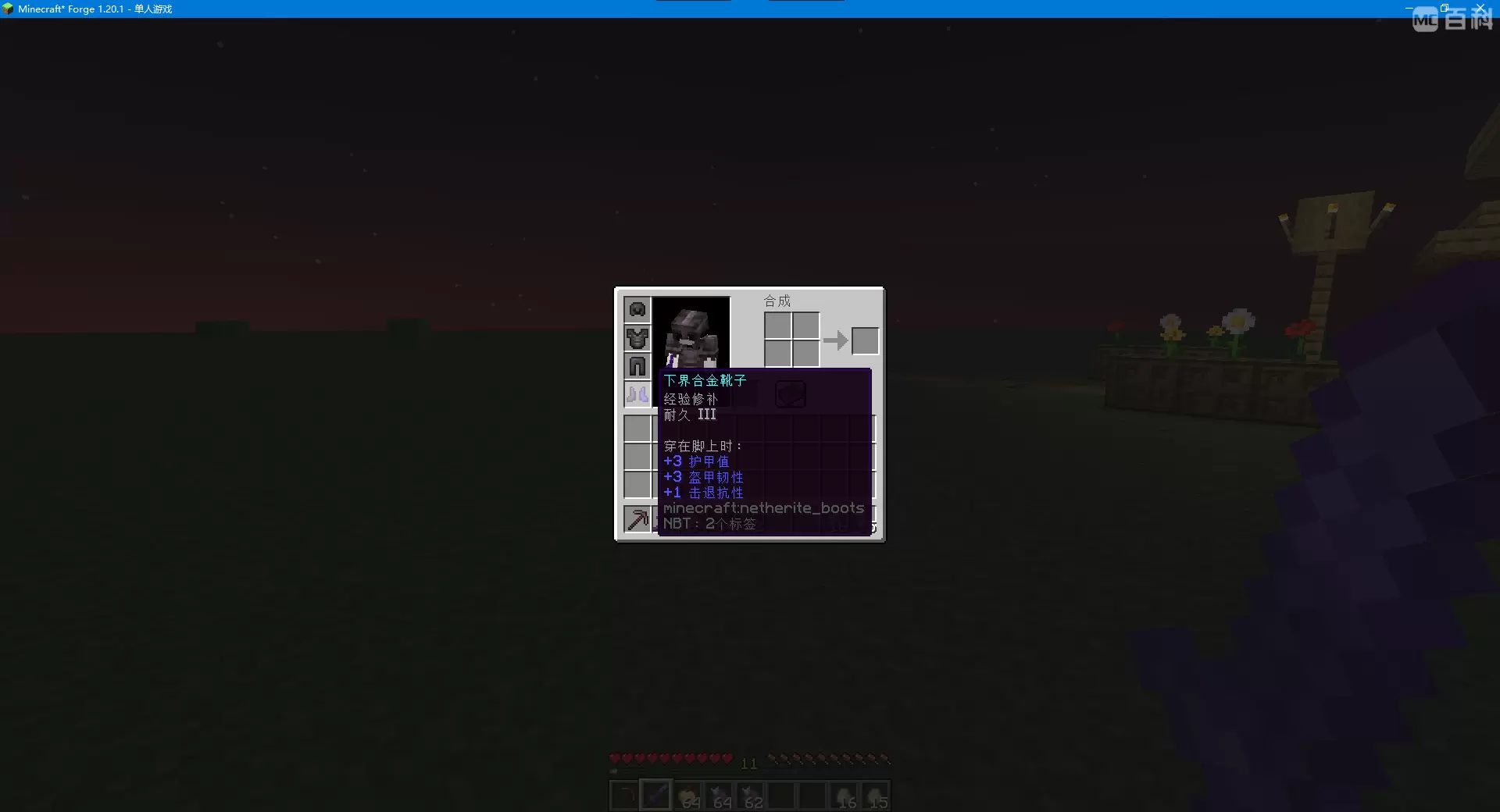
Add fake item & fake block for your game.
Has been open-sourced on GitHub.
This command can spawn a fake item:
/give-fake <item> (count) (damage) (player(s))
or this command:
/give <player(s)> <item>{fake_item:<item>} (count)
The maximum durability and item stack limit of a fake item disguised as a specified item, as well as properties like attack animation, are the same as those of the disguised item.
However, the fake item cannot be used, and its actual attack damage is 0, with a mining speed of 1.0, rather than the values displayed in the non-item tooltip.
When fake item are worn by players, they do not provide actual armor values, armor toughness, or other attributes.
When the disguised item is a block, the placed block will automatically turn into a fake block.
Fake block have no drops and have the same hardness as stone.
Tips:
- Fake items do not have durability, and you can use this method to distinguish whether a specified item is a fake item;
- Fake blocks will be removed when the game save is closed;
- The items displayed in the gallery are all fake.
This mod on MCMOD's page.
- Edition: Minecraft Java
- File type: .jar
- Minecraft version listed: 1.20.1
- How to install: Install the matching mod loader (Forge, Fabric or NeoForge) for your Minecraft version. → Download the .jar. → Put it in the .minecraft/mods folder and launch that loader profile.
- Where to get it: Opens on Modrinth — not every file is mirrored on our own servers.
Install steps are the general flow for this file type — How to install Minecraft Java mods & modpacks walks through it step by step.
- Ships as ft-1.2.jar — drop this file into the mods folder
- Download size: 197 KB
- Download link checked 22 Oct 2026 — working
These come from our own check of the pack file, not from the source page.