
Dye Blocks
Concrete is so last year. Quench your thirst for actually solid-colored blocks without compromising on the vanilla feel!
⬇ Download on Modrinth
Dye Blocks
Concrete is so last year. Quench your thirst for actually solid-colored blocks without compromising on the vanilla feel!
Usage
Craft the Dye Template item using x9 White Dye.
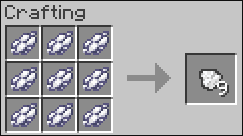
Dye Template crafting recipe
Right now, the Dye Template item is only used to craft the Dye Template Block
Craft the Dye Template Block using x9 Dye Template
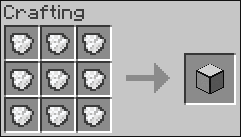
Dye Template Block crafting recipe
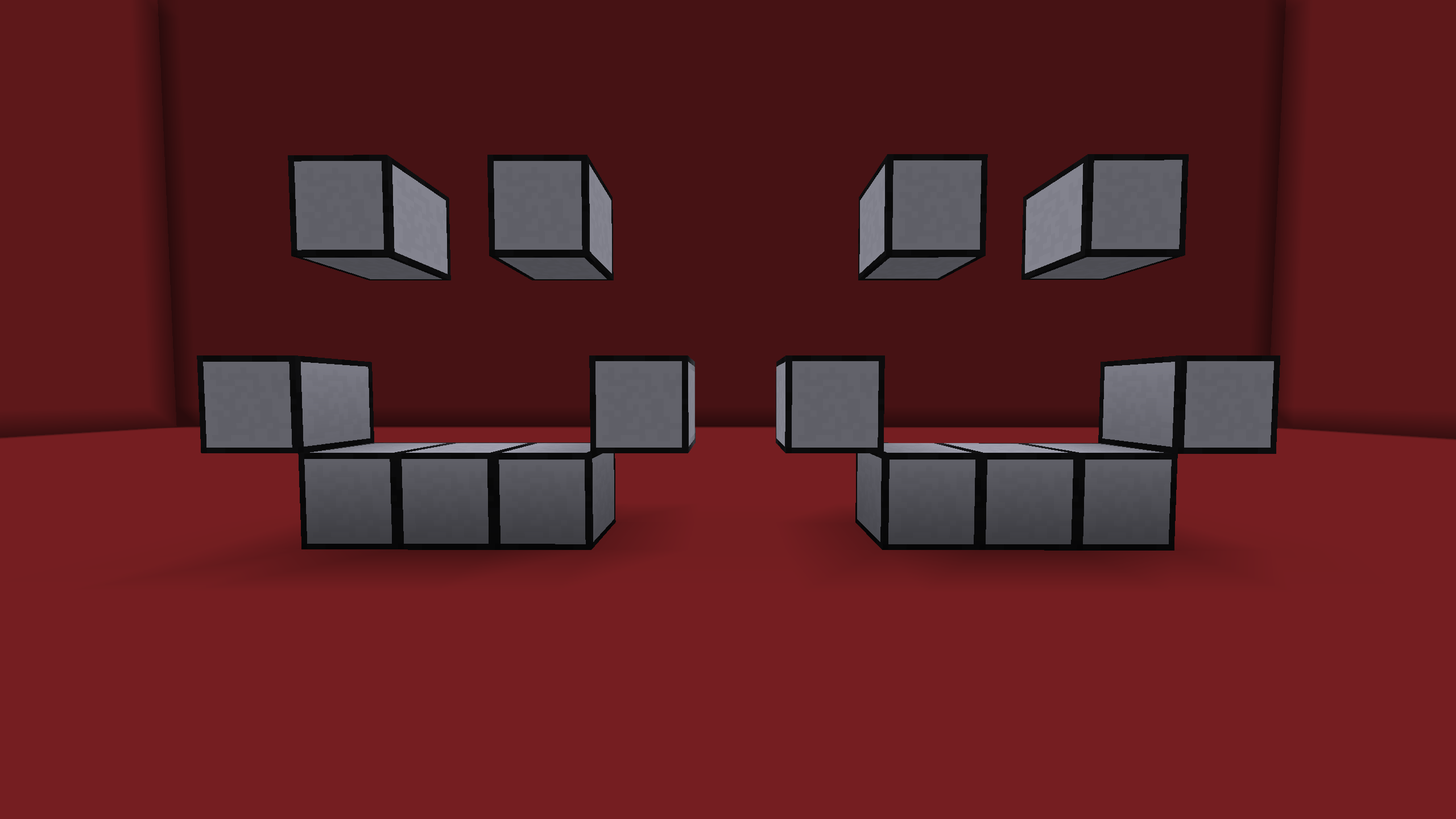 Dye Template Blocks
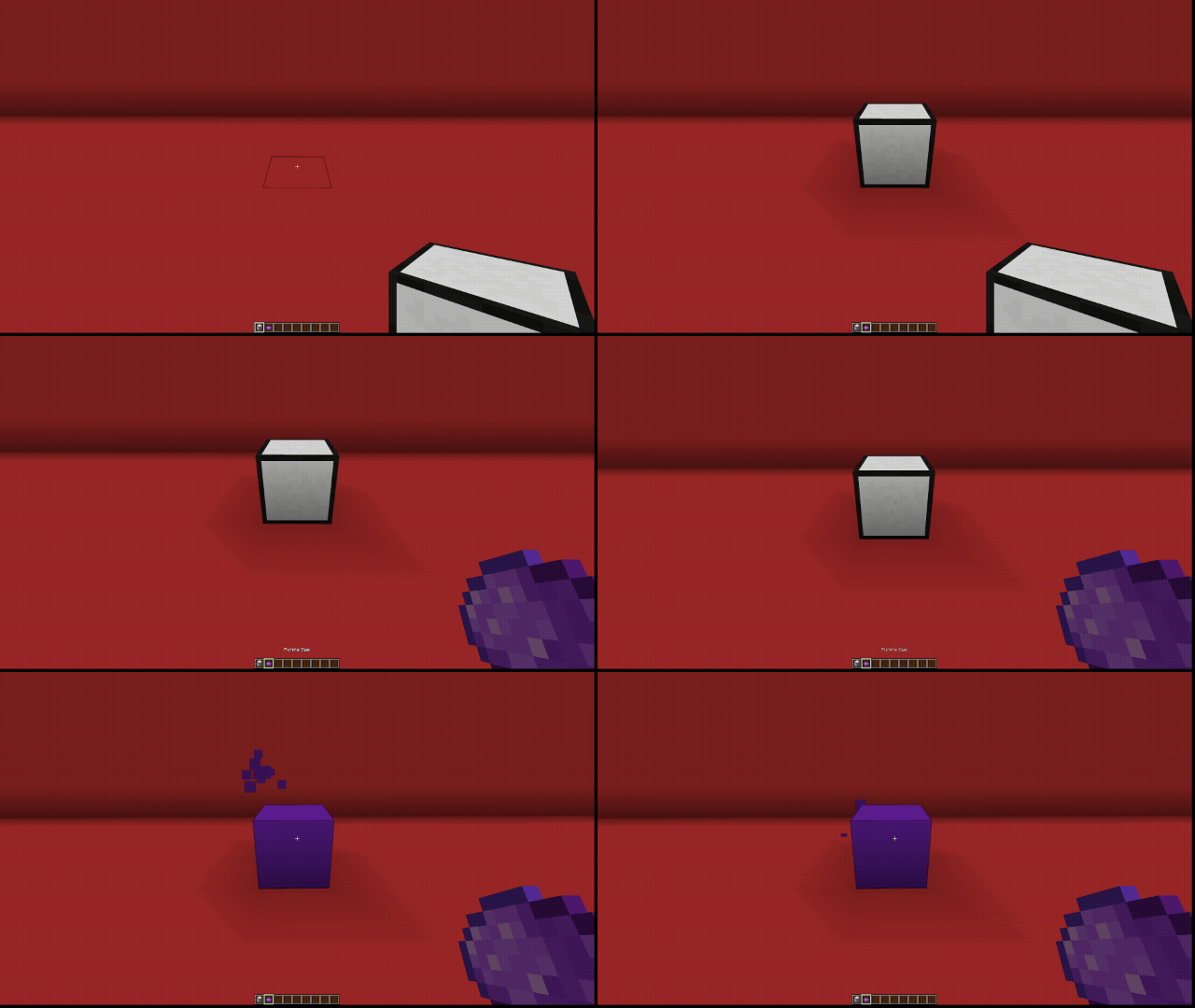
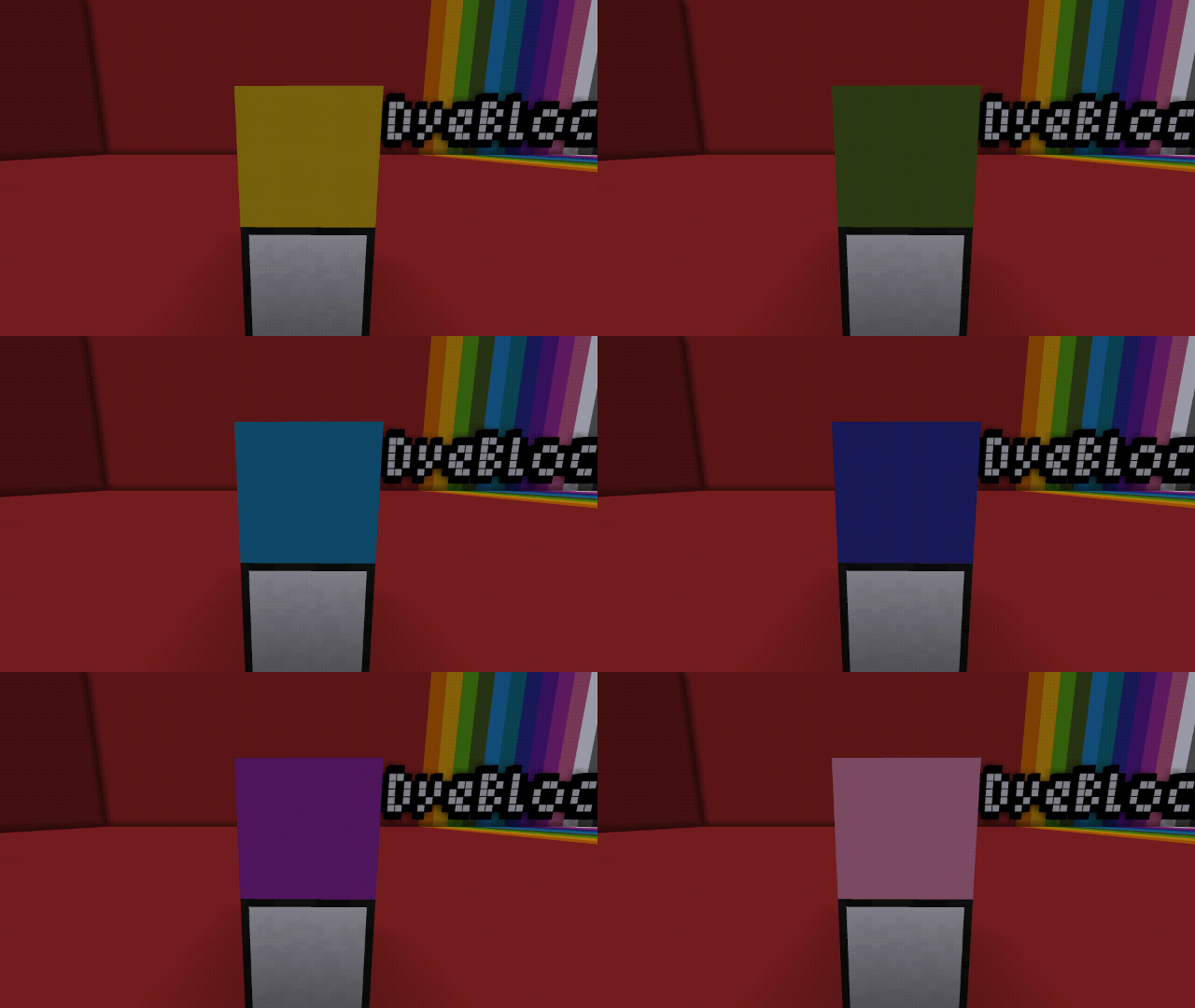
- Place & Right-click on a Dye Template Block with any dye to create a dye block.
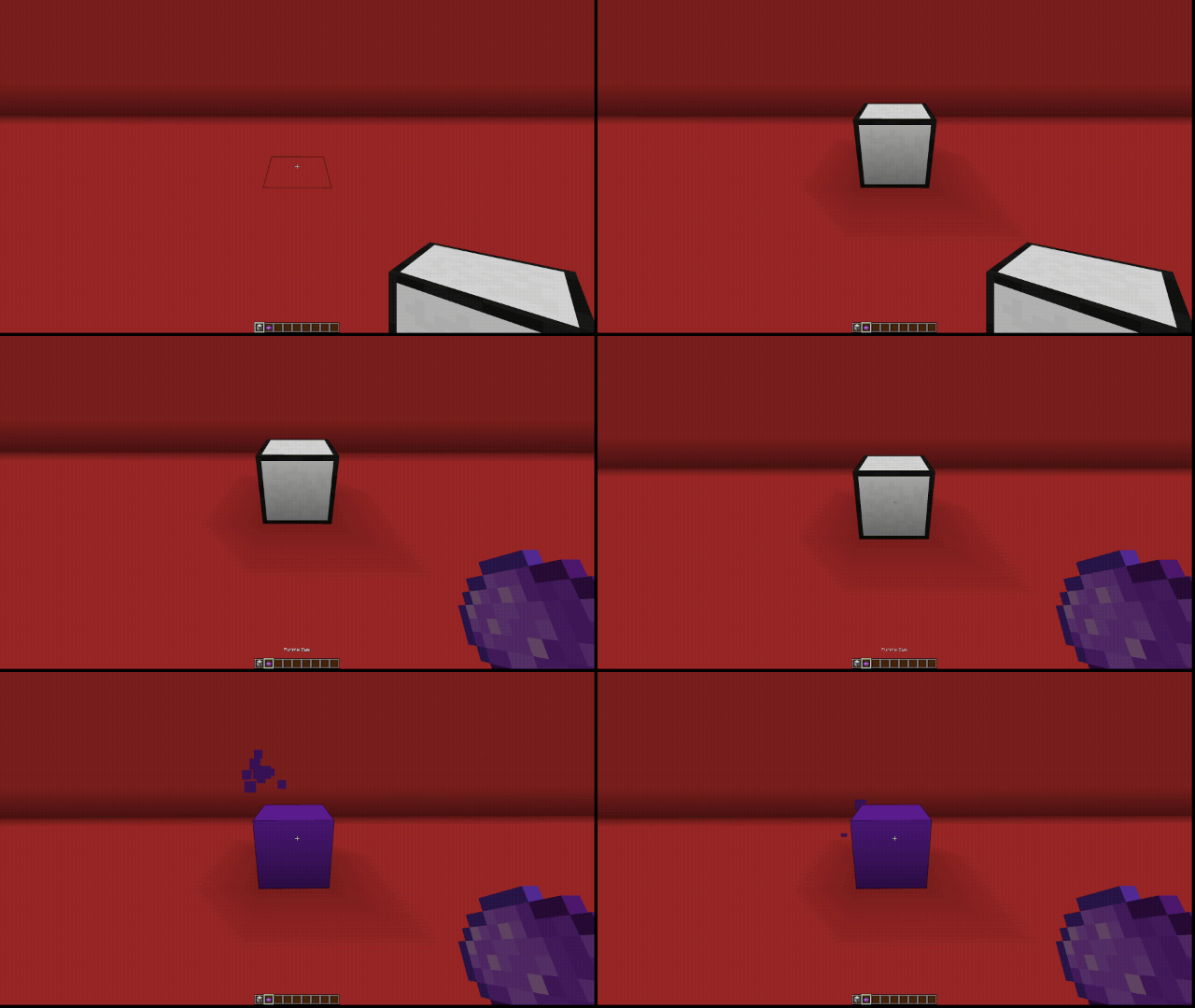
The Super Dye Block is crafted shapelessly using x8 Dye Blocks and a Dye Template Block.
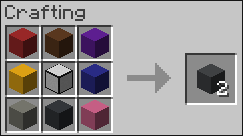
Super Dye Block crafting recipe
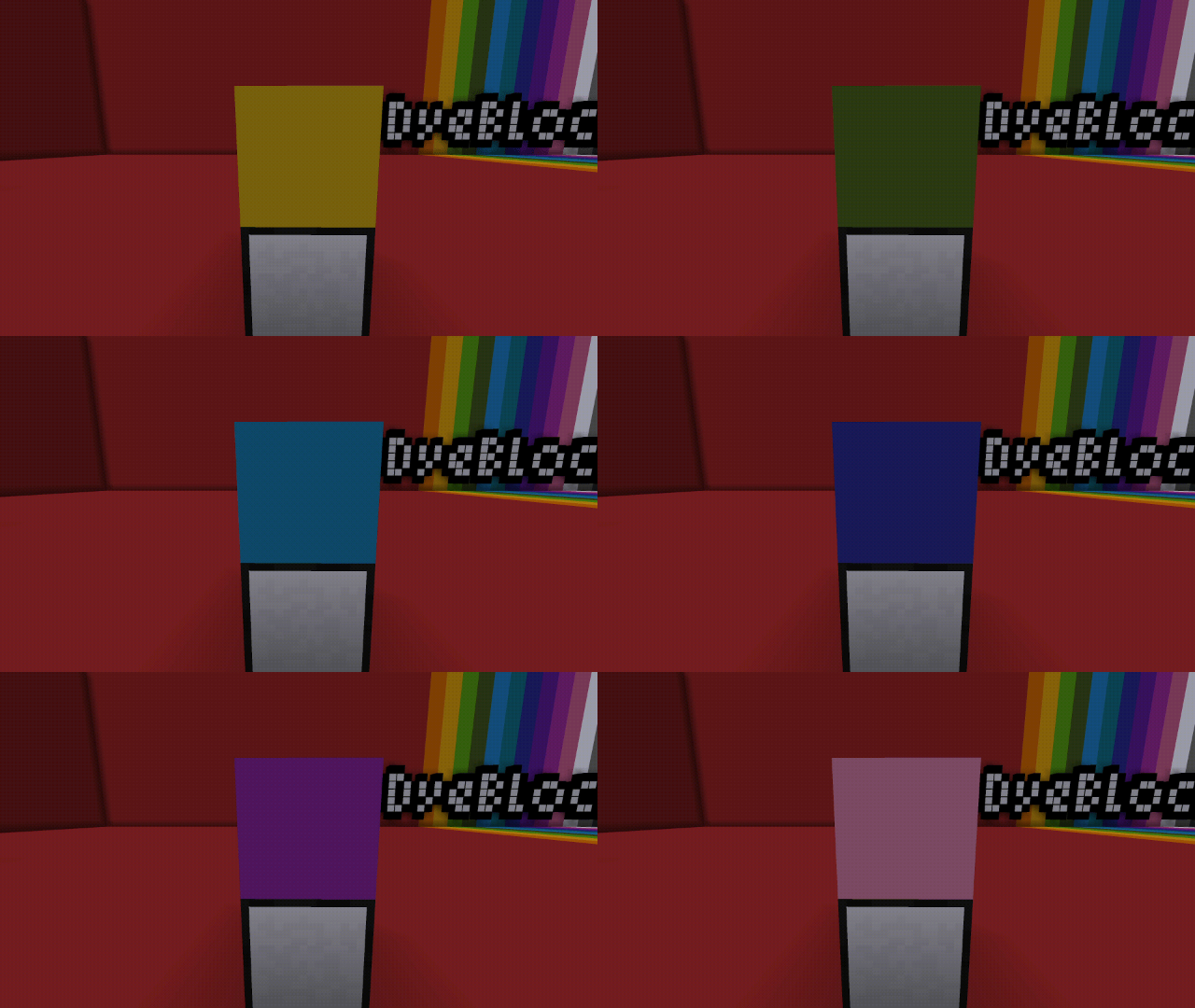
- The Super Dye Block cycles its texture between all 16 colored Dye Blocks.
Supported Versions
- NeoForge 1.21.1
Extra Info & Support
This is the first mod I've published, and my first time using NeoForge. I can not guarantee any new features, unless I hear something really good 😂
Join my Discord server if you have any issues installing/using the mod, I'll do my best to help. :)
- Edition: Minecraft Java
- File type: .jar
- Minecraft version listed: 1.21.1
- How to install: Install the matching mod loader (Forge, Fabric or NeoForge) for your Minecraft version. → Download the .jar. → Put it in the .minecraft/mods folder and launch that loader profile.
- Where to get it: Opens on Modrinth — not every file is mirrored on our own servers.
Install steps are the general flow for this file type — How to install Minecraft Java mods & modpacks walks through it step by step.
- Ships as dyeblocks-1.21.1-1.0.jar — drop this file into the mods folder
- Download size: 64 KB
- Download link checked 21 Aug 2026 — working
These come from our own check of the pack file, not from the source page.