
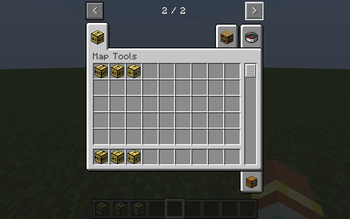
Are you tired of using the same comands over and over at the start of your adventure maps? Use Map Creation Tools (MCT) to make this process easy!
What do the blocks do?
There are three new blocks added in MCT that assist adventure map creators:
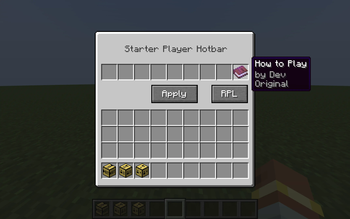
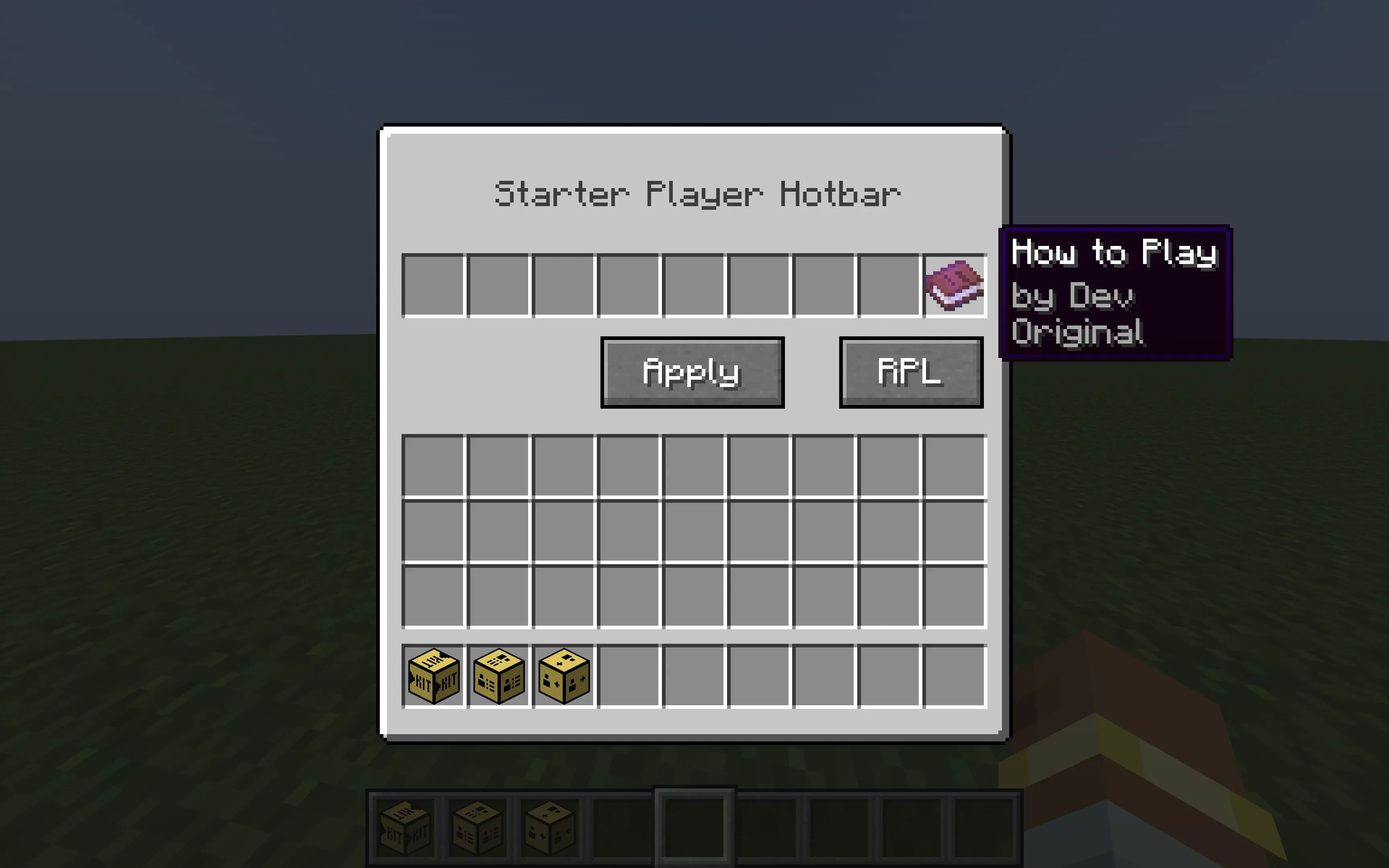
Starter KitYou can use this block to set the hotbar of the player when they first join the map. Use the "RPL" button to refresh the player list so that when they join the map the mod thinks it is their first time.
This block can edit variables of players like allowing them to jump, turning off damage, editing walk speed, and removing hunger. In order for the walk speed changes to take effect, you need to press the "Apply" button.

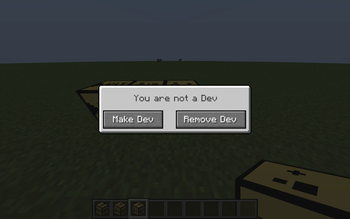
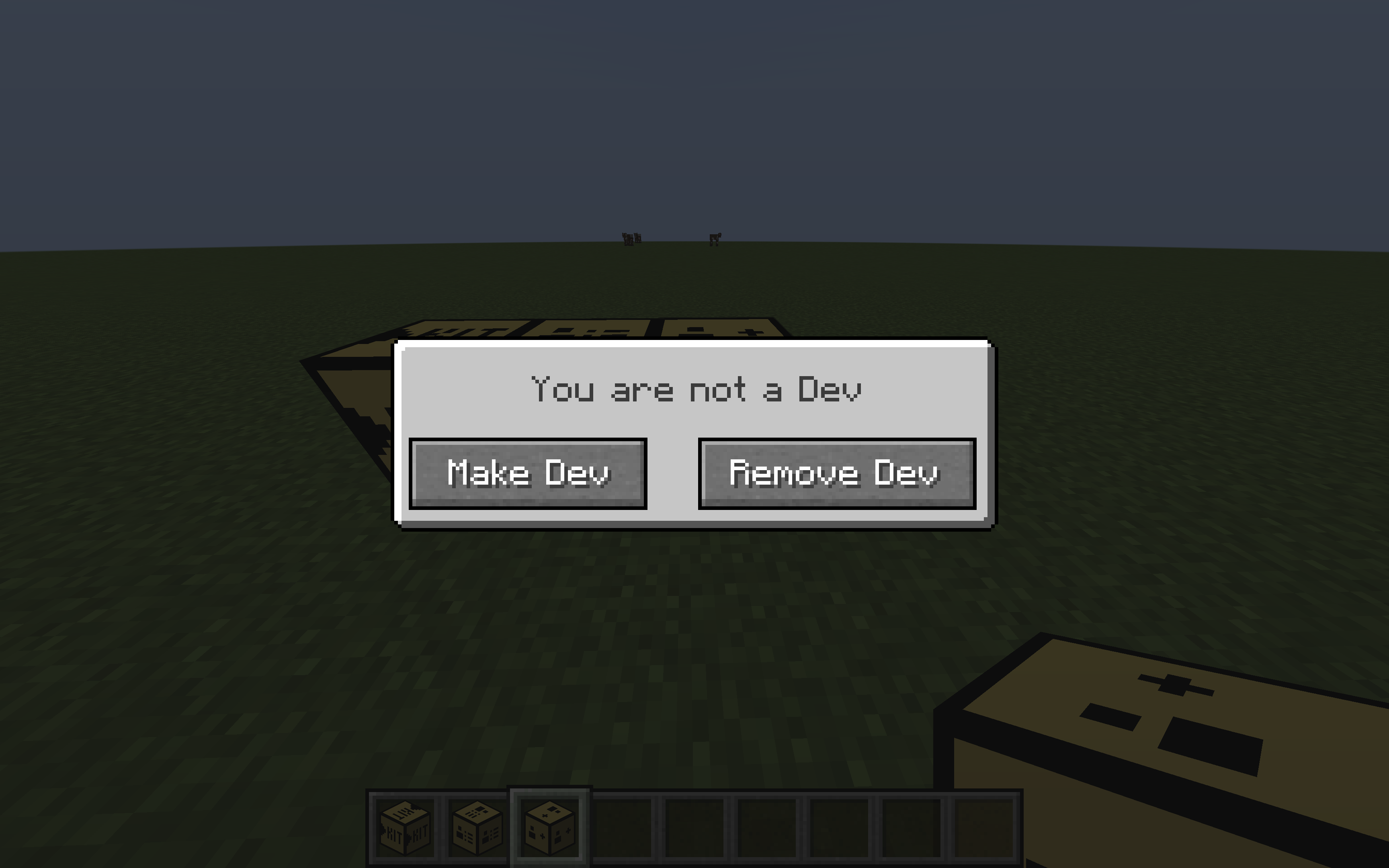
This block lets you toggle Dev Mode. Dev Mode basically means that the other blocks do not have an effect on you (Starter Kit, Player Manager)
- Edition: Minecraft Java
- File type: .jar
- Minecraft versions listed: 1.21.4, 1.21.5, 1.21.6
- How to install: Install the matching mod loader (Forge, Fabric or NeoForge) for your Minecraft version. → Download the .jar. → Put it in the .minecraft/mods folder and launch that loader profile.
- Where to get it: Opens on Modrinth — not every file is mirrored on our own servers.
Install steps are the general flow for this file type — How to install Minecraft Java mods & modpacks walks through it step by step.
- Ships as mapcreationtools-1.0.0-neoforge-1.21.4.jar — drop this file into the mods folder
- Download size: 122 KB
- Download link checked 21 Aug 2026 — working
These come from our own check of the pack file, not from the source page.