
Standby
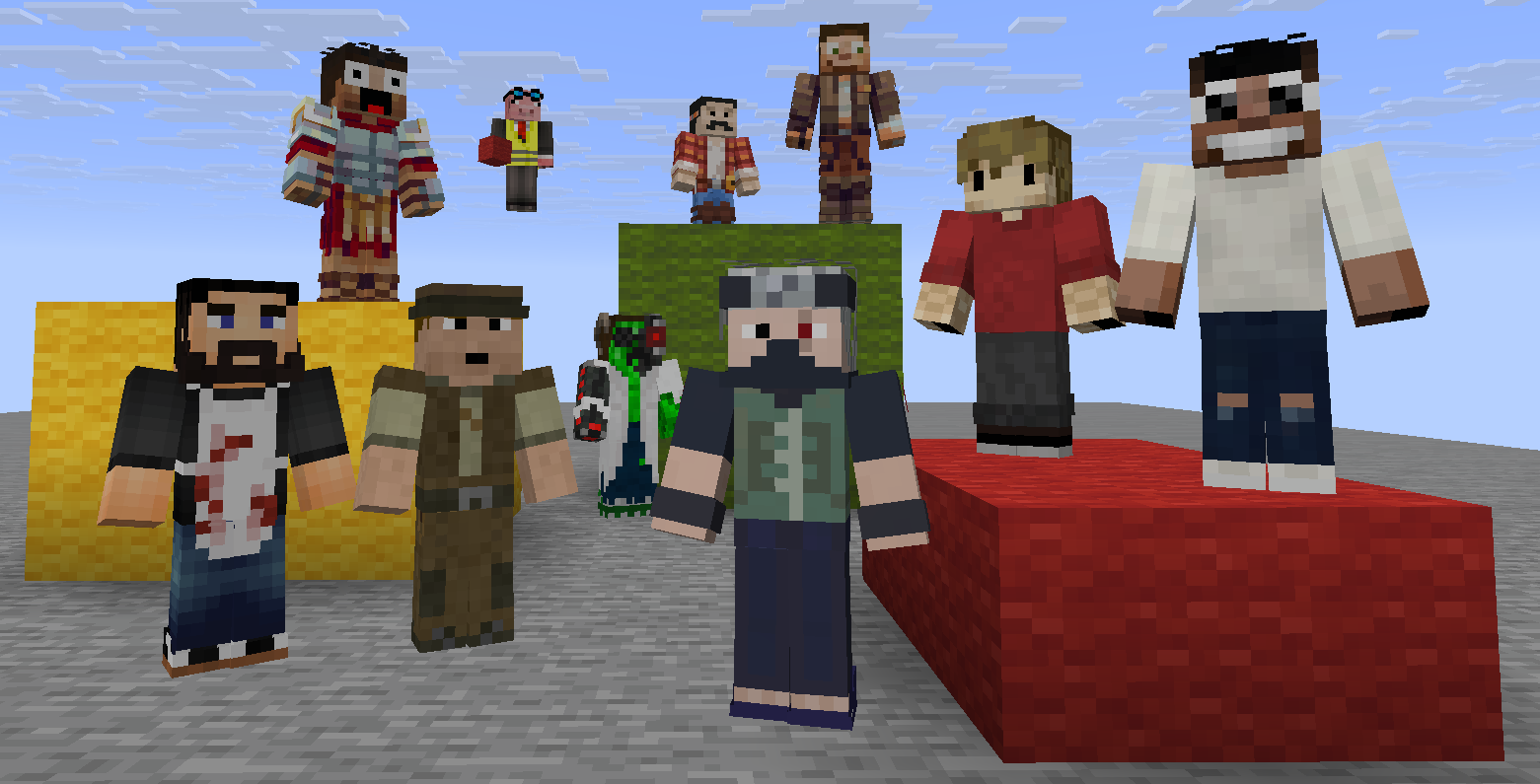
Switch between personas and leave an avatar waiting at each one's last location. When you swap, your previous persona stays standing exactly where you left — ready for you to return.
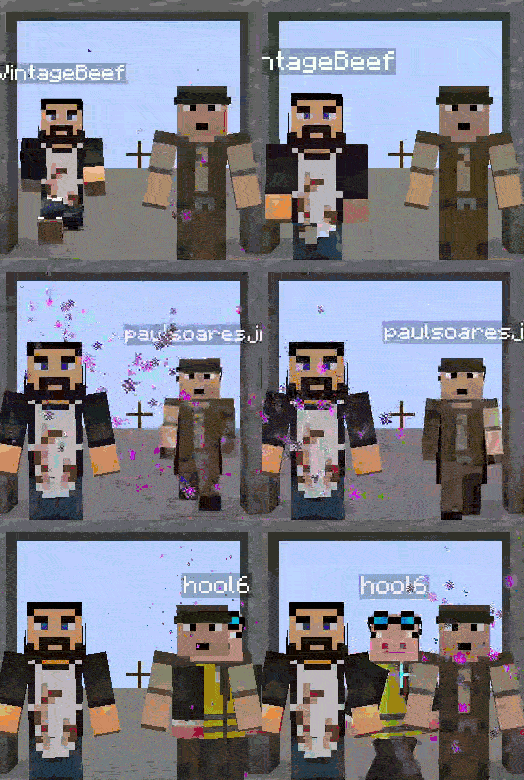
How it works
Register a persona with /standby new <name>. When you switch to it, your skin changes and you're teleported to where that persona last stood. When you leave, a statue of them is placed at your position.
Your real identity is never lost — /standby off always brings you back.
Controls
| Action | Keybind | Command |
|---|---|---|
| Next persona | . |
/standby next |
| Previous persona | , |
/standby previous |
| Return to self | ; |
/standby off |
| Switch directly | — | /standby set <name> |
| New persona | — | /standby new <name> |
| Remove persona | — | /standby delete <name> |
| List all | — | /standby list |
Works in survival, on servers, without OP.
Requirements
Quick facts
- Edition: Minecraft Java
- File type: .jar
- Minecraft versions listed: 1.21, 1.21.1, 1.21.2
- How to install: Install the matching mod loader (Forge, Fabric or NeoForge) for your Minecraft version. → Download the .jar. → Put it in the .minecraft/mods folder and launch that loader profile.
- Where to get it: Opens on Modrinth — not every file is mirrored on our own servers.
Install steps are the general flow for this file type — How to install Minecraft Java mods & modpacks walks through it step by step.
Verified by MCModsHub
- Ships as standby-1.0.0.jar — drop this file into the mods folder
- Download size: 21 KB
- Download link checked 22 Aug 2026 — working
These come from our own check of the pack file, not from the source page.