
World Mob Vision
Have you ever felt ignored by the hostile mobs in your world? Well this mod makes it so that every hostile mob when they spawn they know EXACTLY where you…
⬇ Download on Modrinth
World Mob Vision
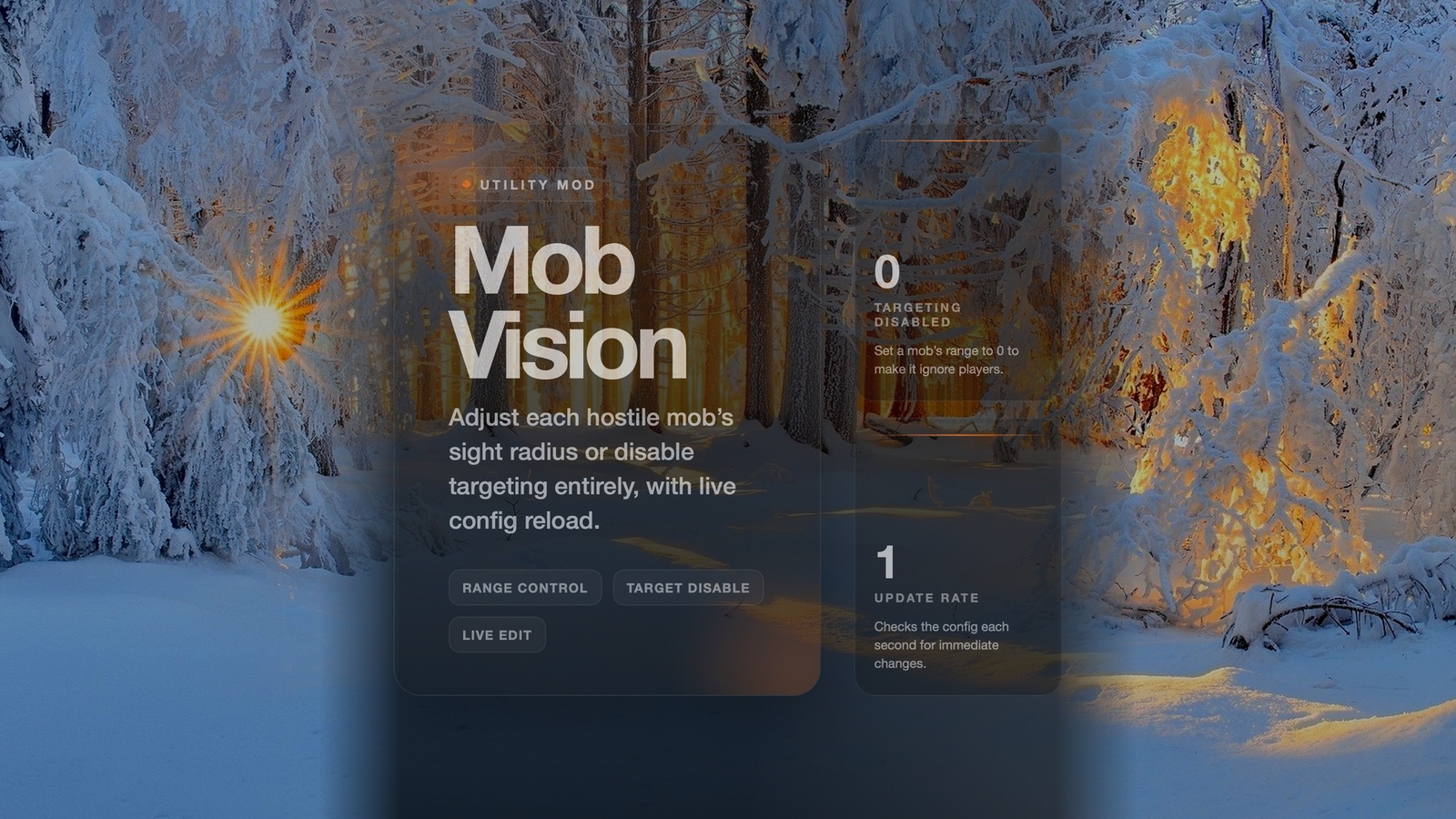
Mob Vision lets you set how far each hostile mob can see and chase players. You edit a simple config file to change detection ranges, or stop certain mobs from targeting players at all. The changes take effect immediately without restarting the game.
Description
Mob Vision lets you configure the detection range for each hostile mob type. Adjust the range in the config file mobvision.txt or set a range to 0 to stop a mob from targeting players. The mod updates every second so changes apply while you play.
How It Works (for the user)
- Hostile mobs within the configured range will chase and attack the nearest player.
- You can adjust each mob’s sight range in the config file
mobvision.txt. - Setting a mob’s range to 0 stops it from targeting players.
- The mod checks for changes once per second, so updates happen while you play.
- It works on all loaded hostile mobs such as zombies, skeletons, spiders, and creepers.
- No new items, blocks, or commands are added.
Features
- Configurable detection ranges per mob type.
- Ability to disable targeting for specific mobs by setting range to 0.
- Automatic reload of the config file when it is edited during gameplay.
- Supports vanilla hostile mobs only; no extra content is added.
- Simple text‑based configuration that can be edited with any editor.
Why Use This Mod?
- Fine‑tune how aggressive mobs are without changing gameplay balance.
- Prevent specific mobs from seeing you through walls or from a distance.
- Adjust difficulty to match your playstyle or server rules.
- No extra setup beyond editing a text file.
What You'll Notice
- The range for each mob type can be set in the config file mobvision.txt.
- The mod updates mob targeting once per second .
- Edition: Minecraft Java
- File type: .jar
- Minecraft version listed: 1.12.2
- How to install: Install the matching mod loader (Forge, Fabric or NeoForge) for your Minecraft version. → Download the .jar. → Put it in the .minecraft/mods folder and launch that loader profile.
- Where to get it: Opens on Modrinth — not every file is mirrored on our own servers.
Install steps are the general flow for this file type — How to install Minecraft Java mods & modpacks walks through it step by step.
- Ships as Mob-Vision-1.0.0.jar — drop this file into the mods folder
- Download size: 10 KB
- Download link checked 22 Aug 2026 — working
These come from our own check of the pack file, not from the source page.