
ModsJava
World Auto Tool Swap
Java mod listed for Minecraft 1.12. Downloads from the MC Java Mods app on Android.
⬇ Download on Modrinth
World Auto Tool Swap
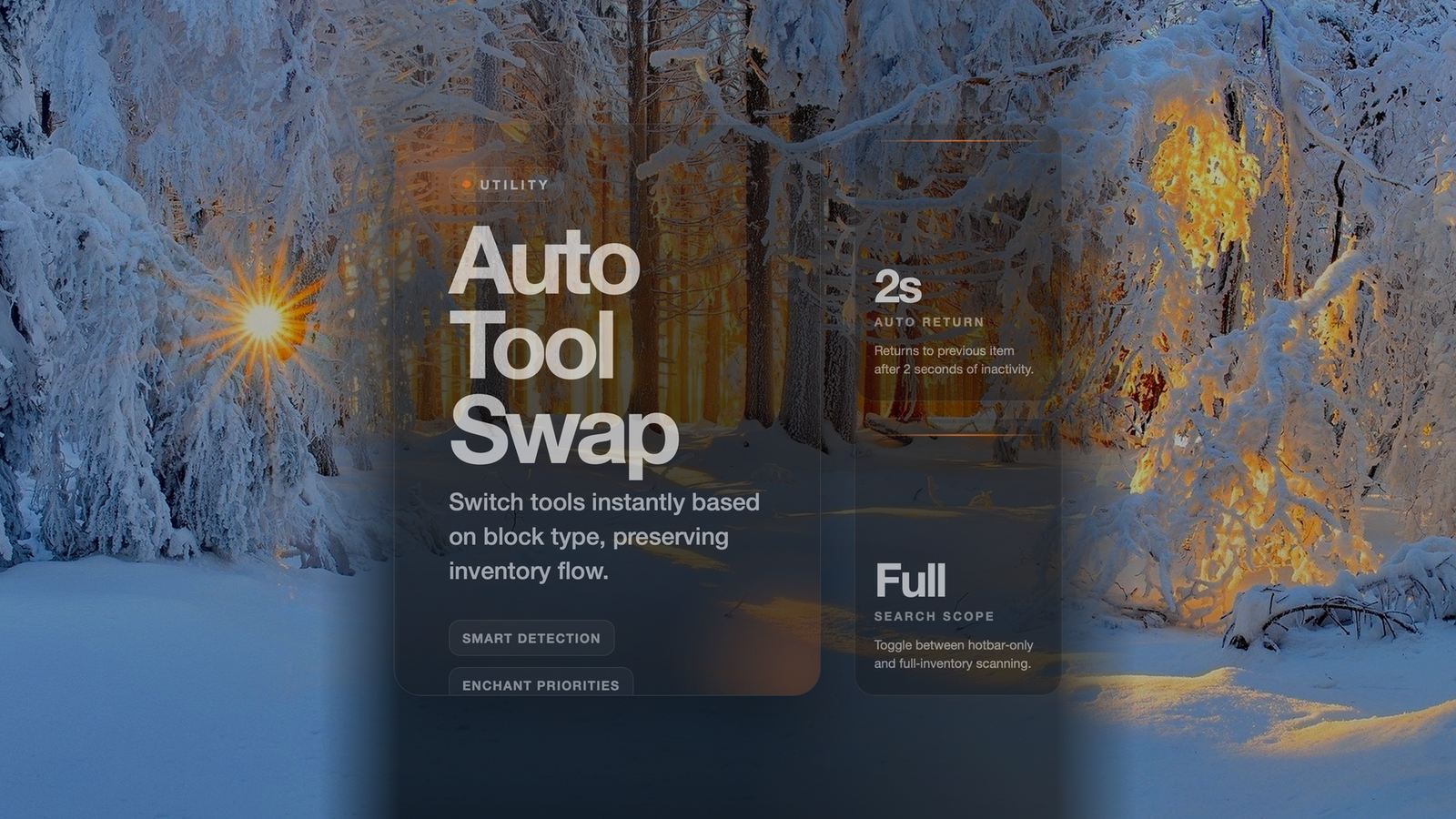
Never waste time manually switching tools while mining! This mod automatically selects the best tool from your inventory when you start breaking a block.
Features
- ✅ Smart Tool Detection - Automatically uses the right tool type for each block
- Shovels for dirt, grass, sand, gravel, clay, farmland, soul sand, snow
- Axes for logs, planks, fences, doors, chests, crafting tables
- Pickaxes for stone, ores, and everything else
- ✅ Enchantment Preferences - Prioritizes tools with better enchantments
- Efficiency (higher levels preferred)
- Unbreaking (higher levels preferred)
- ✅ Switch Back Feature - Returns to your previous item after mining (2 second delay)
- ✅ Flexible Search - Choose between hotbar-only or full inventory search
How It Works
Left-click on any block to start mining. The mod detects the block type and finds the best matching tool. Your hotbar automatically switches to that tool. After you finish mining (2 seconds of inactivity), it switches back to your original item.
enableAutoSwap (default: true).
Enable or disable automatic tool swapping.

hotbarOnly (default: true).
Only search hotbar slots (0-8) for tools.
Set to false to search entire inventory.
Quick facts
- Edition: Minecraft Java
- File type: .jar
- Minecraft version listed: 1.12.2
- How to install: Install the matching mod loader (Forge, Fabric or NeoForge) for your Minecraft version. → Download the .jar. → Put it in the .minecraft/mods folder and launch that loader profile.
- Where to get it: Opens on Modrinth — not every file is mirrored on our own servers.
Install steps are the general flow for this file type — How to install Minecraft Java mods & modpacks walks through it step by step.
File checked by MCModsHub
- Ships as Auto-Tool-Swap-1.0.0.jar — drop this file into the mods folder
- Download size: 10 KB
- Download link checked 23 Oct 2026 — working
These come from our own check of the pack file, not from the source page.