
Gold&Blood
Java mod listed for Minecraft 1.20. Downloads from the MC Java Mods app on Android.
This mod adds a system of trading “magical substances” in a fantasy world to Minecraft. Players can grow, process, and trade various ingredients within…
⬇ Download on Modrinth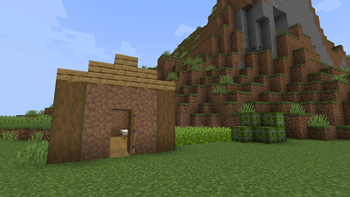
Guide for Growing and Selling Crops
Step 1: Find Seeds
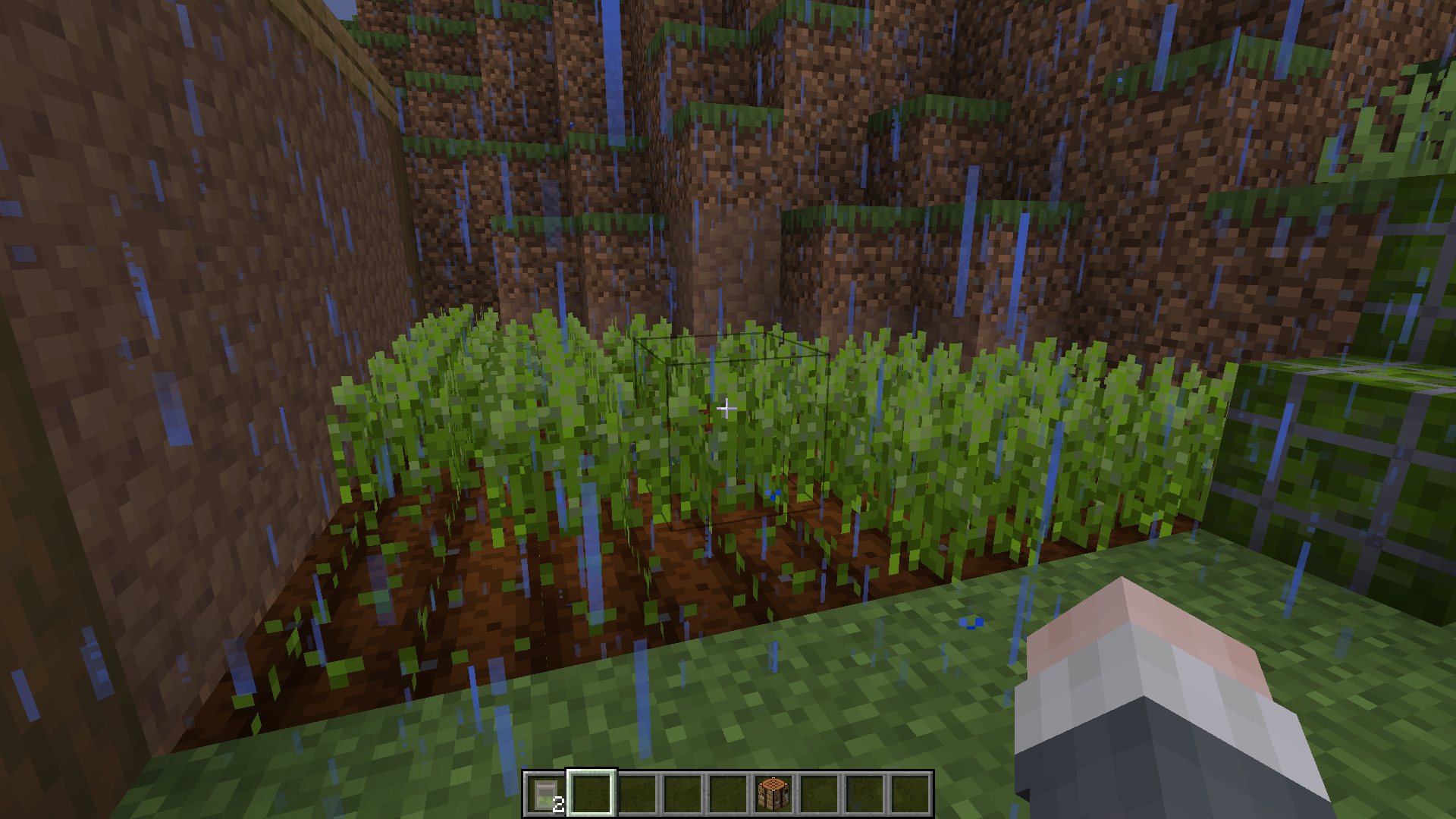
To grow plants, you need to search the grass for seeds that can be planted on a farm plot.
Step 2: Growing and Drying
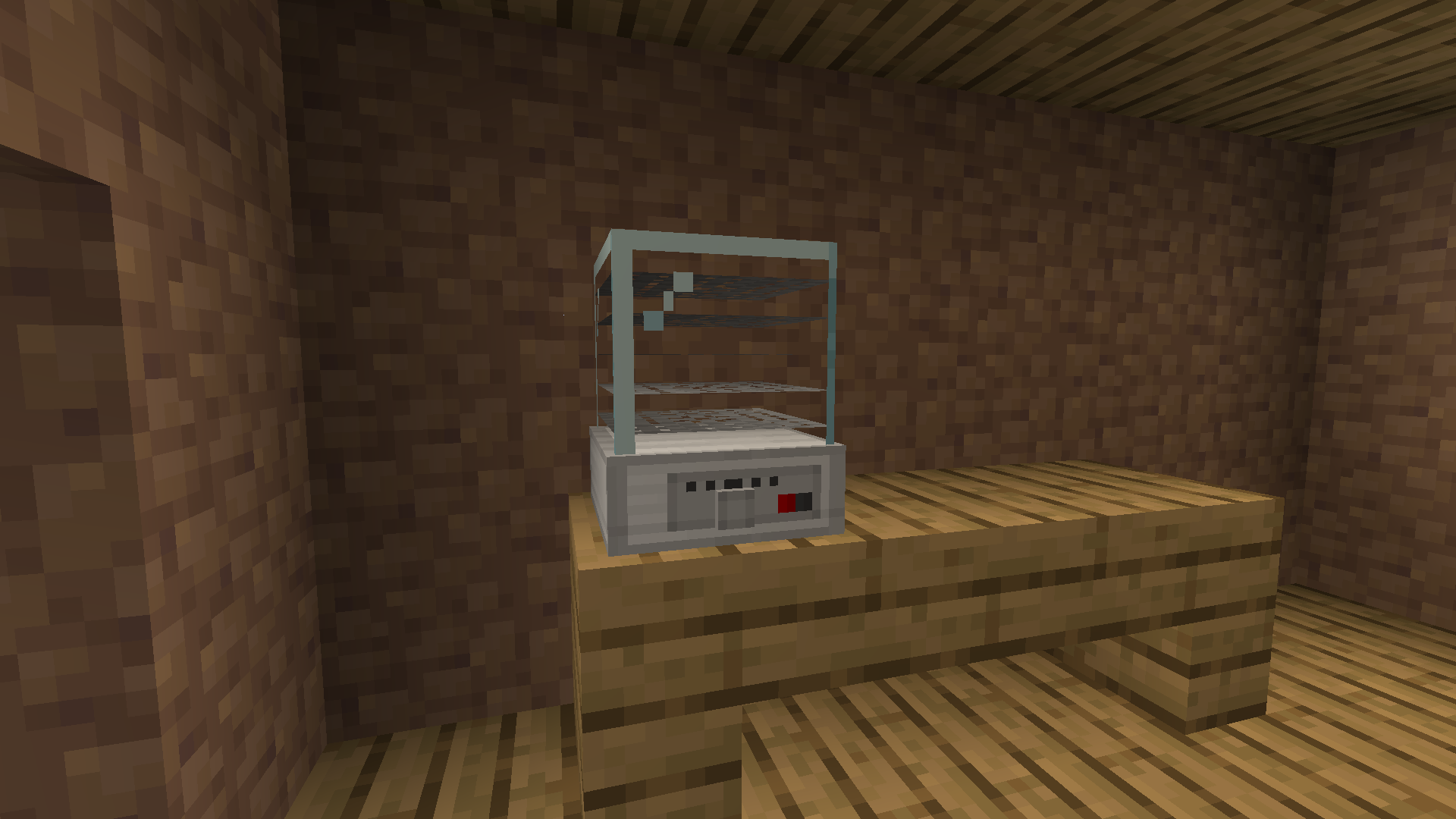
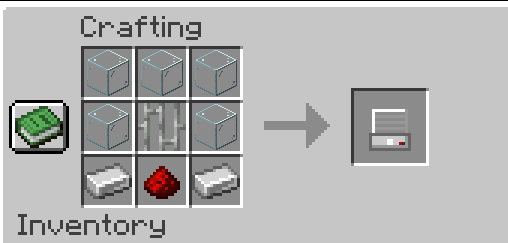
When the crop matures, its quality may be low. After that, you need to dry it.
Step 3: Packaging the Product
Once the crop is dried, you need to pack it into a bag.
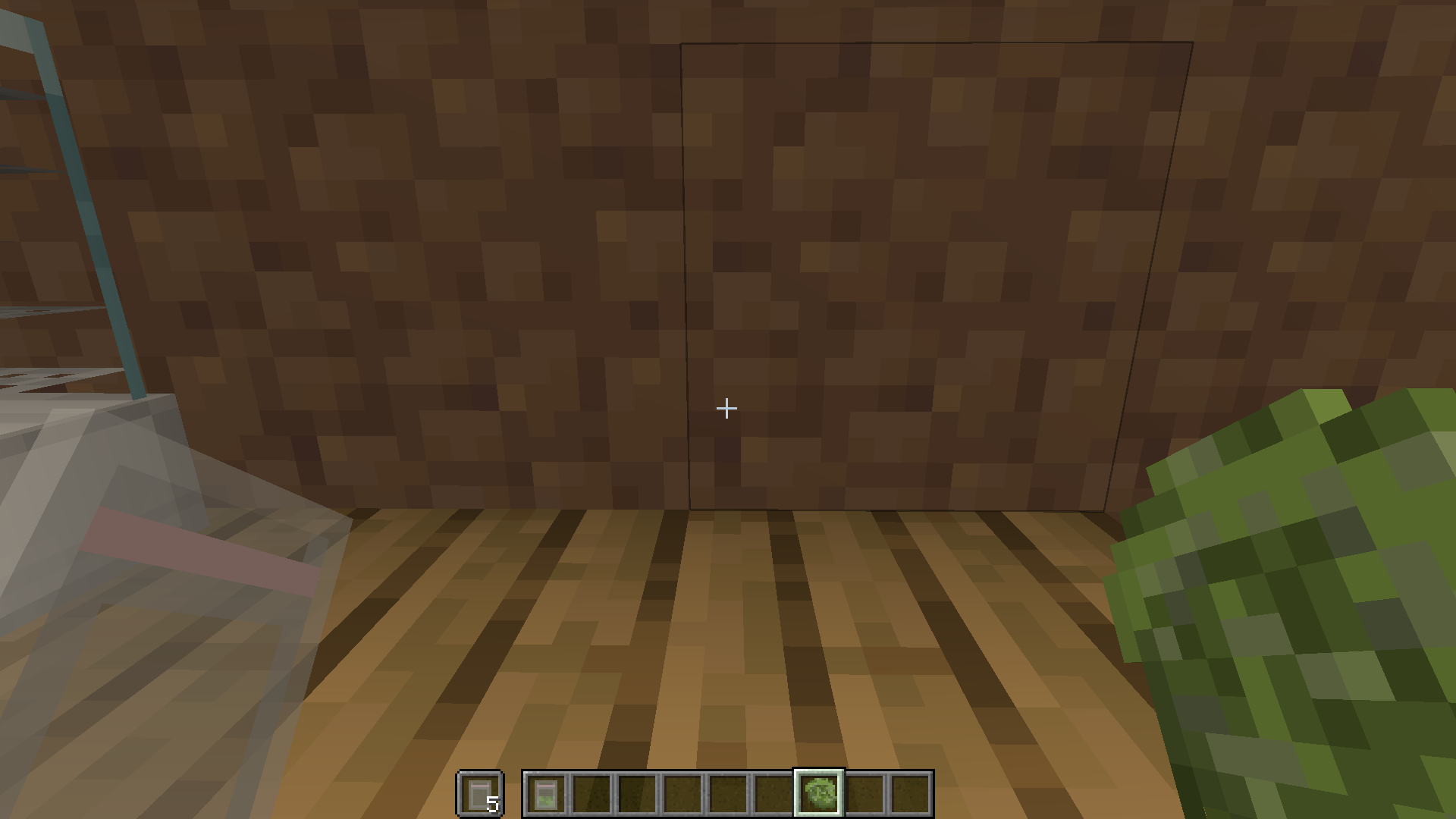
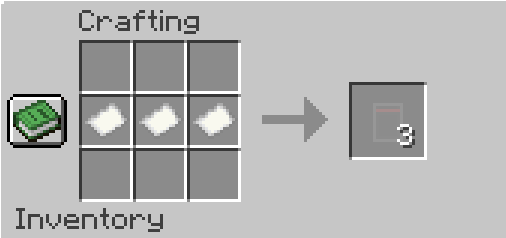
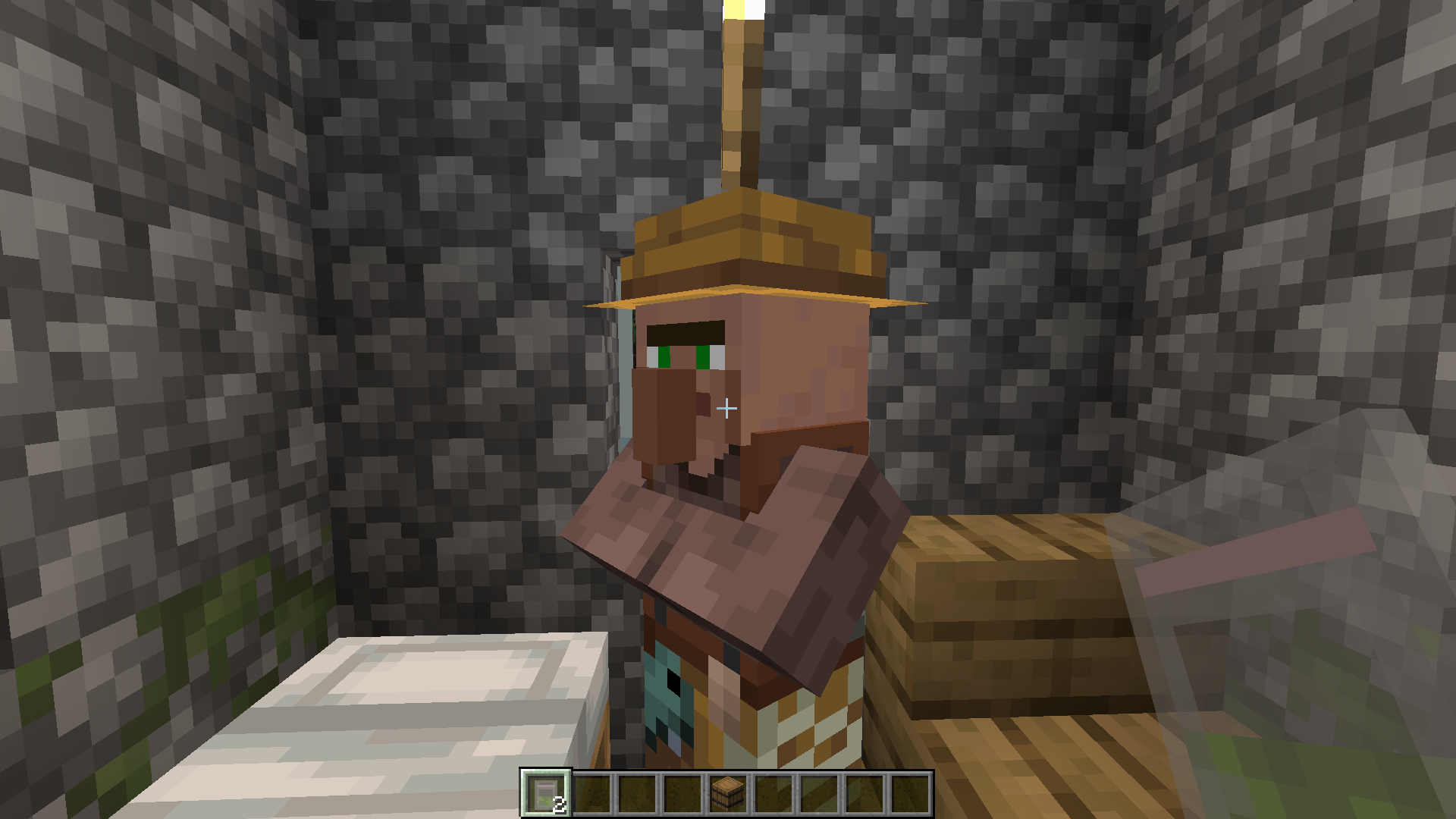
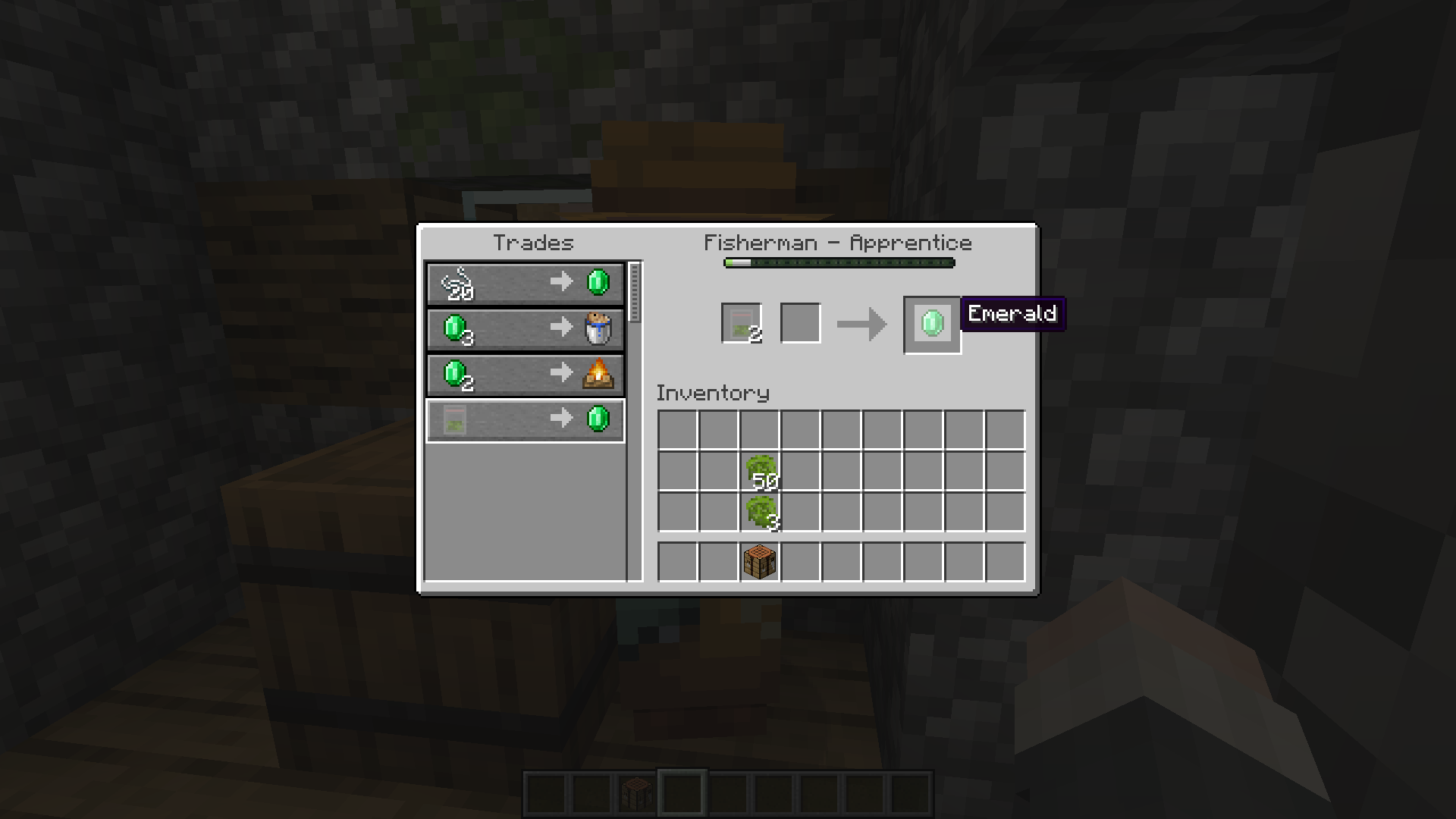
Step 4: Selling to Villagers
Take the finished product to villagers. Not all villagers will buy your product — some are picky about quality.
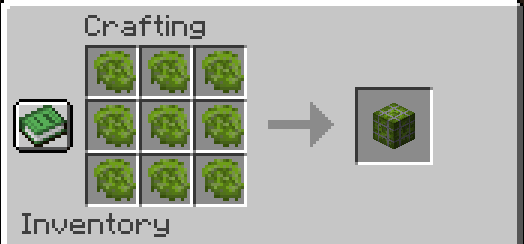
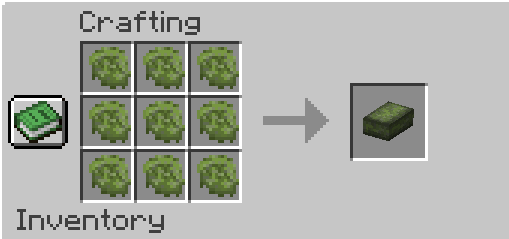
If you have a large amount of product, you can craft it into blocks for easier storage.
- Edition: Minecraft Java
- File type: .jar
- Minecraft version listed: 1.20.1
- How to install: Install the matching mod loader (Forge, Fabric or NeoForge) for your Minecraft version. → Download the .jar. → Put it in the .minecraft/mods folder and launch that loader profile.
- Where to get it: Opens on Modrinth — not every file is mirrored on our own servers.
Install steps are the general flow for this file type — How to install Minecraft Java mods & modpacks walks through it step by step.
- Ships as g&b 1.2.jar — drop this file into the mods folder
- Download size: 1.9 MB
- Download link checked 23 Oct 2026 — working
These come from our own check of the pack file, not from the source page.