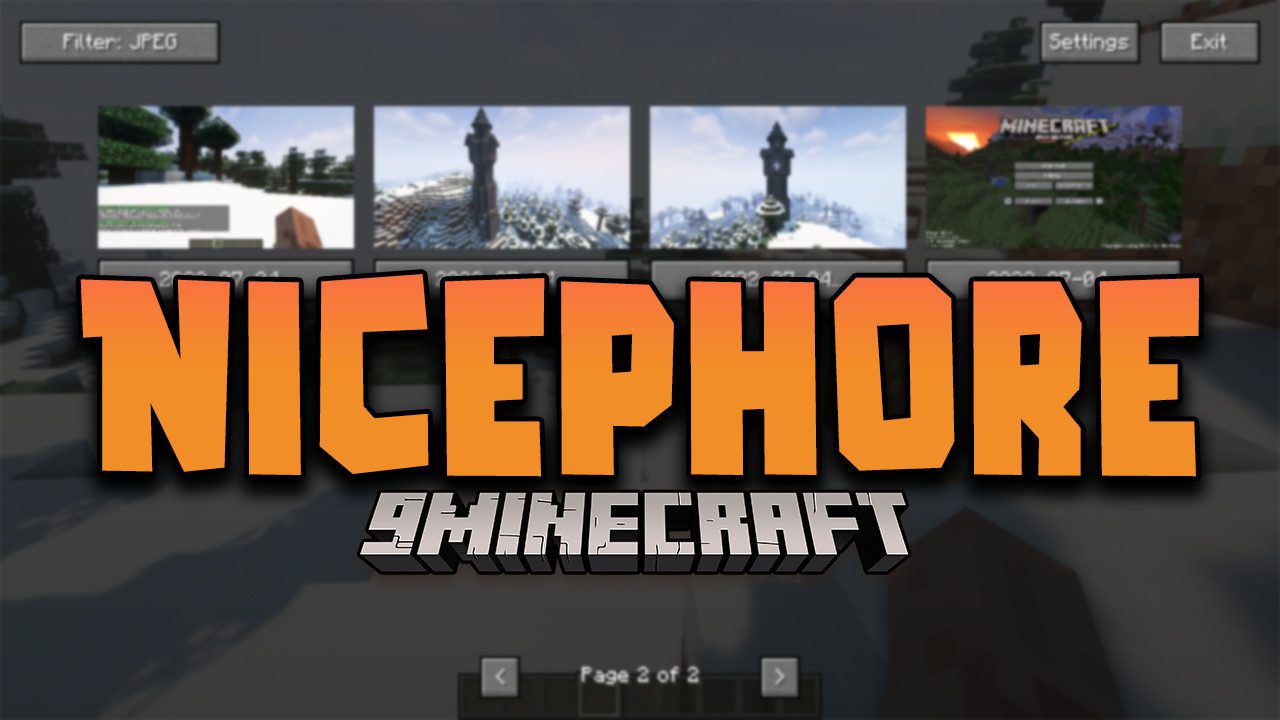
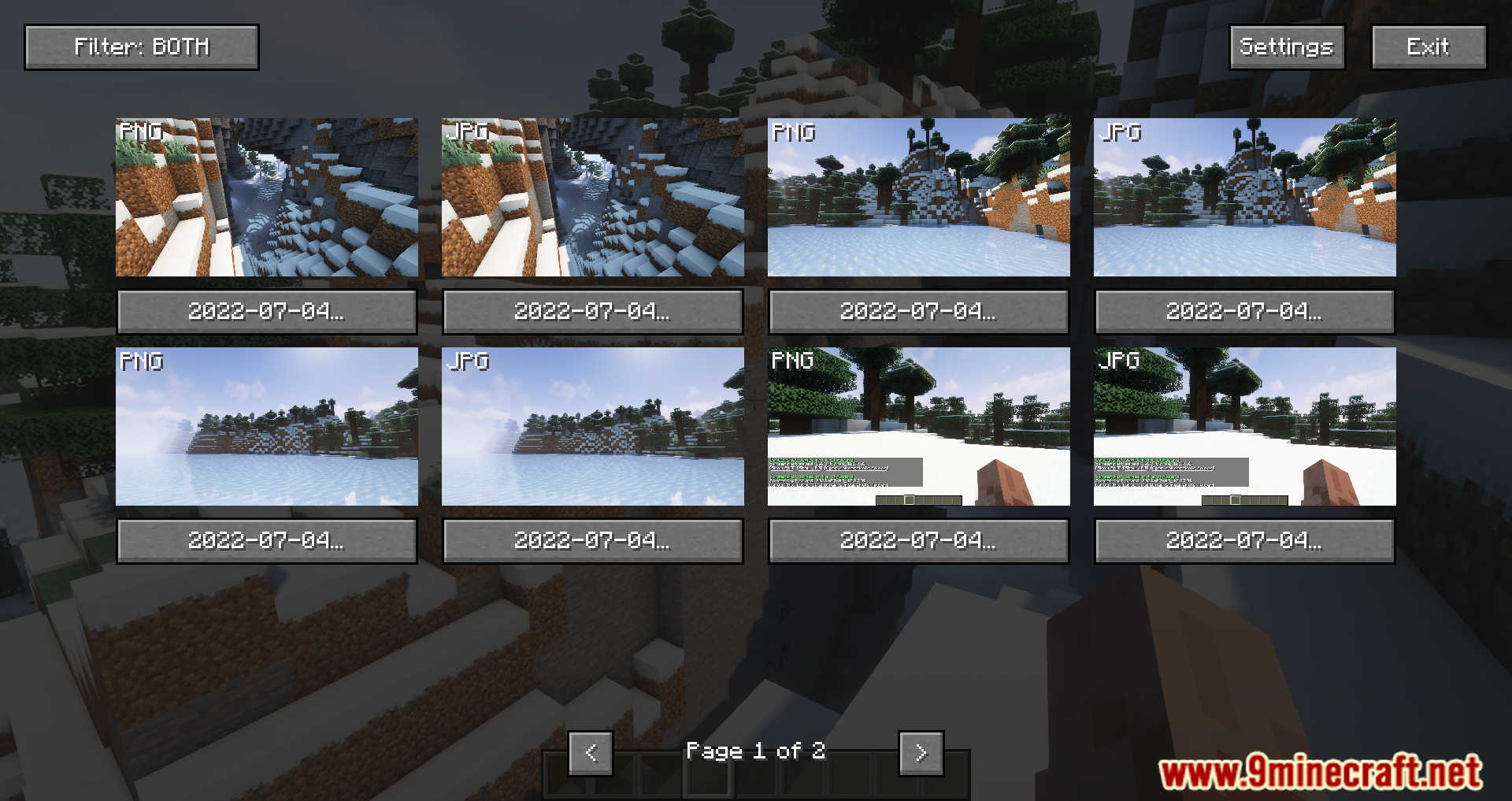
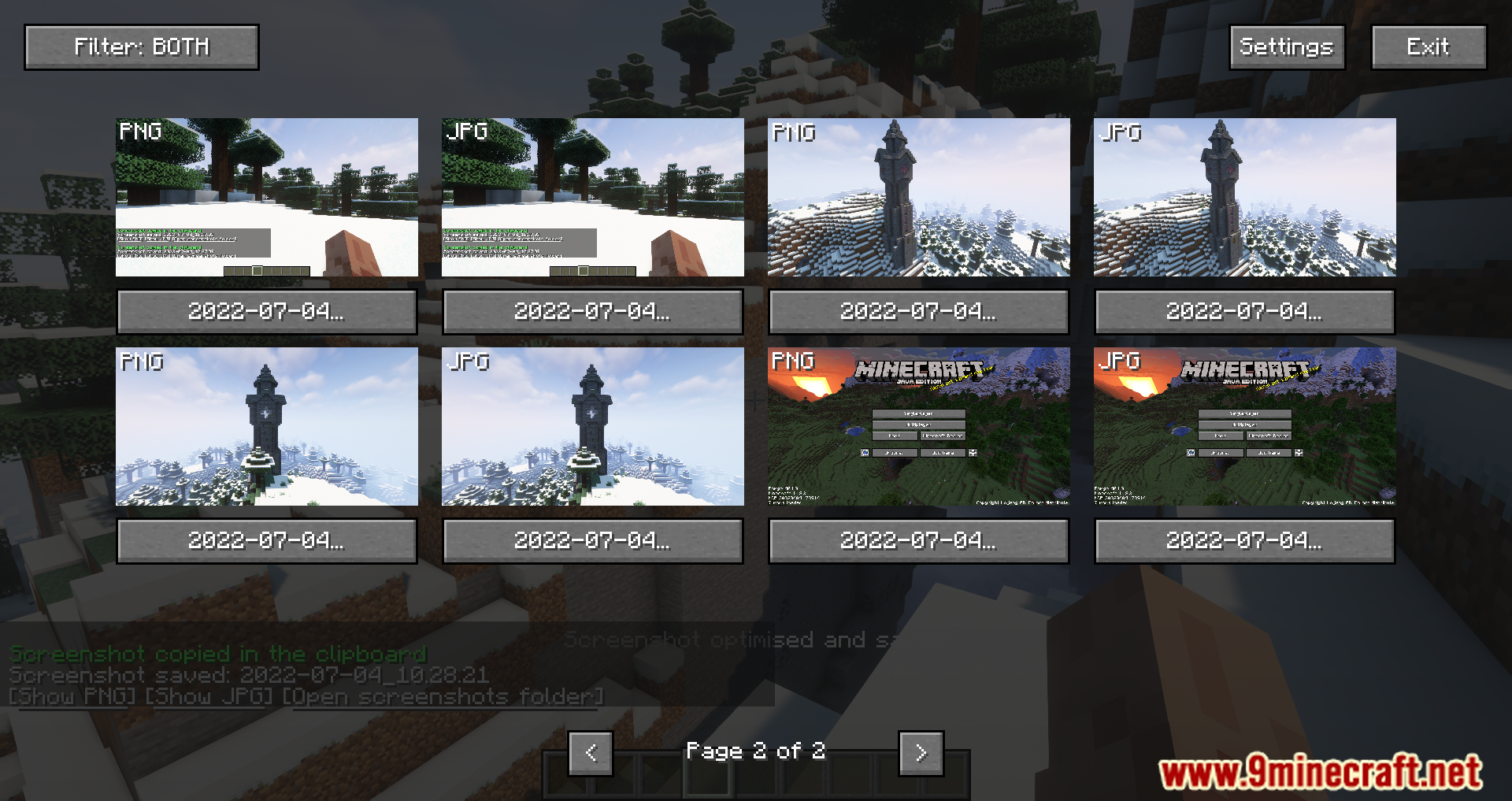
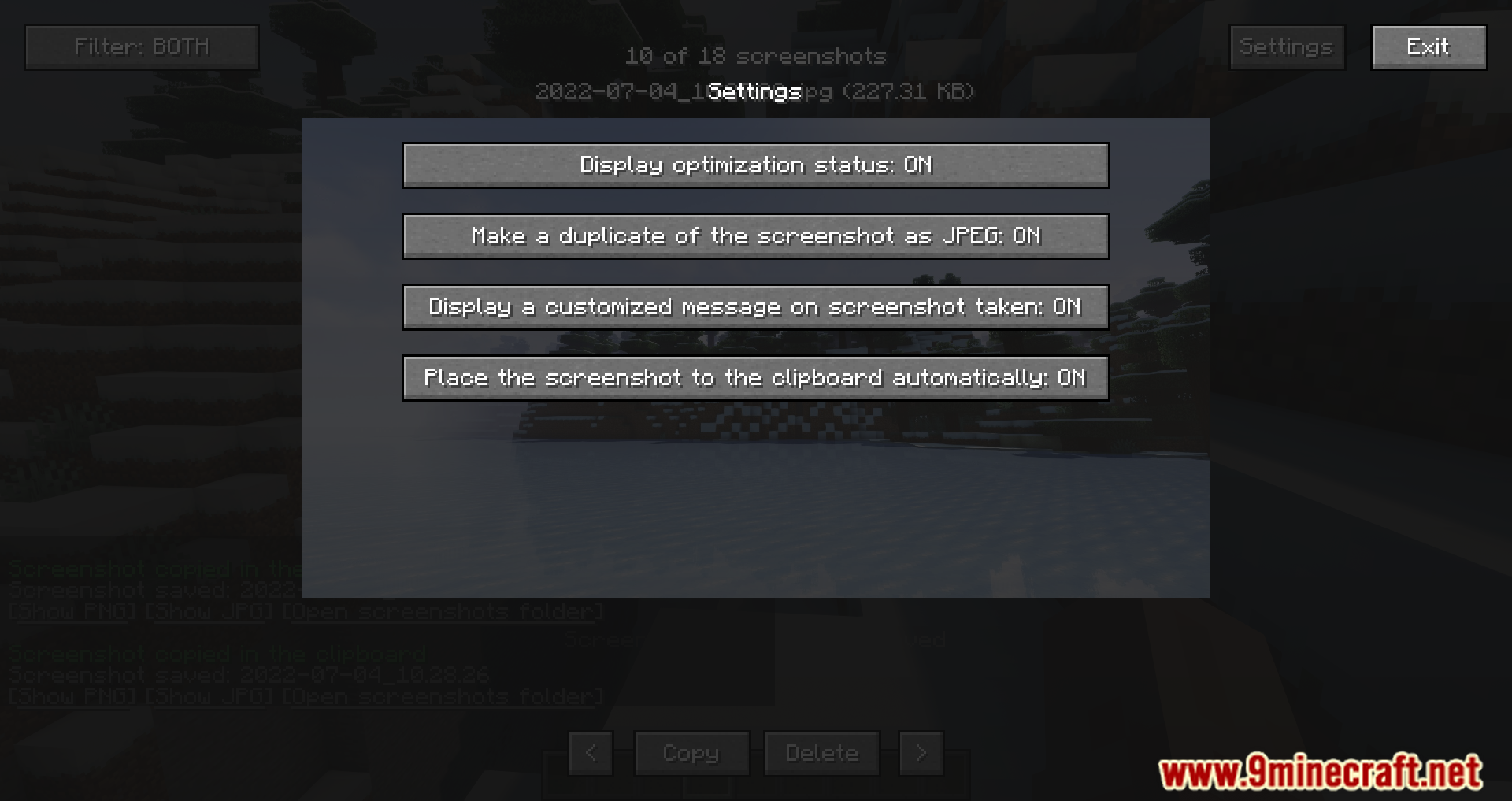
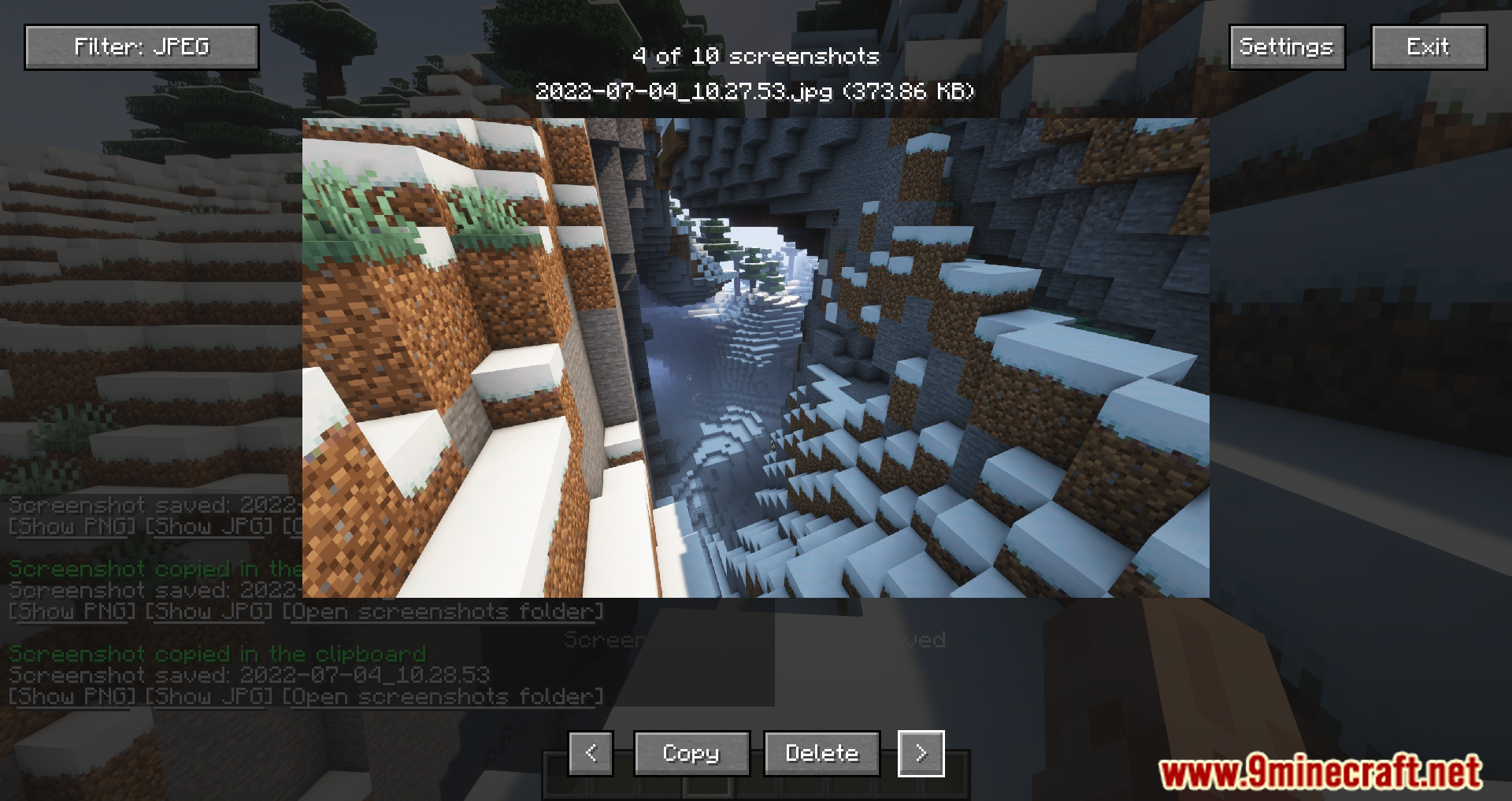
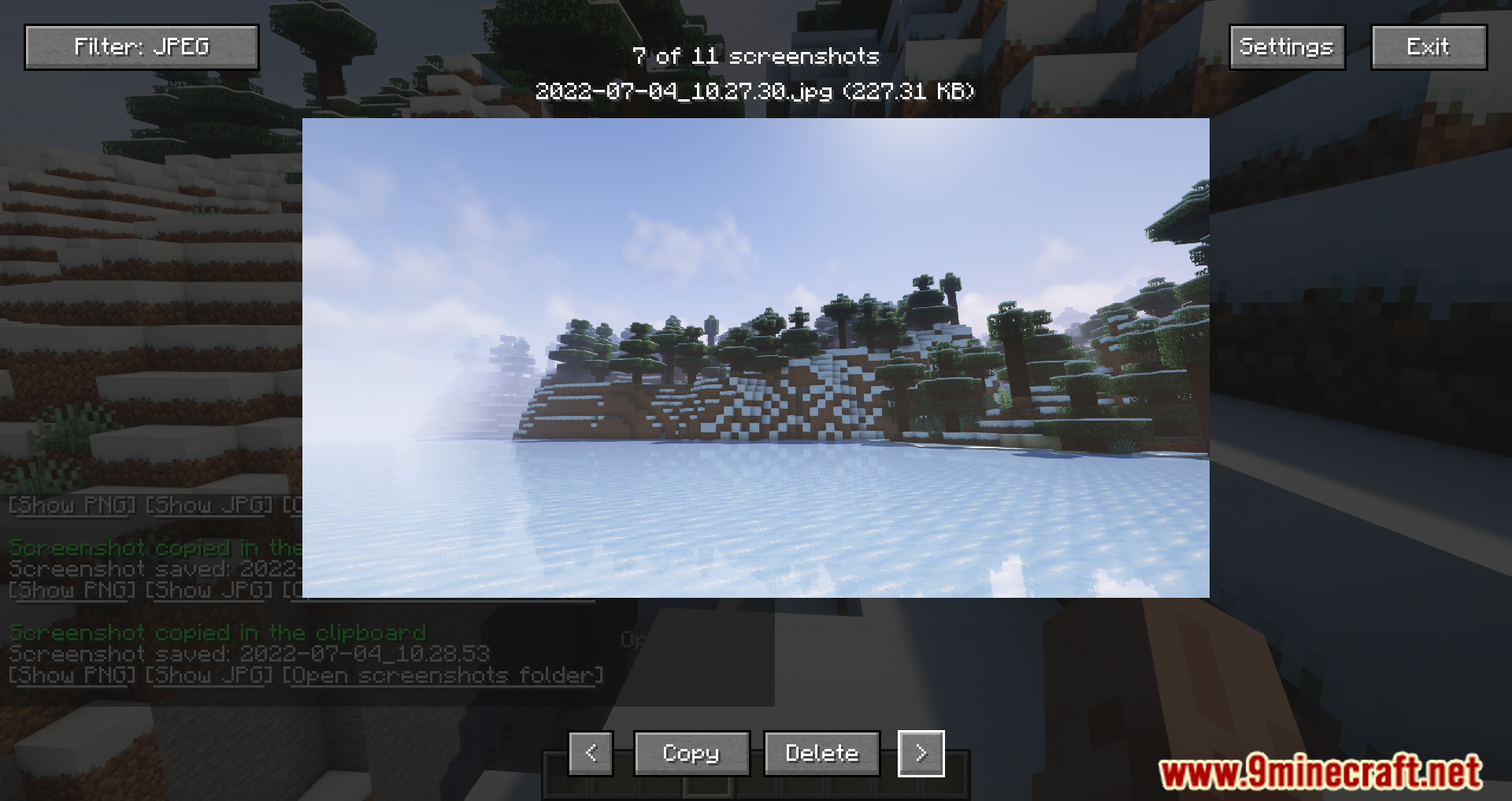
Nicephore Mod slightly improves the standard screenshot feature. From now on, it will save all screenshots in JPEG format to reduce their file size, and you can instantly access them via special buttons in the chat. Simple and convenient. No longer will you need to convert screenshots from PNG to JPEG to reduce their size, as uploading large images isn’t always possible (take Discord, for example).
Features:
- Automatically saves screenshots in JPEG format to reduce file size, while keeping the original PNG for editing purposes.
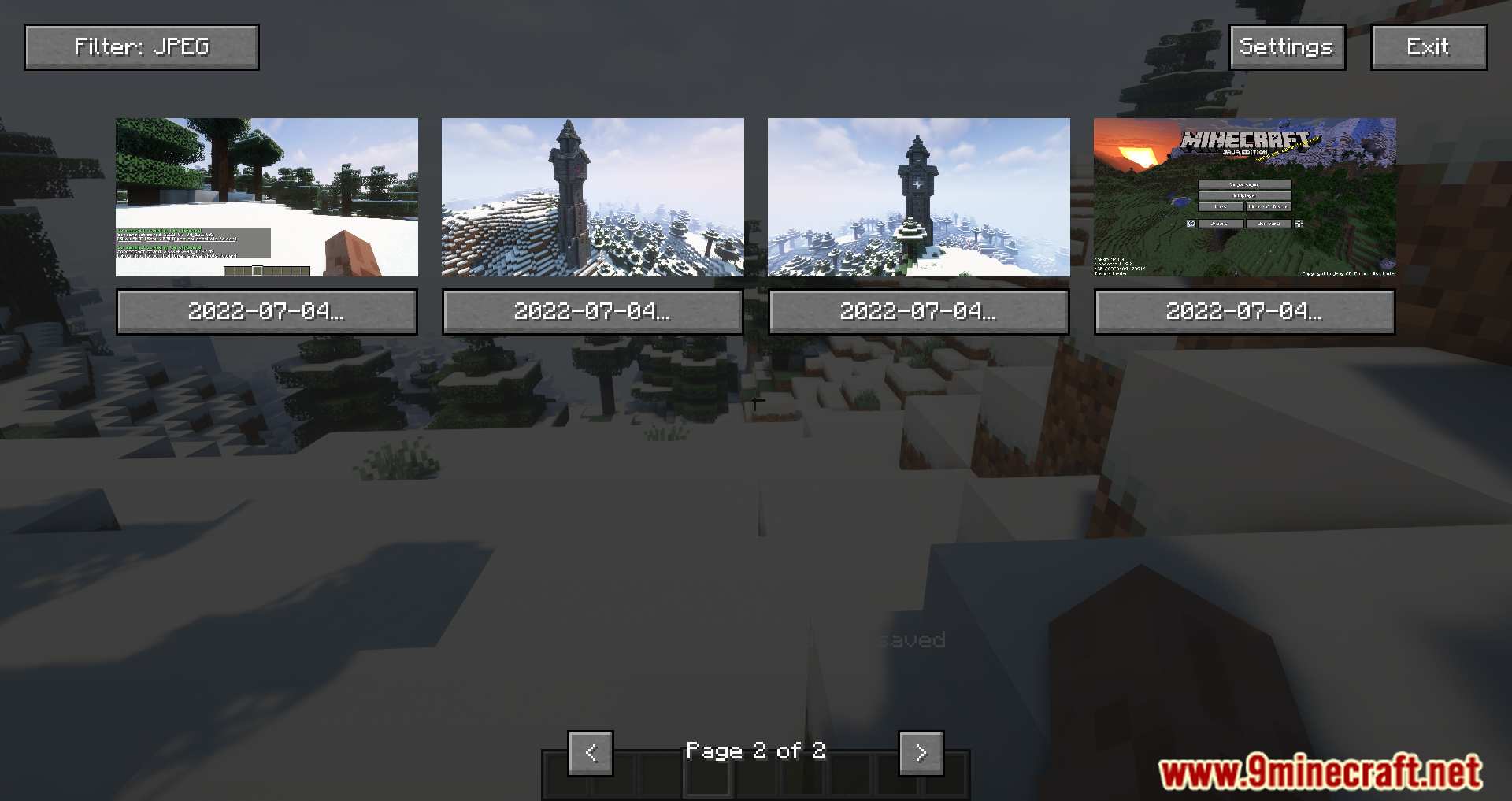
- Allows players to view screenshots directly within Minecraft via a HUD or options menu, eliminating the need to navigate to the screenshot folder outside the game.
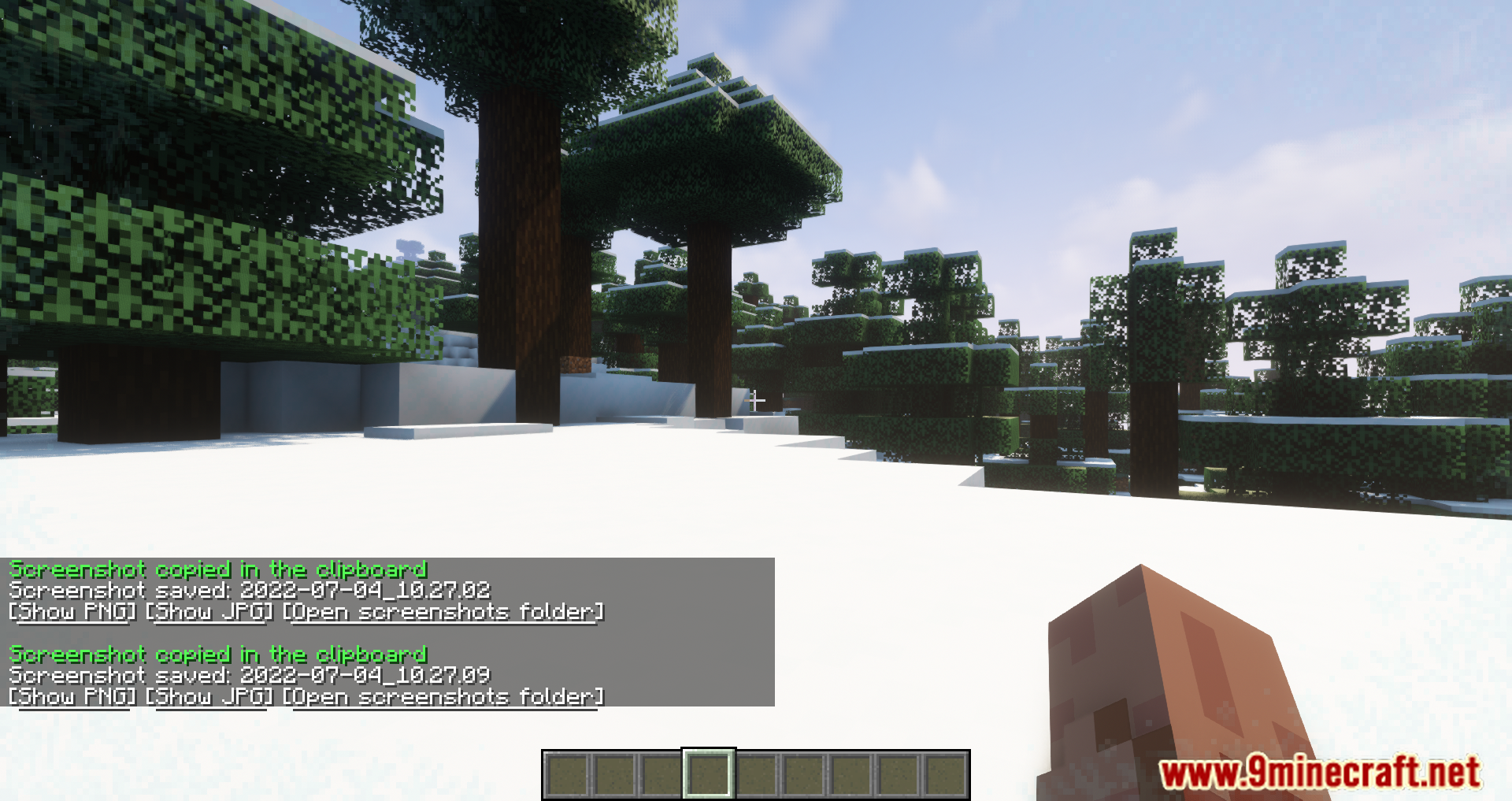
- After taking a screenshot, three buttons appear in the chat: one to view the PNG version, another for the JPEG version, and a third to open the screenshot folder.
- Enables copying the last screenshot to the clipboard with a keybind (default Ctrl+C) for quick sharing.
- Offers lossless optimization of screenshot files and adjustable JPEG quality settings to balance size and quality.
Screenshots:
Nicephore Mod Download Links
Quick facts
- Edition: Minecraft Java
- File type: .jar
- Minecraft version listed: 1.20.1
- How to install: Install the matching mod loader (Forge, Fabric or NeoForge) for your Minecraft version. → Download the .jar. → Put it in the .minecraft/mods folder and launch that loader profile.
- Where to get it: In MC Java Mods, or directly above on this page.
Install steps are the general flow for this file type — How to install Minecraft Java mods & modpacks walks through it step by step.
Verified by MCModsHub
- Downloads as 30144.mcaddon
- Download size: 3.7 MB
- Download link checked 25 Sept 2026 — working
- Mirrored on our own servers — the download does not depend on the original host
These come from our own check of the pack file, not from the source page.