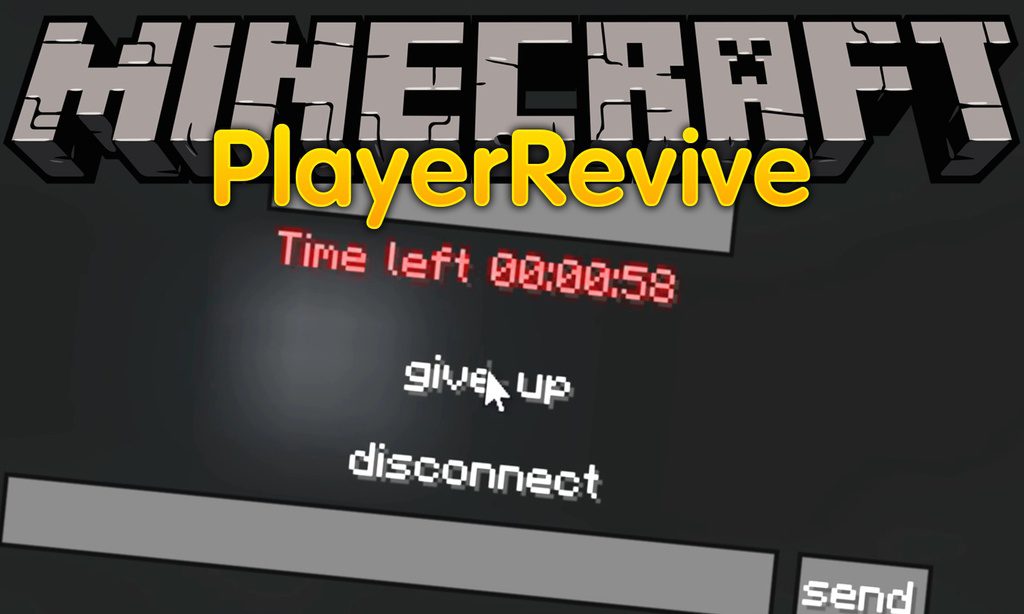
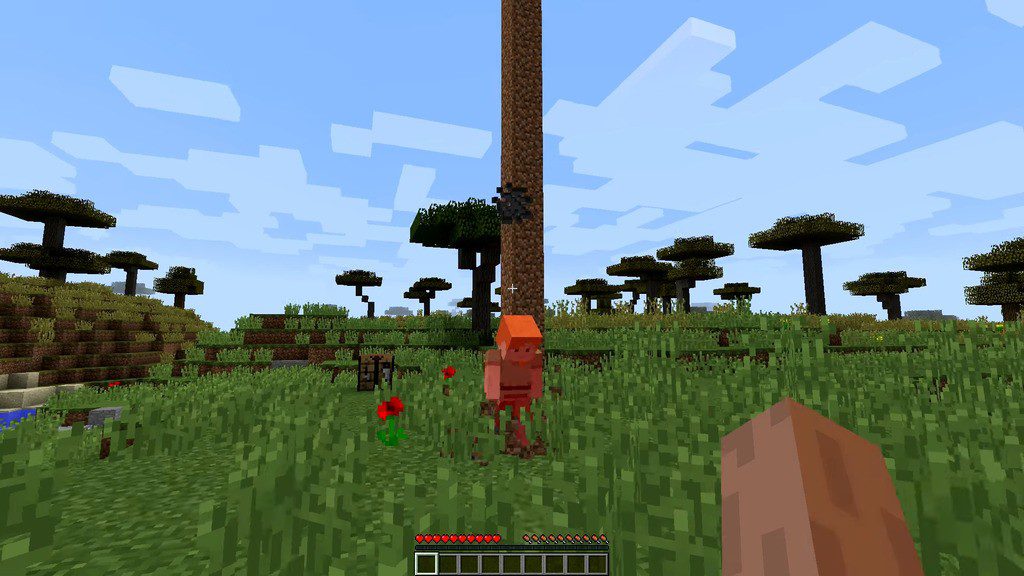
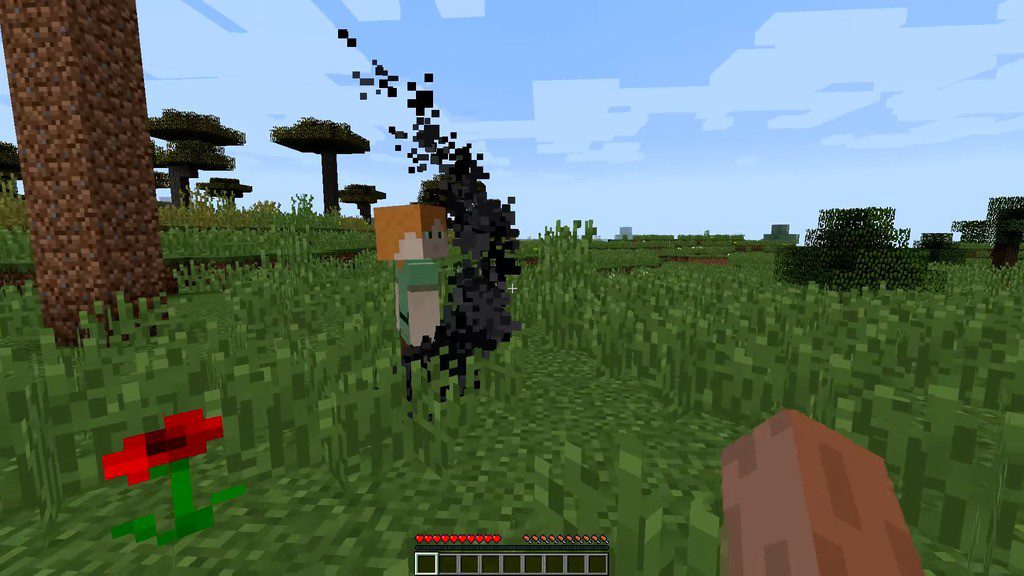
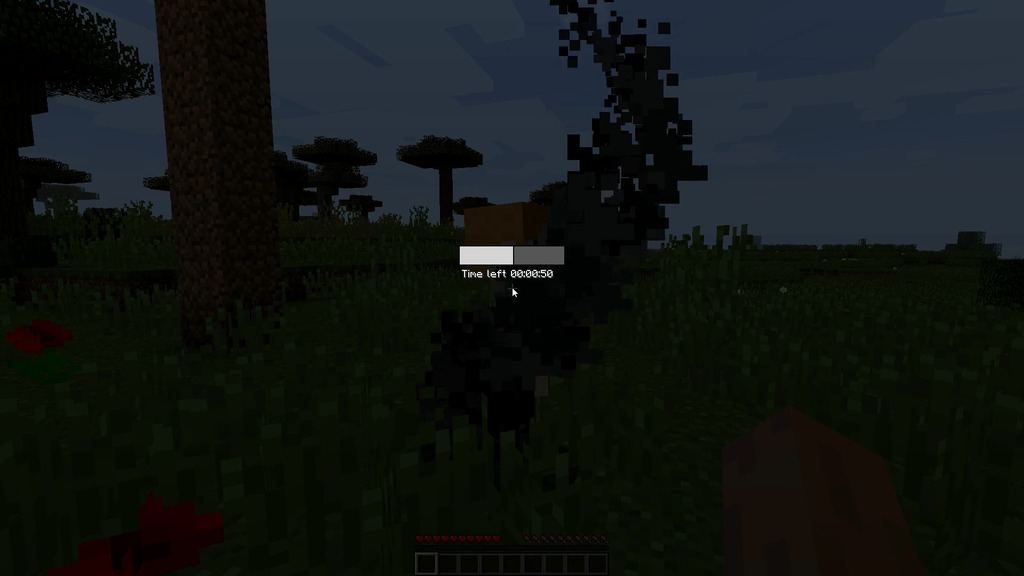
PlayerRevive Mod sits between normal survival and a full hardcore run: when your health hits zero you drop to the ground bleeding instead of dying outright, and a teammate has sixty seconds to reach you and pull you back up. If nobody gets there in time, the death goes through as usual. It keeps the tension of a harsh world while making one bad step something your friends can fix rather than the end of the save.
Features:
- Fatal damage leaves you bleeding on the floor rather than sending you straight to the respawn screen.
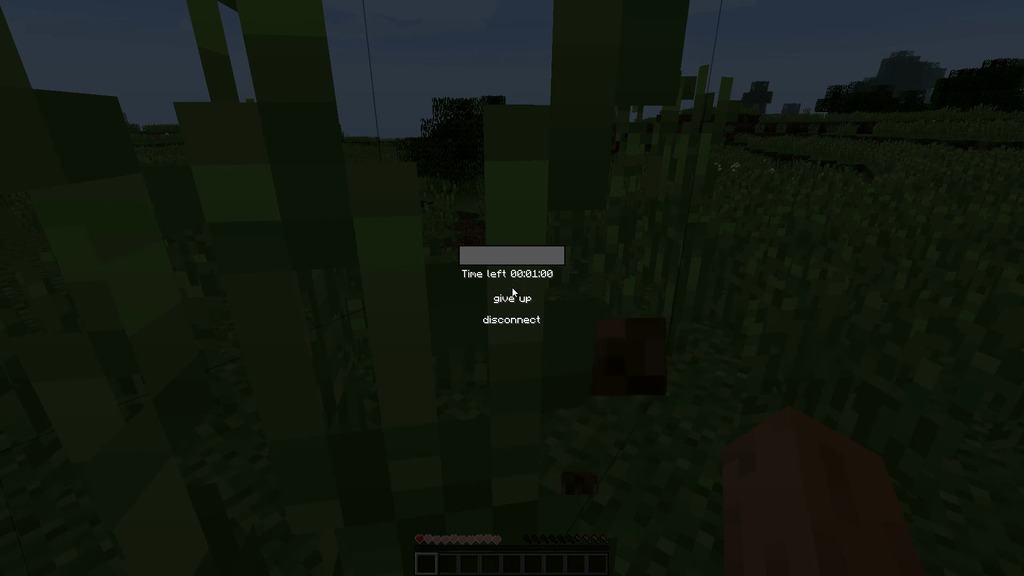
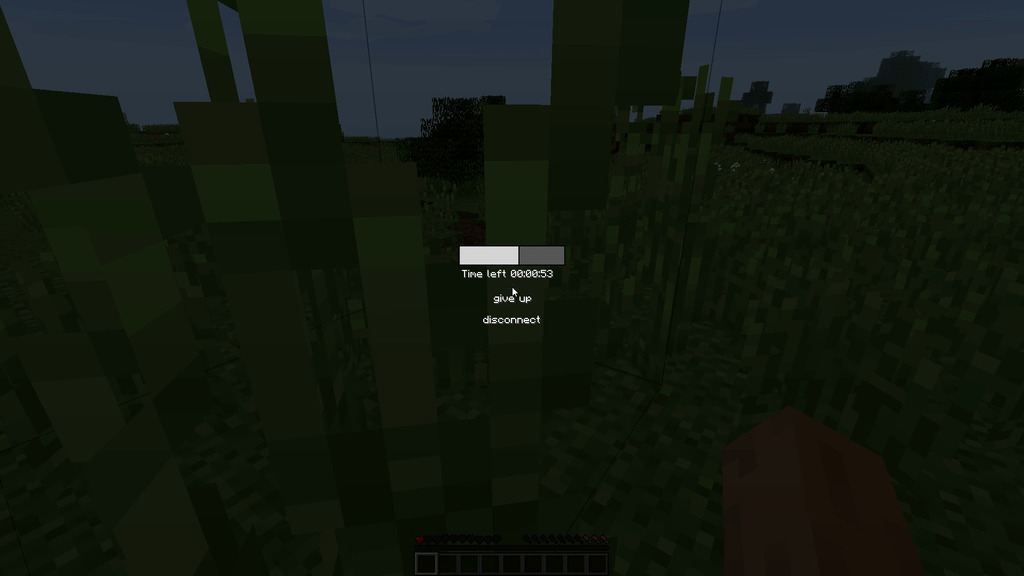
- Another player has about sixty seconds to reach you and hold use on your body to bring you back.
- If no one arrives before the timer runs out, the death happens normally and your items drop.
- A downed player cannot fight or walk, so a rescue means somebody has to break off and cross the danger.
- Hardcore worlds stay tense without a single mistake wiping the whole run.
- CreativeCore is required alongside it, and EnhancedVisuals pairs well if you want the screen effects too.
- Forge and NeoForge builds cover Minecraft 1.18.2 through the 1.21 releases.
- An add-on exists that makes the mod work with the TaCZ and SBW gun mods.
How to Use:
- Install Forge or NeoForge for your version, then download CreativeCore as well.
- Put both jars into
.minecraft/mods. On a server the mod belongs in the server’s mods folder too. - Play as normal. When your health runs out you fall and a timer starts counting down.
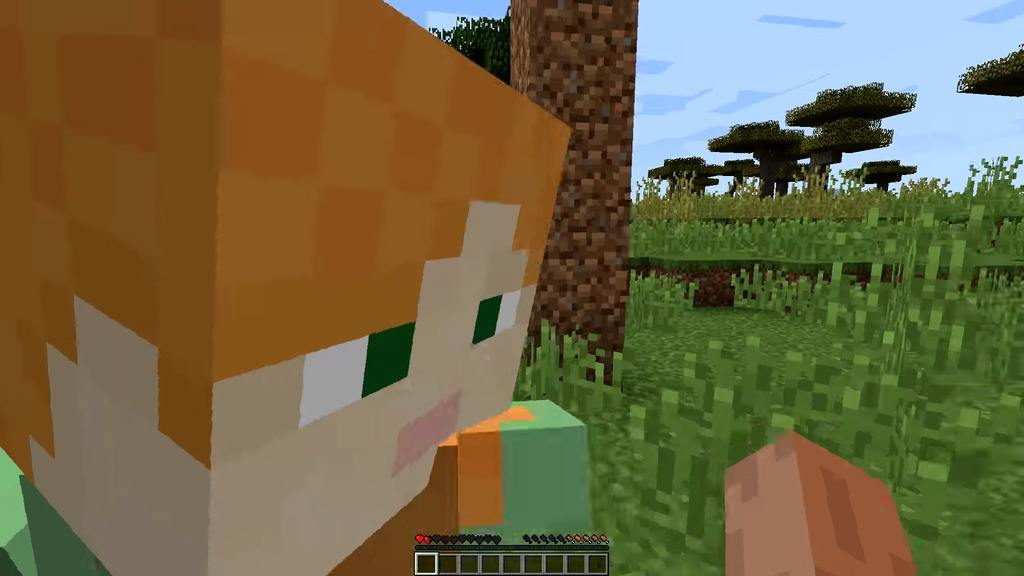
- Call for help. A nearby player walks up to your body and holds the use key until the bar fills.
- You stand back up with a little health, so back off and eat before rejoining the fight.
- Add EnhancedVisuals if you would like the bleeding and injury effects drawn on screen as well.
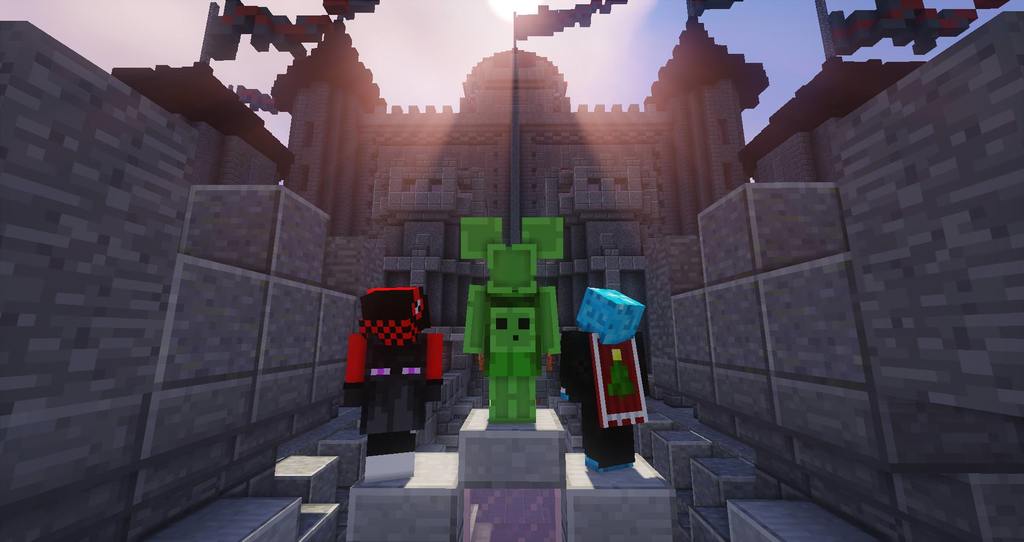
Screenshots:
PlayerRevive Mod Download Links
Quick facts
- Edition: Minecraft Java
- File type: .jar
- Minecraft version listed: 1.20.1
- How to install: Install the matching mod loader (Forge, Fabric or NeoForge) for your Minecraft version. → Download the .jar. → Put it in the .minecraft/mods folder and launch that loader profile.
- Where to get it: In MC Java Mods, or directly above on this page.
Install steps are the general flow for this file type — How to install Minecraft Java mods & modpacks walks through it step by step.
Verified by MCModsHub
- Downloads as 30147.mcaddon
- Download size: 5.1 MB
- Download link checked 25 Sept 2026 — working
- Mirrored on our own servers — the download does not depend on the original host
These come from our own check of the pack file, not from the source page.