
EZ Webhook Command Sender
Java mod listed for Minecraft 1.21. Downloads from the MC Java Mods app on Android.
⬇ Download on Modrinth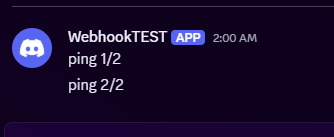
EzWebhookCommandSender is a simple Fabric mod that lets server operators send custom messages to a webhook directly from in‑game commands.
Can be usefull to send messages to discord server for example directly through datapack or ingame chat.
It’s designed to be lightweight, fast, and easy to configure.
How to use it ?
For Any Webhook URL
First :
/webhook set "<url>"
example : /webhook set "https://webhook.api.mywebsite/484654524654" . now the url is set up, and saved.
Then :
/webhook send message
example : /webhook send I like apple juice . will send the text "I like apple juice." to the webhook url https://webhook.api.mywebsite/484654524654 .
Specifically on discord webhook
Go to your discord server settings > Integrations > Webhook.
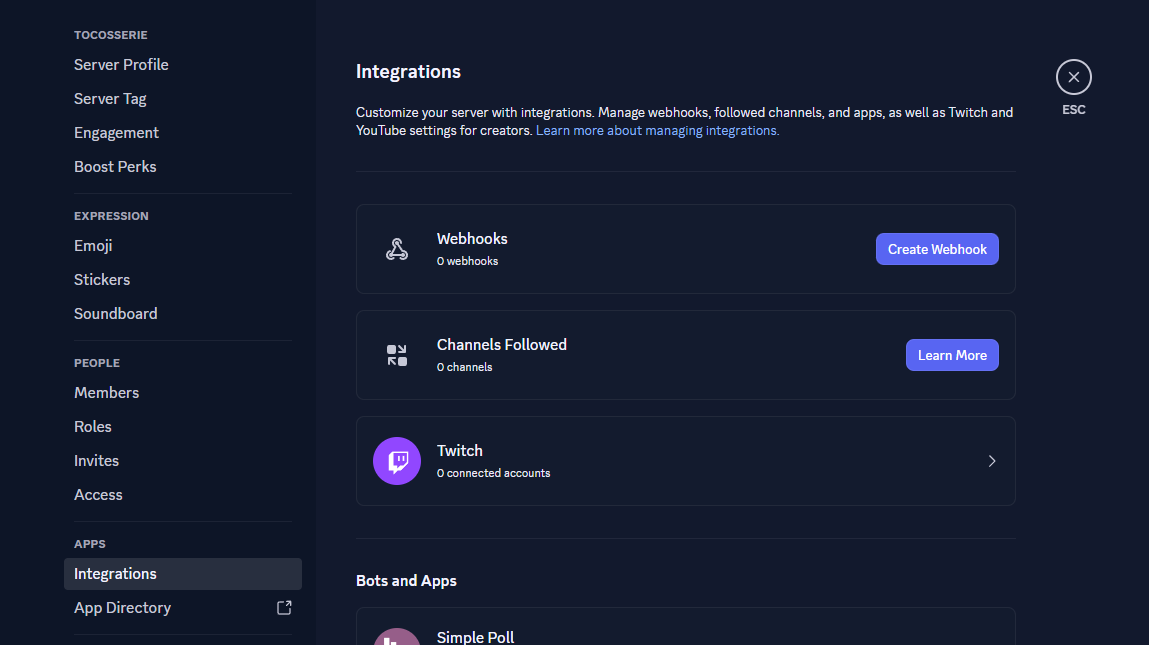
Create a webhook and set up the channel and the name/icon of the webhook.
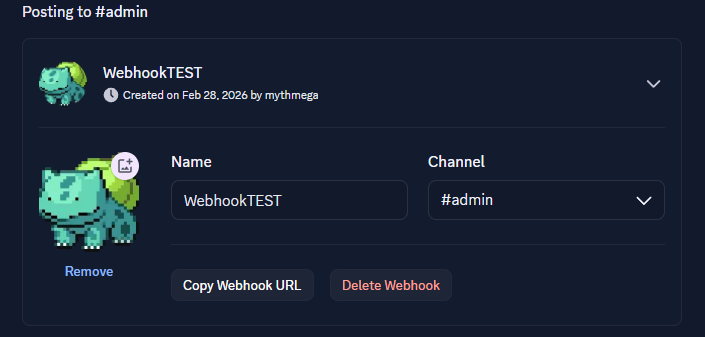
Copy the link of the webhook with the button copy webhook url.
In Game > Link the webhook to the mod
/webhook set "<url>"example : /webhook set "https://discord.com/api/webhooks/123456789132456798/this_is_an_example_url" . now the url is set up, and saved.
In Game > Send a message to discord
/webhook send messageexample : /webhook send I like apple juice . will send the text "I like apple juice." to the webhook url https://webhook.api.mywebsite/484654524654 .
- Edition: Minecraft Java
- File type: .jar
- Minecraft versions listed: 1.21.1, 1.21.2, 1.21.3
- How to install: Install the matching mod loader (Forge, Fabric or NeoForge) for your Minecraft version. → Download the .jar. → Put it in the .minecraft/mods folder and launch that loader profile.
- Where to get it: Opens on Modrinth — not every file is mirrored on our own servers.
Install steps are the general flow for this file type — How to install Minecraft Java mods & modpacks walks through it step by step.
- Ships as ezwebhooksender-1.0.0.jar — drop this file into the mods folder
- Download size: 13 KB
- Download link checked 3 Oct 2026 — working
These come from our own check of the pack file, not from the source page.