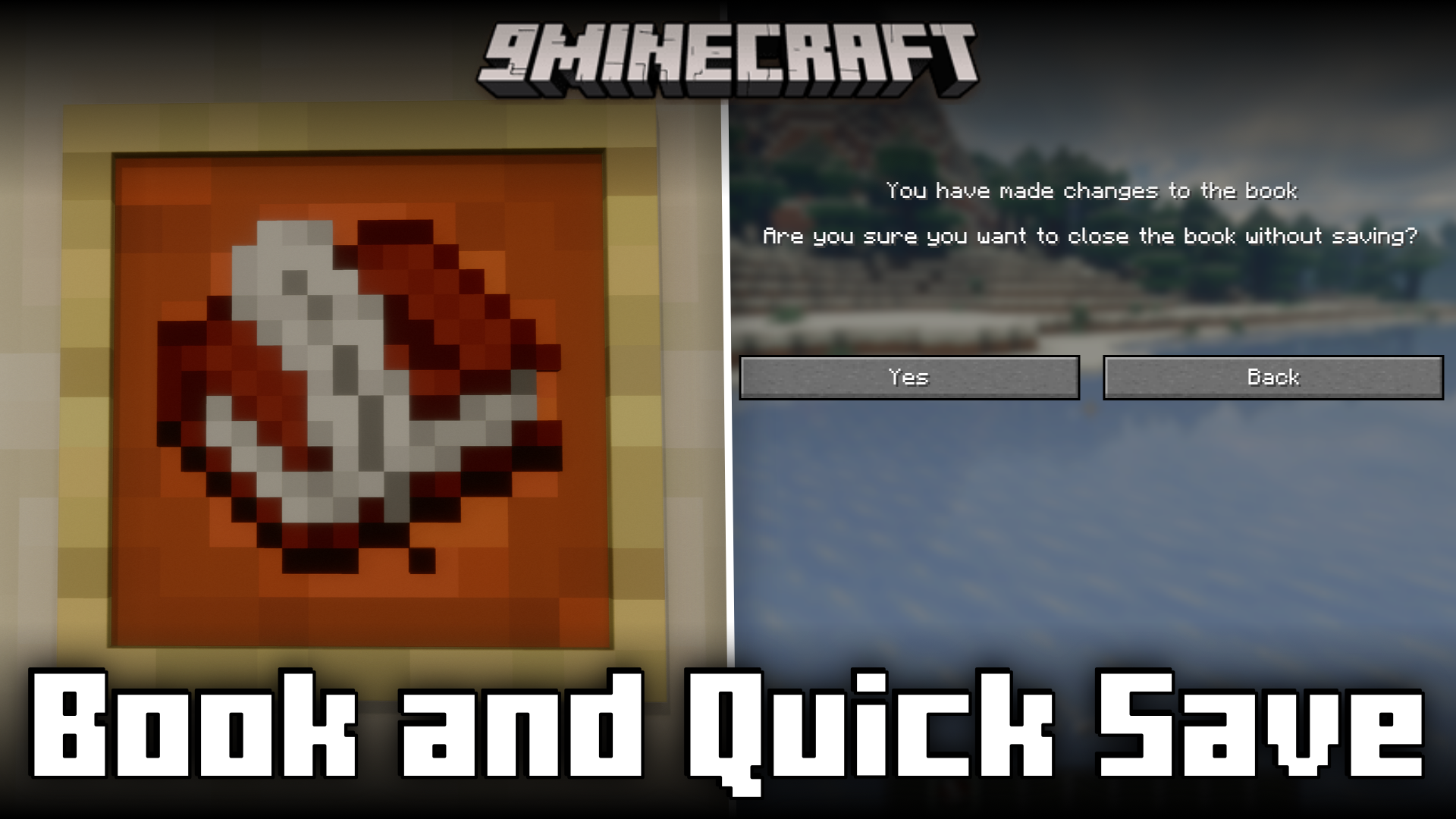
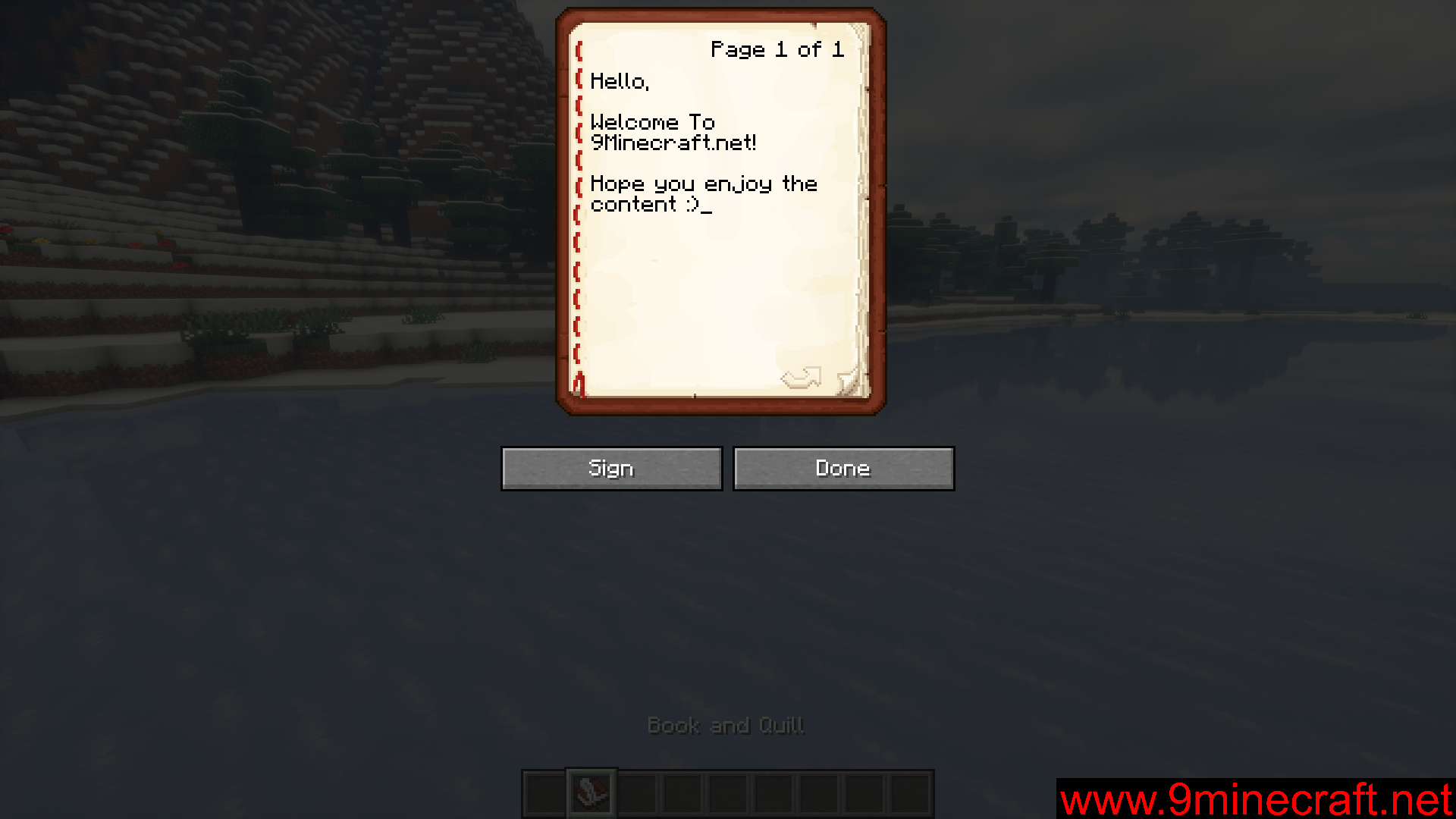
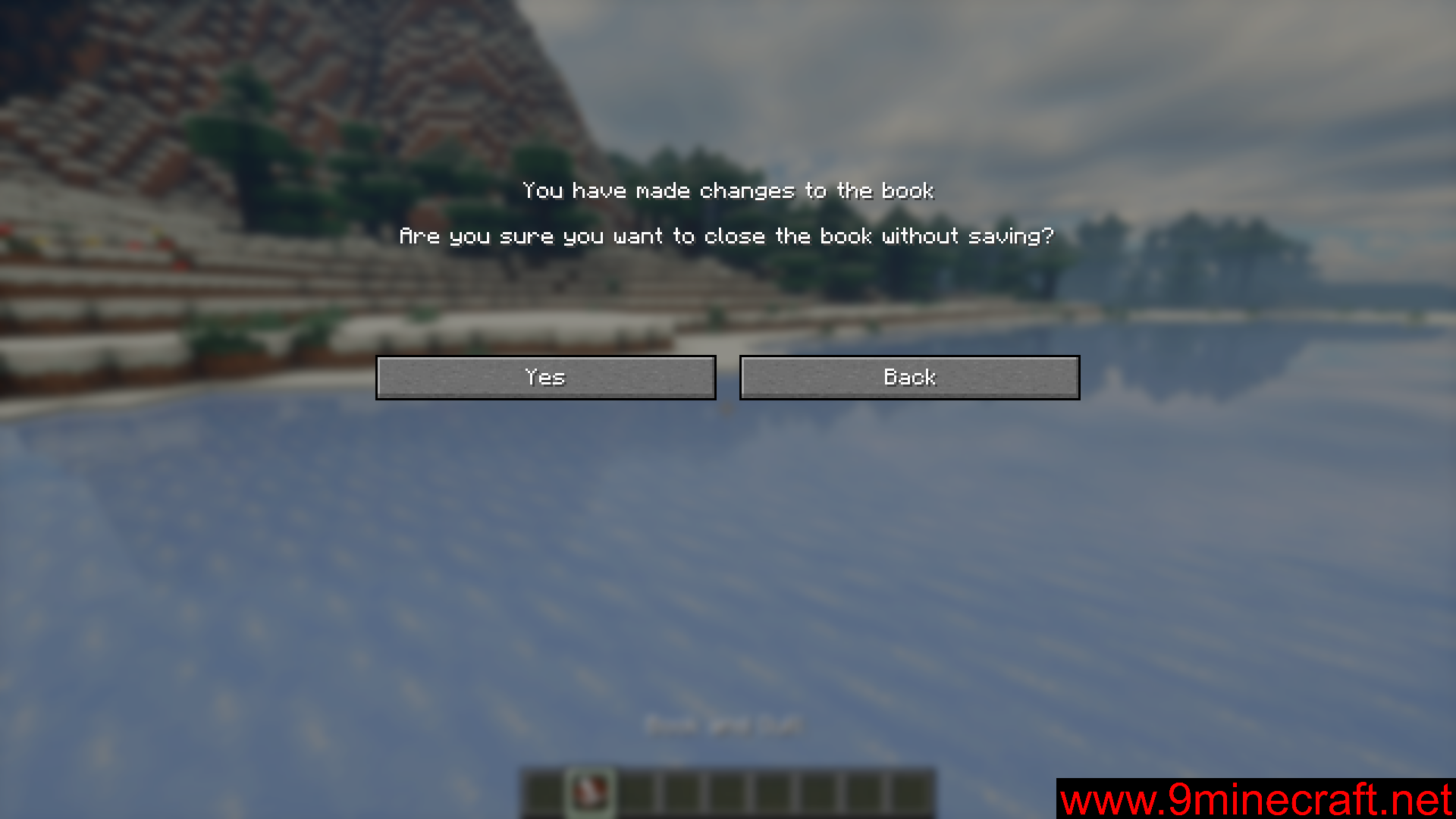
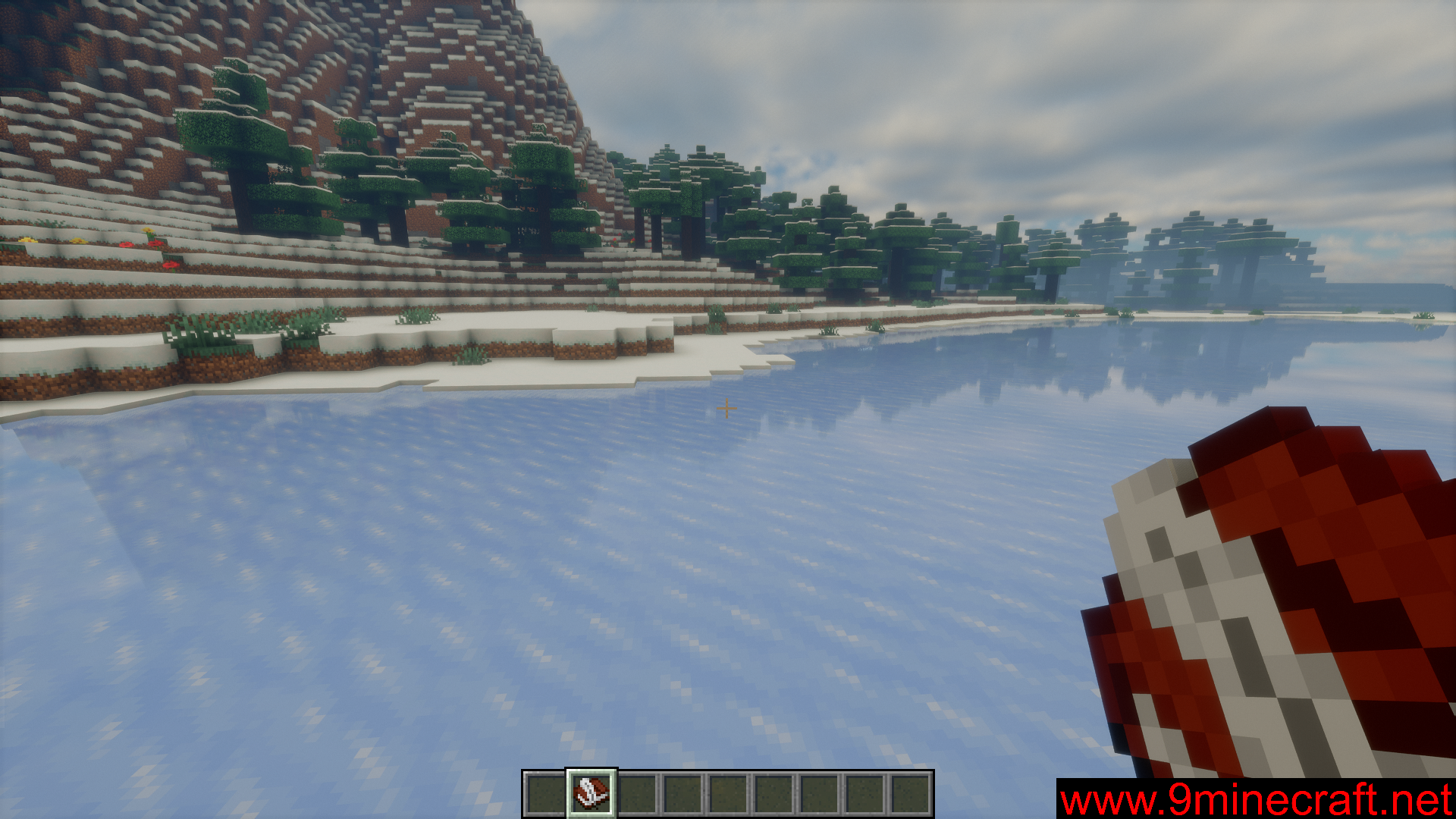
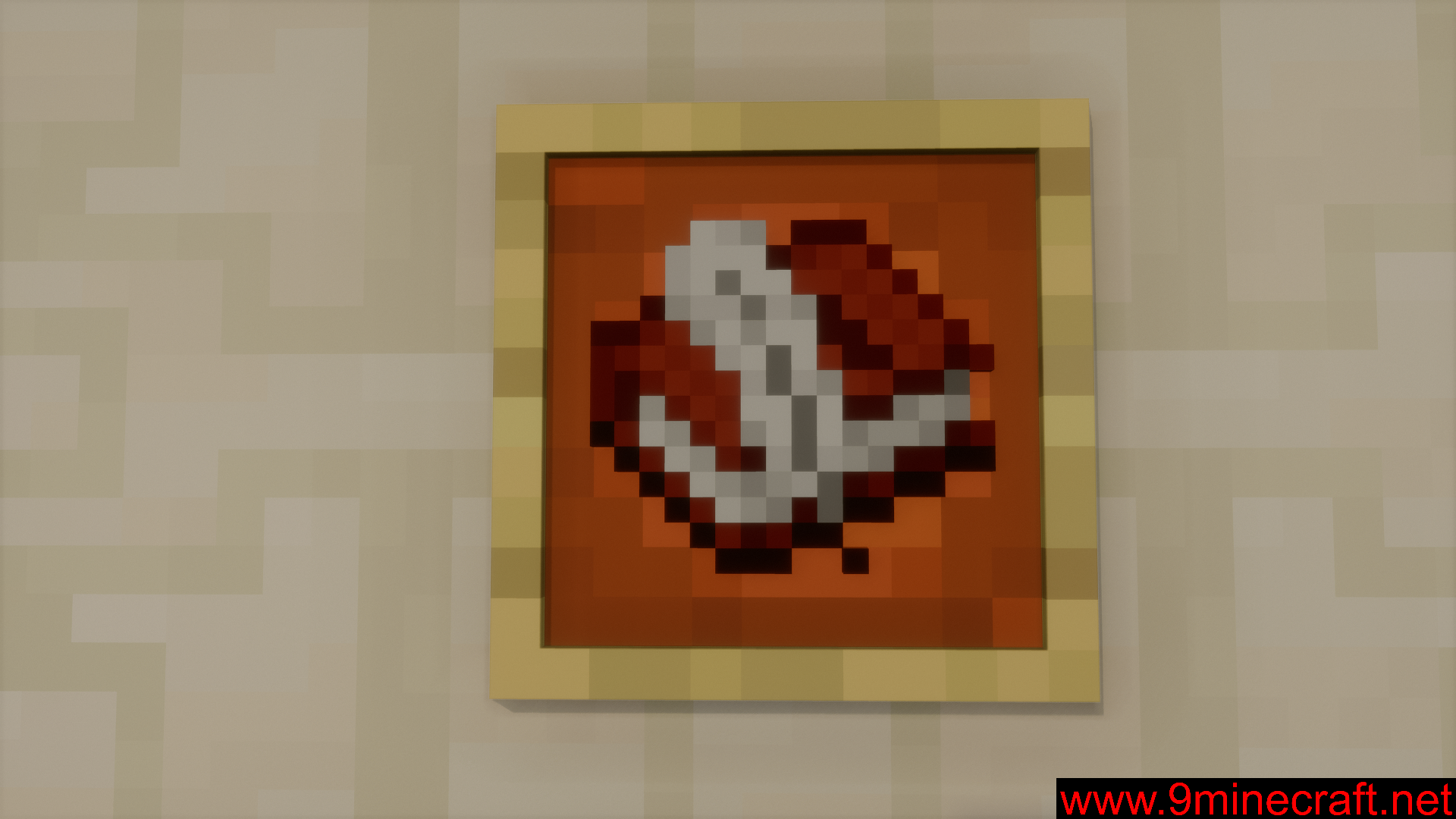
The book and quill item allows you to write books in-game. You can edit the contents of a book until the book is signed. While editing a book, there will be two buttons at the bottom of the book GUI. These are the “Sign” and “Done” buttons. If you exit the book GUI without pressing the “Done” button, any change that you made in the book will be discarded. Book and Quick Save Mod is here to make it so that you will not discard the updates you have made to a book by accidentally closing the book GUI. With this mod installed, trying to close the book GUI will show a confirmation screen that prompts you to close the book with or without saving the updates you have made.
Features:
- Prevents accidental discardation of updates made to books.
- Closing the book GUI will open a prompt that asks for confirmation.
Screenshots:
Book and Quick Save Mod Download Links
- Edition: Minecraft Java
- File type: .jar
- Minecraft version listed: 1.21.1
- How to install: Install the matching mod loader (Forge, Fabric or NeoForge) for your Minecraft version. → Download the .jar. → Put it in the .minecraft/mods folder and launch that loader profile.
- Where to get it: In MC Java Mods, or directly above on this page.
Install steps are the general flow for this file type — How to install Minecraft Java mods & modpacks walks through it step by step.
- Downloads as 30171.mcaddon
- Download size: 137 KB
- Download link checked 23 Sept 2026 — working
- Mirrored on our own servers — the download does not depend on the original host
These come from our own check of the pack file, not from the source page.