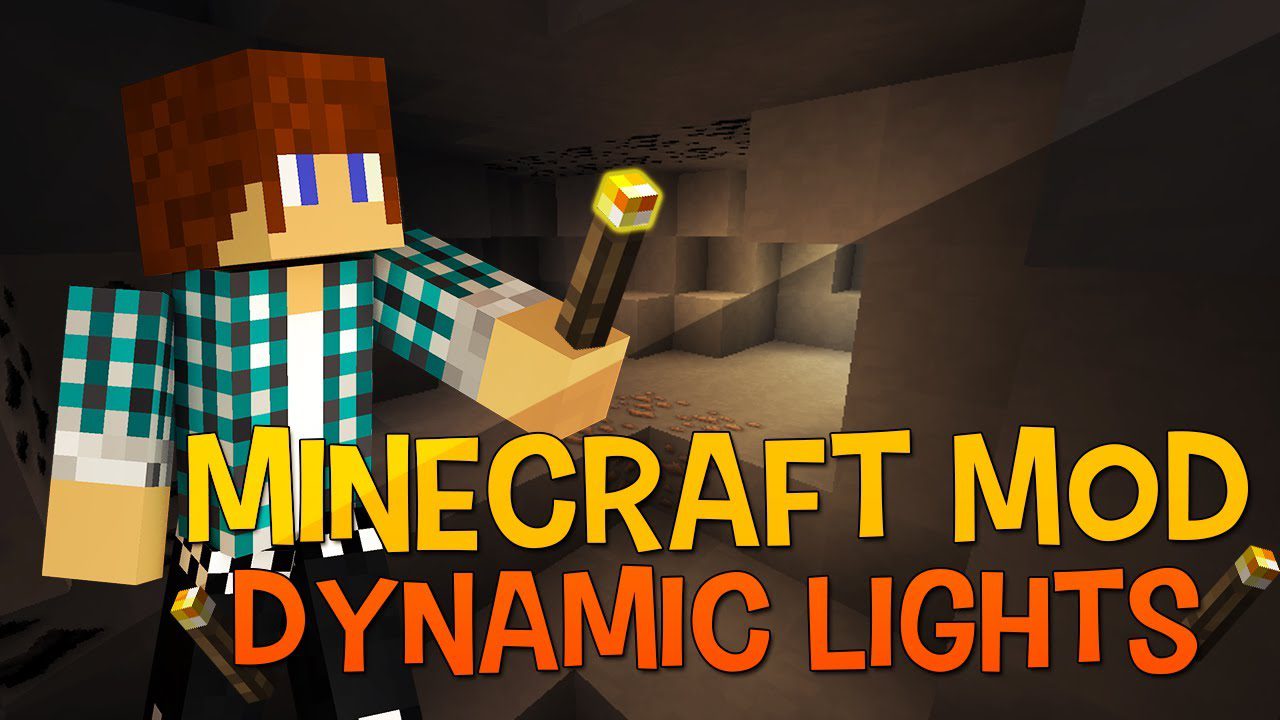
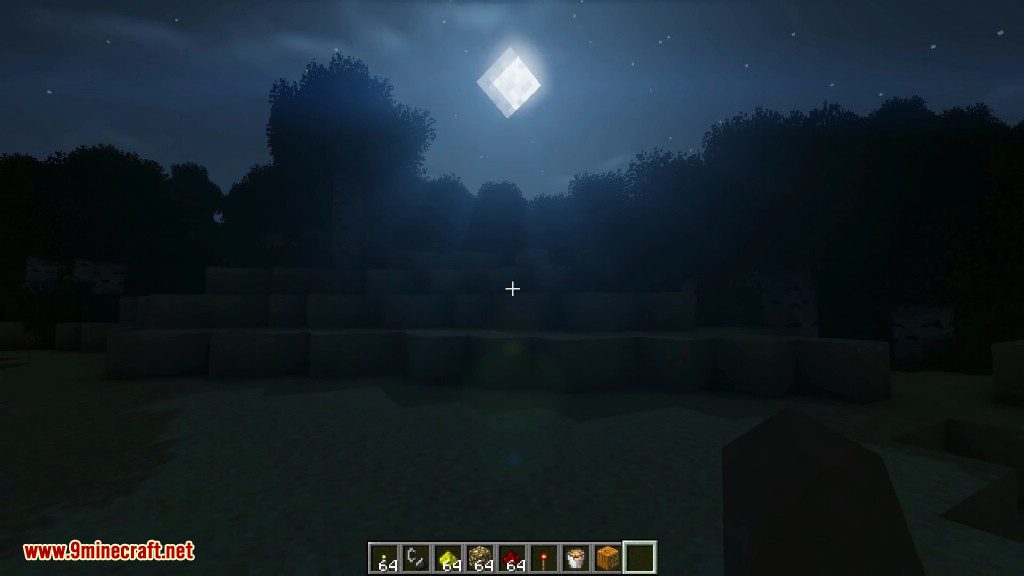
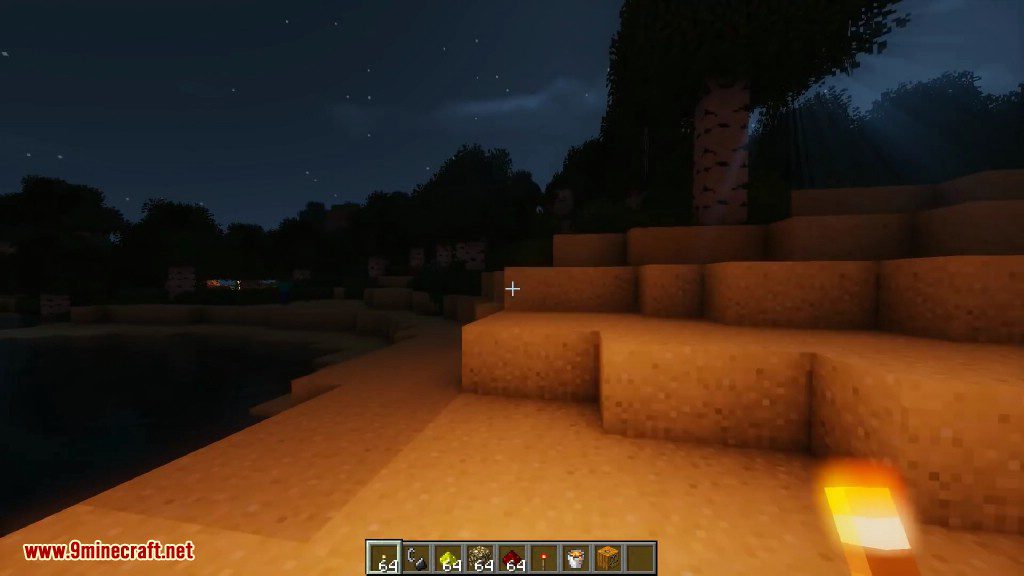
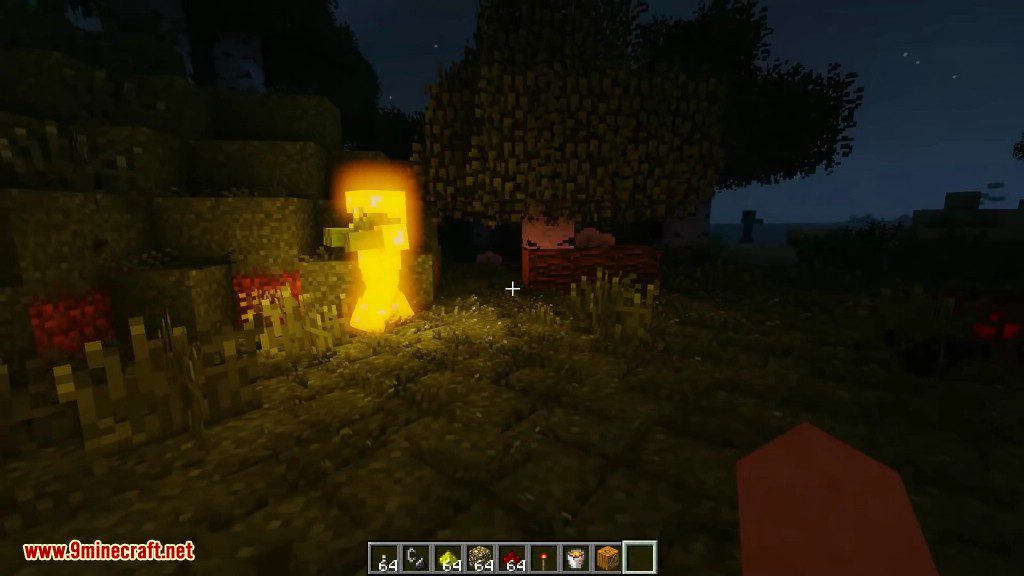
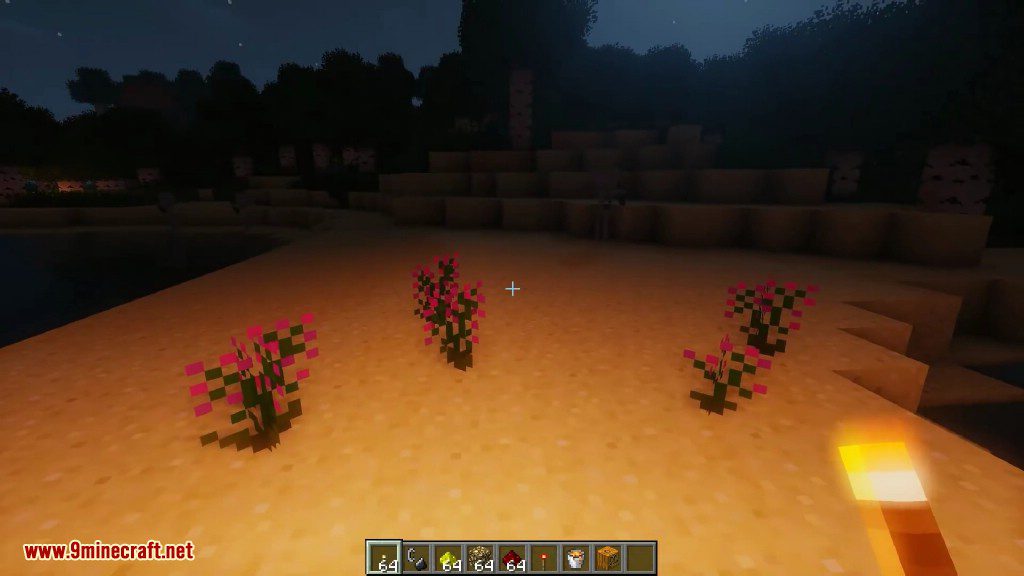
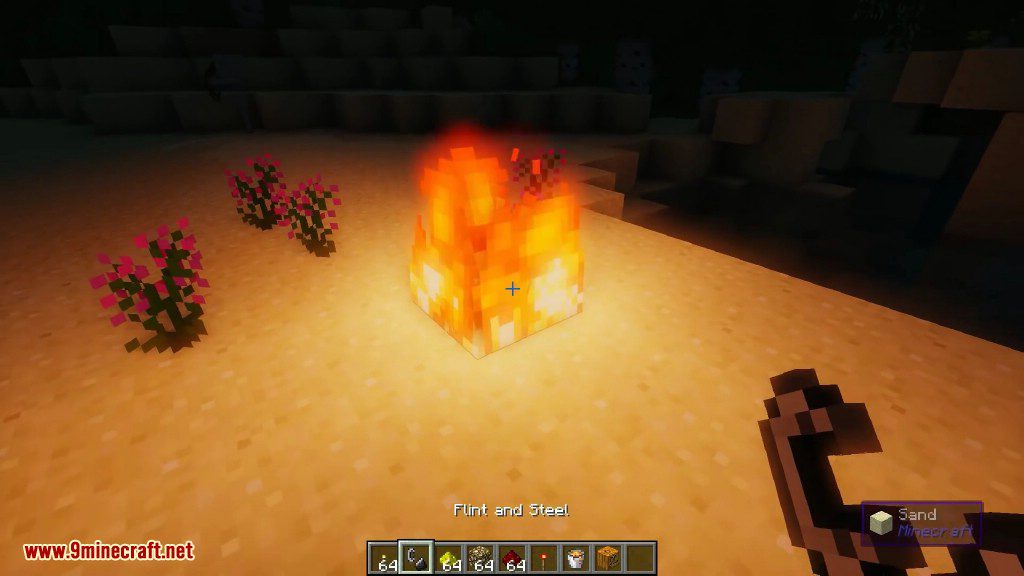
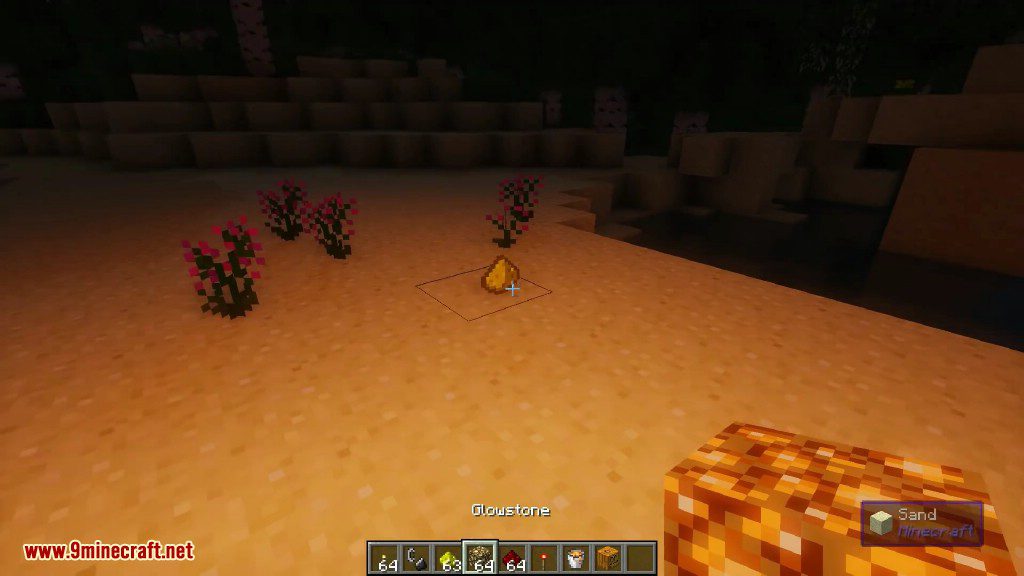
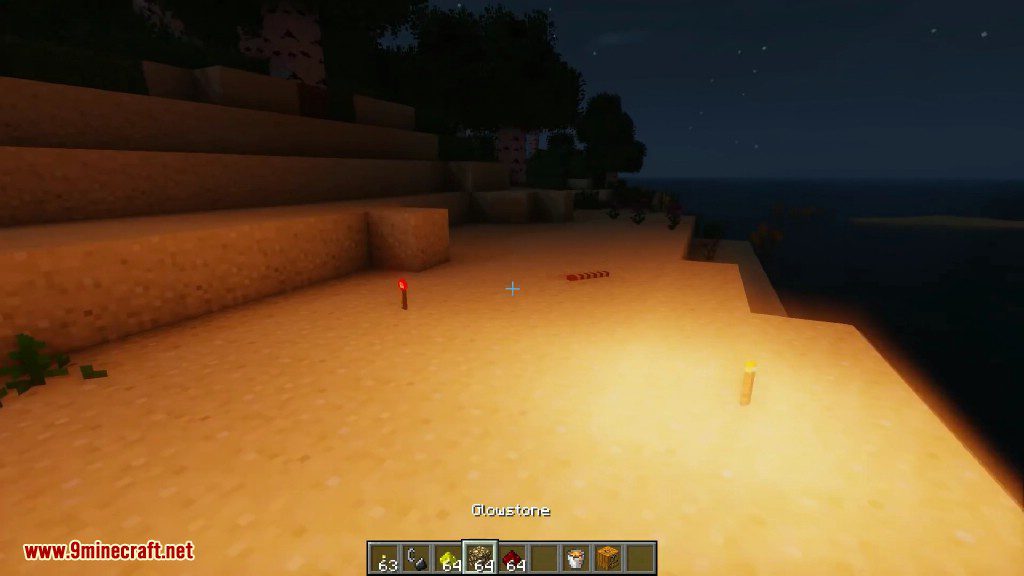
Dynamic Lights Mod adds a few brilliant touches with Minecraft’s lighting system. Exploring caves has never been easier thanks to the dynamic lighting mod. When holding a torch, glowstone, etc. it will light up the surrounding area. Similarly, if you throw the lit item it will still light up the area.
This mod makes light sources in Minecraft actually make sense. Holding any light source in your hand now emits light and does not need to be placed down to light up an area.
Features:
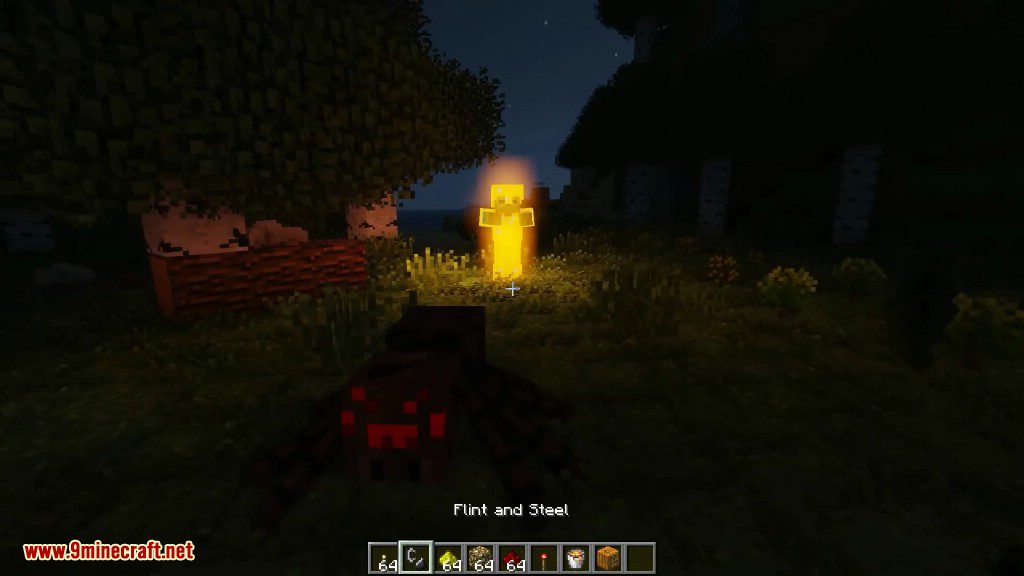
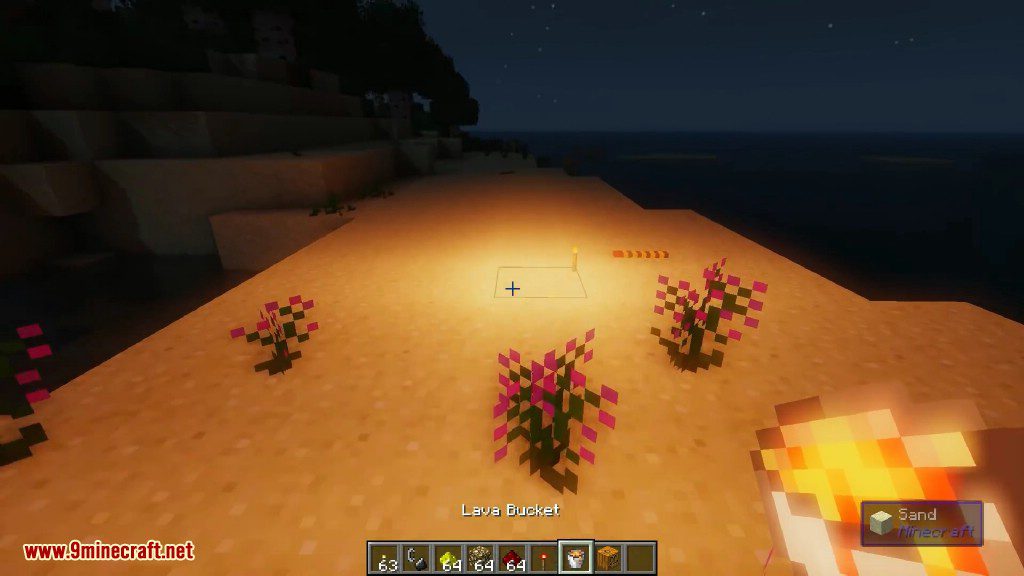
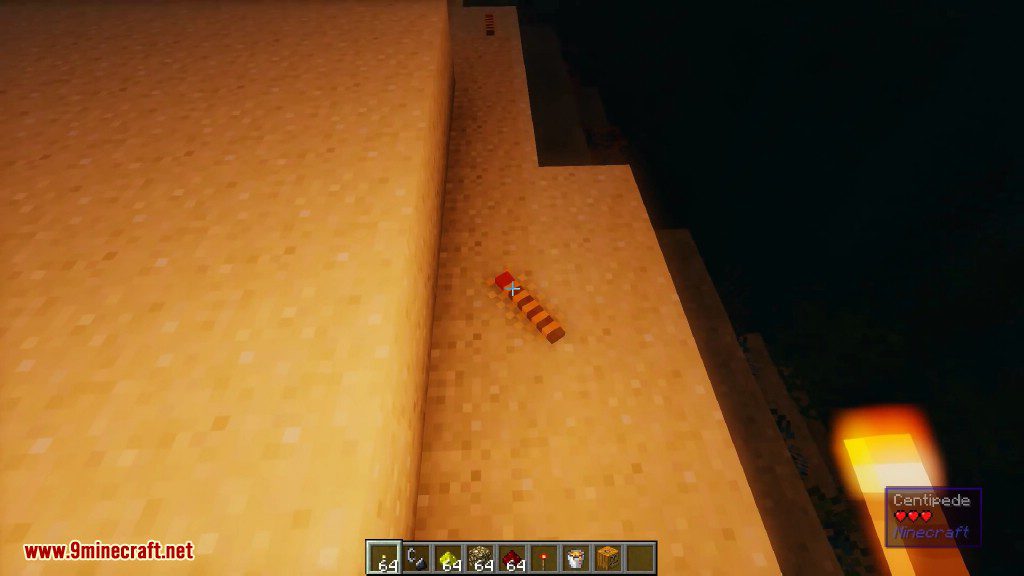
This mod makes ‘shining’ items (default: Torch, Glowstone, Glowdust, Lit Pumpkin, Redstone, Lava Bucket, powered Minecart) illuminate everything around them if.
- The player has them equipped (in hand/armor)
- They are dropped on the ground
- Another player has them equipped in Multiplayer
On top of that, burning Entities shine light, and Creepers about to explode light up. You may add any Item ID you wish as shiny item, via the settings file. Also supports armor items.
- Boosted efficiency A LOT, I’m positive it cannot be done any better now.
- Dynamic Lights is now modular.
- Configuration files for Dynamic Light modules can now be found at /config/.
- Global toggle Button can now be configured via Controls Menu.
Toggle button ingame:
- The default key is “L”. You can turn all dynamic Lights on/off with it. You can change the key in the config file.
- There is no limit to the number of lights you can create, note however they are fairly FPS-costly. You can disable modules to obtain better FPS.
- Recommend using Optifine for replacing Notch’s funky render code with slightly less funky rendering code.
- The mod should work in Multiplayer by default, yet is clientside, it cannot lag servers. Note however ‘dropped’ light sources will not prevent Mobs from Spawning, and neither will your handheld light.
Screenshots:
How the config syntax works:
Show More[DynamicLights_thePlayer, DynamicLights_dropItems and DynamicLights_otherPlayers configs]
Possible Setups:
X := simple ID X, wildcards metadata
X-Y := simple ID X and metadata Y
X-Y-Z := simple ID X, metadata range Y to Z
A-B-C-D := ID range A to B, meta range C to D
There is a default value used as “setting”, you can specify one by appending “=x” to the ID part.
Valid Entry examples:
50
Torch BlockID, 50, will use the default light value (15).
35-* (equals 35)
Wool BlockID, covers all wool metadata/colors.
35-2=12
Wool BlockID, 35, magenta subtype (meta 2), will use a light value of 12.
35-2-5
Wool BlockID, accepts metadata range [2..5].
314-317-*-*=15
Item ID range [314..317] covering golden armor, wildcarded meta/damage which means any value goes.
Also unnecessarily specifying the default light value of 15, you could leave =15 out aswell.
You can also substitute block/item IDs with their untranslated String values, useful for mod items.
tile.cloth is the same as 35, so tile.cloth-2-5=10 is valid.
item.helmetGold-item.leggingsGold-*-* is valid too.
Values that cannot be mapped to anything will be logged and ignored.
Dynamic Lights Mod Download Links
- Edition: Minecraft Java
- File type: .jar
- Minecraft version listed: 1.20.1
- How to install: Install the matching mod loader (Forge, Fabric or NeoForge) for your Minecraft version. → Download the .jar. → Put it in the .minecraft/mods folder and launch that loader profile.
- Where to get it: In MC Java Mods, or directly above on this page.
Install steps are the general flow for this file type — How to install Minecraft Java mods & modpacks walks through it step by step.
- Downloads as 30176.mcaddon
- Download size: 416 KB
- Download link checked 25 Sept 2026 — working
- Mirrored on our own servers — the download does not depend on the original host
These come from our own check of the pack file, not from the source page.