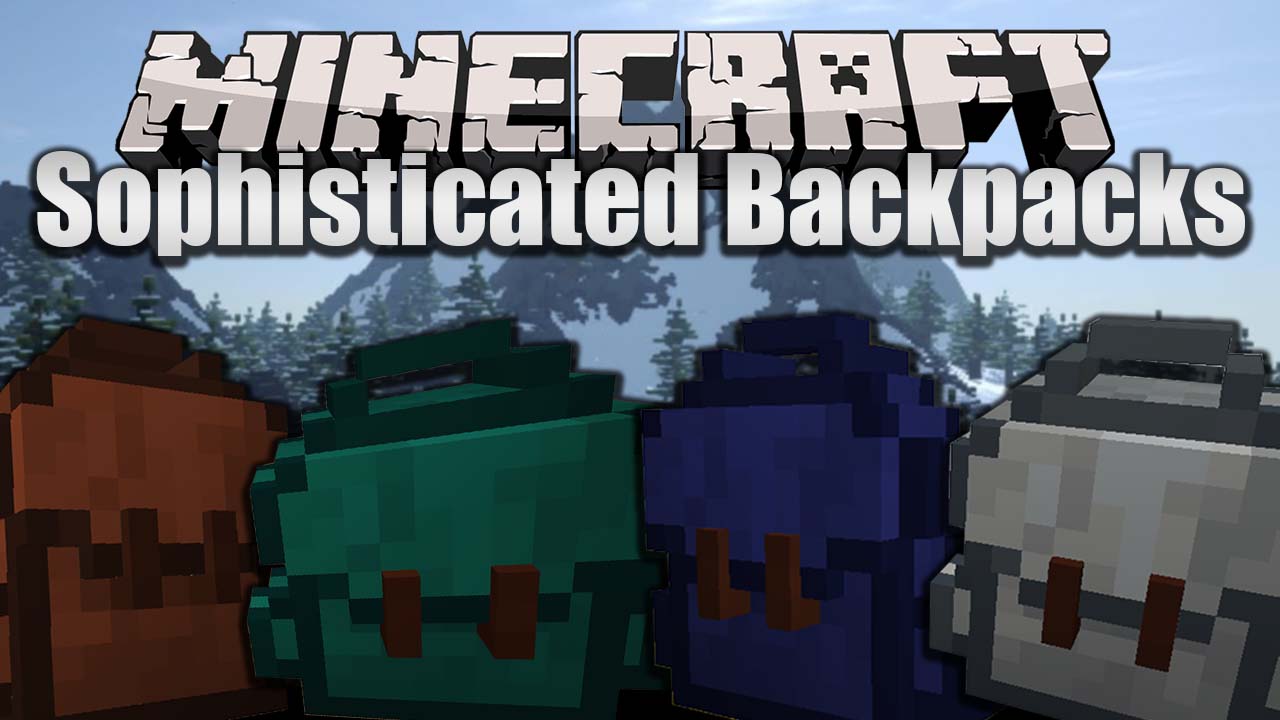
Sophisticated Backpacks Mod (26.2, 1.20.1) – Increases Your Carrying Capacity
Java mod listed for Minecraft 1.20. Downloads from the MC Java Mods app on Android.
⬇ Download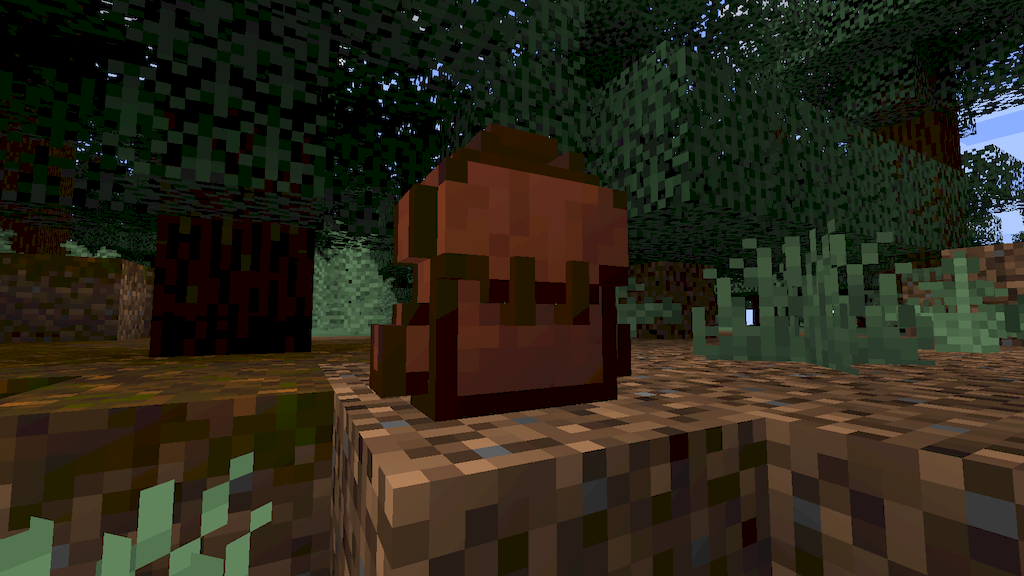
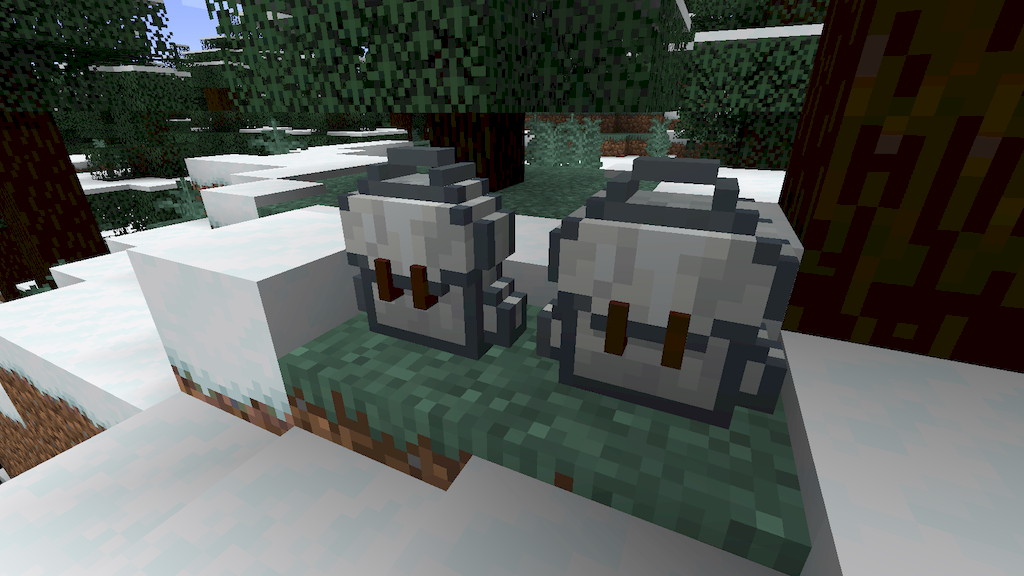
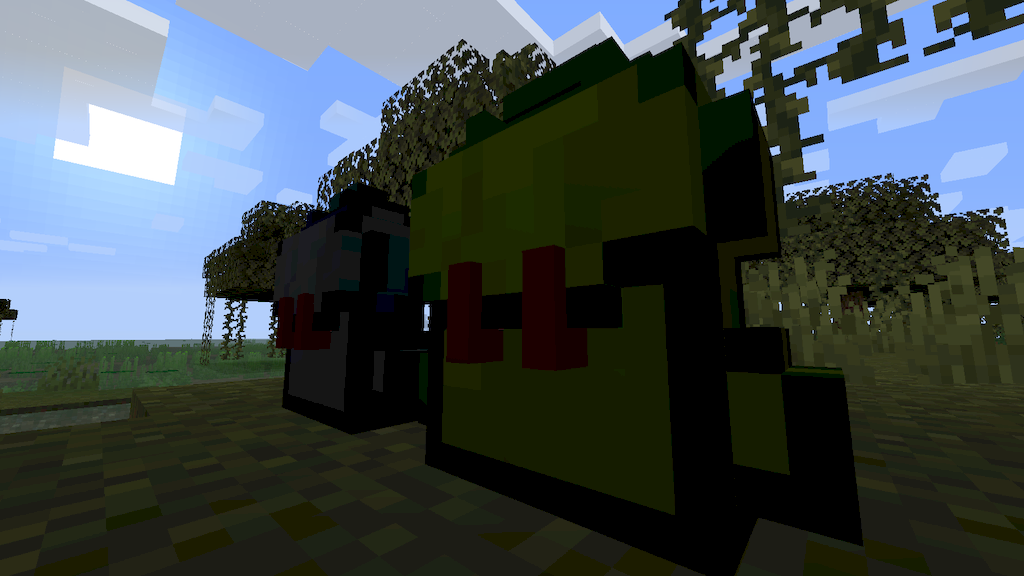
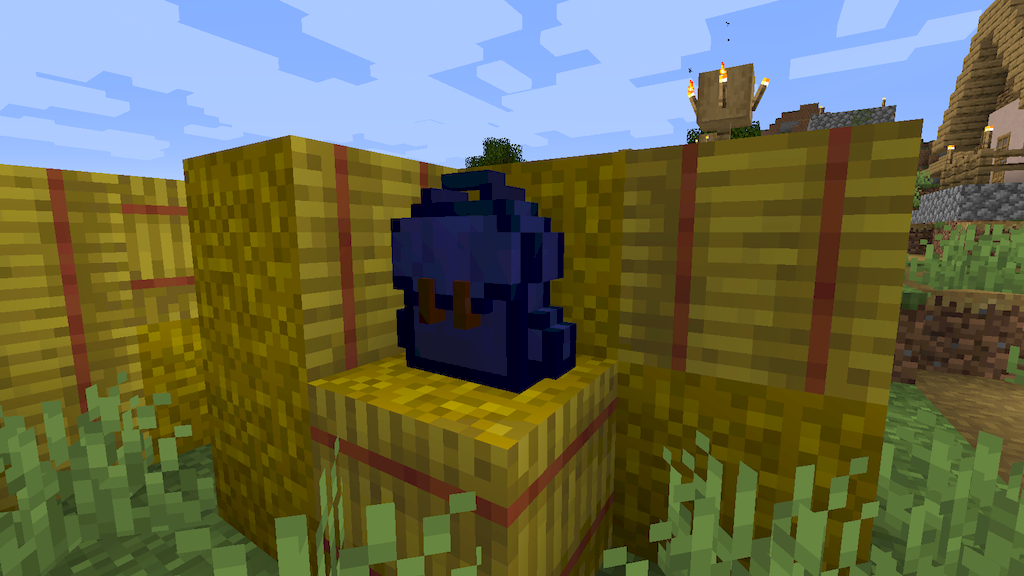
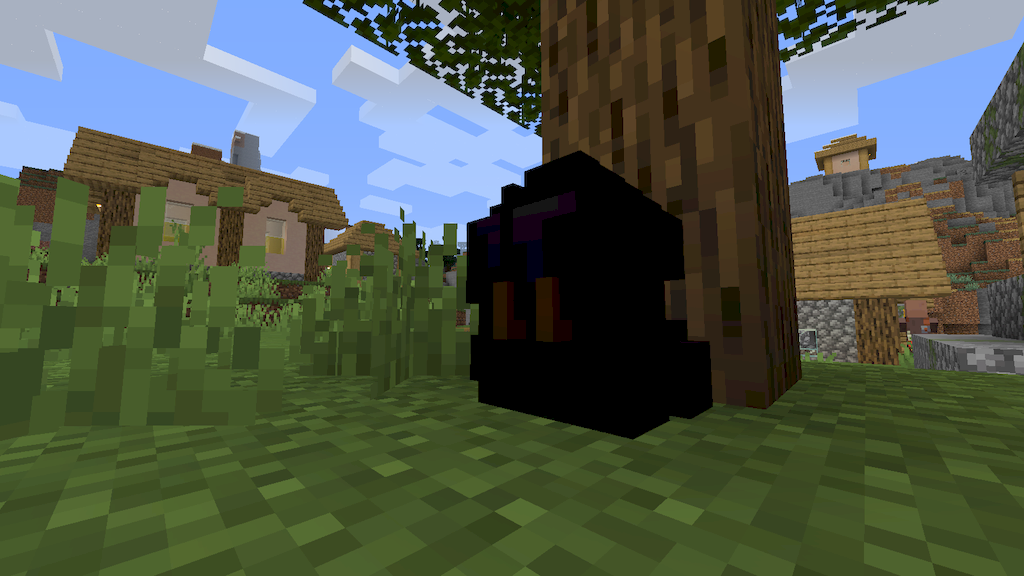
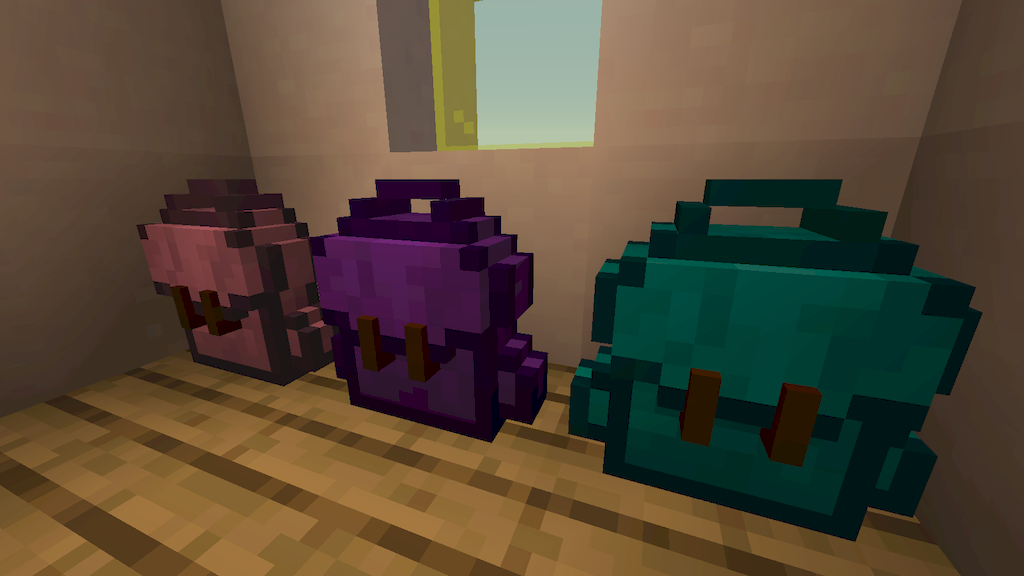
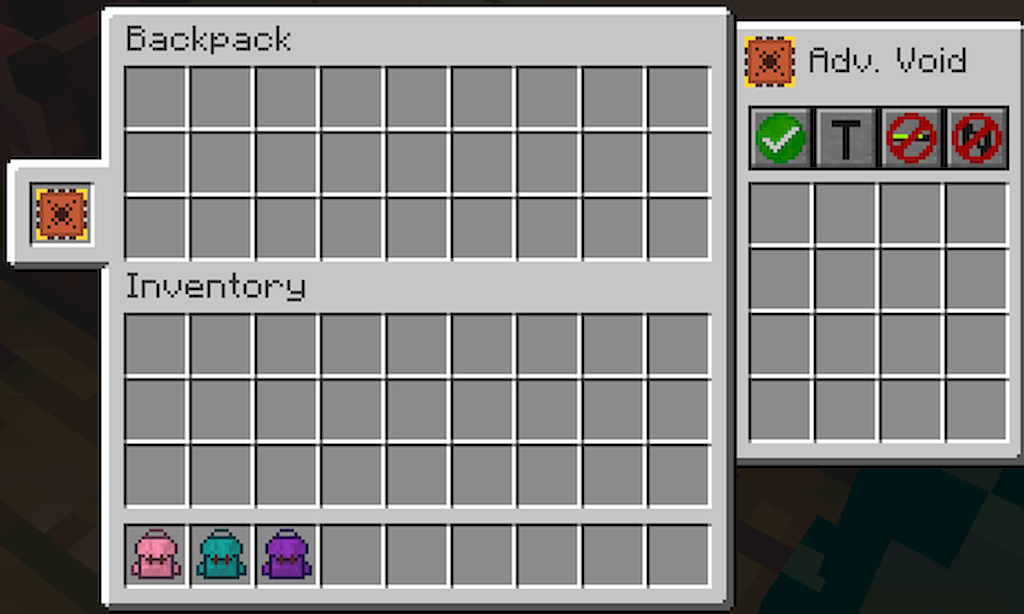
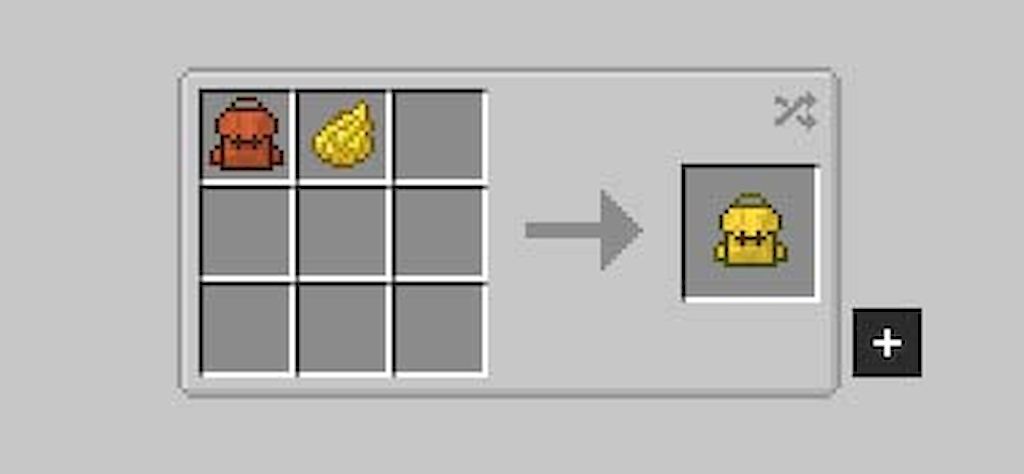
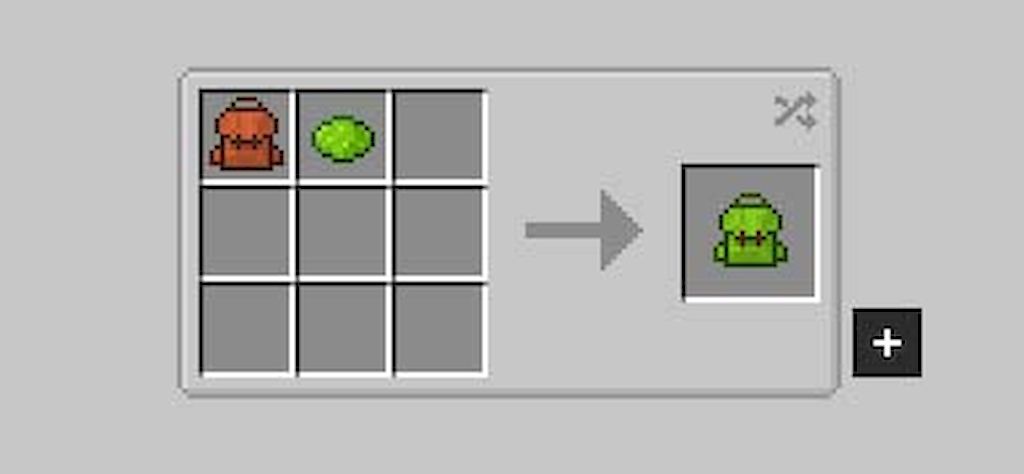
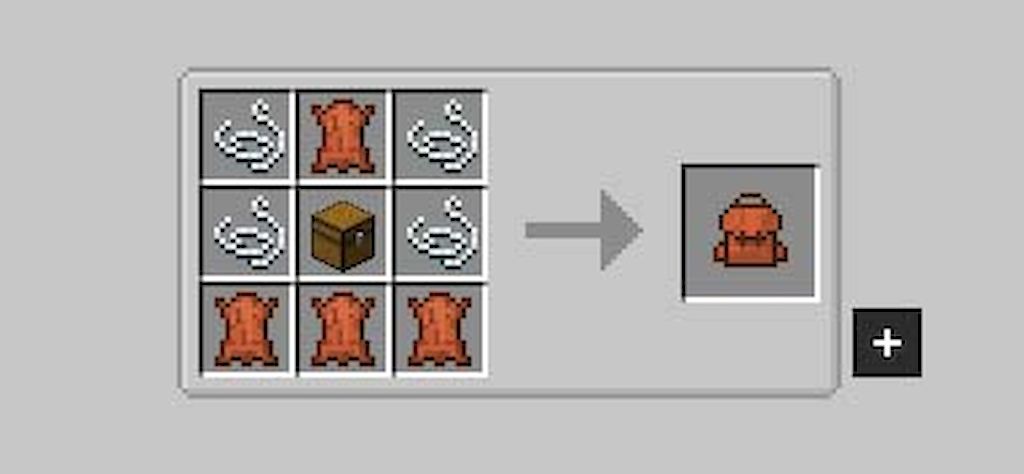
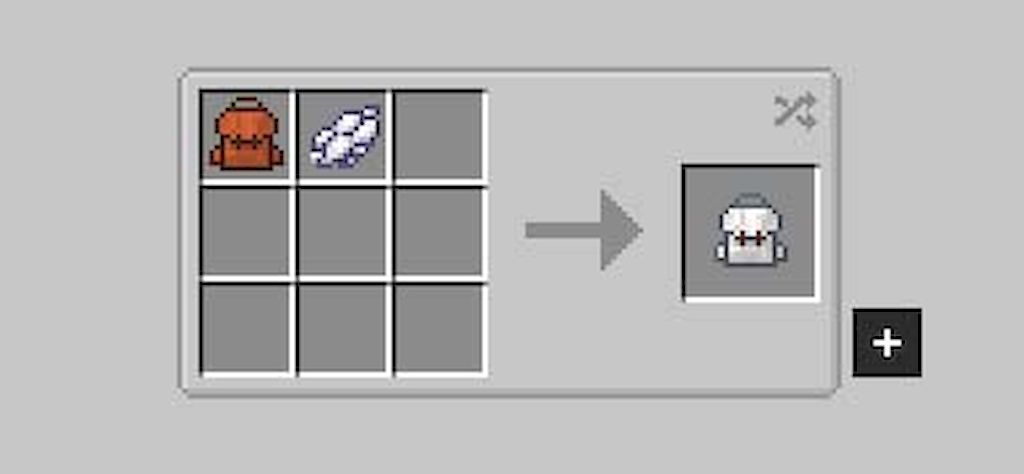
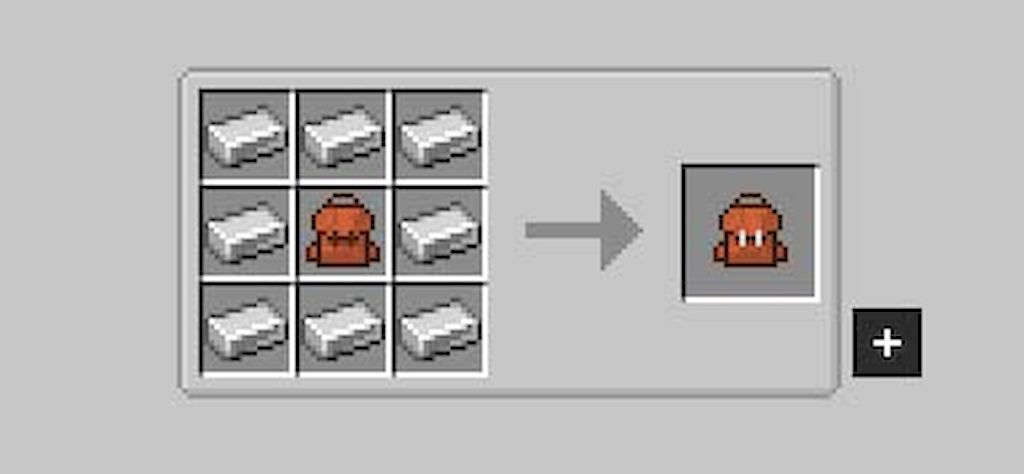
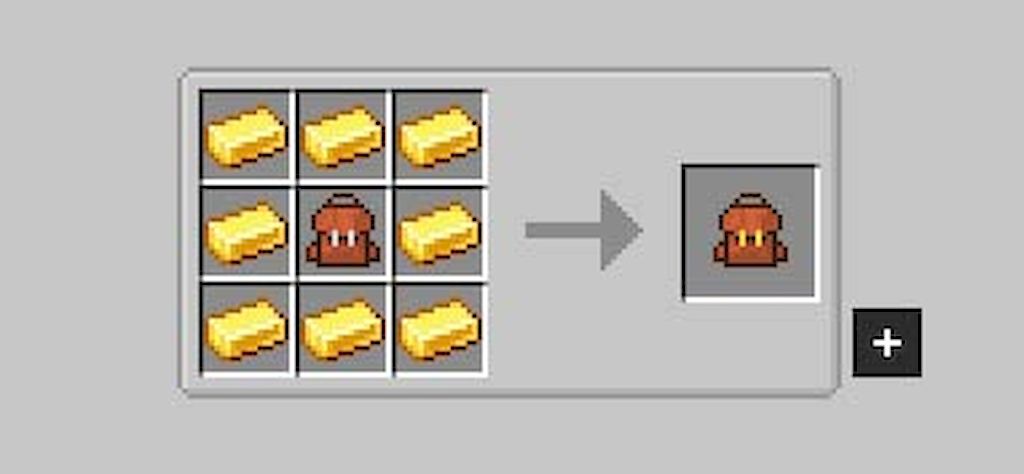
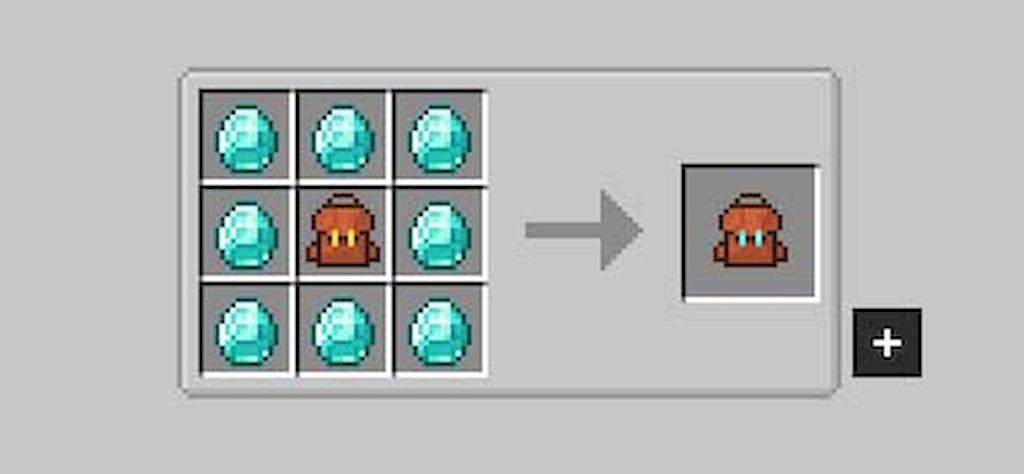
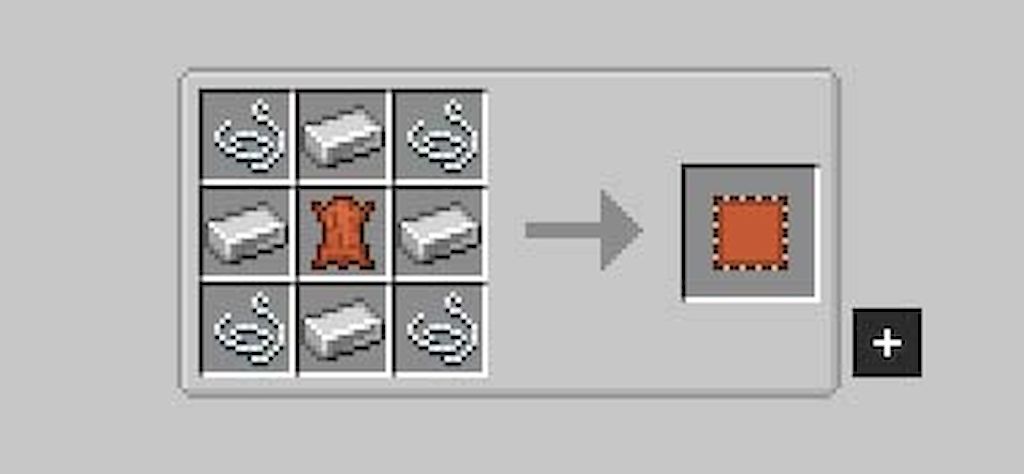
Sophisticated Backpacks Mod allows us to enhance our character’s carrying capacity by crafting a backpack. This backpack can be upgraded to increase storage capacity, dyed with the default dyes, and even placed on any surface. The basic backpack is crafted using leather, but other materials like iron, gold, diamond, and netherite can be used to improve its capacity. Additionally, you can use the default dyes in the game to color our backpacks in whichever colors you prefer. The graphical interface of the backpack can be accessed by pressing the “B” key. The backpack can be placed on the ground by holding it in the character’s hand and pressing “Shift + right-click” on the ground. These backpacks can interact with hoppers, enabling the insertion and extraction of items from their interior.
Features:
- Backpacks come in five tiers-Leather, Iron, Gold, Diamond, and Netherite. Each tier increases storage capacity and upgrade slots.
- Backpacks can be dyed with different colors, allowing players to personalize their appearance.
- Backpacks can be placed on the ground and interact with hoppers or modded pipes for item transfer.
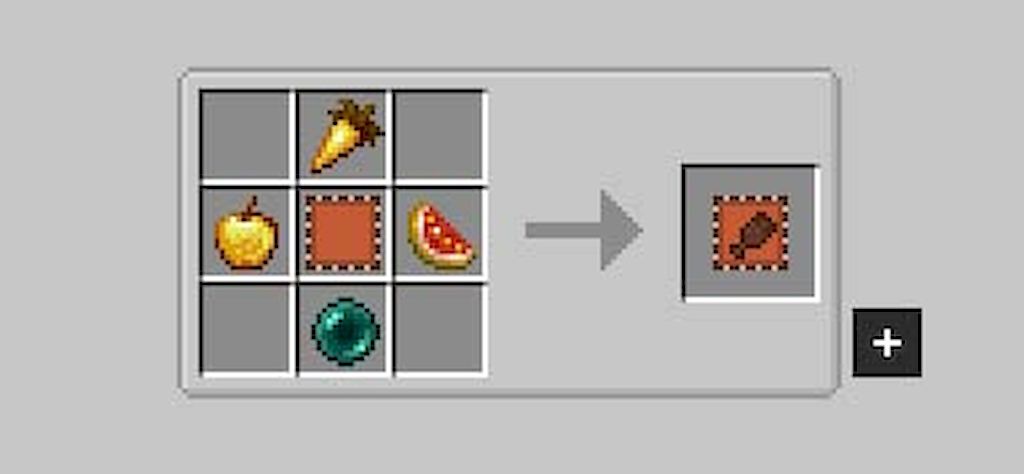
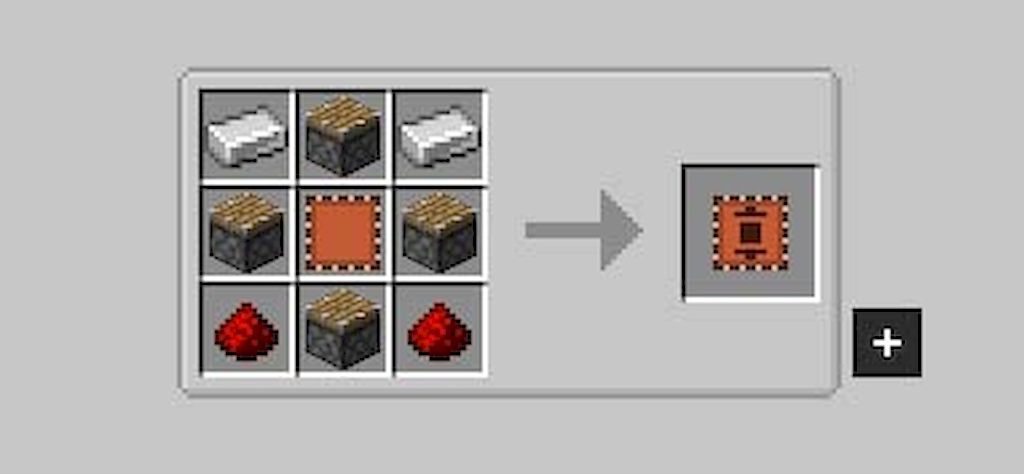
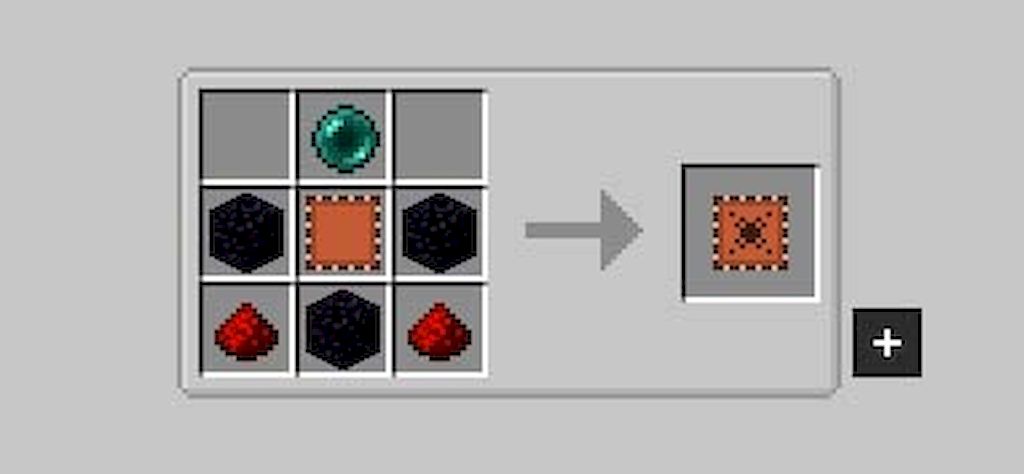
- There are 17 upgrades available, such as the Magnet Upgrade (teleports items to the backpack) and the Feeding Upgrade (automatically feeds the player from the backpack).
- Players can craft a portable terminal to access their backpack’s contents on the go.
- The mod supports automation, including crafting and resource processing.
Screenshots:
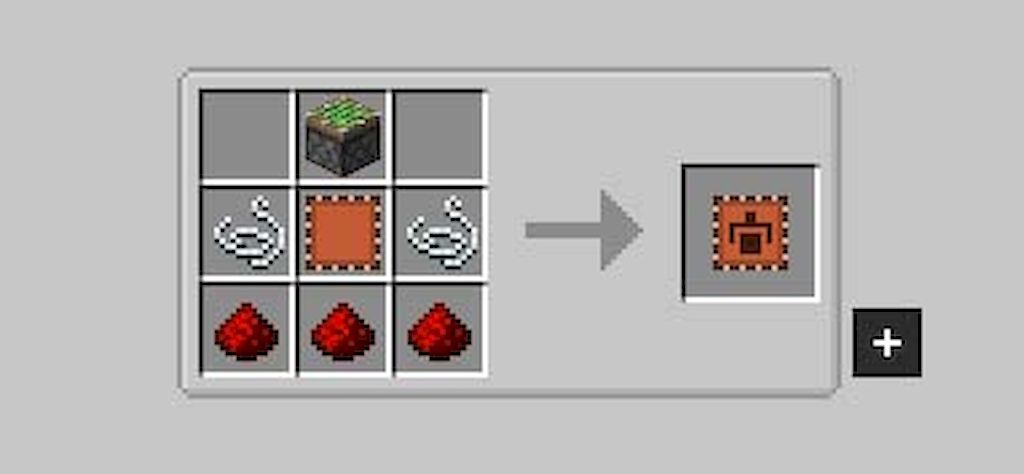
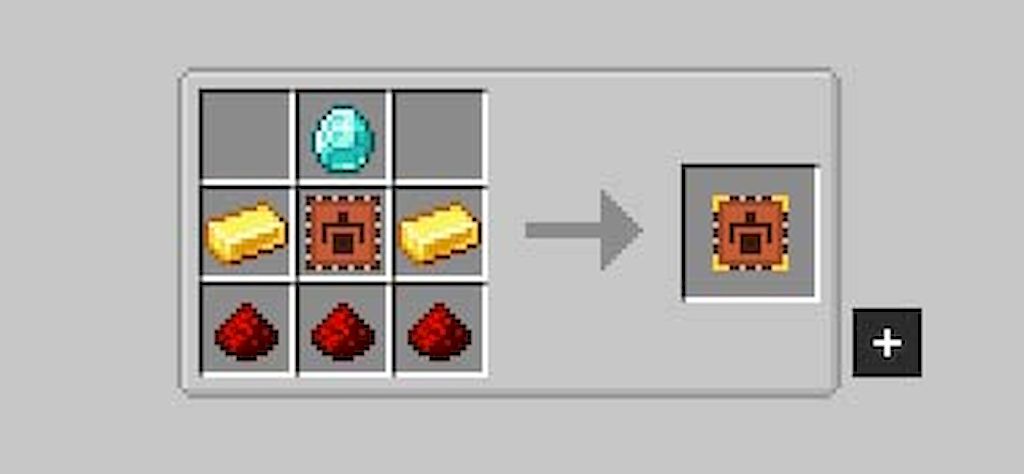
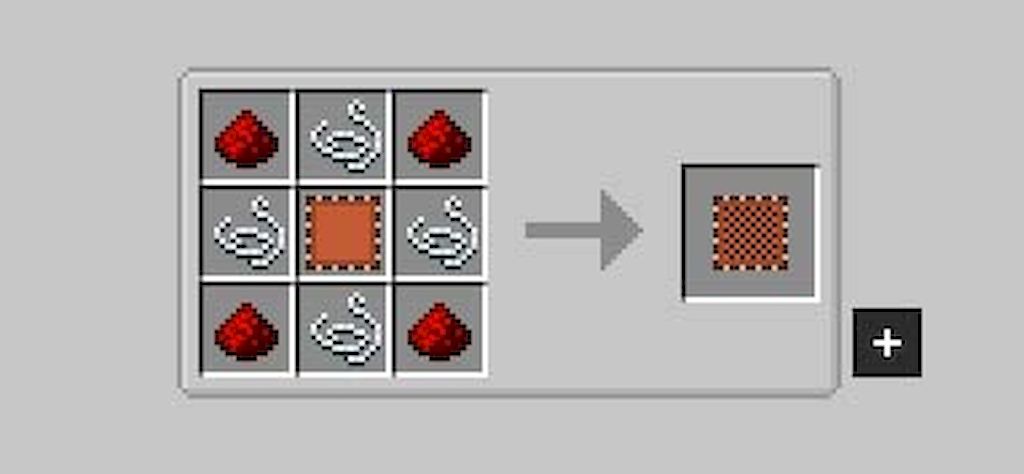
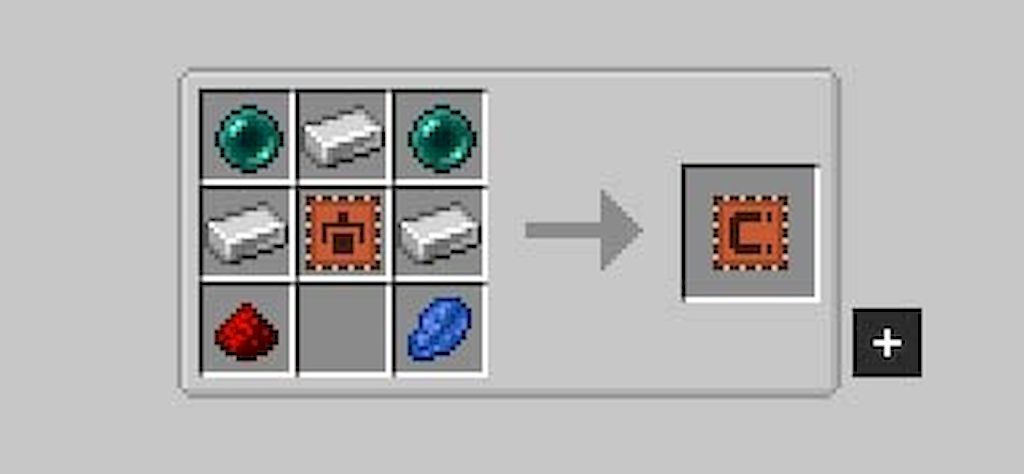
Crafting Recipes:
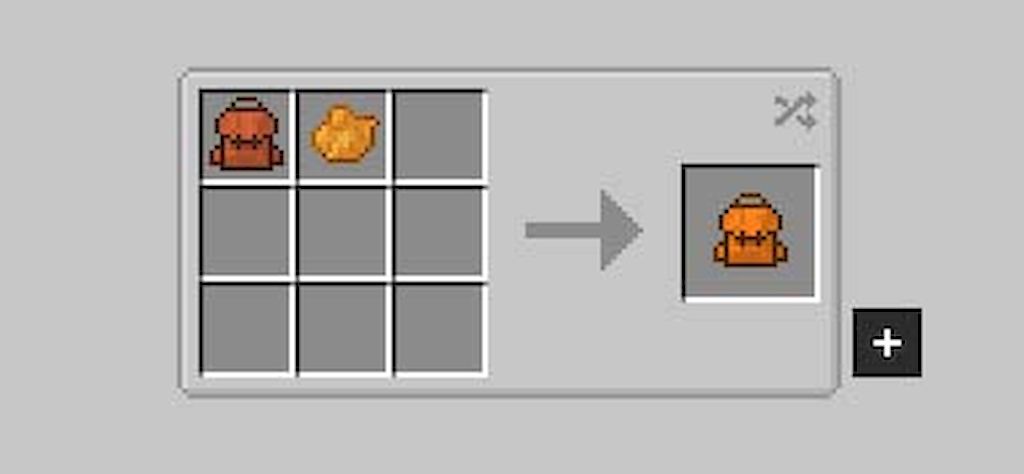
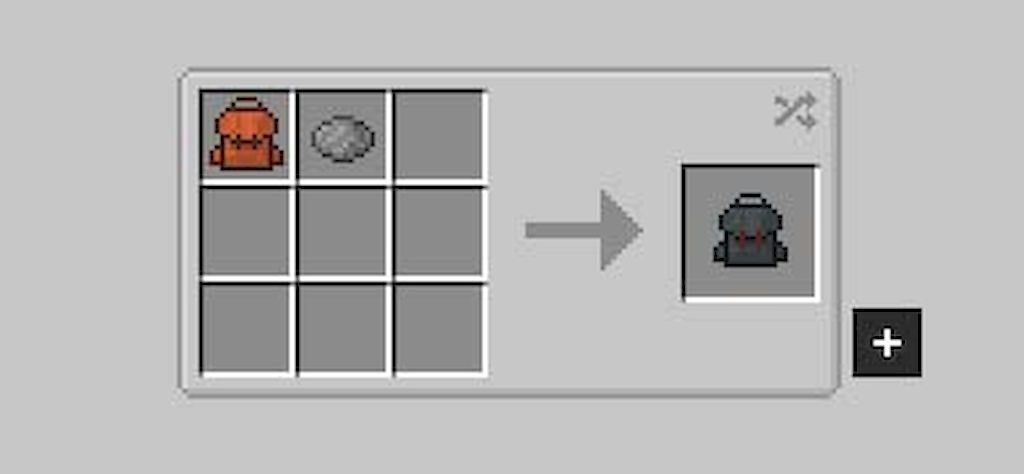
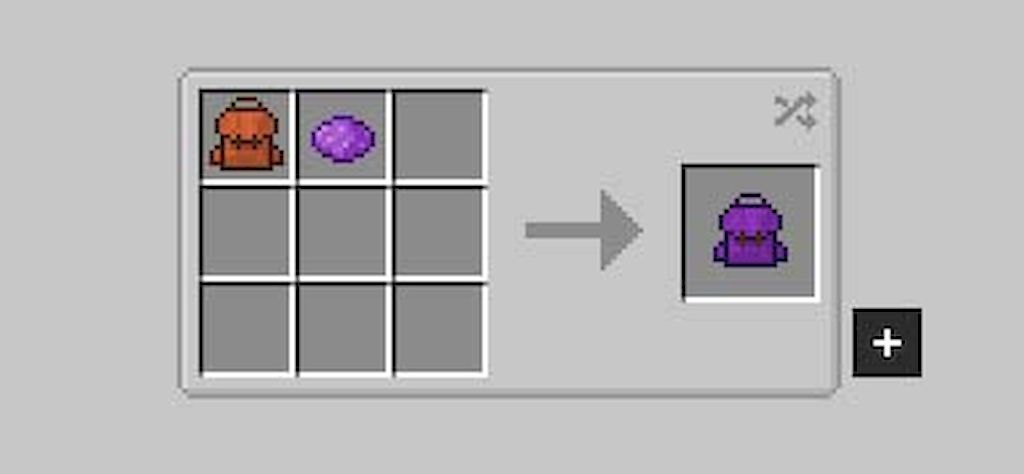
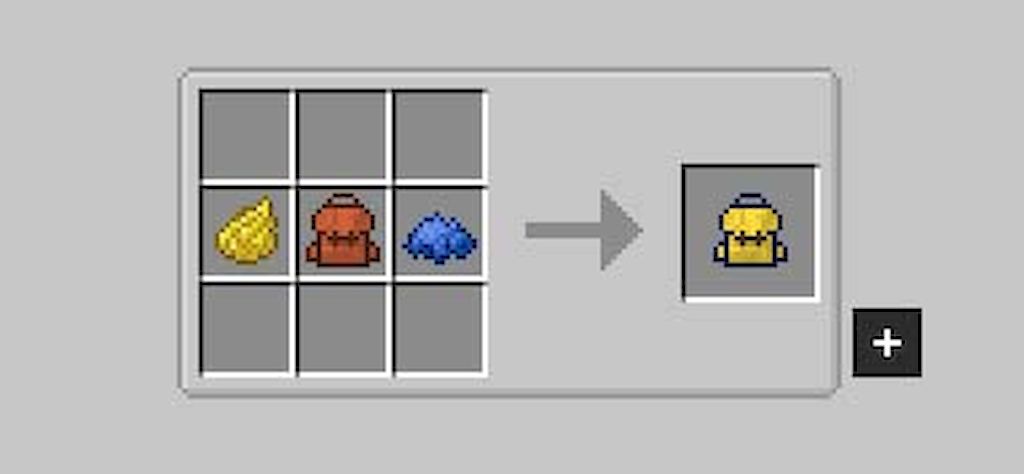
Sophisticated Backpacks Mod Download Links
- Edition: Minecraft Java
- File type: .jar
- Minecraft version listed: 1.20.1
- How to install: Install the matching mod loader (Forge, Fabric or NeoForge) for your Minecraft version. → Download the .jar. → Put it in the .minecraft/mods folder and launch that loader profile.
- Where to get it: In MC Java Mods, or directly above on this page.
Install steps are the general flow for this file type — How to install Minecraft Java mods & modpacks walks through it step by step.
- Downloads as 30180.mcaddon
- Download size: 1.1 MB
- Download link checked 23 Sept 2026 — working
- Mirrored on our own servers — the download does not depend on the original host
These come from our own check of the pack file, not from the source page.