
New UI
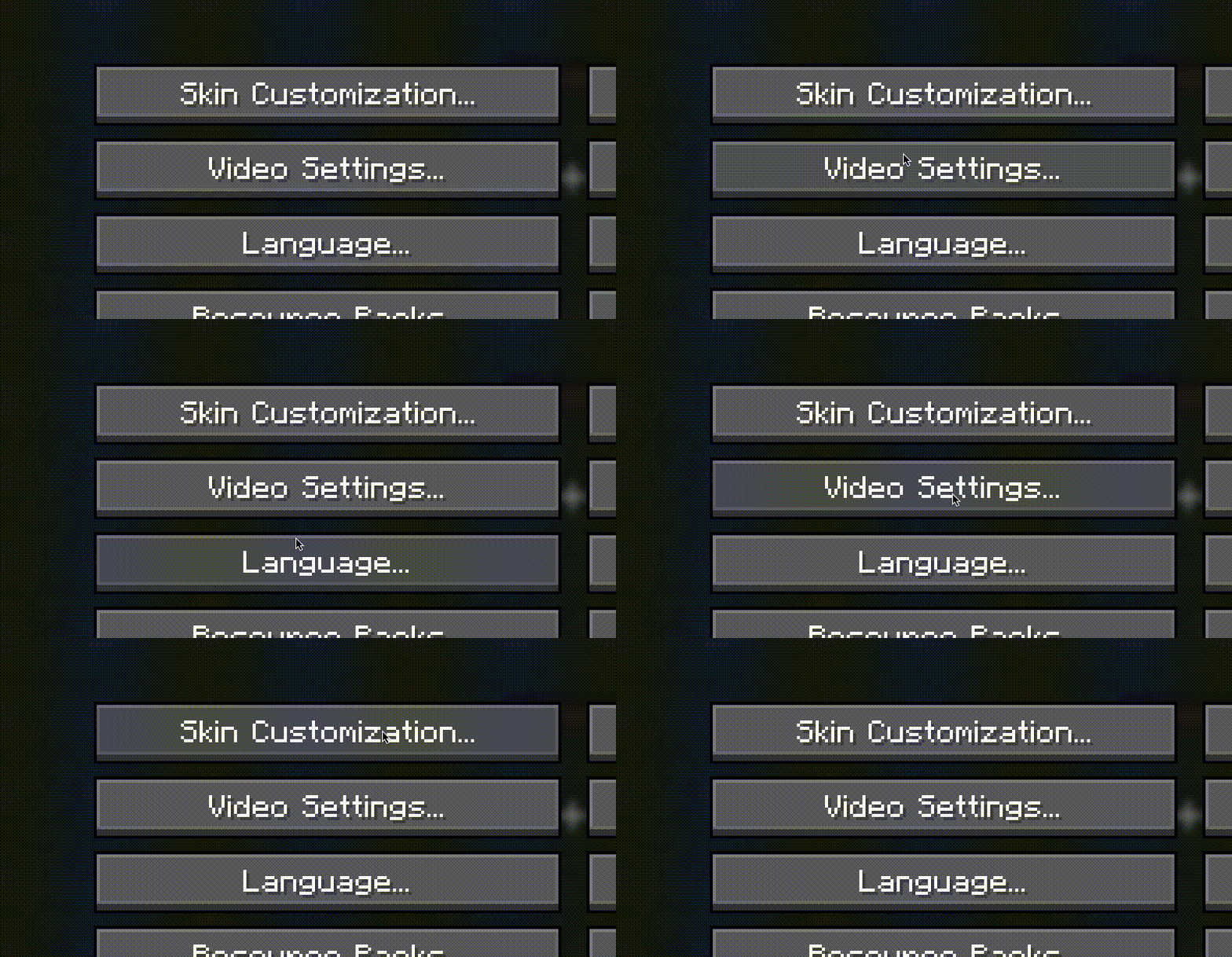
Minecraft has been unupdated in many parts of UI, never got a new animation or sound effect... let's get new stuff with this!
⬇ Download on Modrinth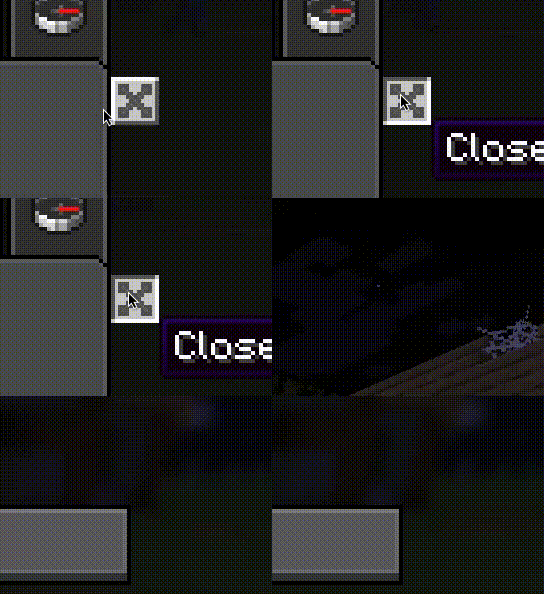
🖥️ New UI – A Fresh Look for Minecraft
🚀 Introduction
Since the earliest versions of Minecraft, the user interface (UI) has remained largely unchanged, never receiving new animations or sound effects. Some menus feel outdated or uninspired, making them less appealing to look at.
🎨 What is New UI?
🔹 New UI is designed to refresh Minecraft’s interface, giving it a more modern look.
🔹 It incorporates Ore UI textures and other visual enhancements to improve the overall aesthetic.
✨ Key Features
✅ New animations to make the UI feel more dynamic.
✅ More sound effects for a richer experience.
✅ Updated visuals to replace dull or outdated menus.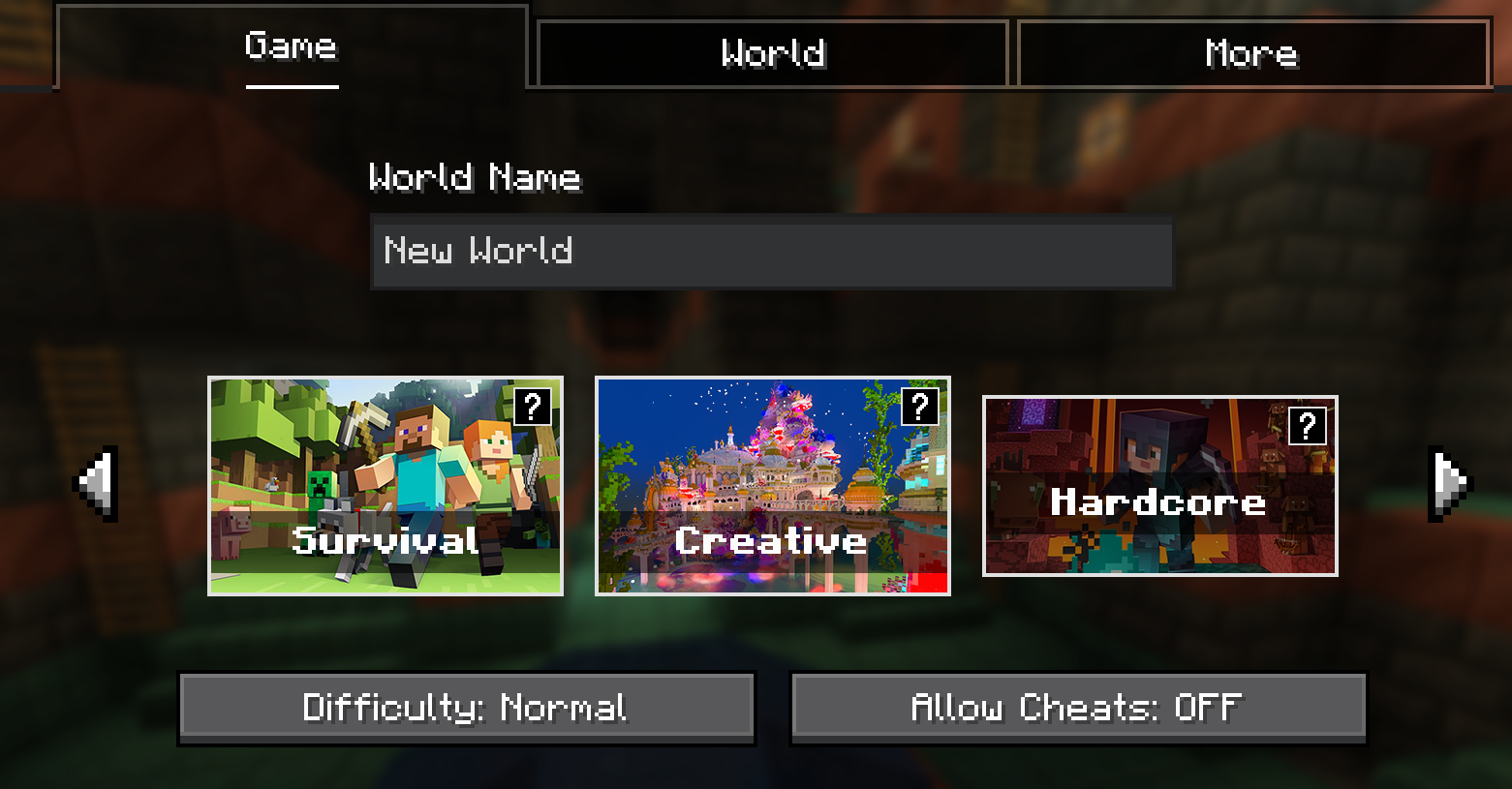
With New UI, Minecraft’s interface won’t just be functional—it will also look and feel better than ever! 🚀
Frequently Asked QuestionsNO SODIUM, HOW AM I SUPPOSED TO ENJOY THE GAME
You are right, the experience without any optimization ideal for you device maybe can be laggy, use this modpack as a base for your own private if you really want daily use of this
FOUND A BUG, WHERE CAN I REPORT IT?
Thanks to be interested in reporting bugs, for now this modpack doesn't have an issue tracker, come in the next days to check if something's changed!
- Edition: Minecraft Java
- File type: .jar
- Minecraft version listed: 1.21.1
- How to install: Install the matching mod loader (Forge, Fabric or NeoForge) for your Minecraft version. → Download the .jar. → Put it in the .minecraft/mods folder and launch that loader profile.
- Where to get it: Opens on Modrinth — not every file is mirrored on our own servers.
Install steps are the general flow for this file type — How to install Minecraft Java mods & modpacks walks through it step by step.
- Downloads as New UI1.0.mrpack
- Download size: 10 KB
- Download link checked 5 Sept 2026 — working
These come from our own check of the pack file, not from the source page.