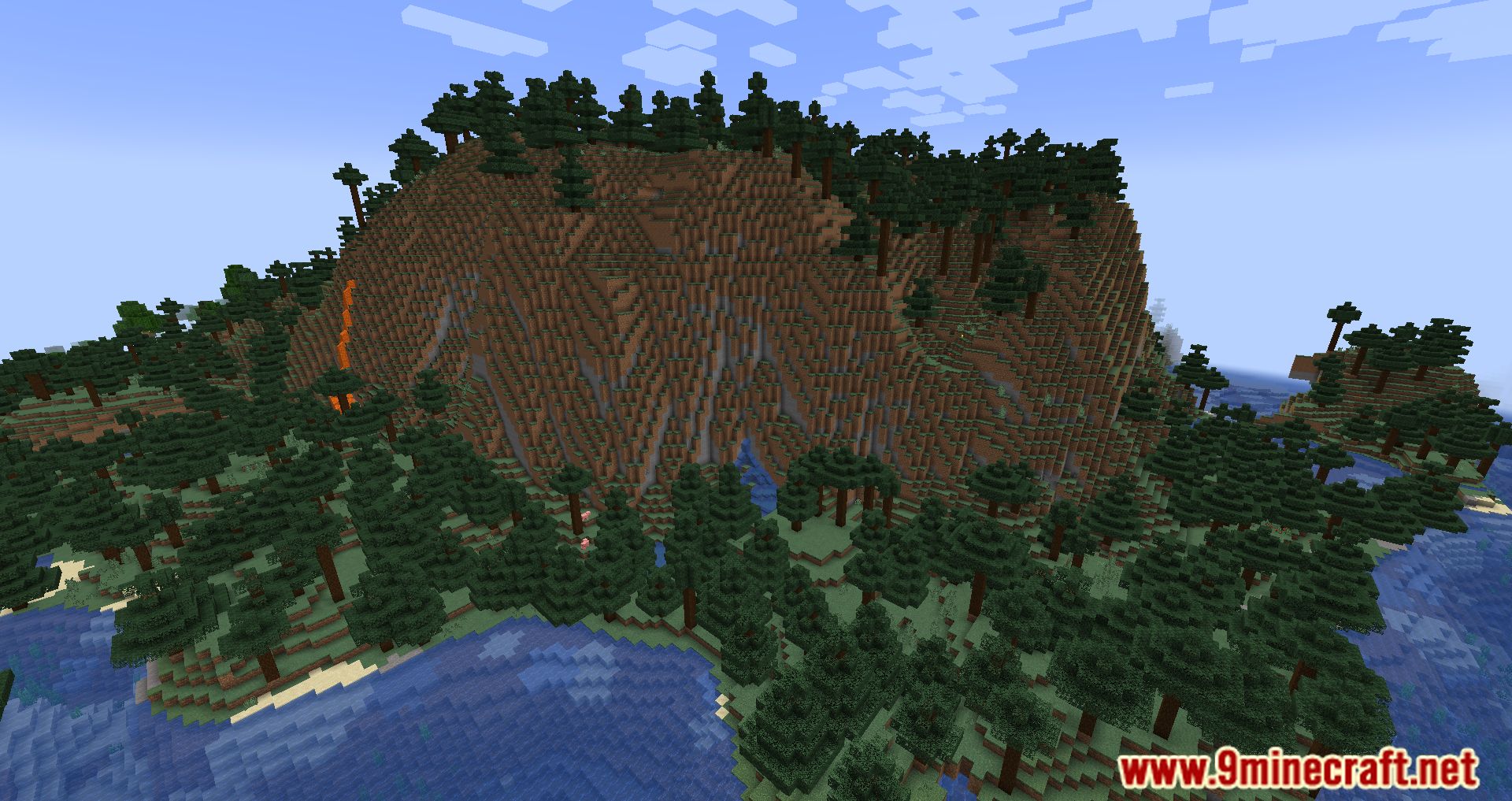
OptiGUI Mod lets you change the look of in-game menus and interfaces using resource packs. It is a client-side mod that supports most resource packs made for OptiFine’s custom GUI feature. The mod is written in Kotlin, which helps it run fast and smoothly on Fabric and Quilt.
Features:
- Lets you customize the textures of in-game GUIs with resource packs.
- Runs smoothly with good performance.
- Works with most OptiFine custom GUI resource packs.
- Supports its own flexible resource pack format for more options.
- Available in many different languages.
Supported Resource Packs:
- Colourful Containers GUI
- Colourful Containers Add-On
- Colourful Containers Dark Mode GUI
- Animated RGB GUI
- NEON20 ANIMATED
- Rybo’s Enhanced GUI
- Animated Fox Guis
- [DARK] Animated Fox Guis
- Recolourful Containers GUI + HUD
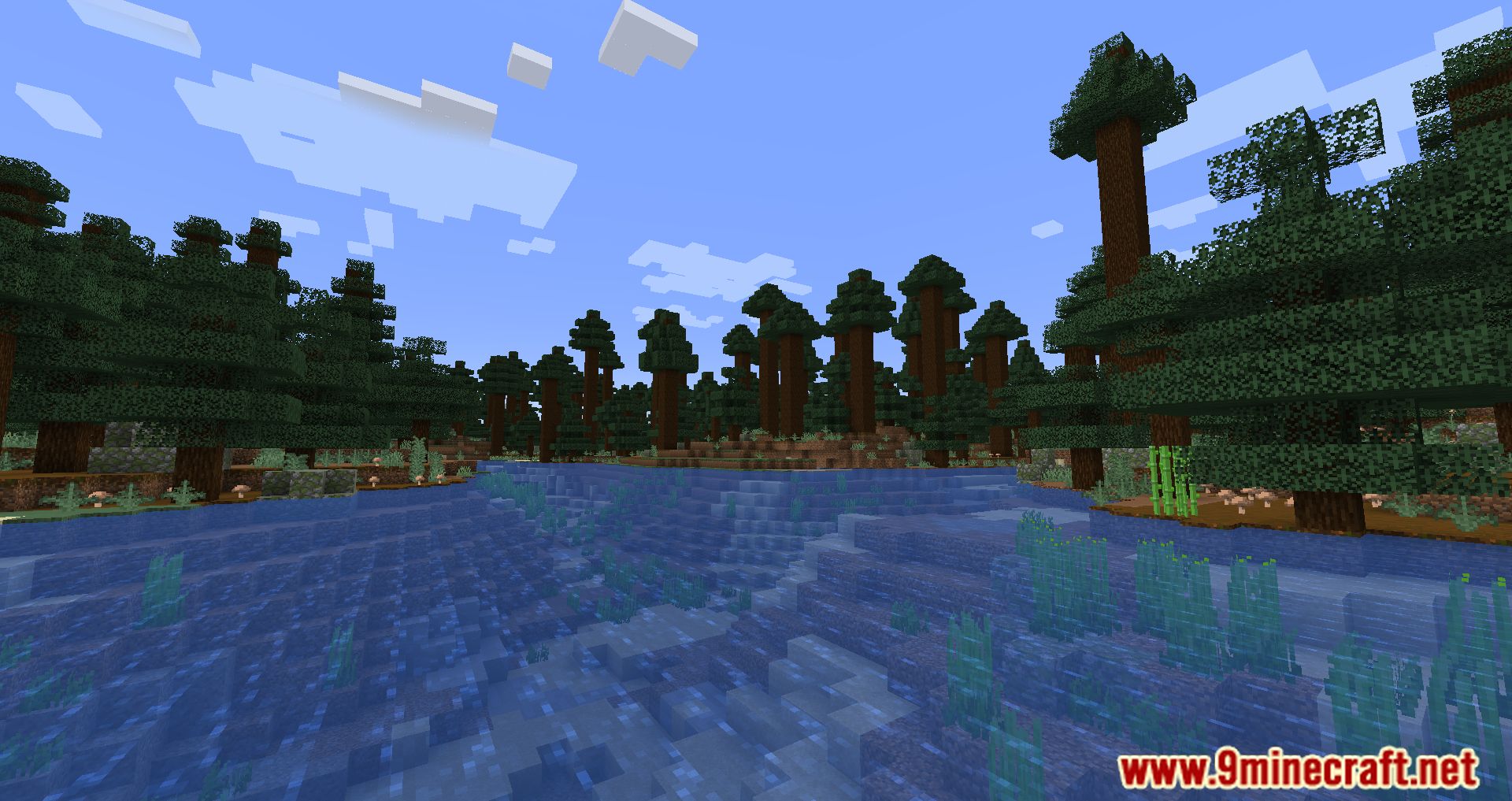
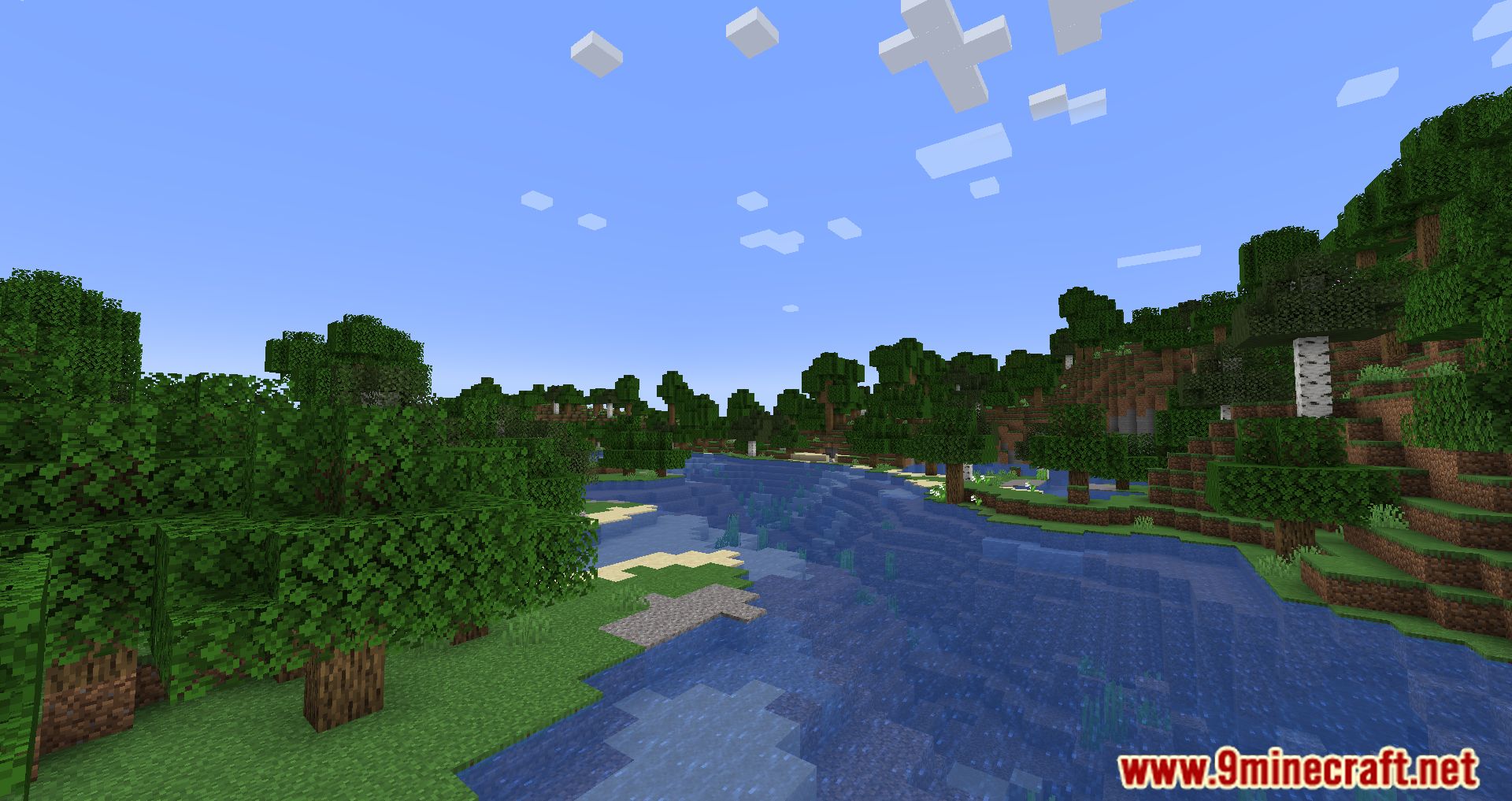
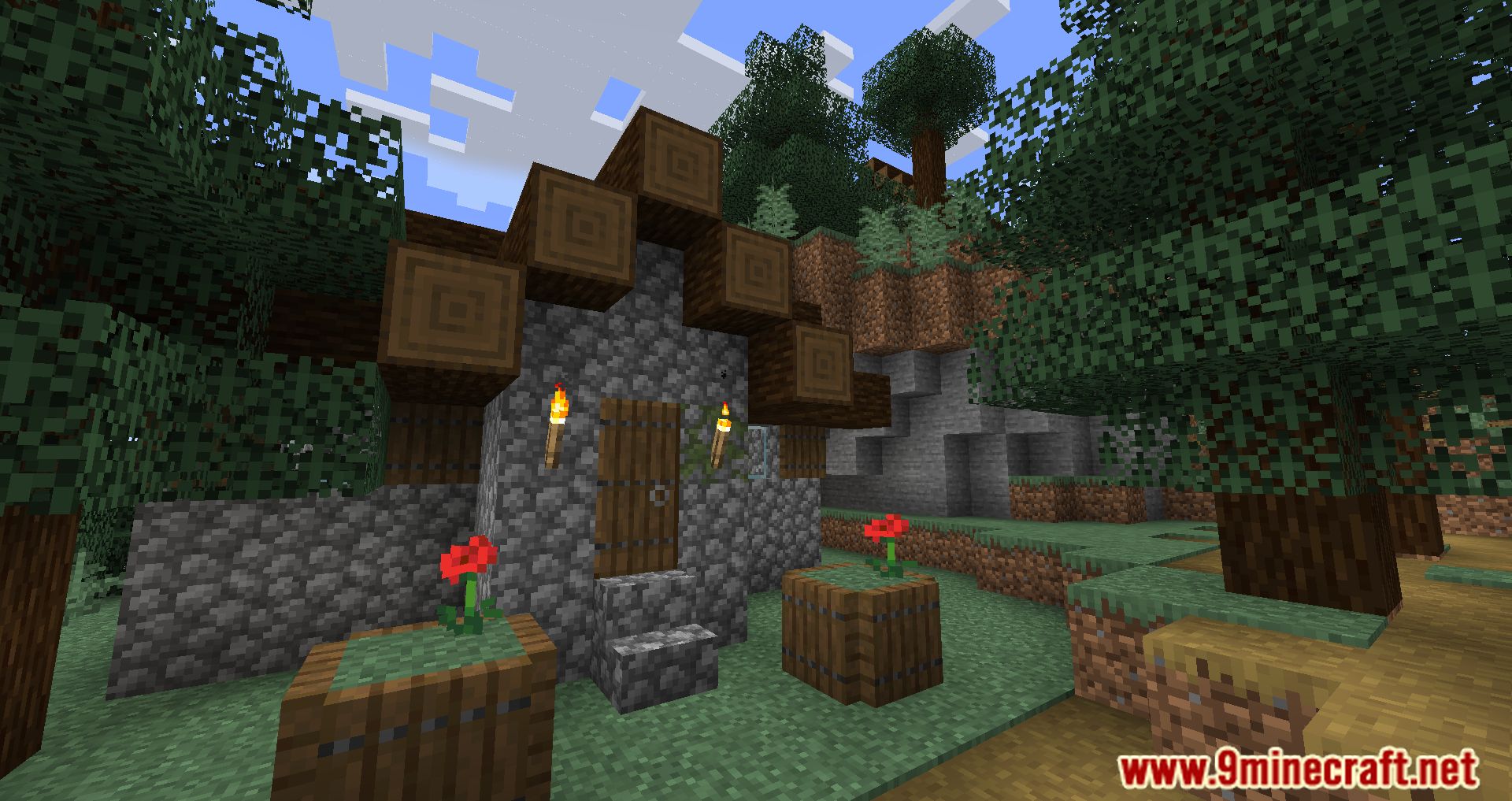
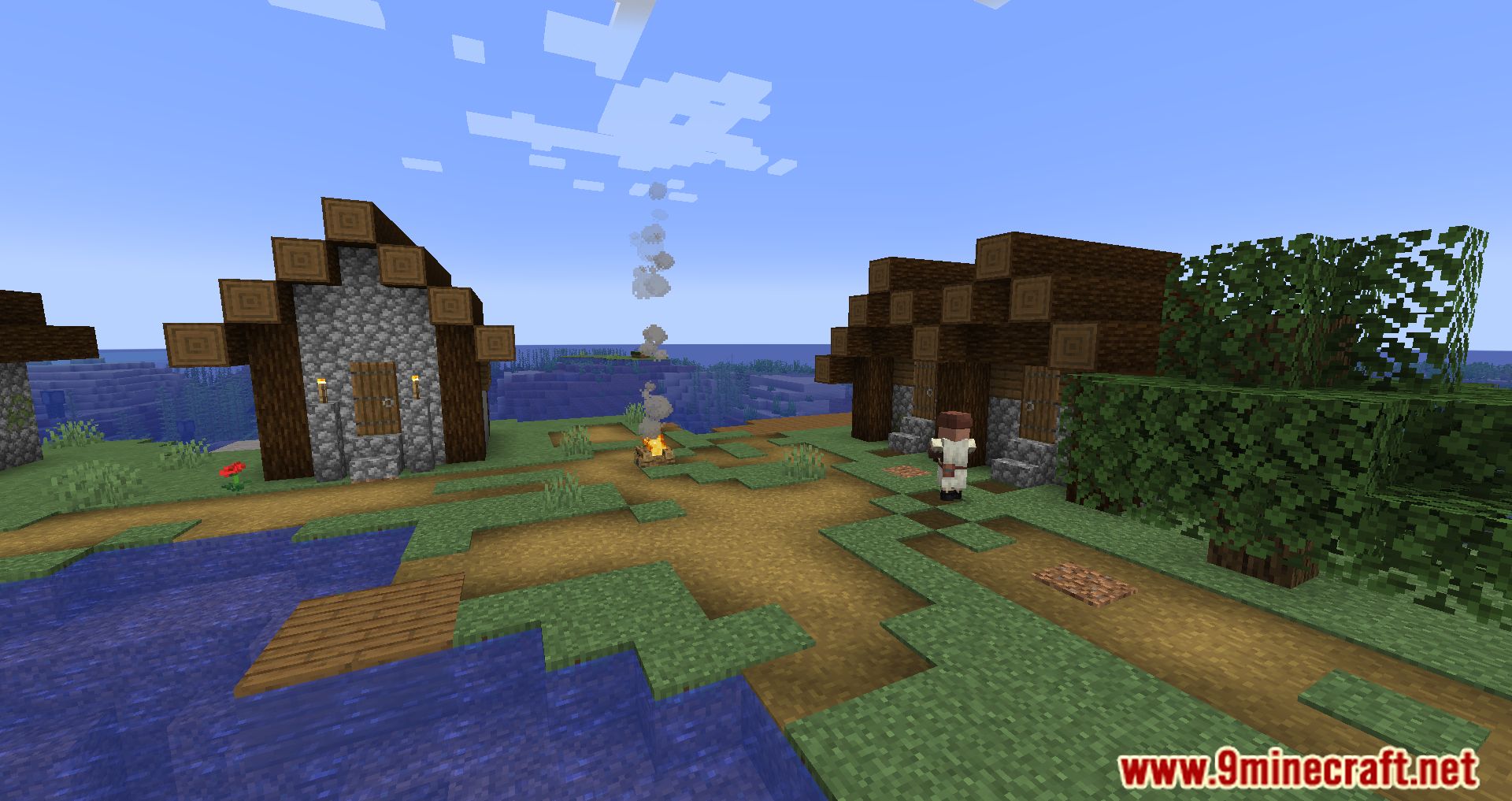
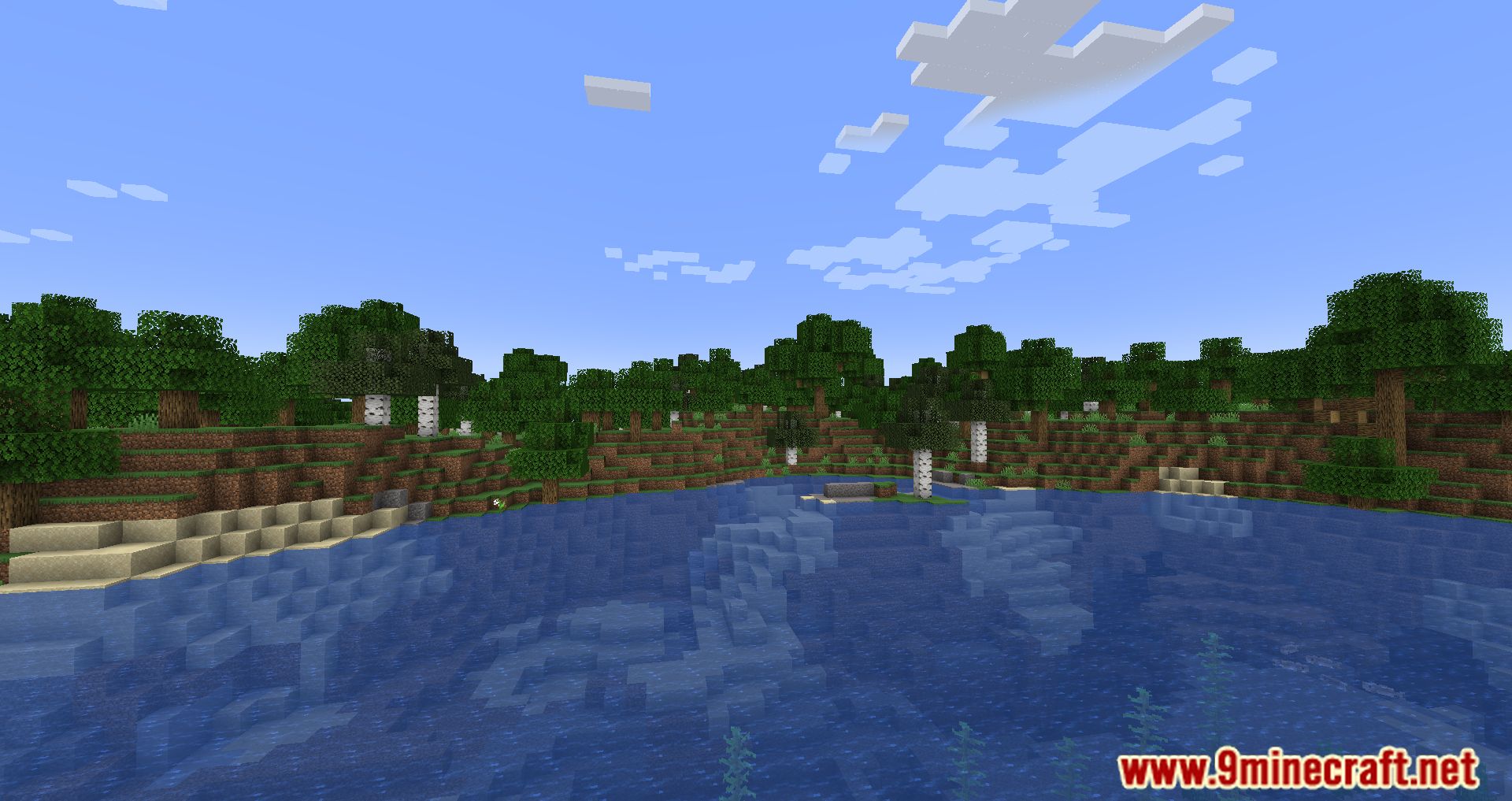
Screenshots:
OptiGUI Mod Download Links
Quick facts
- Edition: Minecraft Java
- File type: .jar
- Minecraft version listed: 1.20.1
- How to install: Install the matching mod loader (Forge, Fabric or NeoForge) for your Minecraft version. → Download the .jar. → Put it in the .minecraft/mods folder and launch that loader profile.
- Where to get it: Opens on the file's original source — not every file is mirrored on our own servers.
Install steps are the general flow for this file type — How to install Minecraft Java mods & modpacks walks through it step by step.
OptiGUI Mod (26.2, 1.20.1) – Style Every Menu In-Game is a free Minecraft Java mod. Compatible with Minecraft 1.20.1. Download it and open it directly in the game.