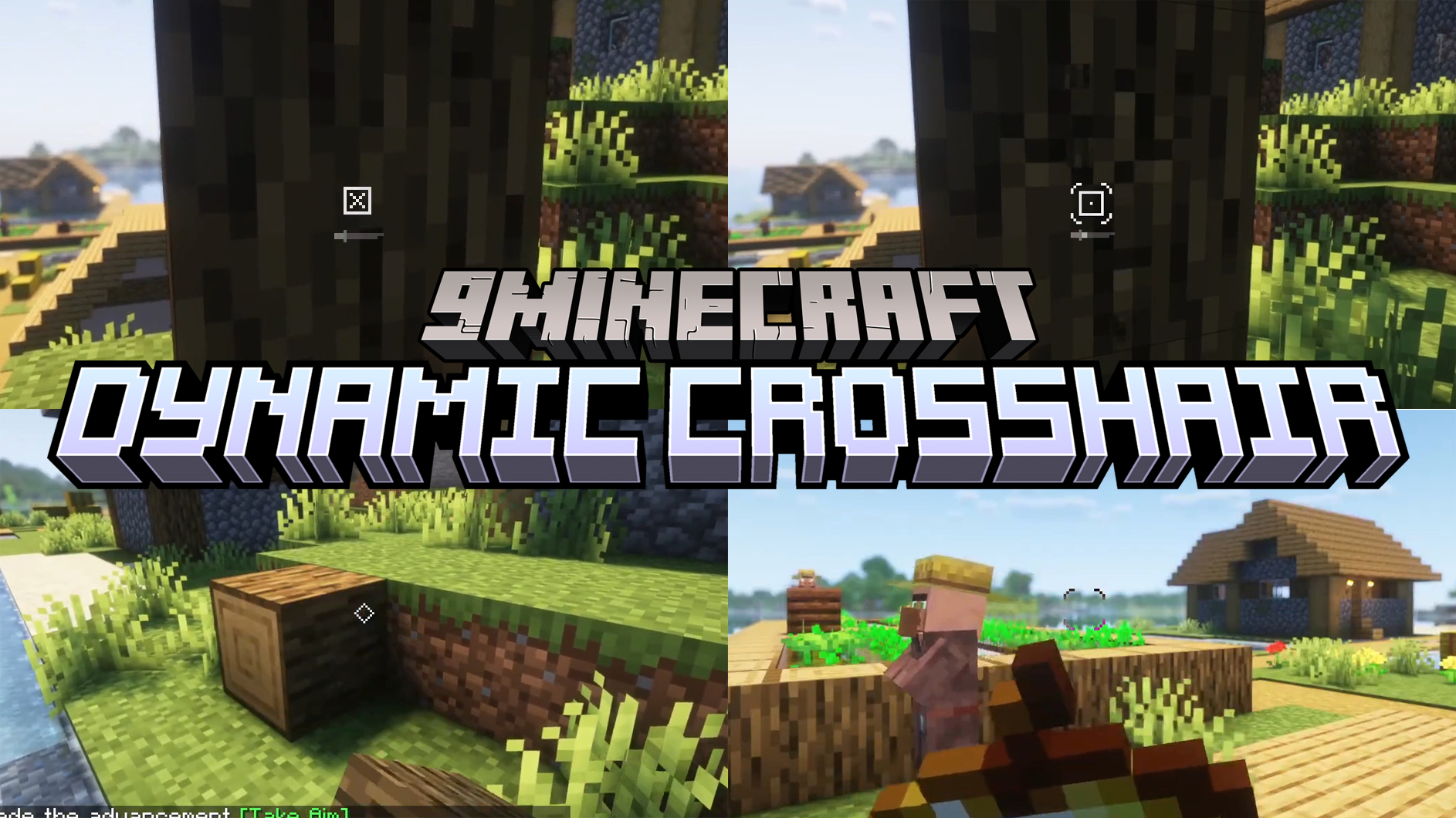
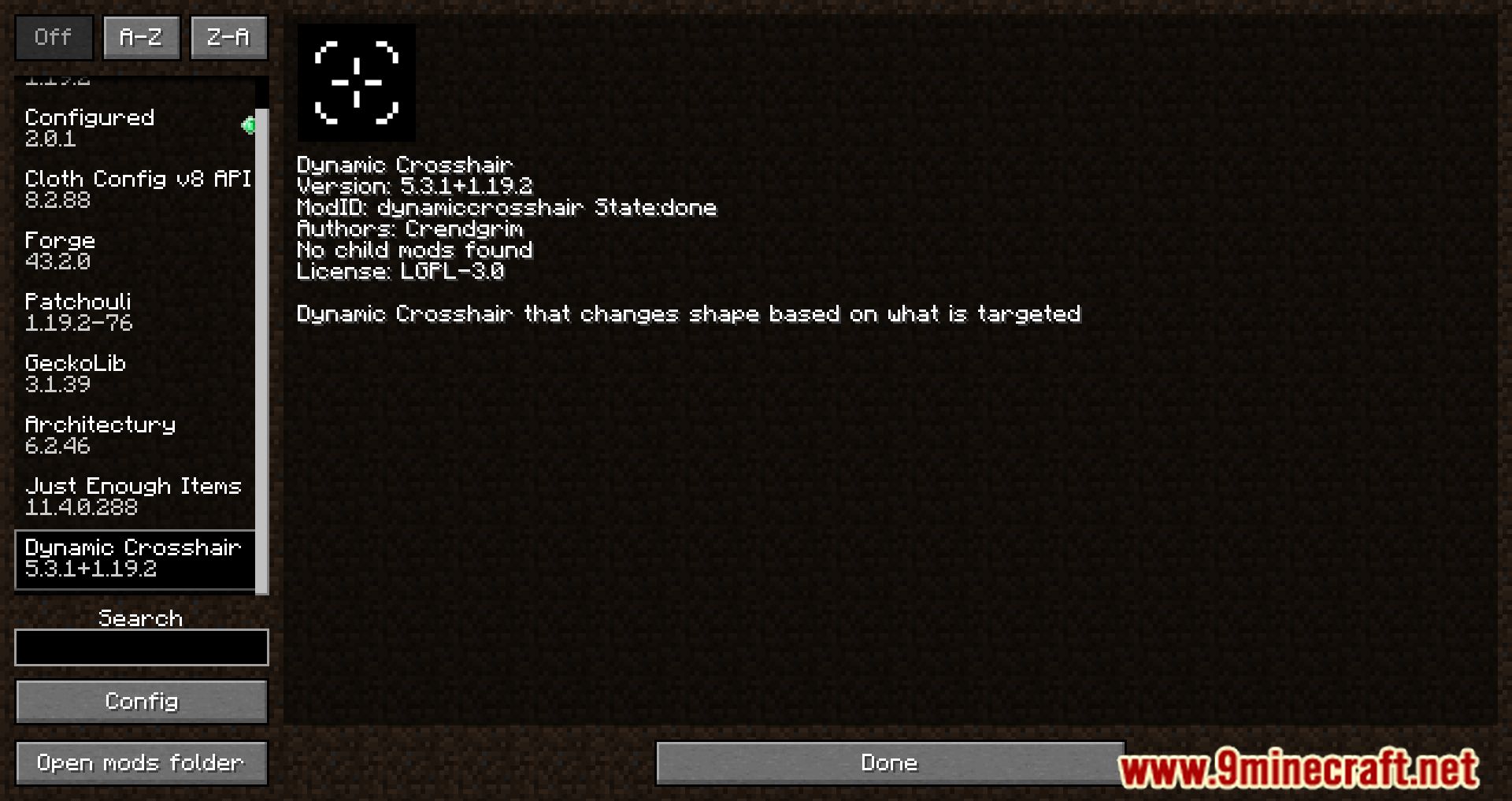
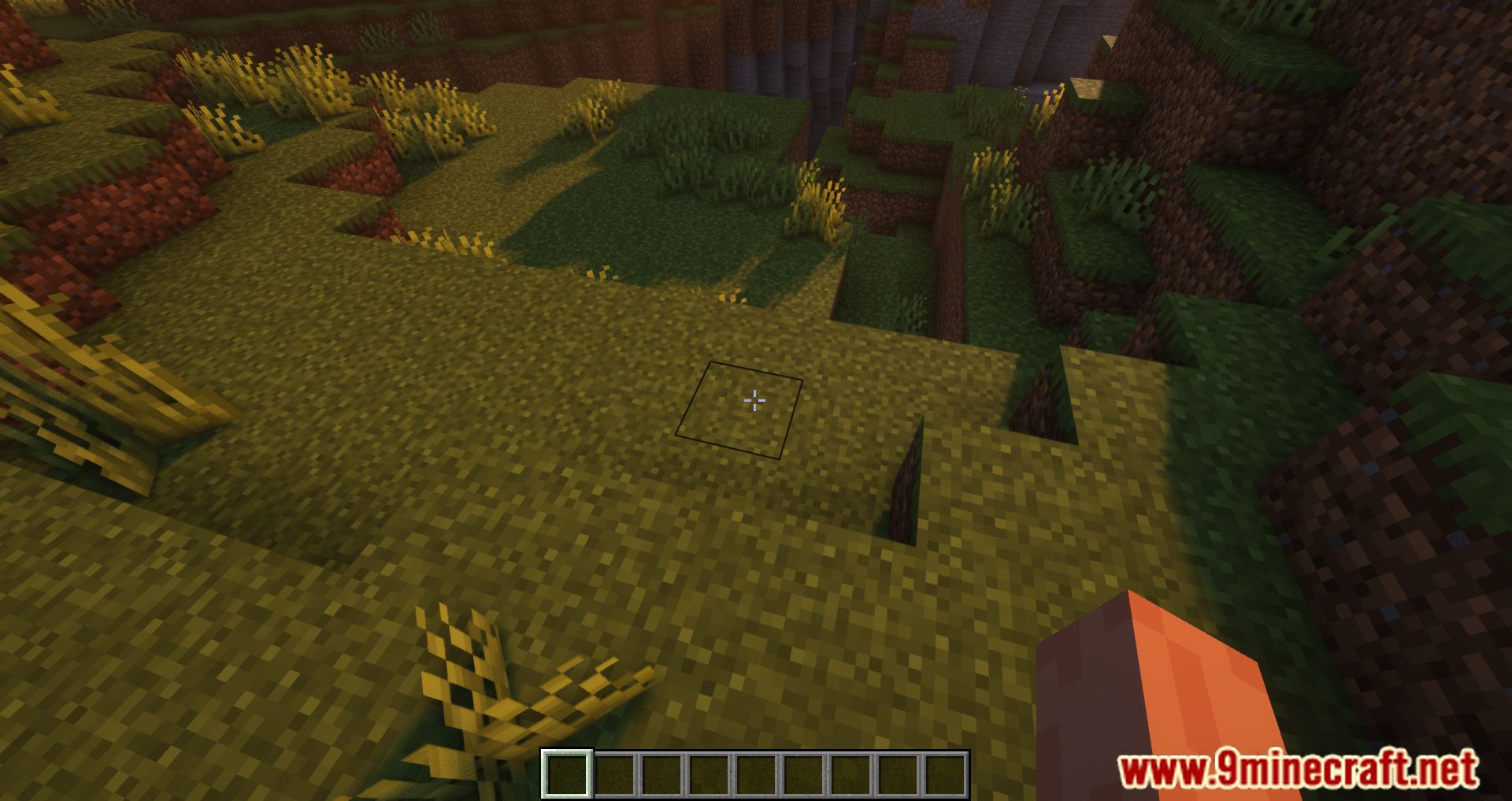
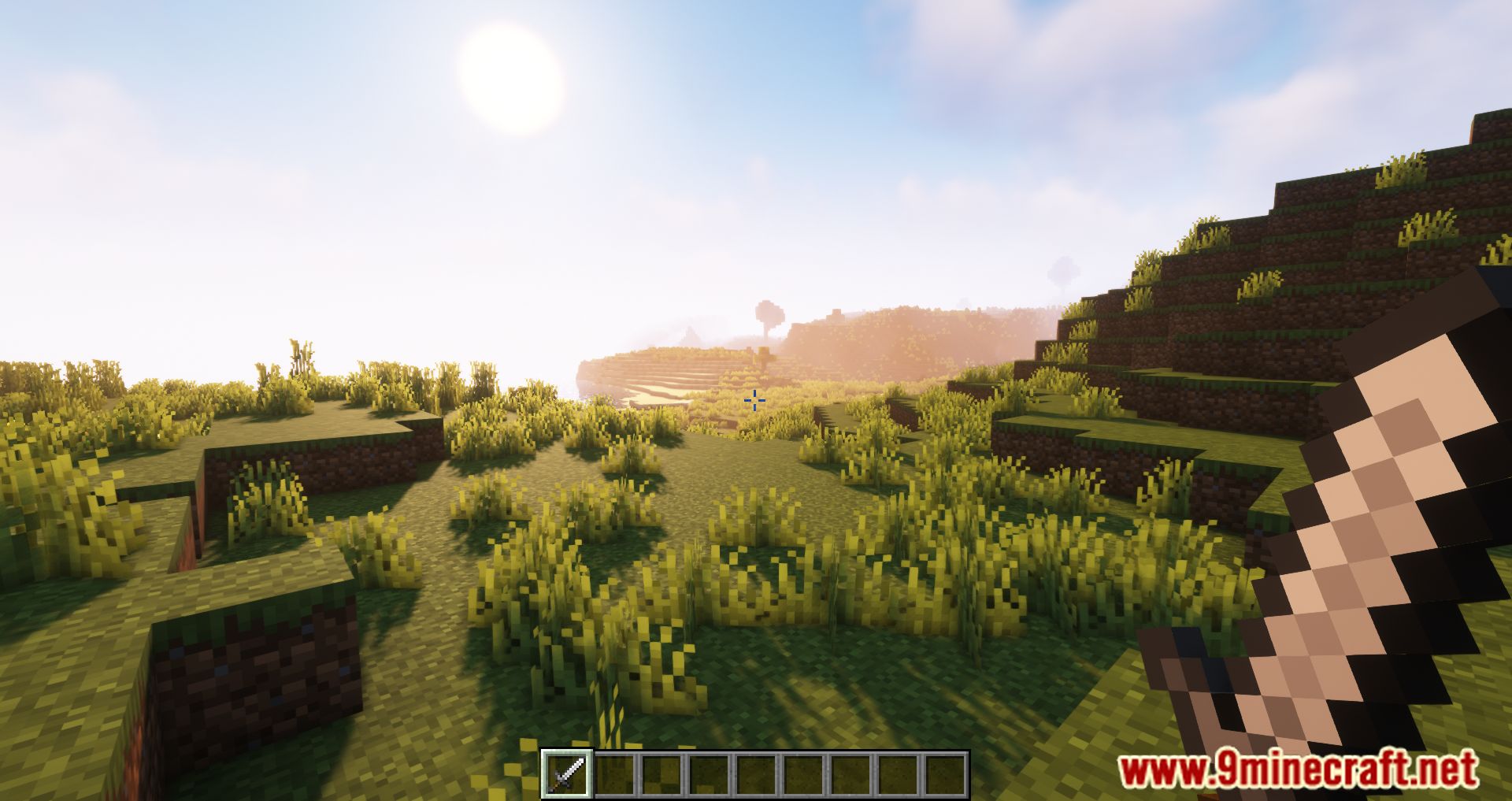
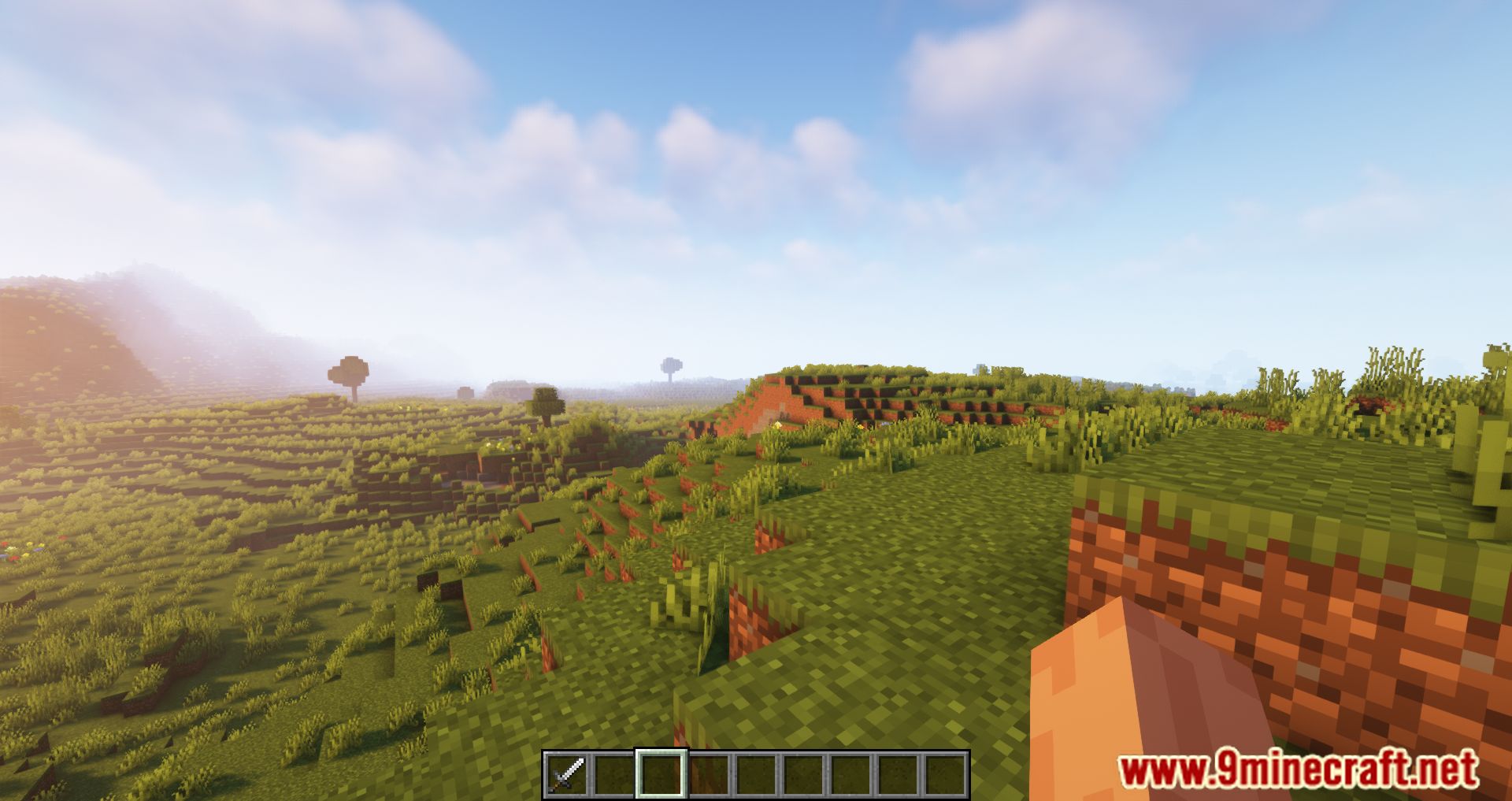
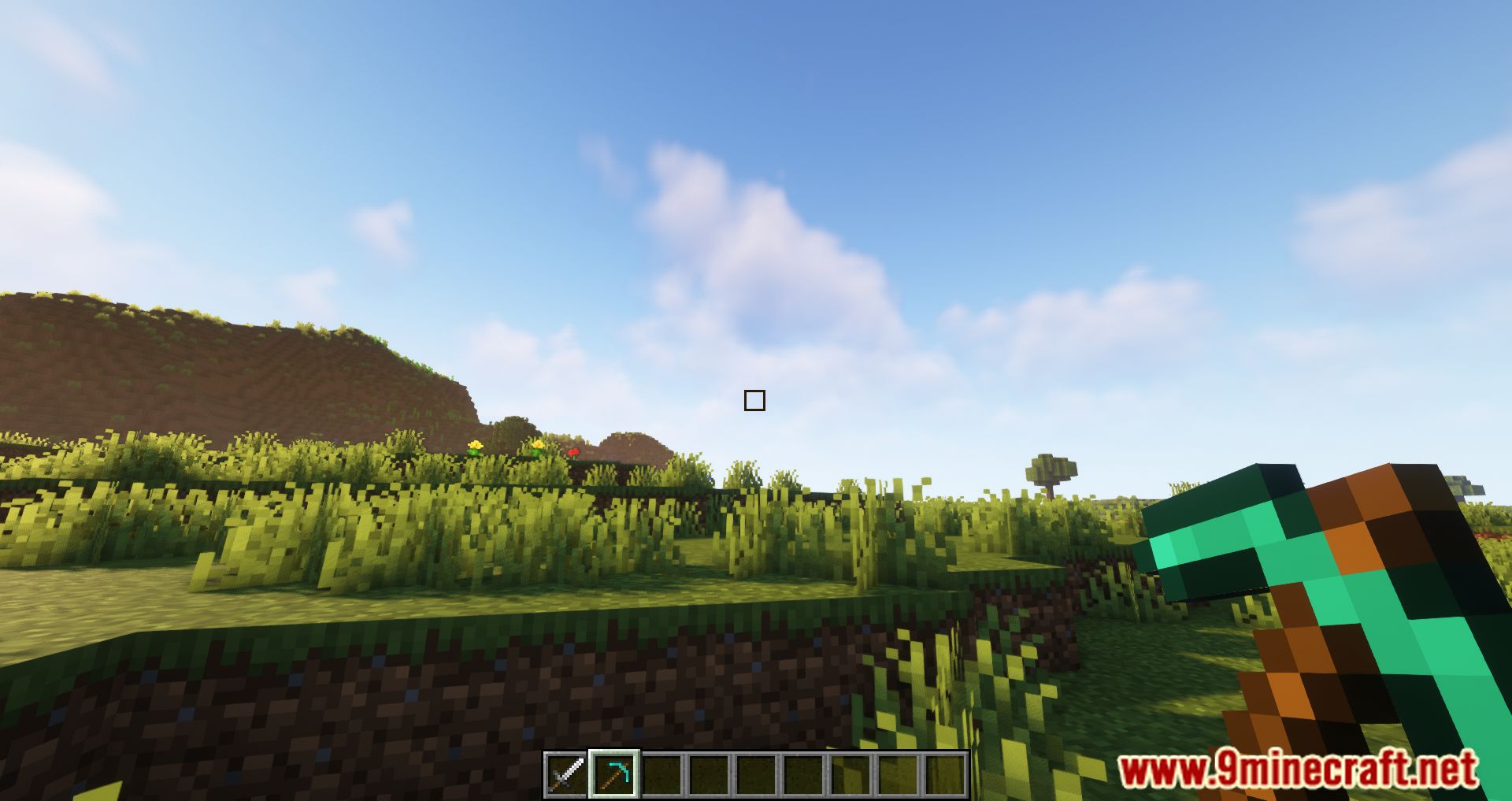
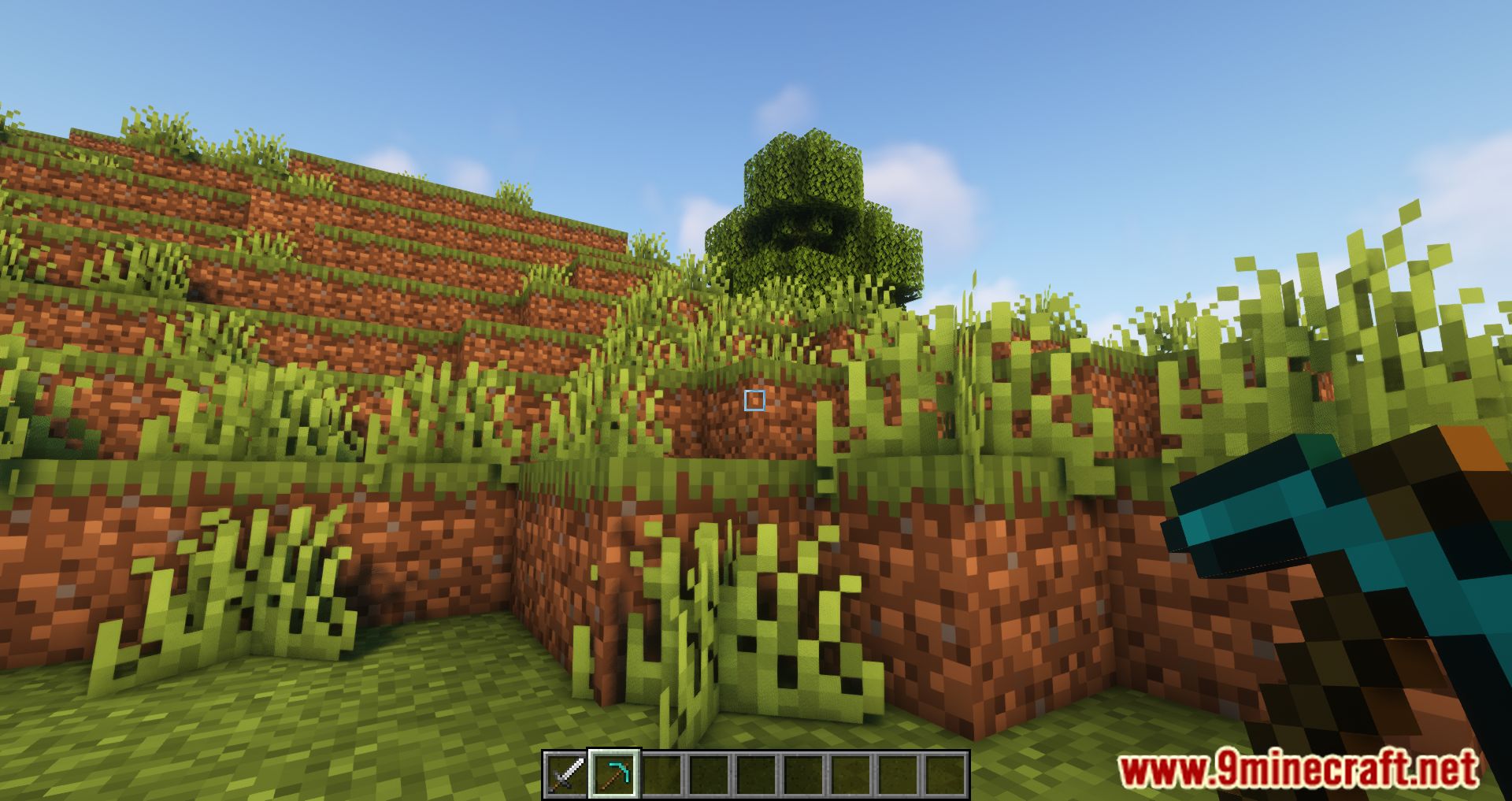
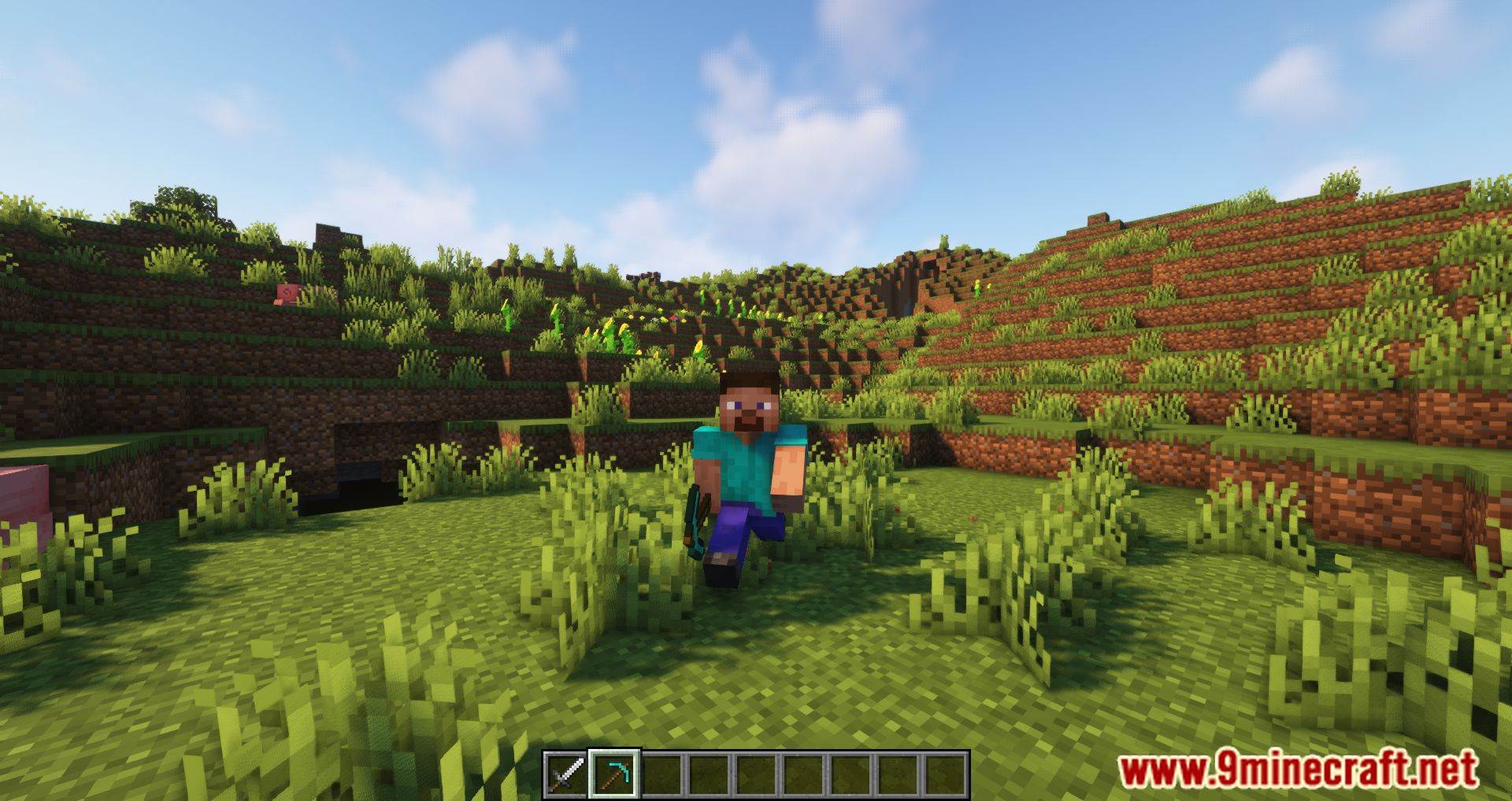
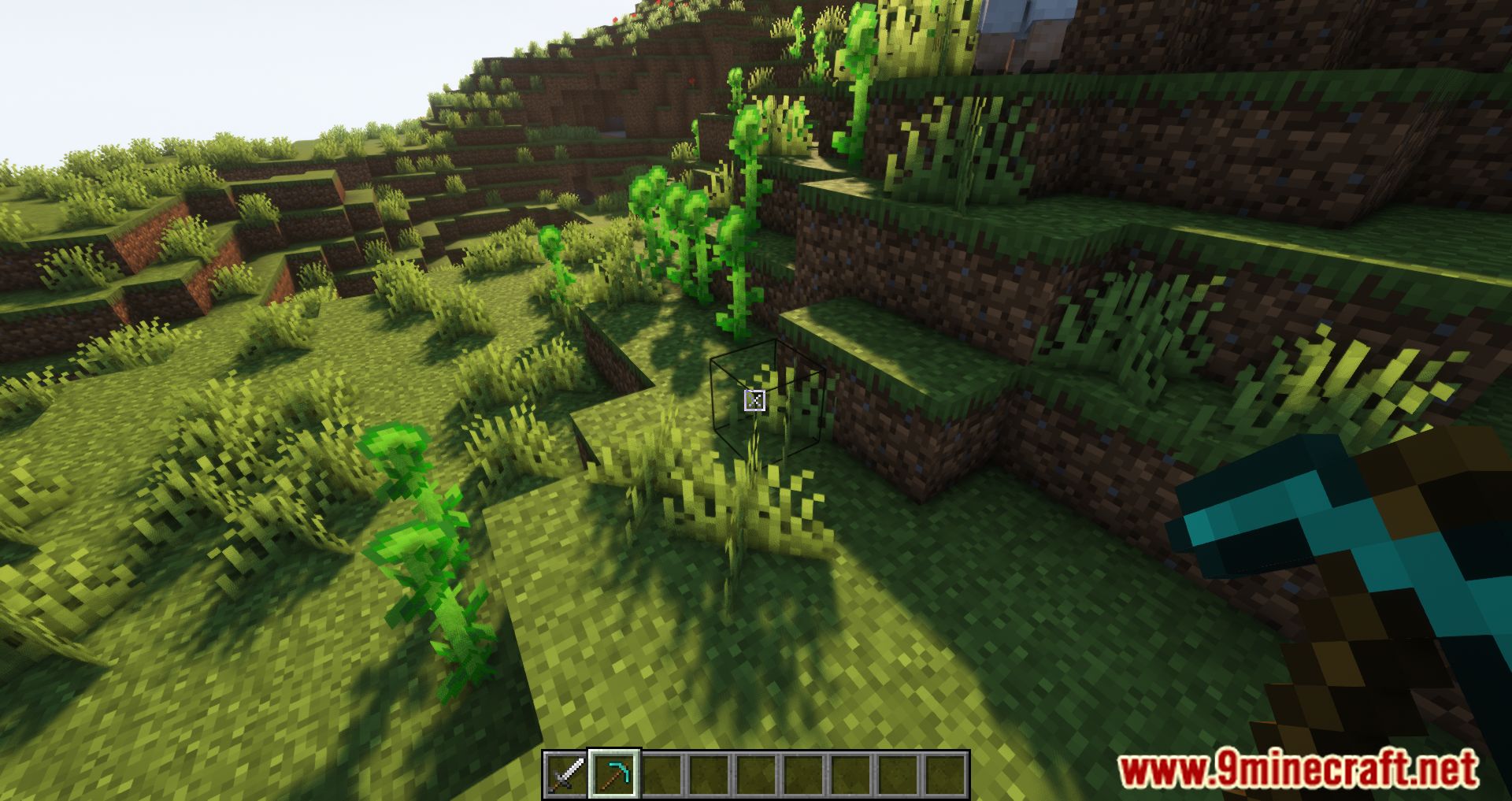
Dynamic Crosshair Mod adapts the appearance of the crosshair based on context. With this mod, players can use an intuitive and customizable crosshair. It offers a range of features designed to optimize cross-hair visibility and functionality. It intelligently hides the crosshair when not looking at anything, reducing on-screen clutter and providing a cleaner interface.
Features:
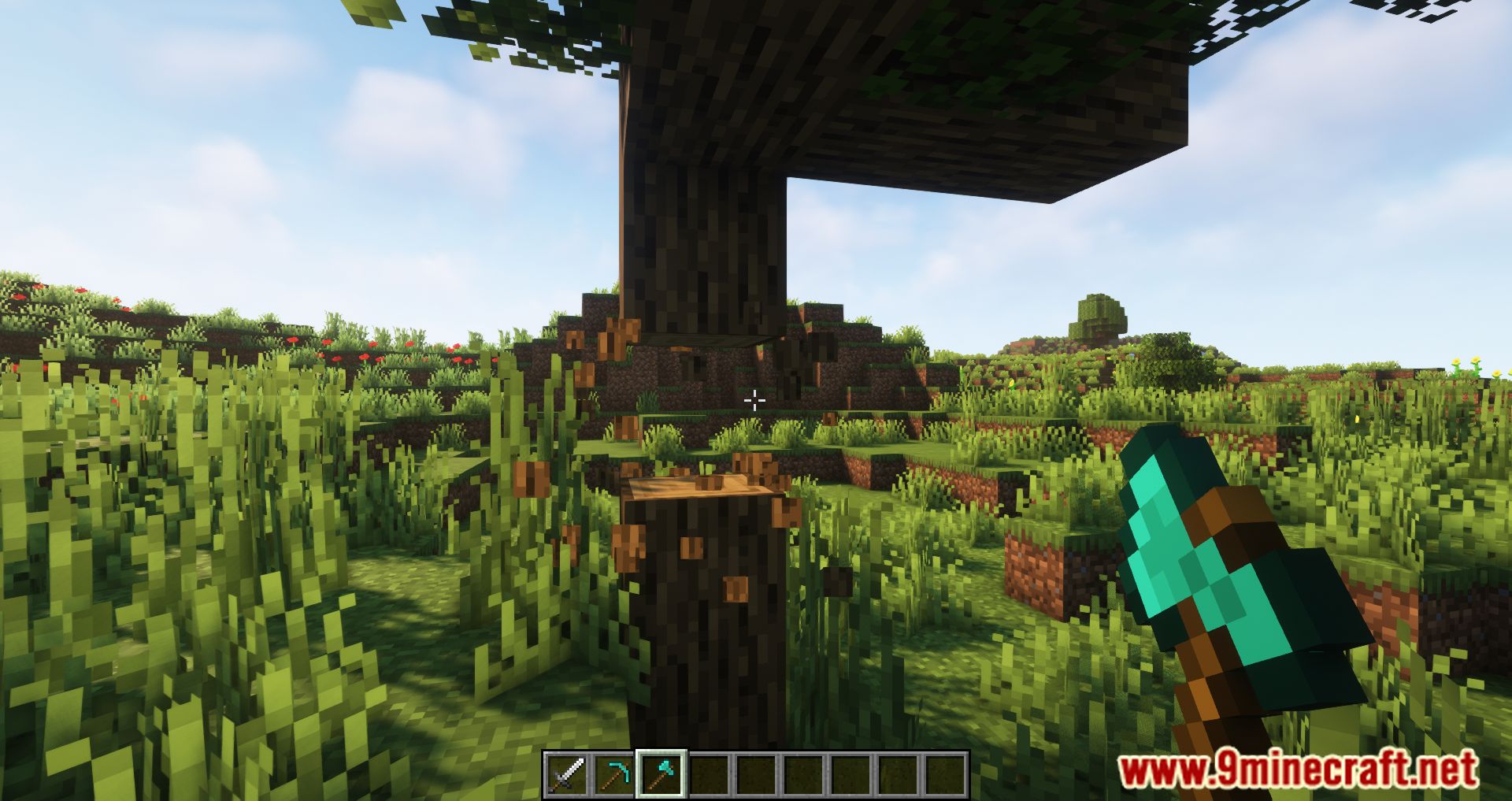
- Hide the crosshair when not looking at anything.
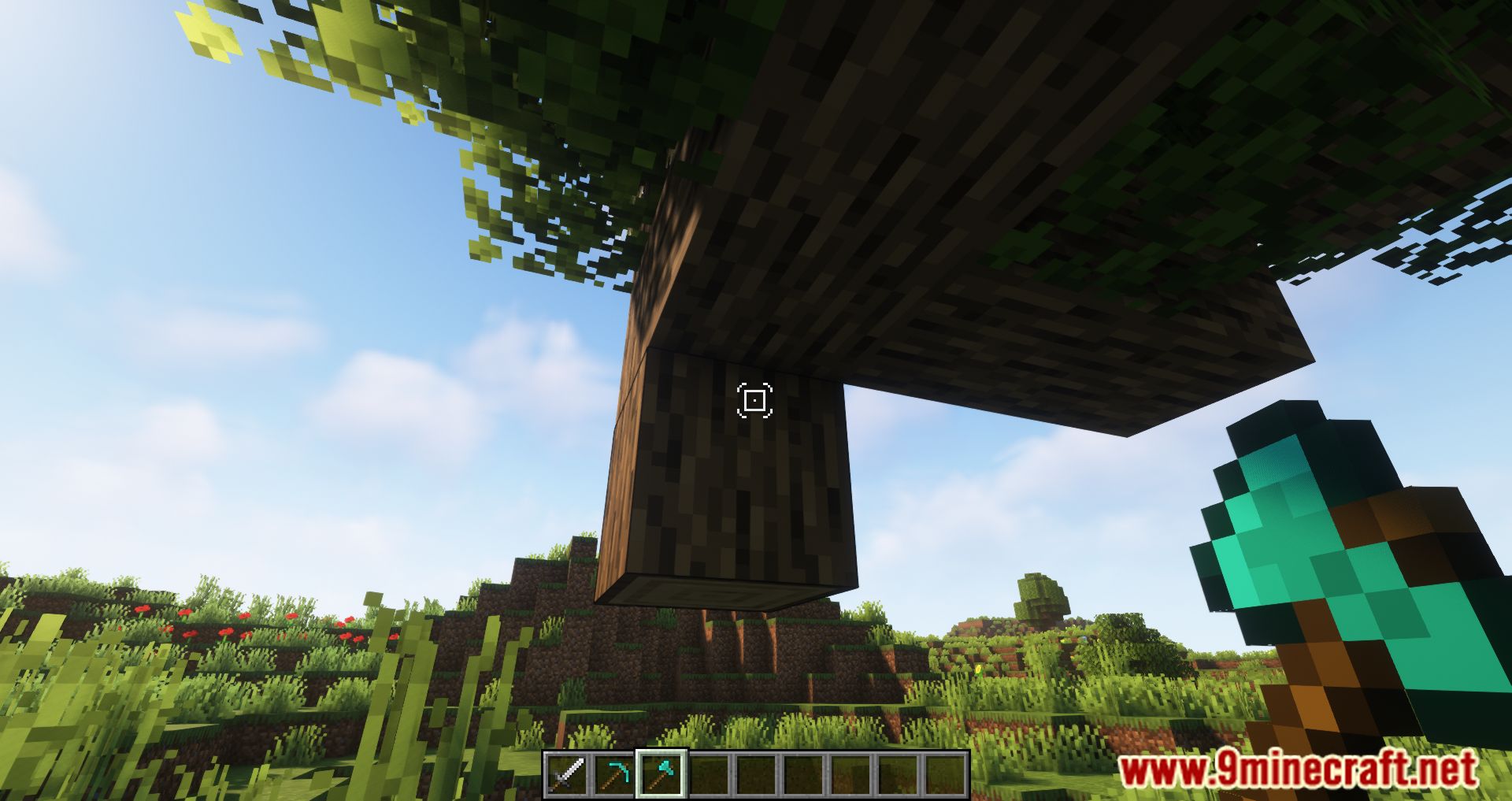
- Hide or show it depending on what is being looked at.
- Hide or show it depending on the currently equipped item.
- Change the crosshair style for various situations.
Screenshots:
Dynamic Crosshair Mod Download Links
Quick facts
- Edition: Minecraft Java
- File type: .jar
- Minecraft version listed: 1.20.1
- How to install: Install the matching mod loader (Forge, Fabric or NeoForge) for your Minecraft version. → Download the .jar. → Put it in the .minecraft/mods folder and launch that loader profile.
- Where to get it: Opens on the file's original source — not every file is mirrored on our own servers.
Install steps are the general flow for this file type — How to install Minecraft Java mods & modpacks walks through it step by step.
Dynamic Crosshair Mod (26.2, 1.20.1) – Hides Or Changes The Crosshair is a free Minecraft Java mod. Compatible with Minecraft 1.20.1. Download it and open it directly in the game.