
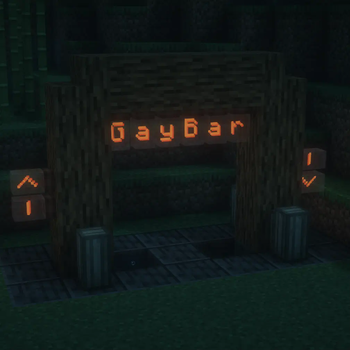


MusicMoron's Create Modpack
This was created so my friends have an easy way to keep their mods up to date when playing on our server. A list of mods is shown under each release as dependencies.
Post-Install Additions
In the Modrinth app, when the modpack is installed, go to the options for the modpack and scroll down to, Unlock instance and unlock it. It will still update the mods as I update my modpack and won't touch whatever you choose to add.
Future Changes
- Fix shader support. Currently when Iris is added it crashes upon loading into a world.
Quick facts
- Edition: Minecraft Java
- File type: .jar
- Minecraft version listed: 1.21.1
- How to install: Install the matching mod loader (Forge, Fabric or NeoForge) for your Minecraft version. → Download the .jar. → Put it in the .minecraft/mods folder and launch that loader profile.
- Where to get it: Opens on Modrinth — not every file is mirrored on our own servers.
Install steps are the general flow for this file type — How to install Minecraft Java mods & modpacks walks through it step by step.
Verified by MCModsHub
- Downloads as MusicMoron's Create Modpack.mrpack
- Download size: 19 KB
- Download link checked 6 Sept 2026 — working
These come from our own check of the pack file, not from the source page.