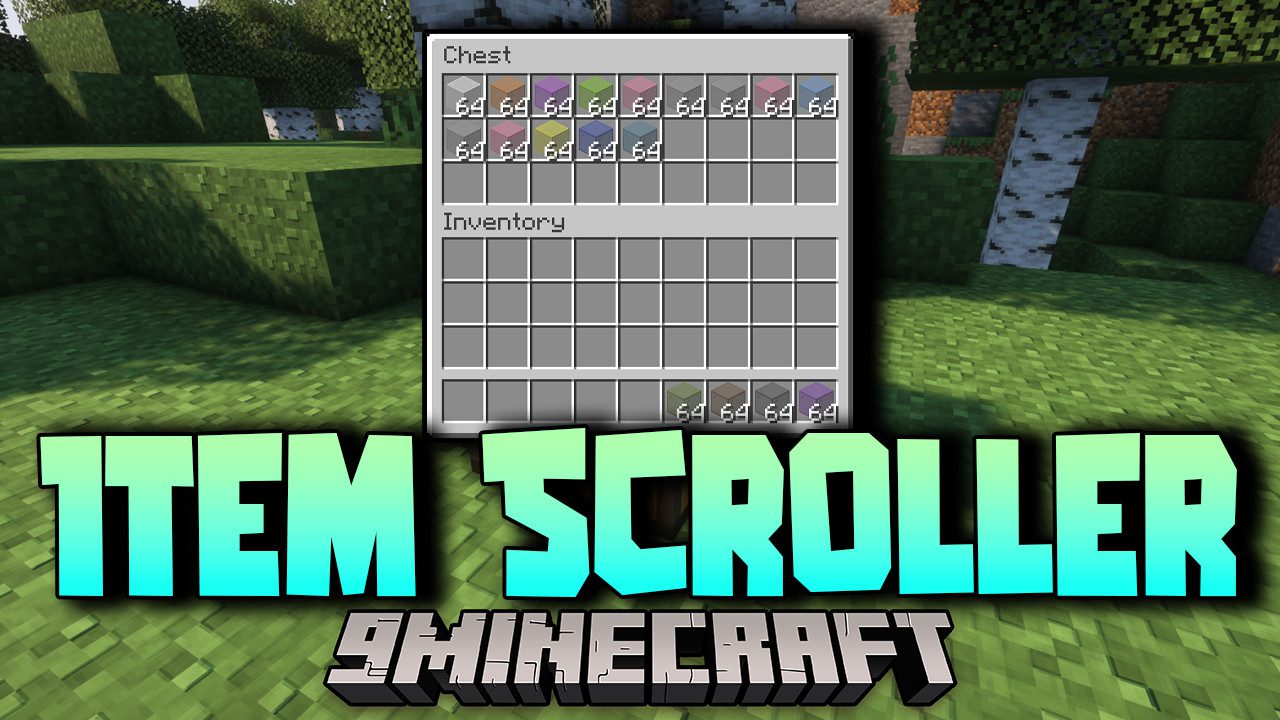
Item Scroller Mod adds a set of mouse and keyboard shortcuts for shifting items around inside inventory screens, so you spend far less time clicking one slot at a time. Rolling the mouse wheel over a slot moves items, and holding a modifier key first changes how much goes with it. Everything runs on the client, so the shortcuts work the same on a vanilla server as they do in single player.
Features:
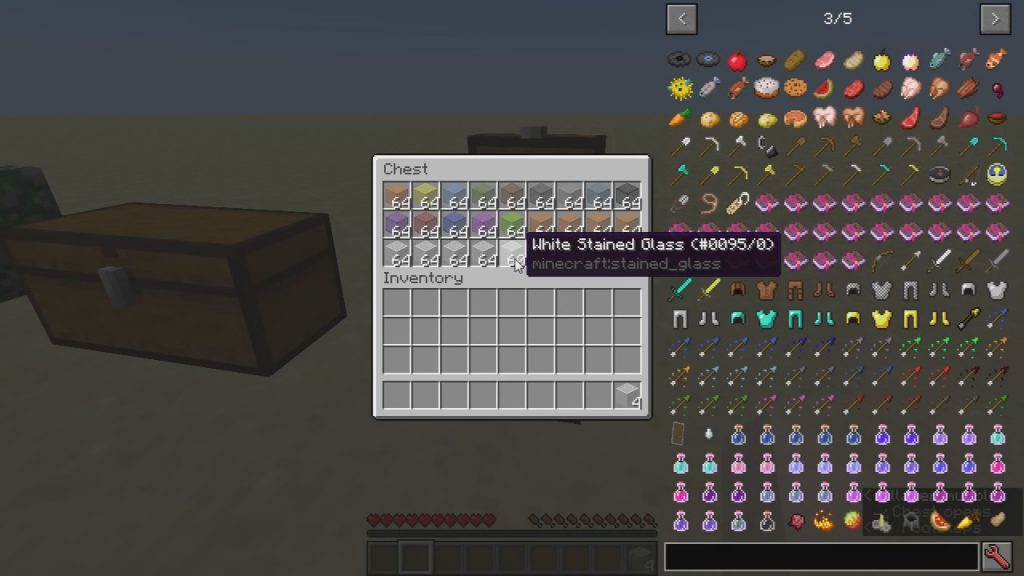
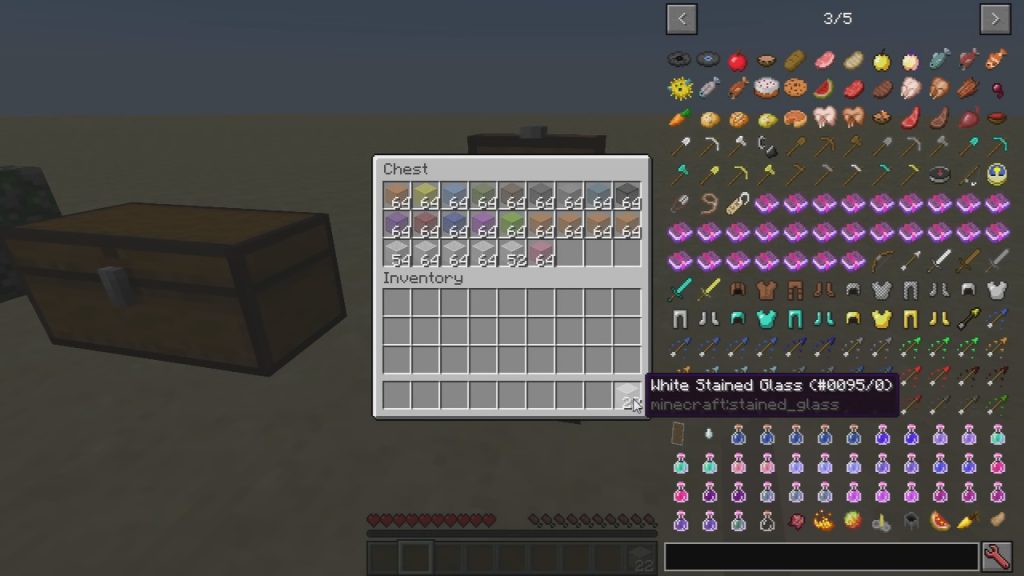
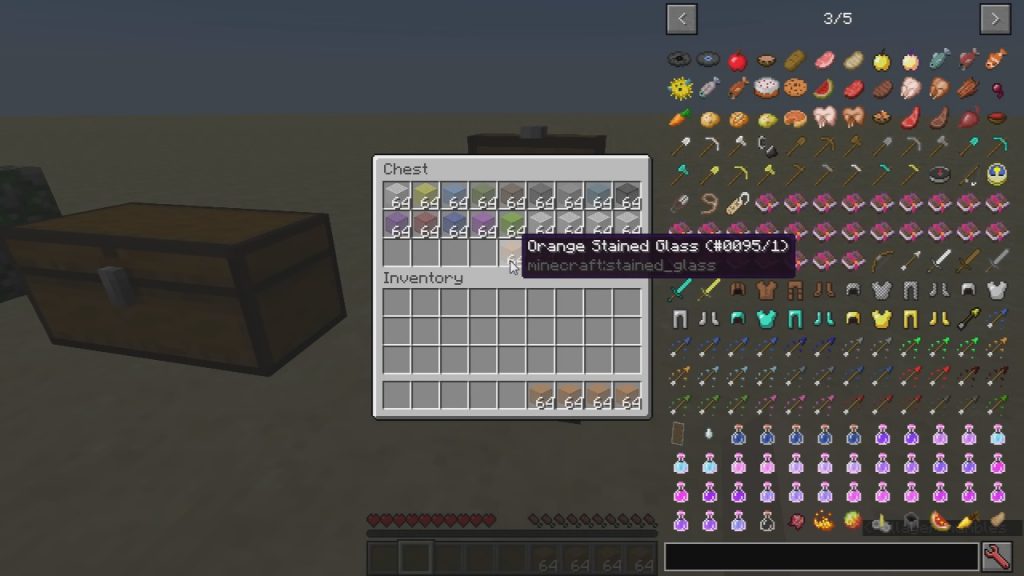
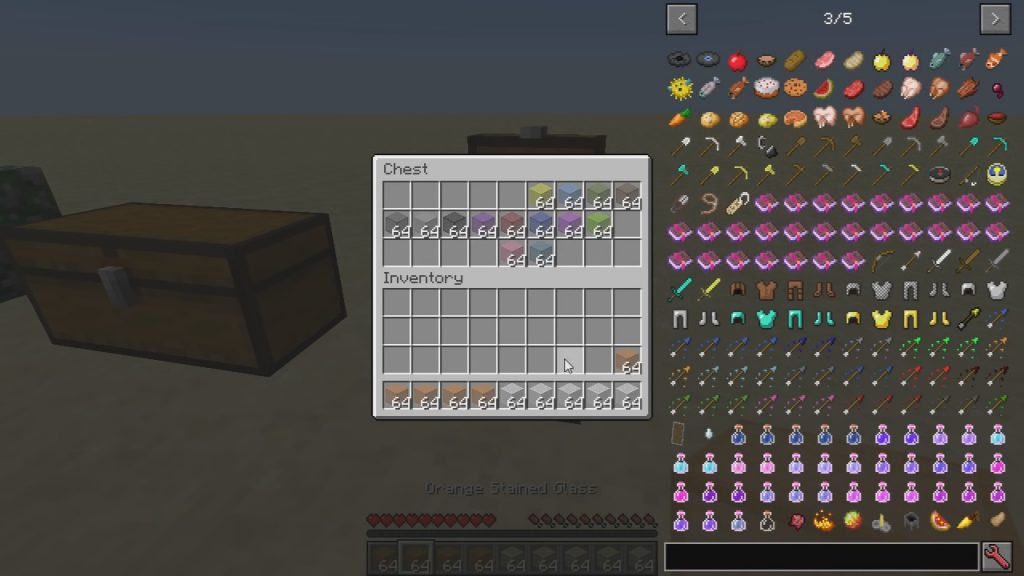
- Scrolling the mouse wheel over any slot moves a single item to or from the other inventory.
- Holding
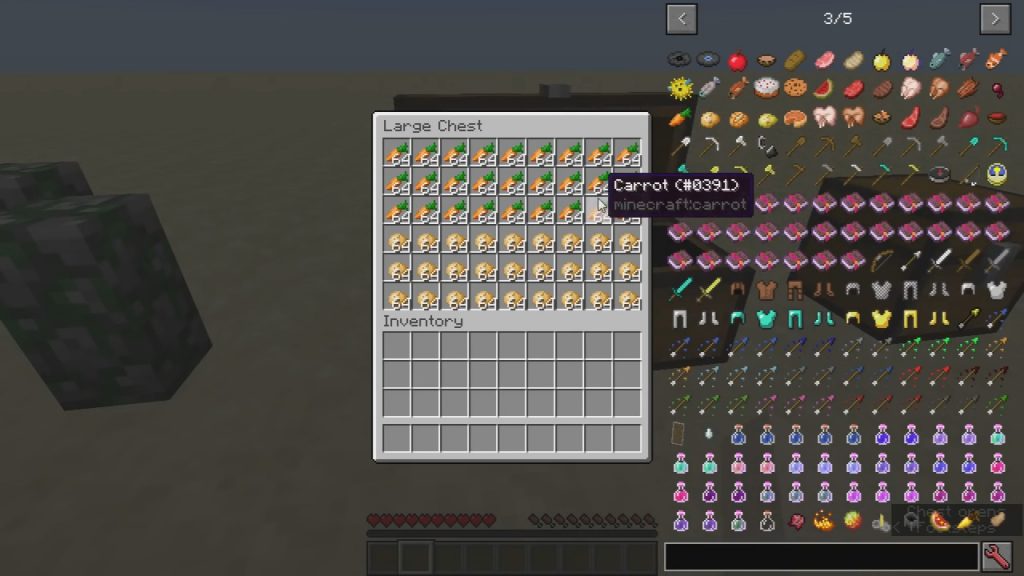
Shift,Ctrlor both while scrolling moves whole stacks, every matching stack, or the entire container. - Click and drag across a row of slots to move or drop everything you pass over in one sweep.
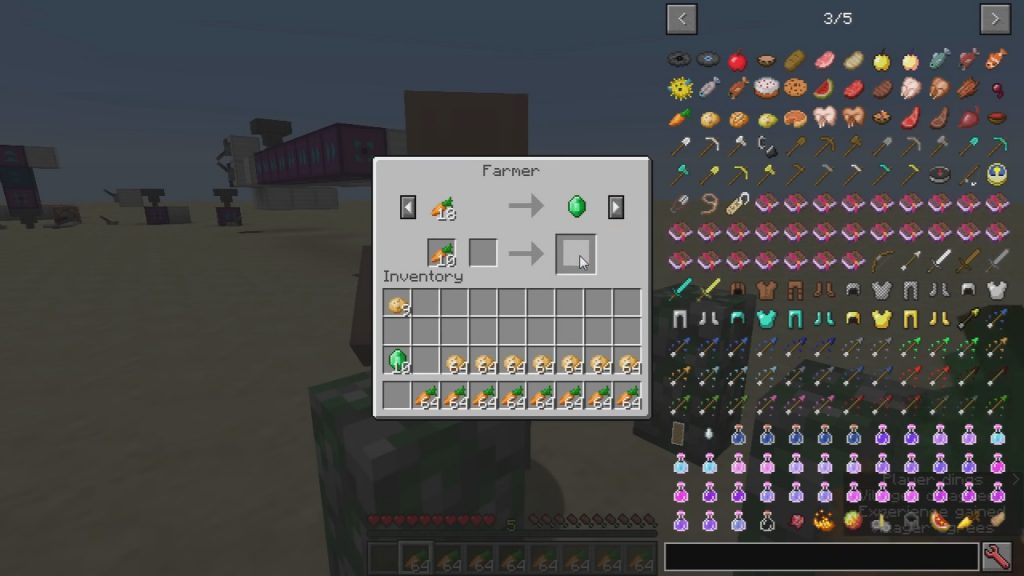
- Villager screens get their own handling, which cuts out the repeated clicking that trading normally needs.
- A crafting mode remembers up to eighteen recipes so you can refill a grid without hunting for ingredients.
- Every mode can be switched on or off on its own, and scroll directions can be reversed.
- Individual slots or whole screens can be blacklisted when a shortcut gets in the way of another mod.
- Recent builds run on Fabric, Forge, LiteLoader, Rift and Ornithe, and need the malilib library alongside them.
How to Use:
- Install your loader, then add malilib for any Item Scroller build from version 0.13.0 onward.
- Move both jars into
.minecraft/modsand start the game. - Open a chest or another container and roll the mouse wheel over a slot to send one item across.
- Hold
Shiftand scroll to send full stacks, orCtrland scroll to send every matching stack at once. - Hold
Shiftand drag with the left button to sweep a whole row of slots into the other inventory. - Press
IandCtogether to open the config screen and adjust or disable any of the modes.
Screenshots:
Item Scroller Mod Download Links
Quick facts
- Edition: Minecraft Java
- File type: .jar
- Minecraft version listed: 1.20.1
- How to install: Install the matching mod loader (Forge, Fabric or NeoForge) for your Minecraft version. → Download the .jar. → Put it in the .minecraft/mods folder and launch that loader profile.
- Where to get it: In MC Java Mods, or directly above on this page.
Install steps are the general flow for this file type — How to install Minecraft Java mods & modpacks walks through it step by step.
Verified by MCModsHub
- Downloads as 30291.mcaddon
- Download size: 218 KB
- Download link checked 25 Sept 2026 — working
- Mirrored on our own servers — the download does not depend on the original host
These come from our own check of the pack file, not from the source page.