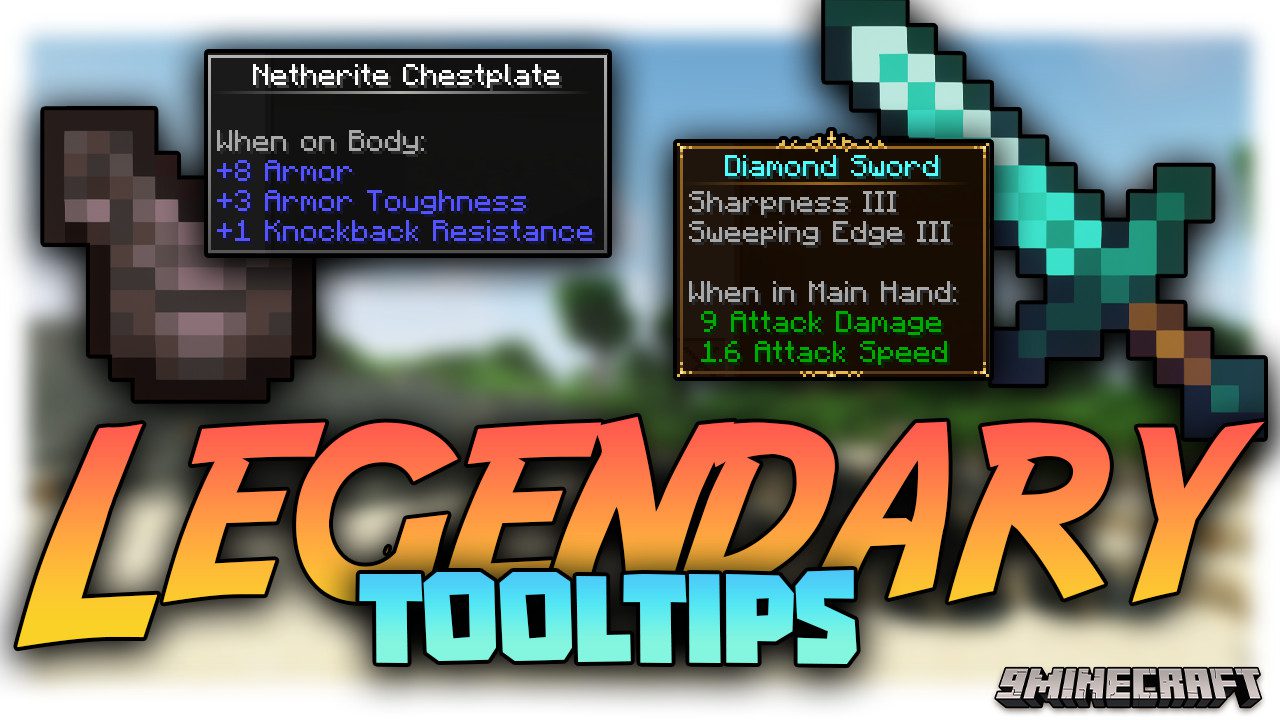
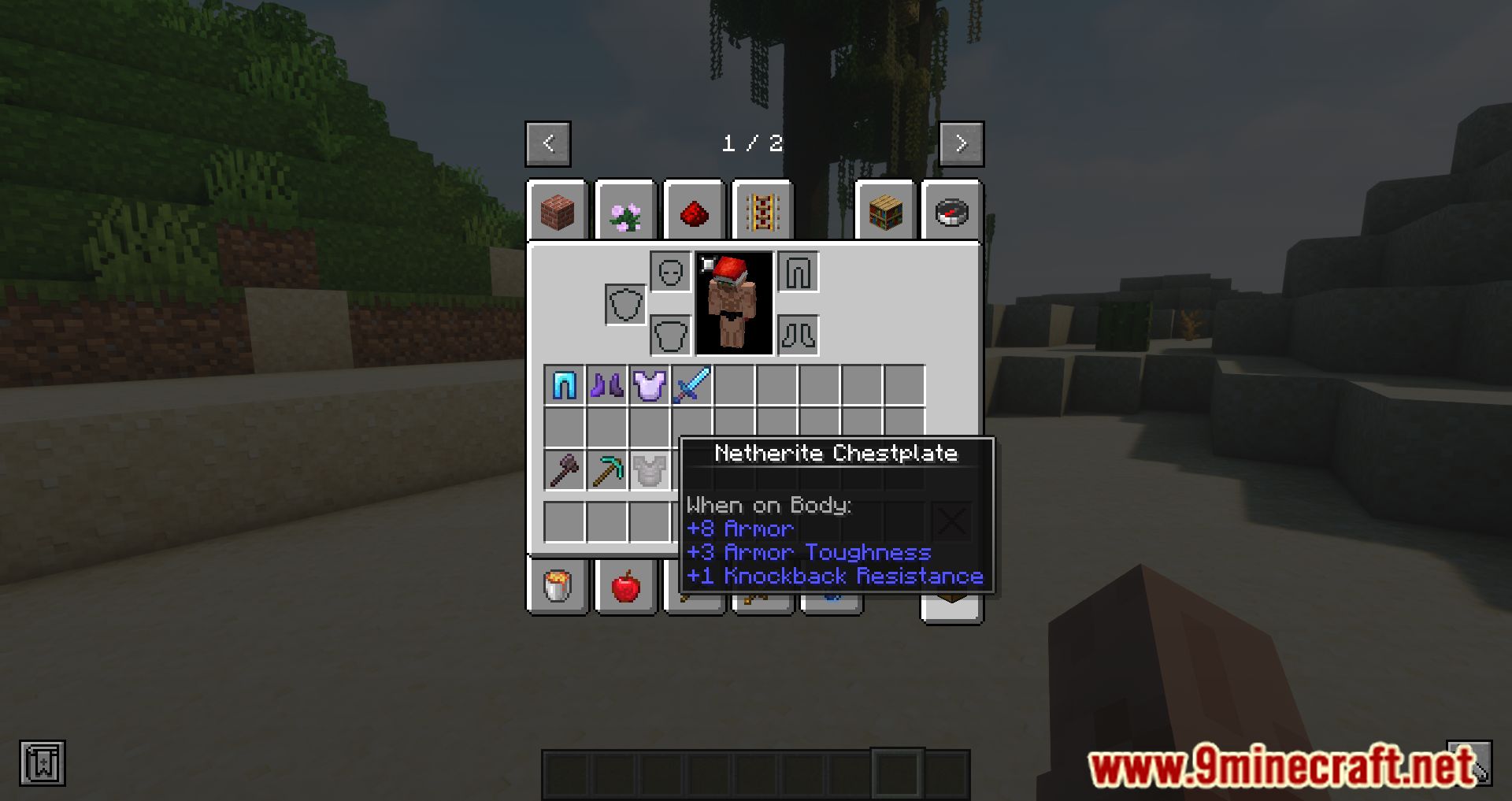
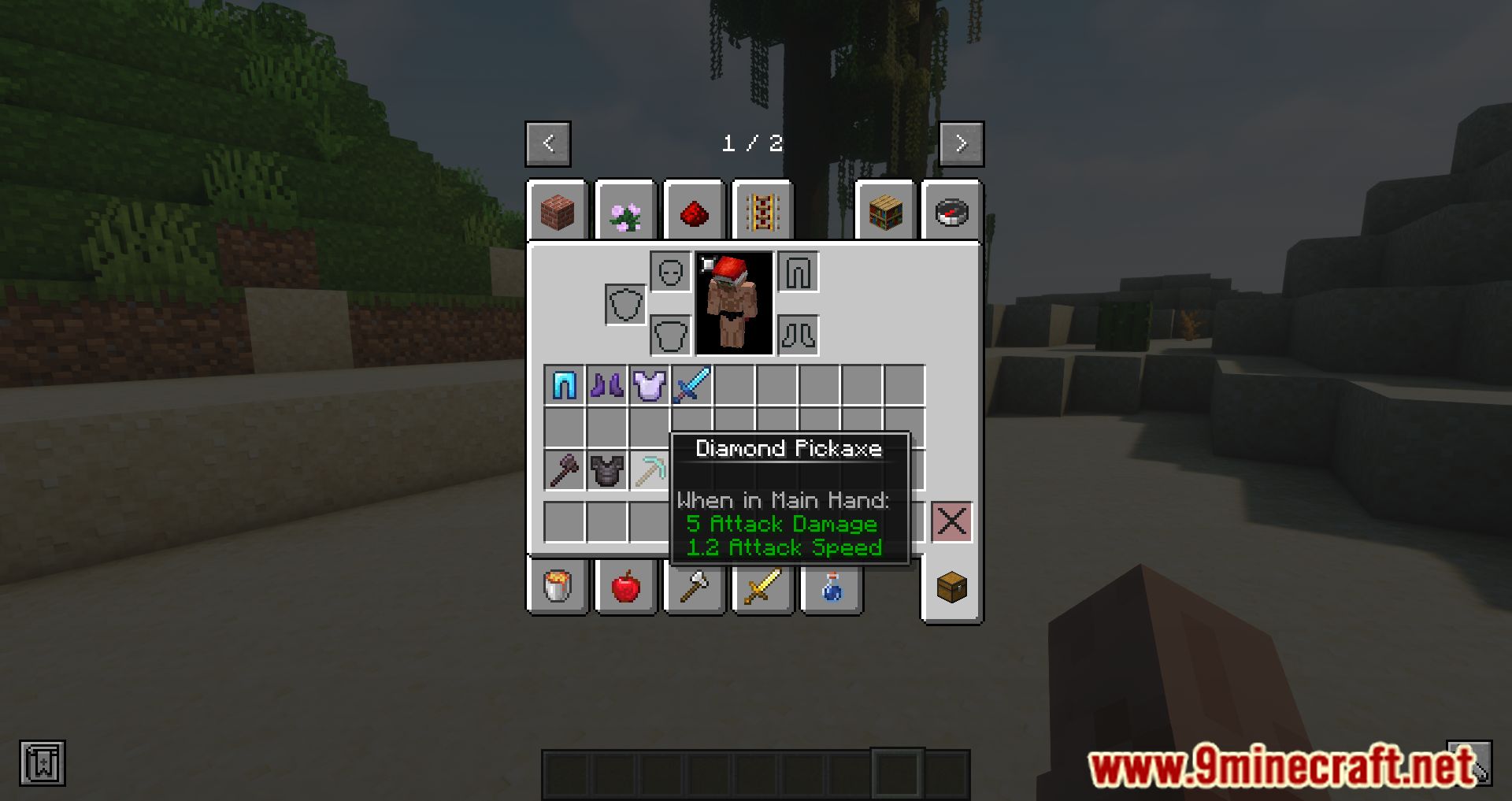
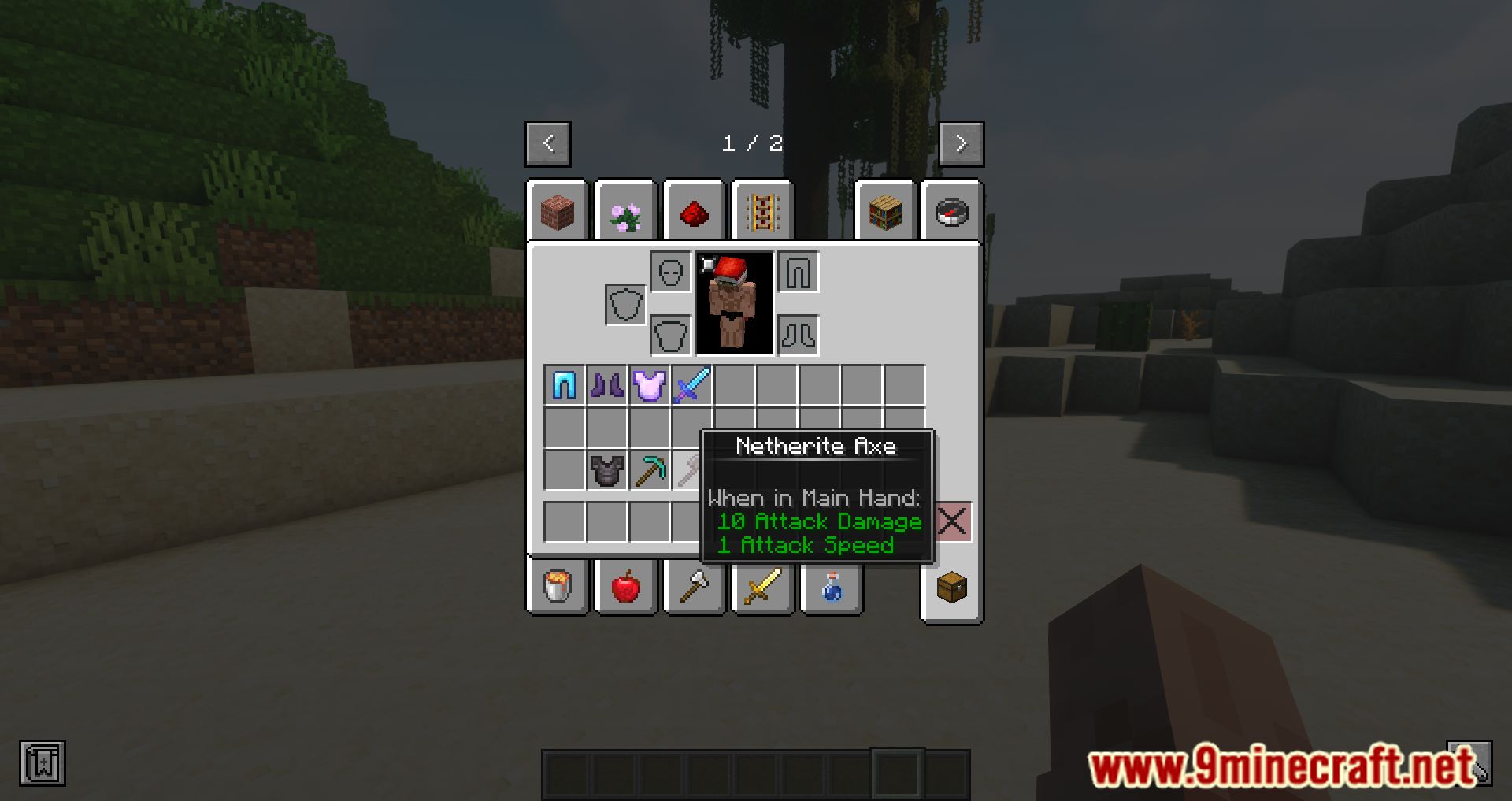
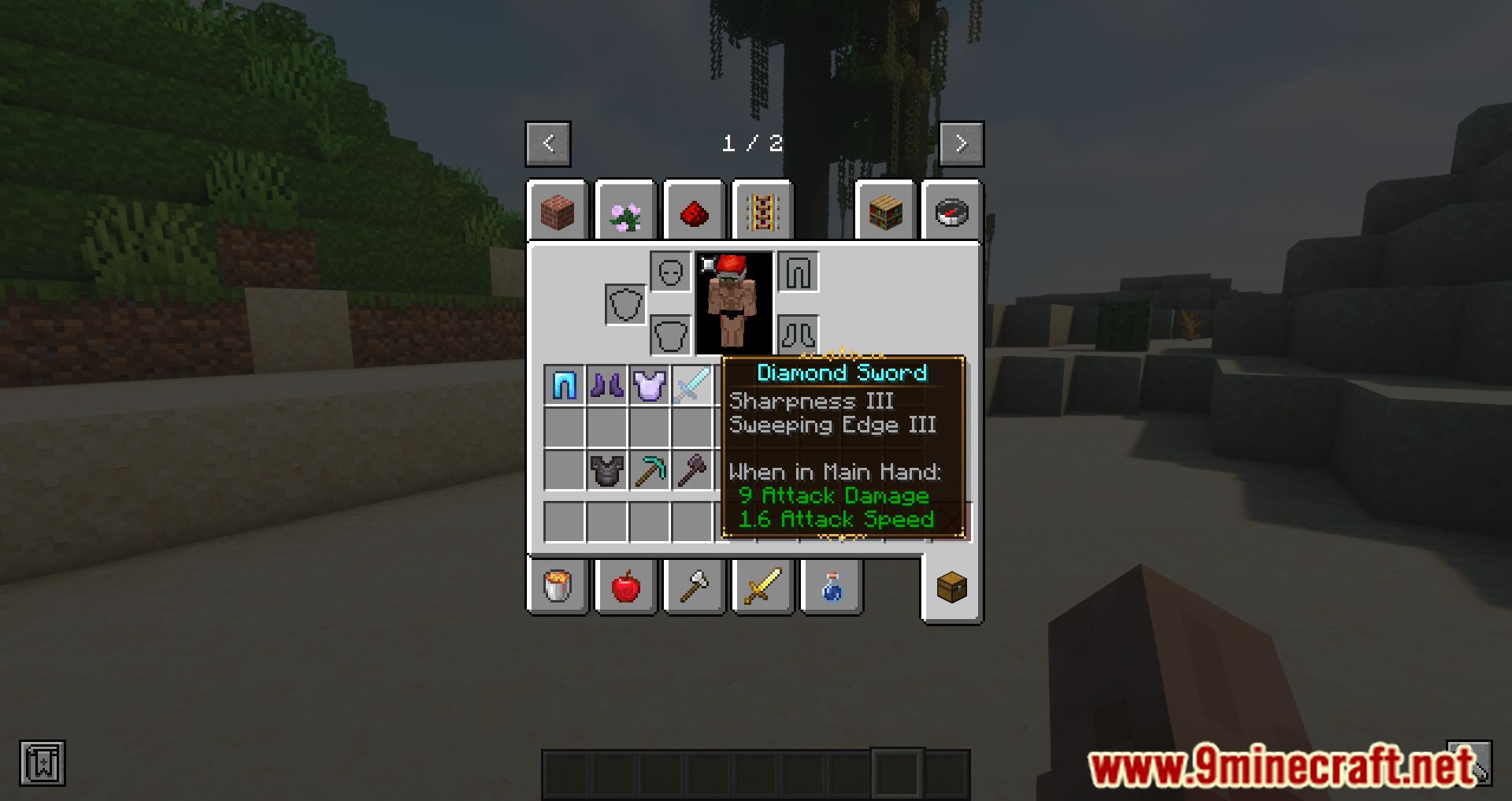
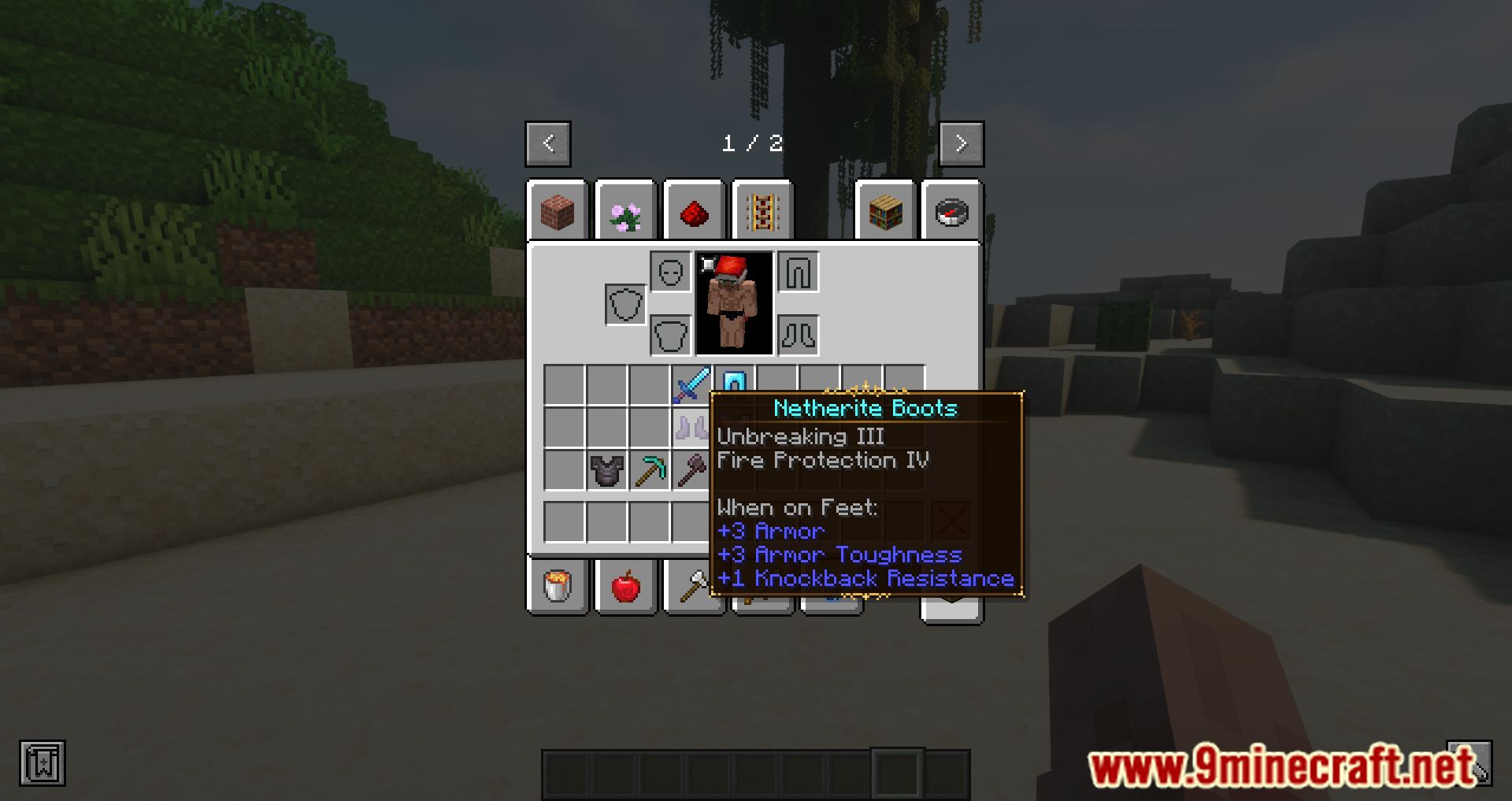
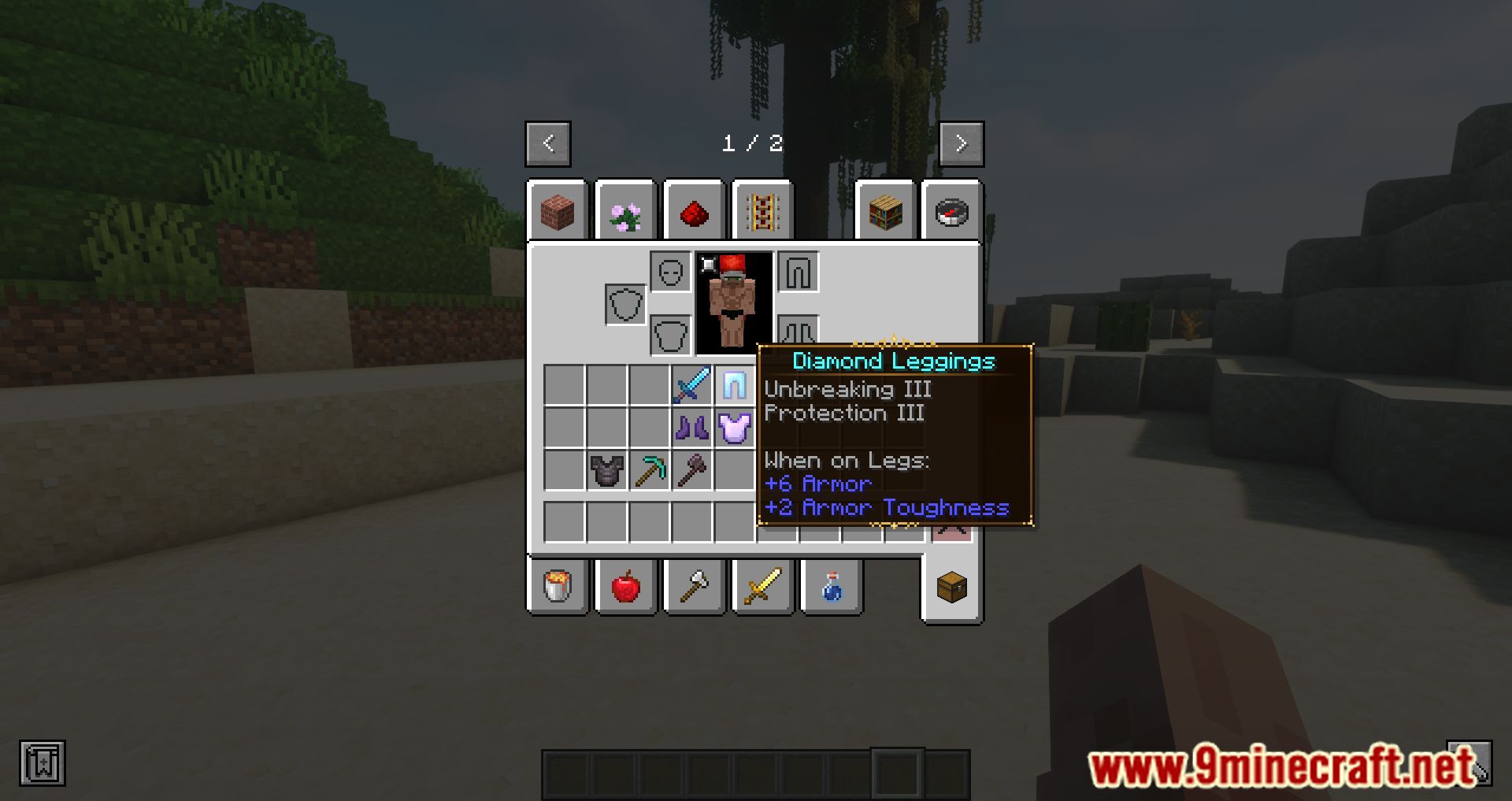
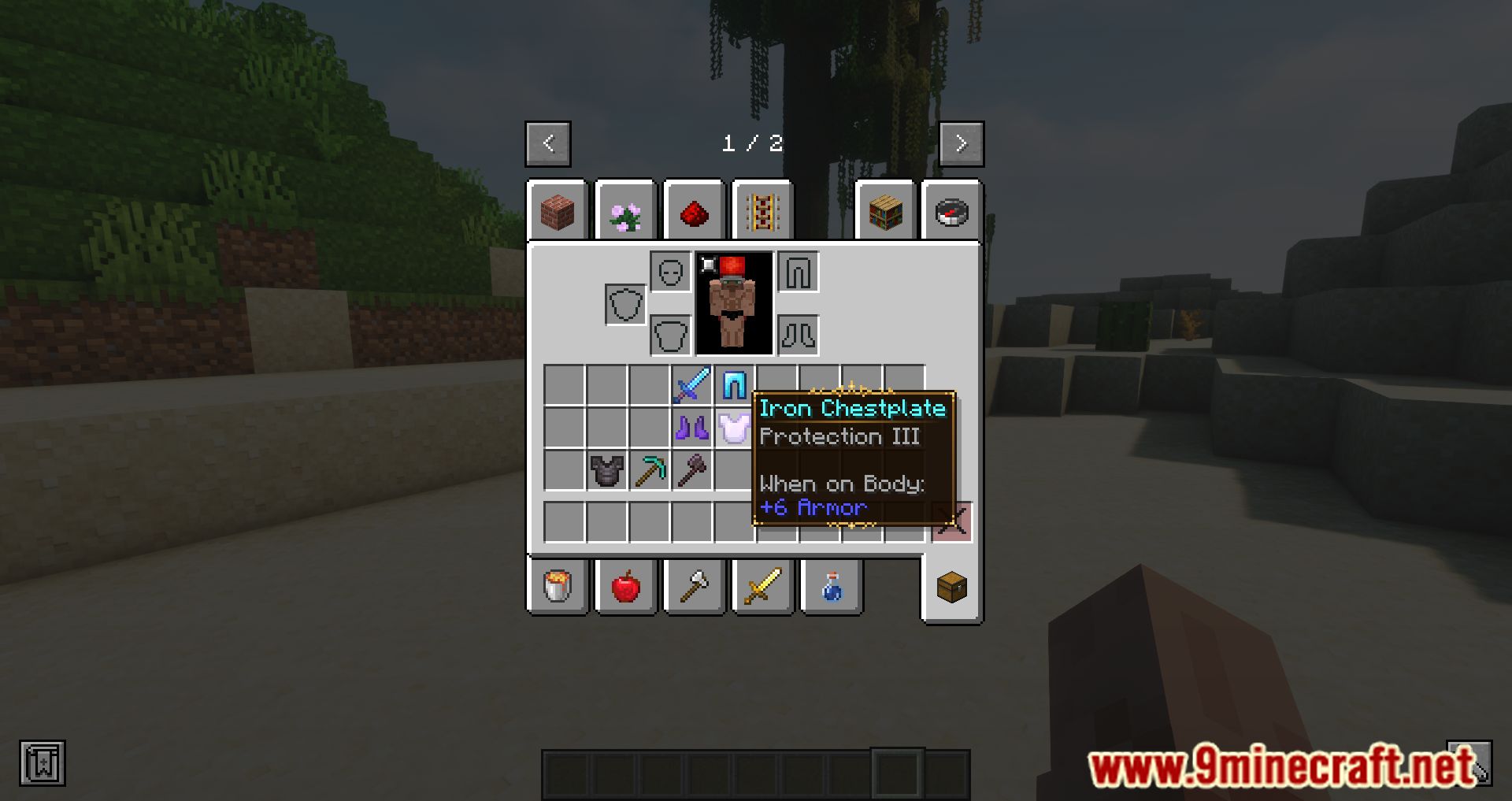
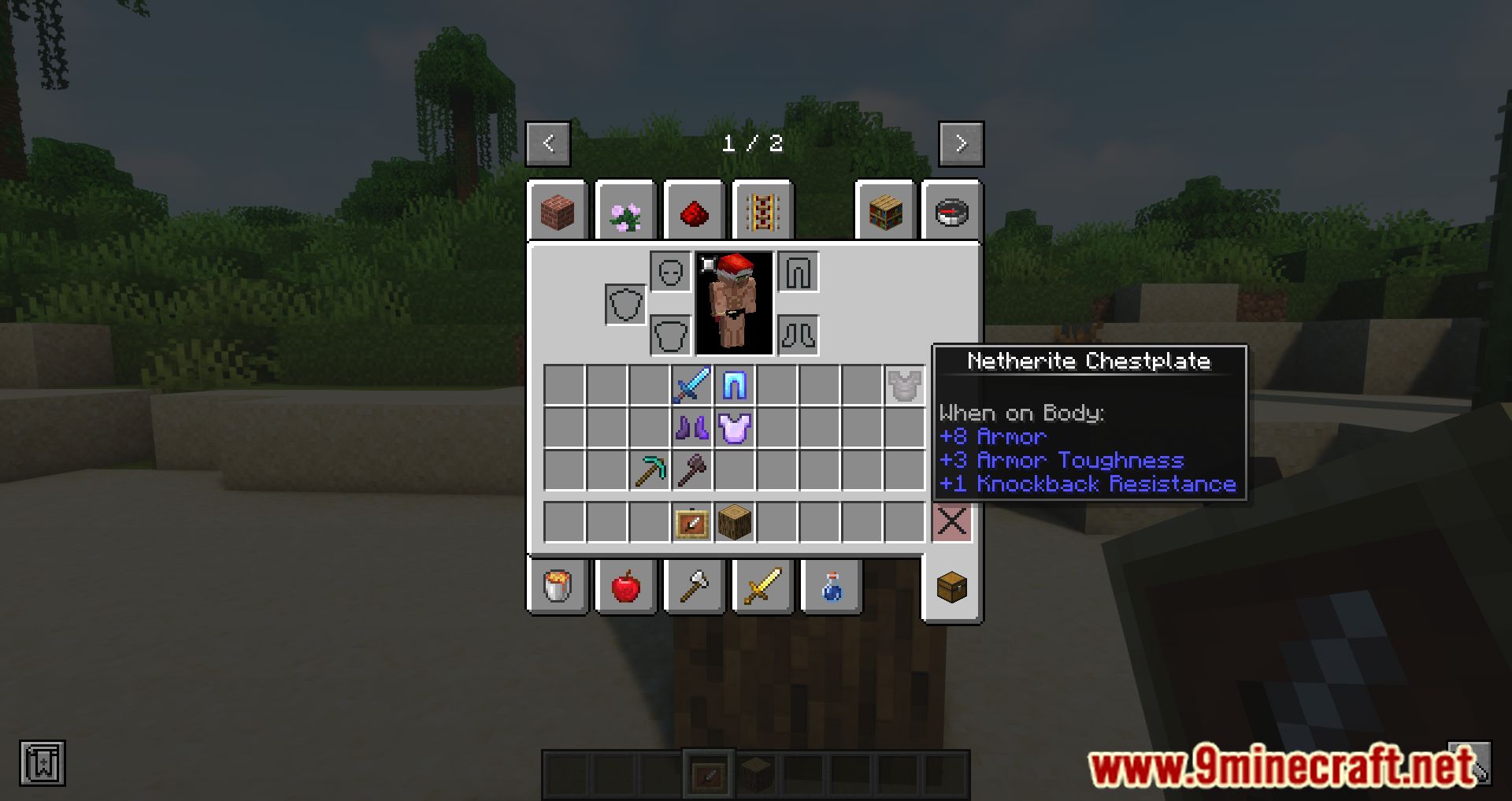
Legendary Tooltips Mod is a mod that enhances the appearance of the tooltips displayed when checking any item in the inventory. While it does ‘beautify’ the appearance, it also adds some additional features. For example, with this mod installed, you can center the names within the tooltips, apply spacing below the names, compact the information about tools, and view item previews in 3D, among other interesting features.
Features:
- Beautifies tooltips with custom borders, shadows, and centered item names, giving them a polished and unique look.
- Adds the ability to view items in 3D directly within the tooltip, making it easier to inspect items.
- Offers a more streamlined and concise display of item information.
- Allows players to customize tooltip borders based on item rarity, mod, or other criteria. Up to 16 custom borders can be added via resource packs.
- Provides a highly customizable experience through configuration files, enabling players to tailor the mod to their preferences.
- The mod is fully client-side, meaning it doesn’t affect server performance.
Screenshots:
Legendary Tooltips Mod Download Links
Quick facts
- Edition: Minecraft Java
- File type: .jar
- Minecraft version listed: 1.20.1
- How to install: Install the matching mod loader (Forge, Fabric or NeoForge) for your Minecraft version. → Download the .jar. → Put it in the .minecraft/mods folder and launch that loader profile.
- Where to get it: In MC Java Mods, or directly above on this page.
Install steps are the general flow for this file type — How to install Minecraft Java mods & modpacks walks through it step by step.
Verified by MCModsHub
- Downloads as 30293.mcaddon
- Download size: 66 KB
- Download link checked 26 Sept 2026 — working
- Mirrored on our own servers — the download does not depend on the original host
These come from our own check of the pack file, not from the source page.