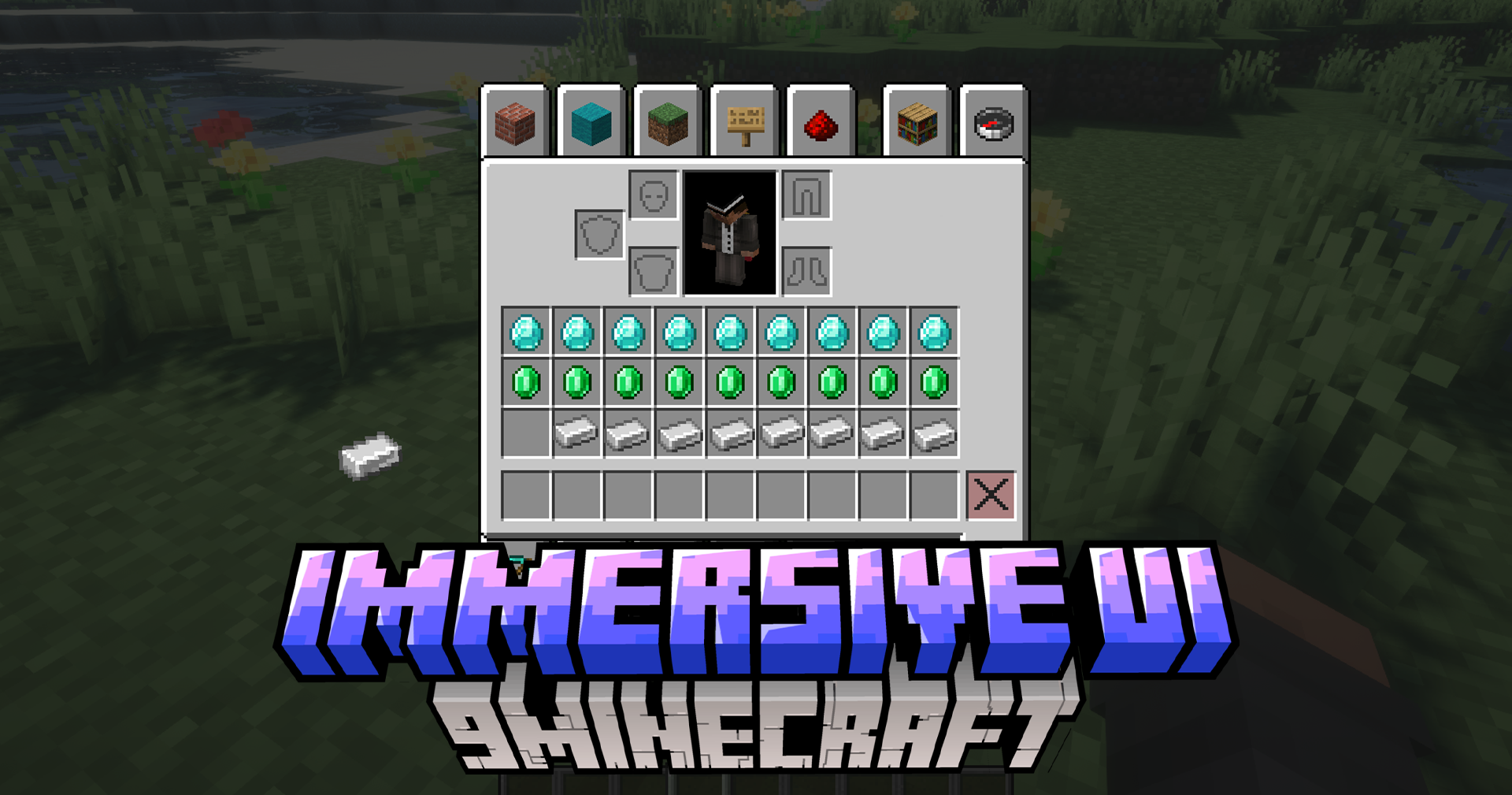
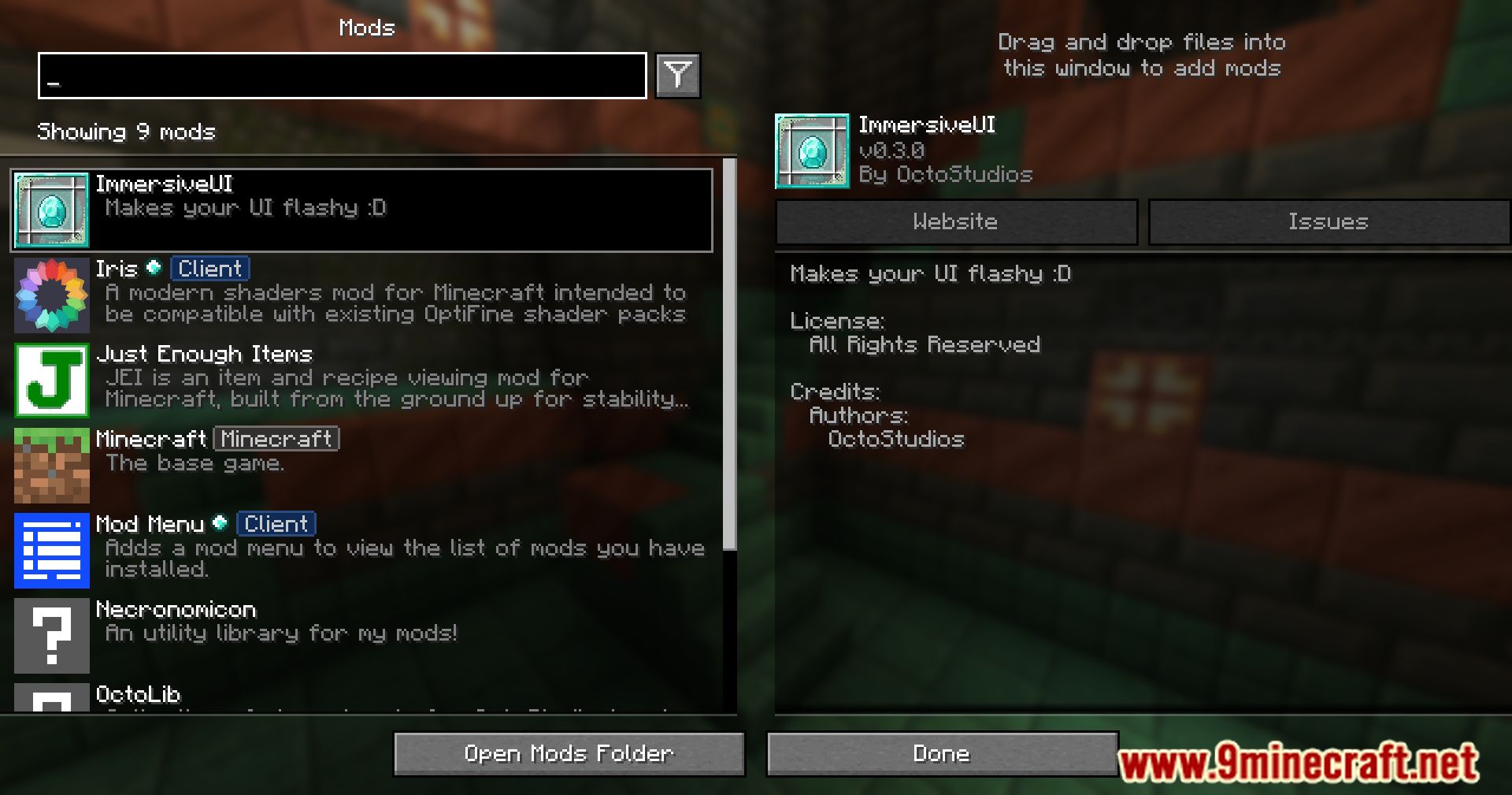
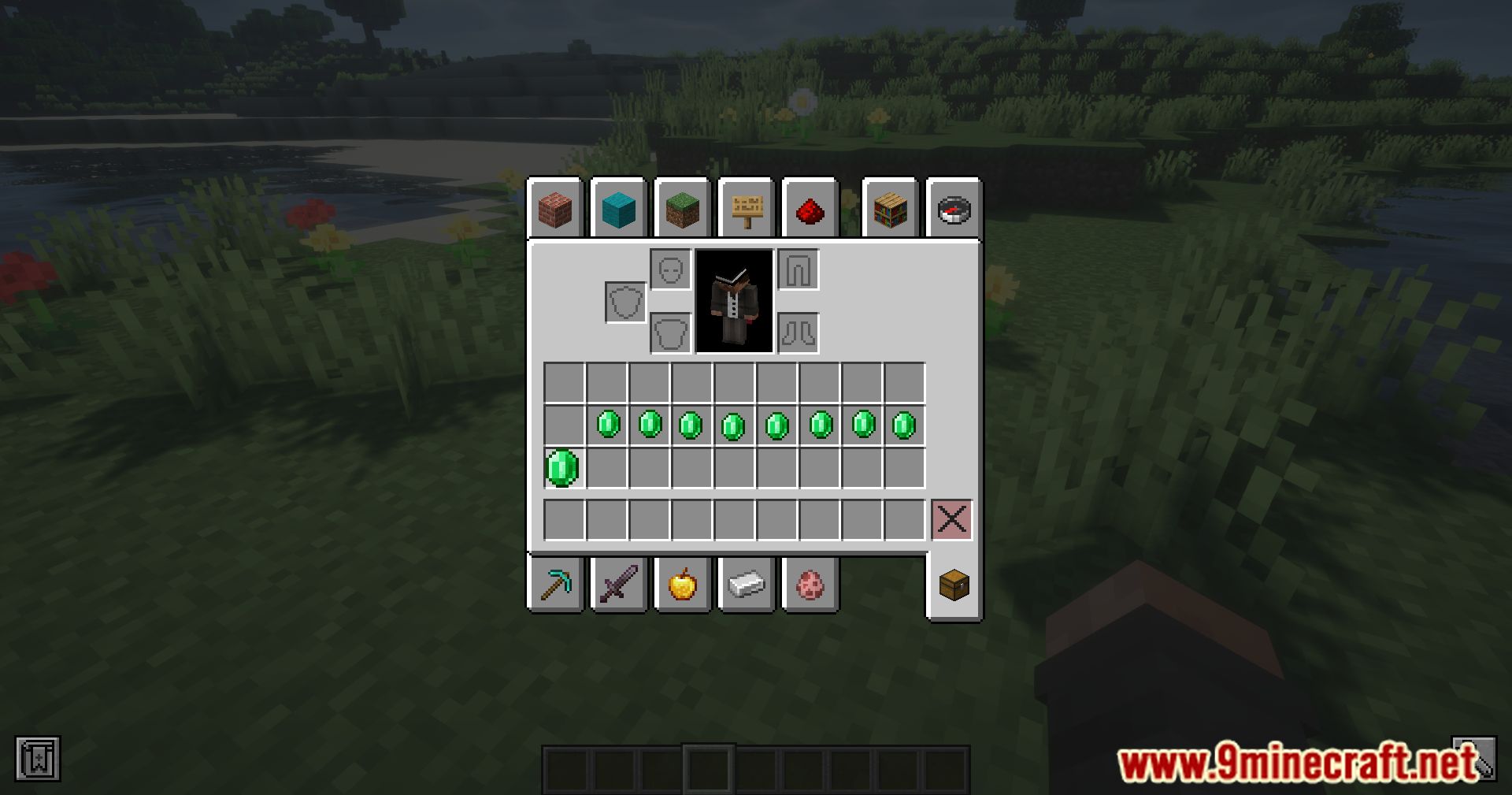
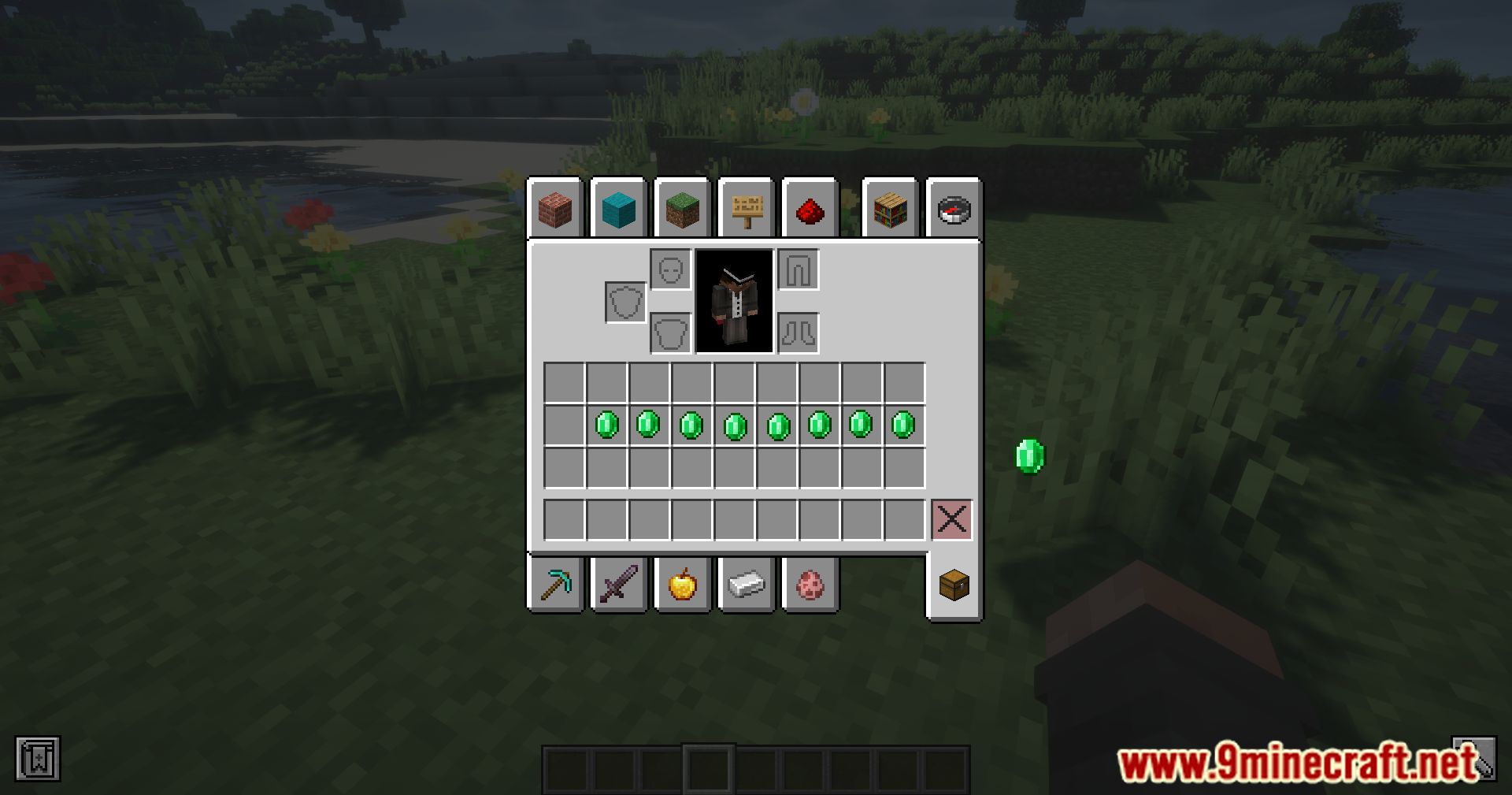
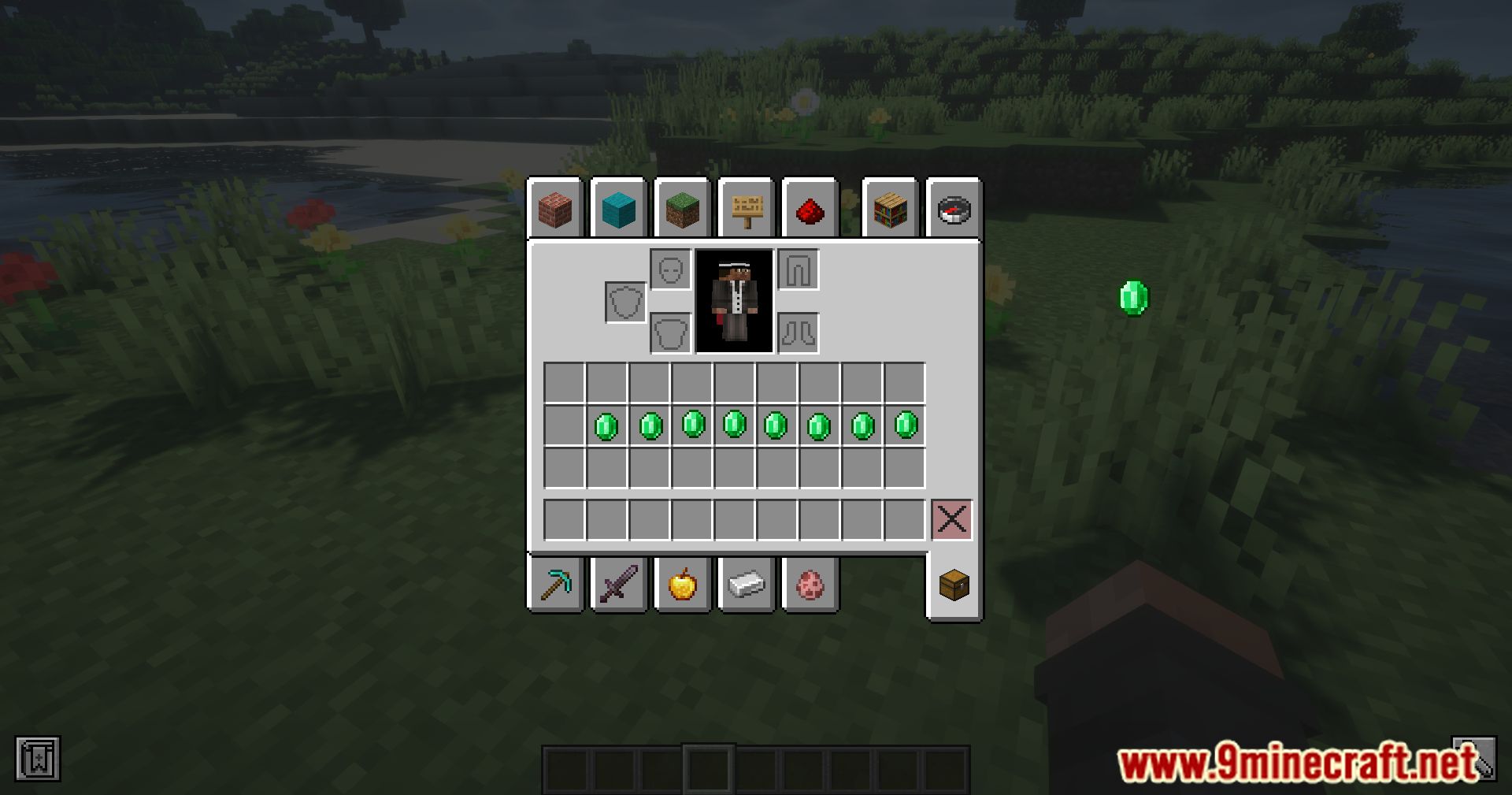
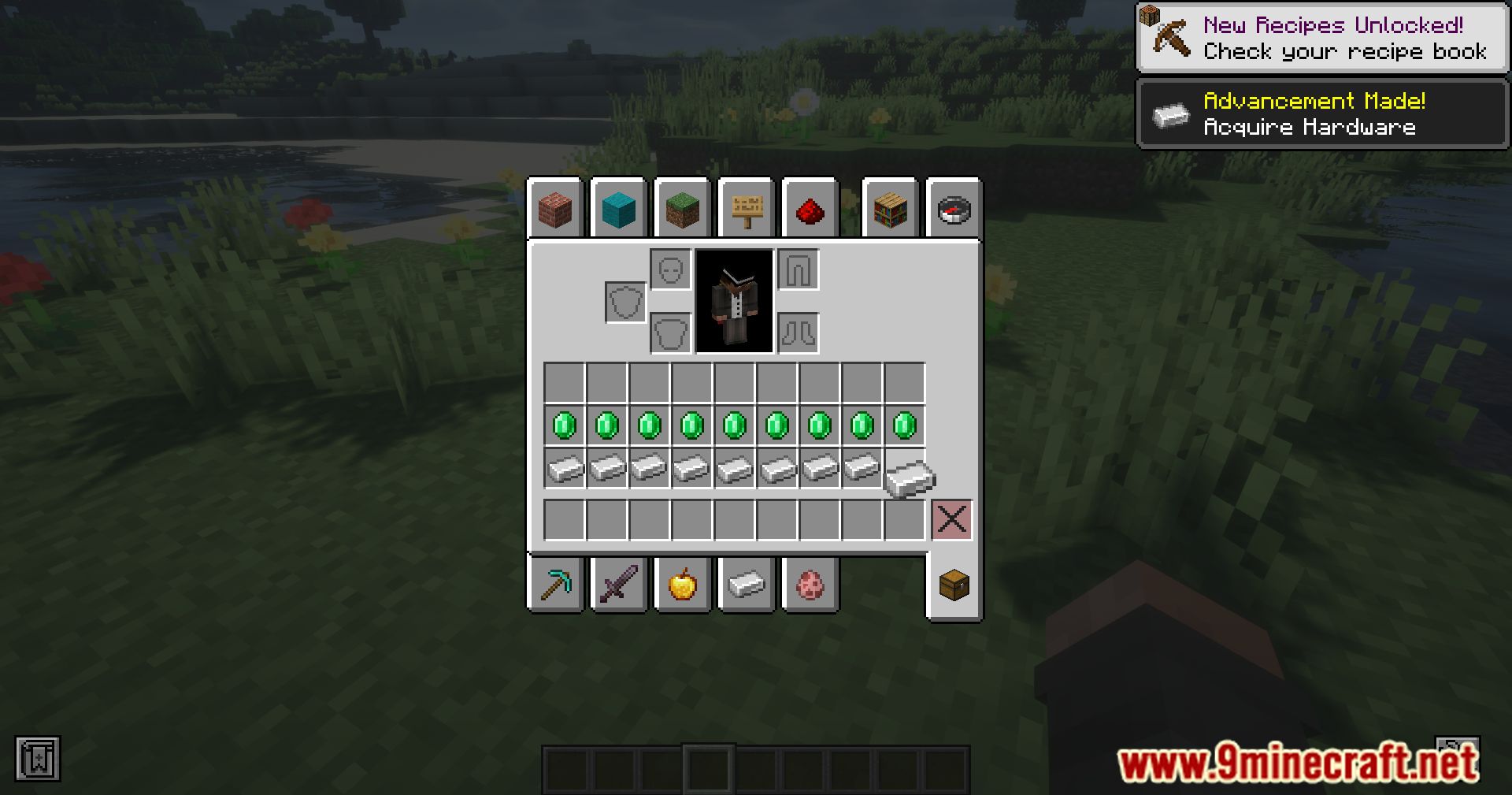
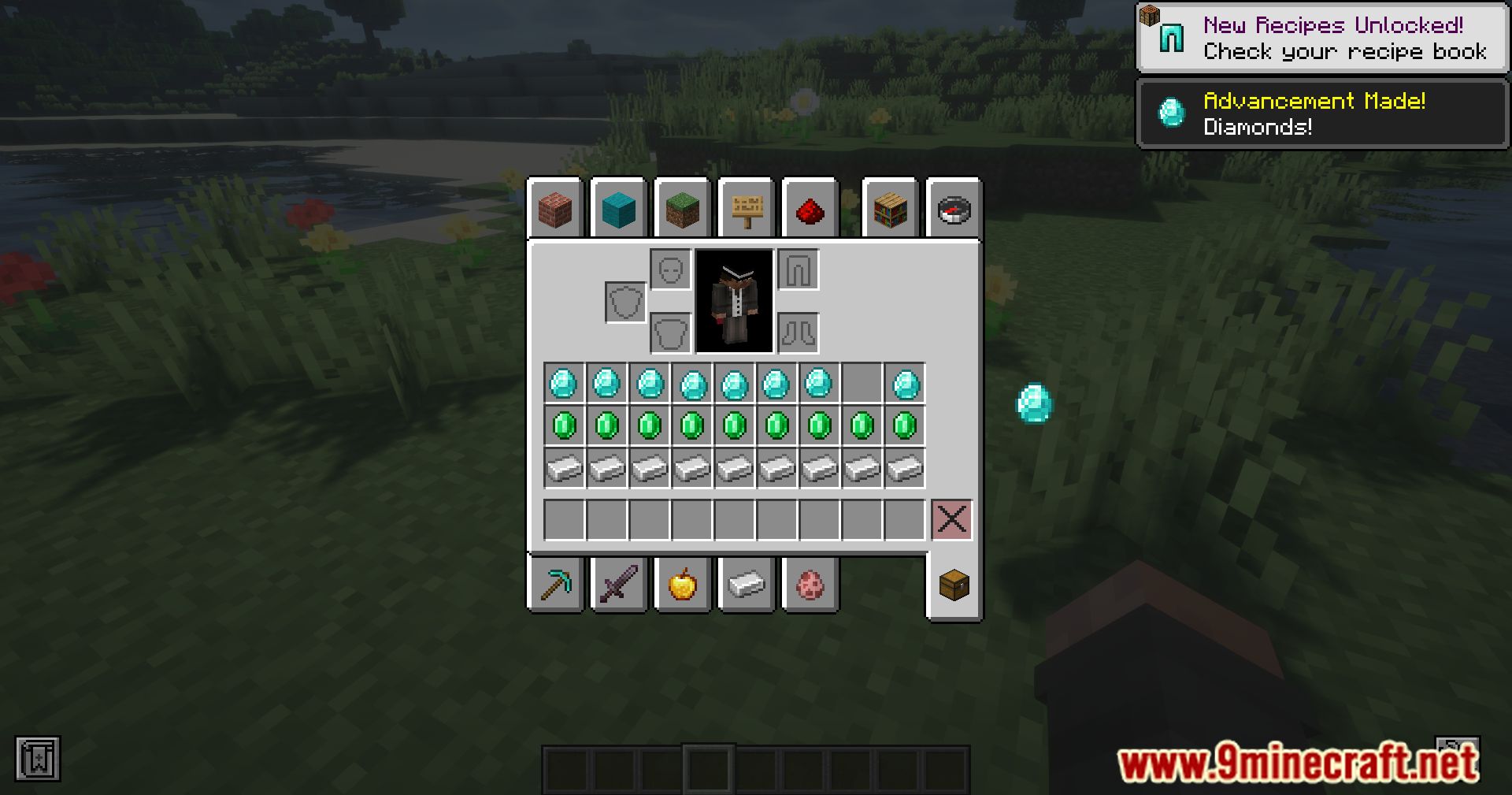
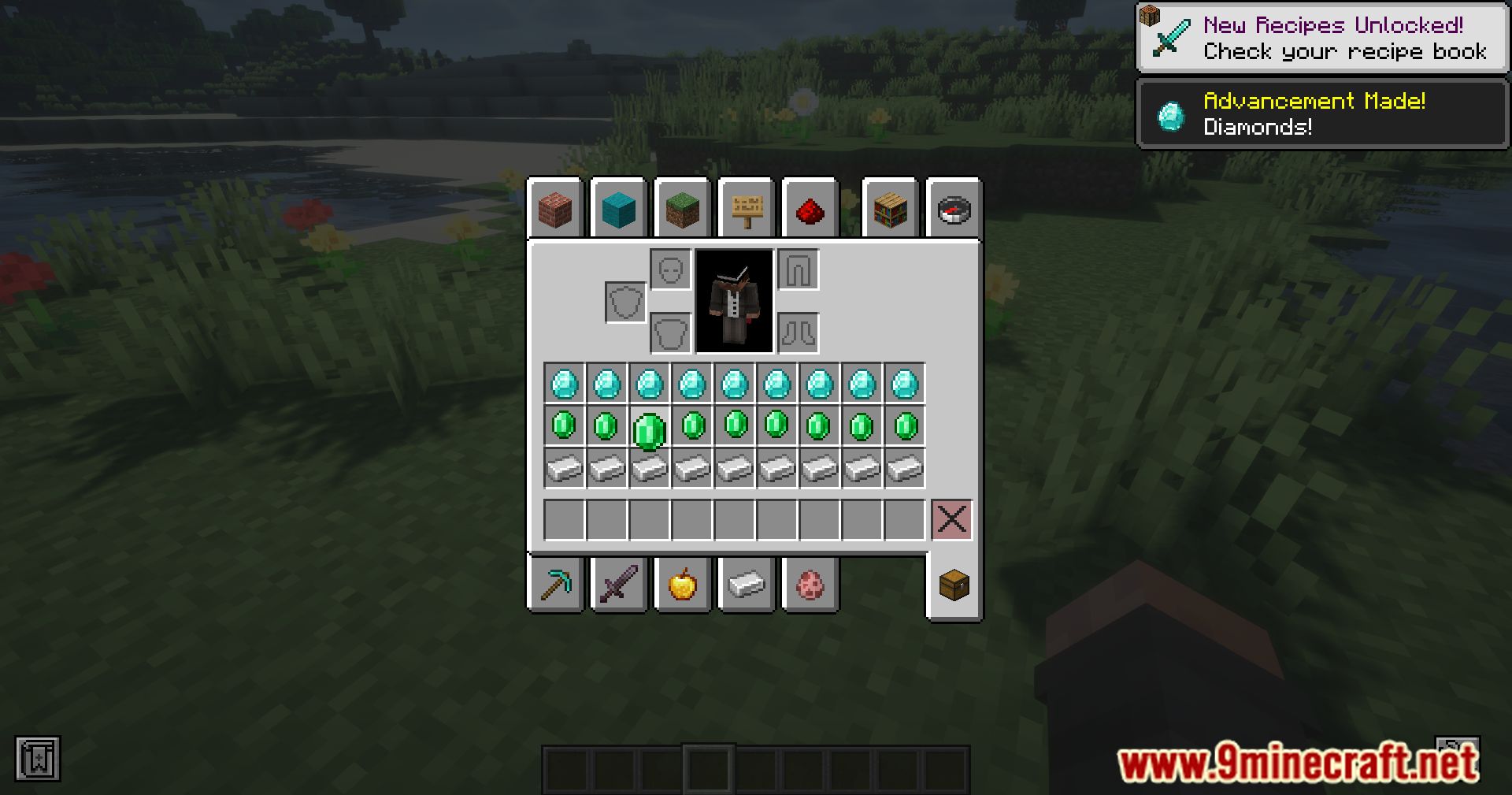
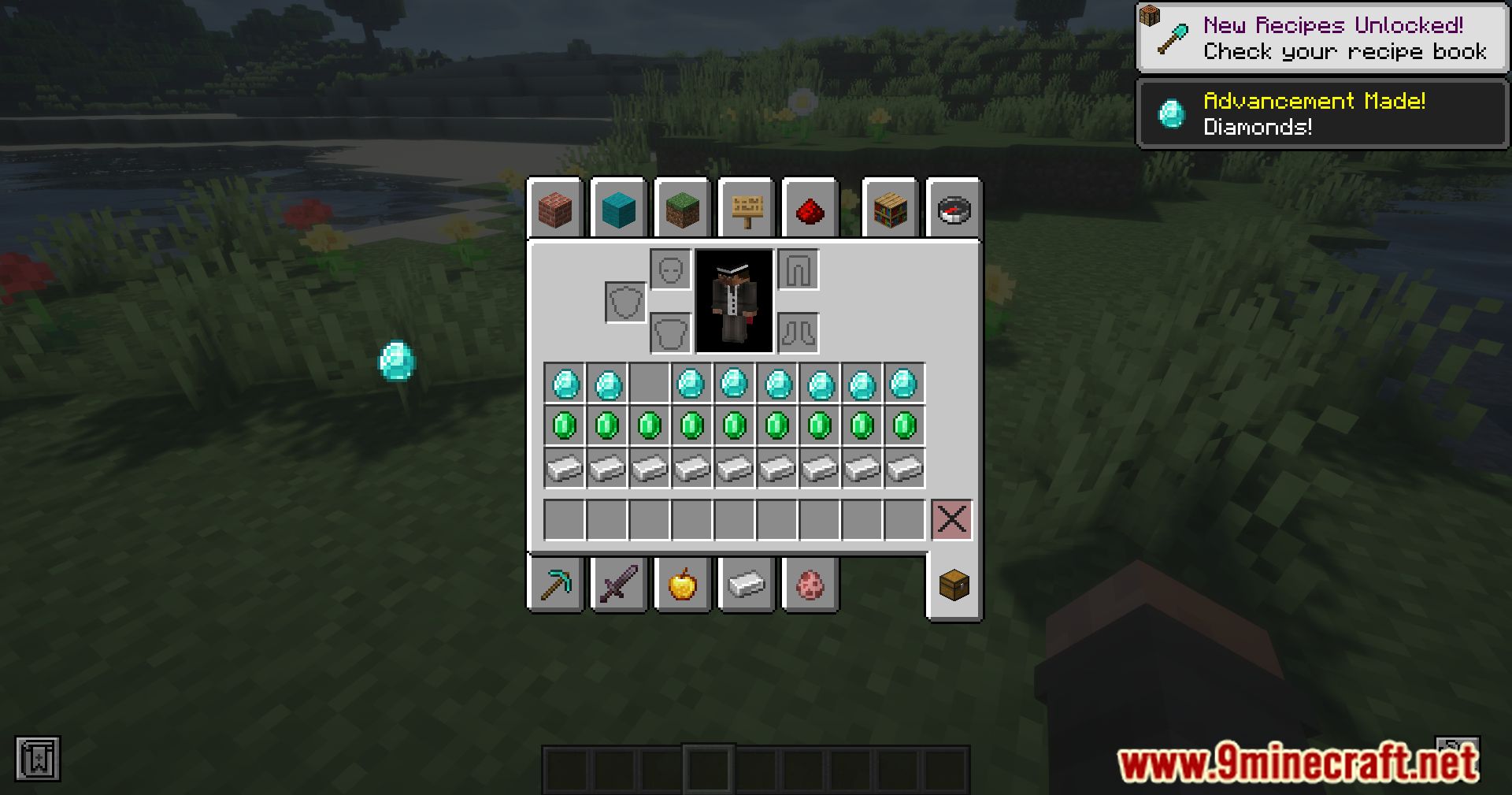
Immersive UI Mod enhances Minecraft’s interface with smoother transitions, animations, and customizable menus. It introduces subtle effects like wiggling items, floating animations, smooth hotbar transitions, and particle trails for rare items, making inventory management feel more dynamic and polished.
Features:
- Smooth menu transitions and item interactions.
- Wiggle items, scale under cursor, and floating effects.
- Highlights rare items in your cursor.
Screenshots:
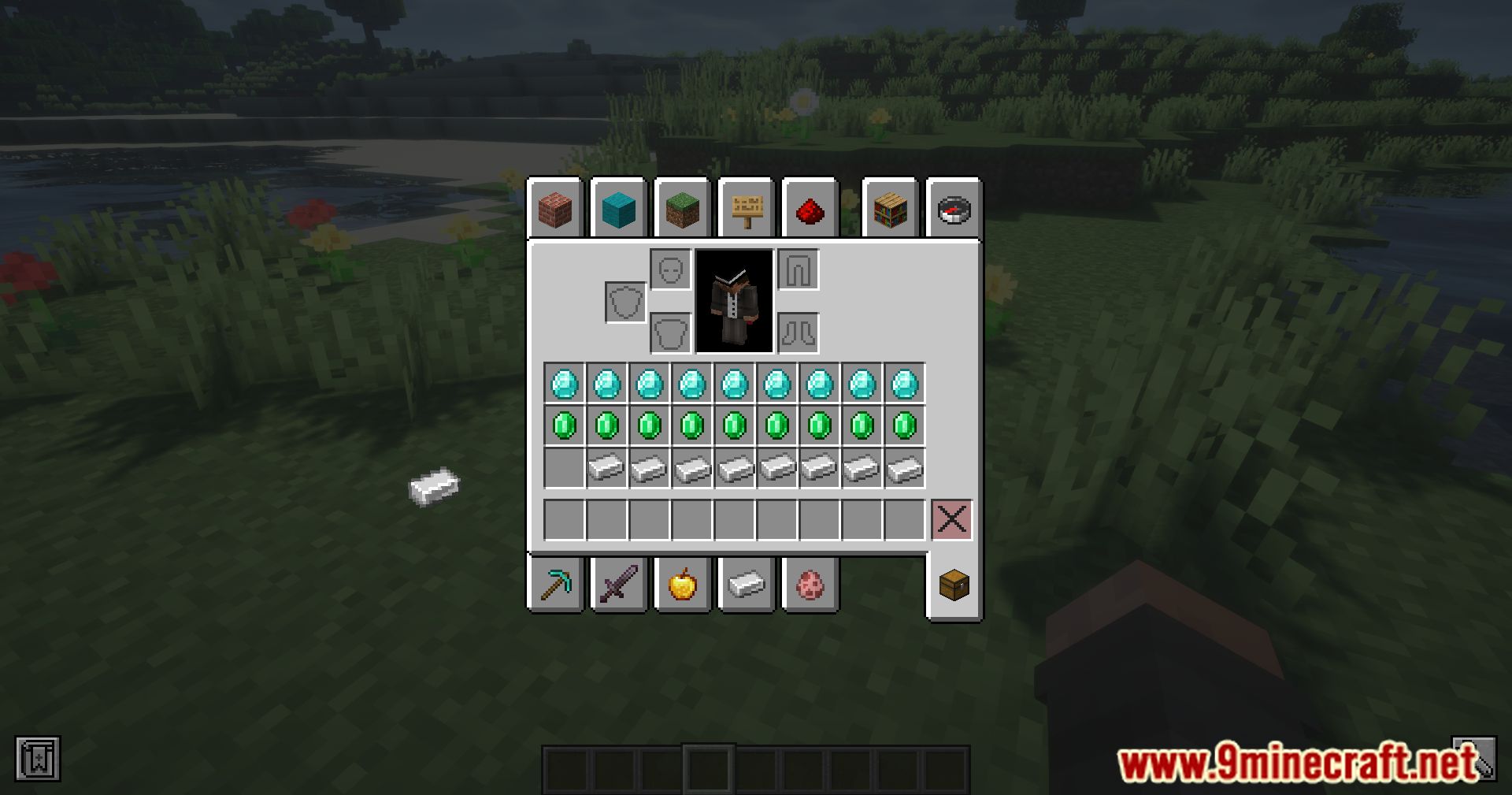
Immersive UI Mod Download Links
Quick facts
- Edition: Minecraft Java
- File type: .jar
- Minecraft versions listed: 1.21.11, 1.20.1
- How to install: Install the matching mod loader (Forge, Fabric or NeoForge) for your Minecraft version. → Download the .jar. → Put it in the .minecraft/mods folder and launch that loader profile.
- Where to get it: In MC Java Mods, or directly above on this page.
Install steps are the general flow for this file type — How to install Minecraft Java mods & modpacks walks through it step by step.
Verified by MCModsHub
- Downloads as 30300.mcaddon
- Download size: 204 KB
- Download link checked 25 Sept 2026 — working
- Mirrored on our own servers — the download does not depend on the original host
These come from our own check of the pack file, not from the source page.