Combat Roll Mod (26.2, 1.20.1) – You Can Now Roll, Dodge, Run
Java mod listed for Minecraft 1.20. Downloads from the MC Java Mods app on Android.
⬇ Download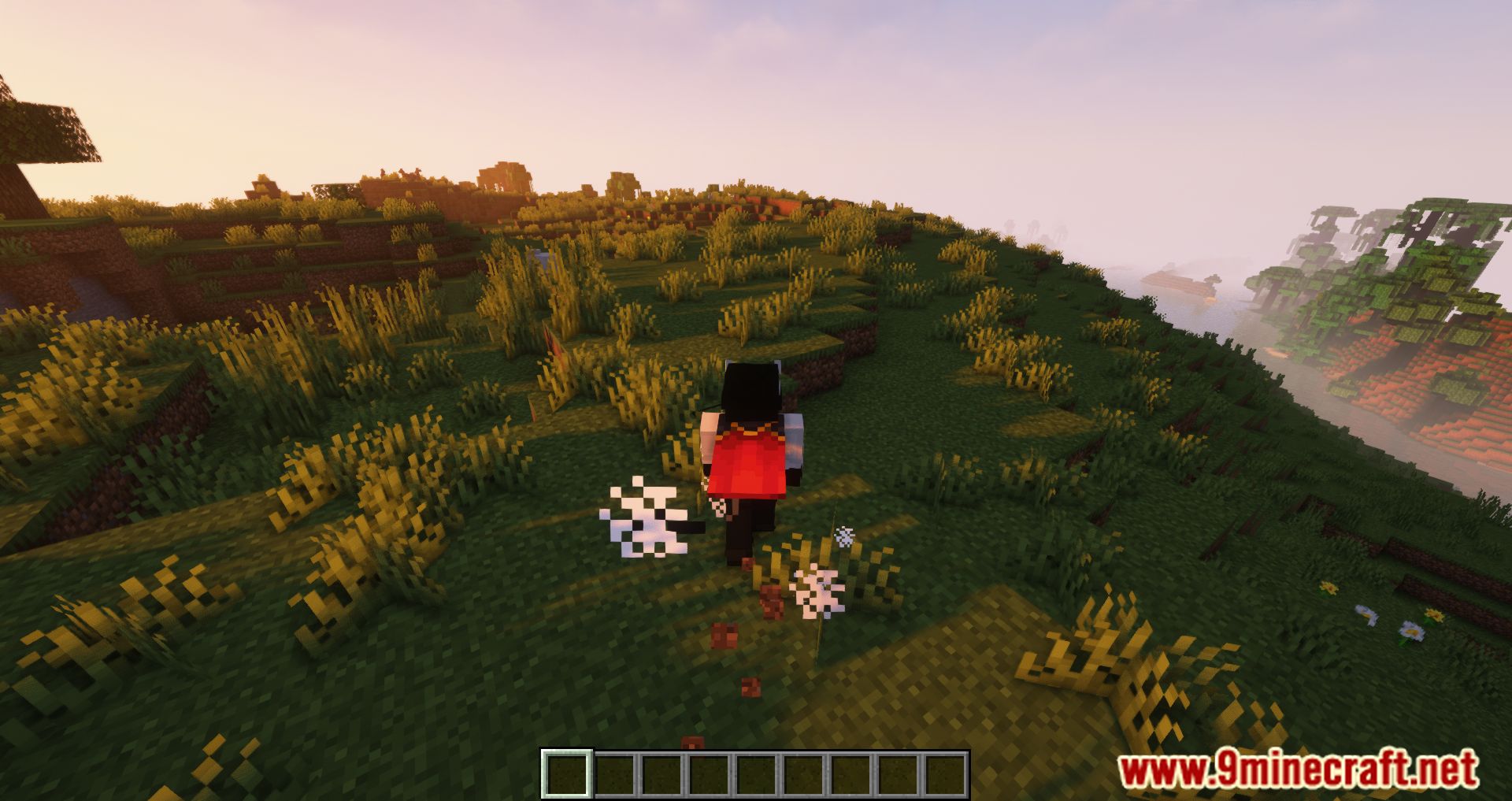
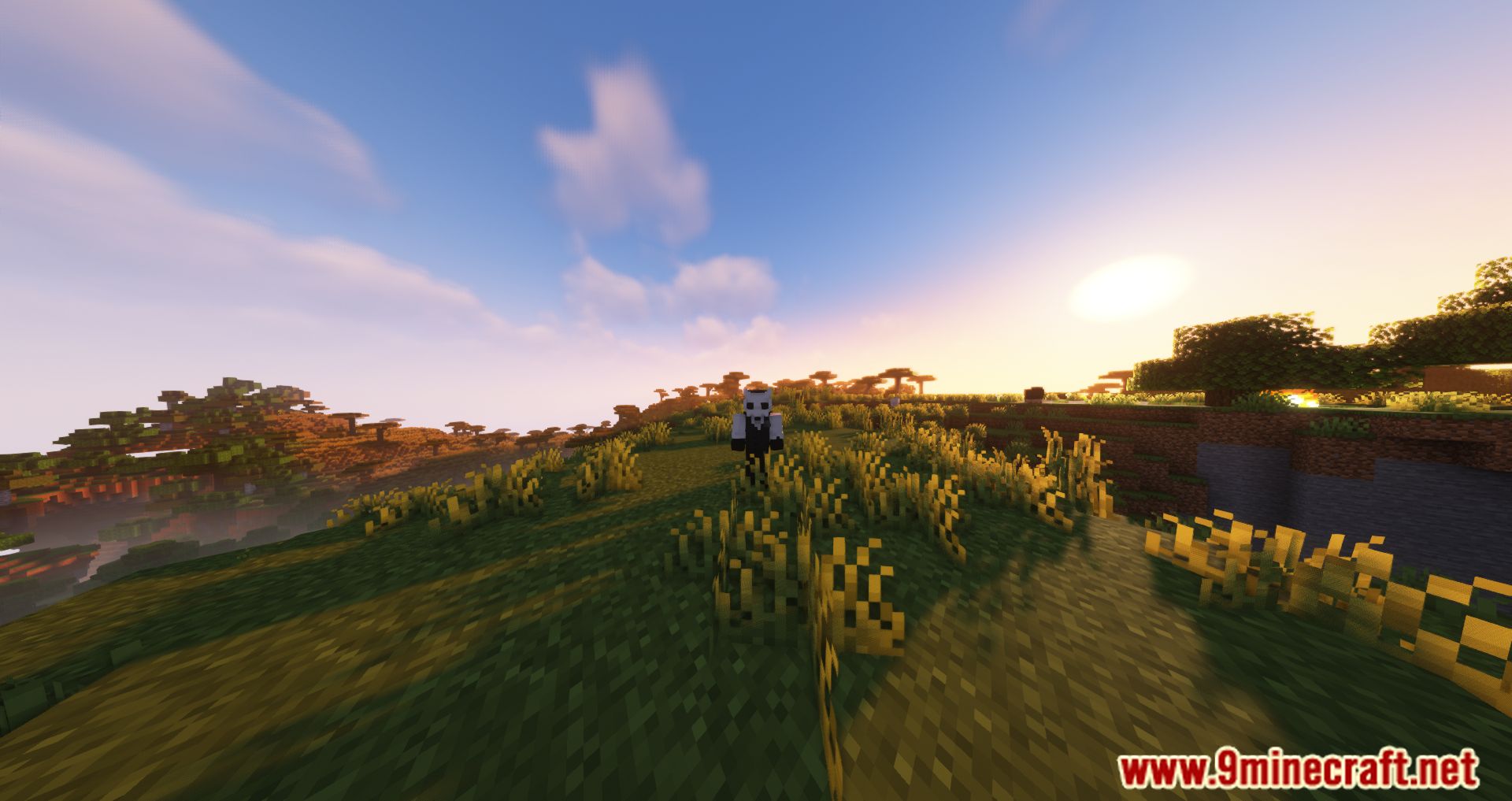
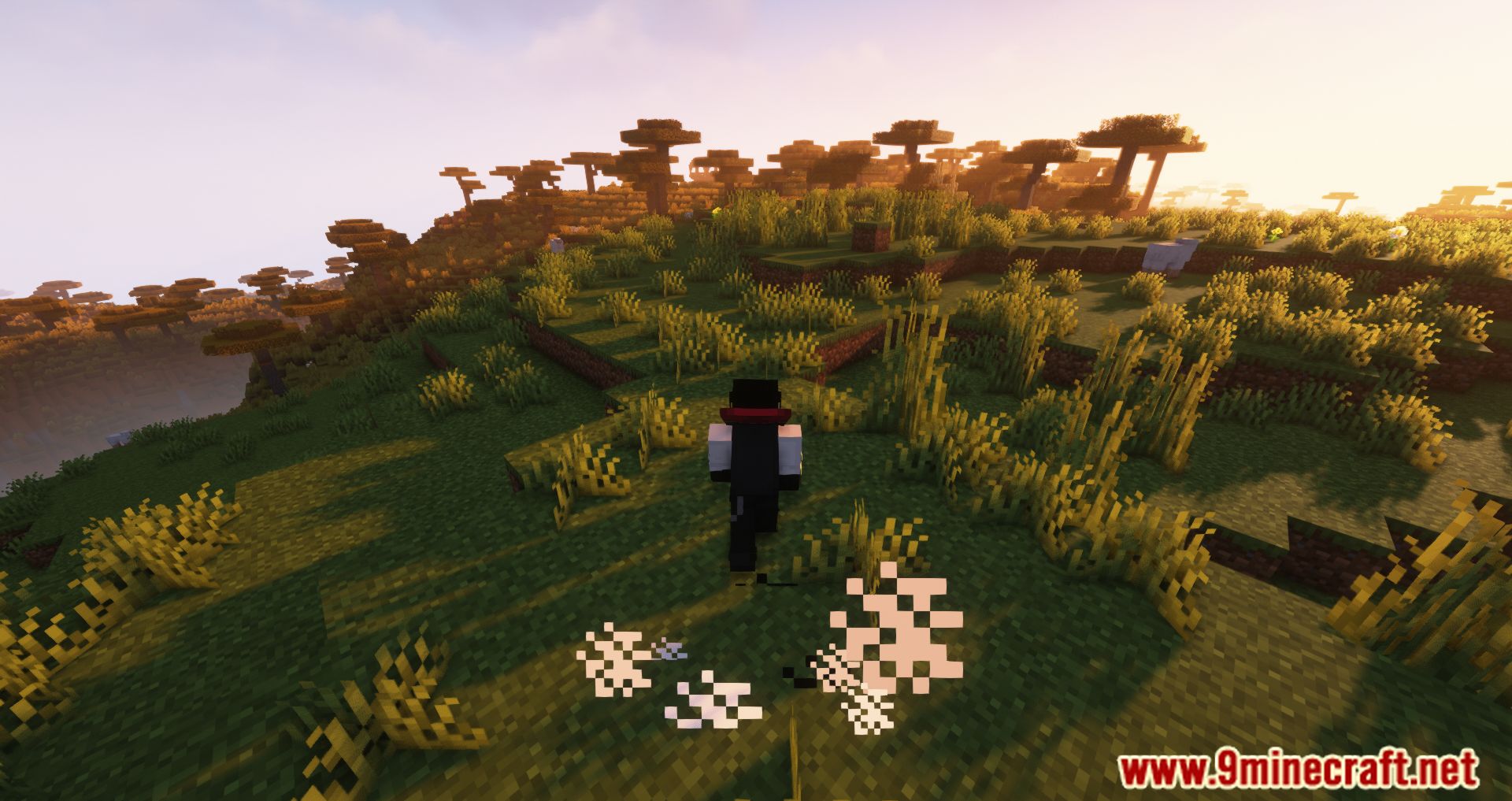
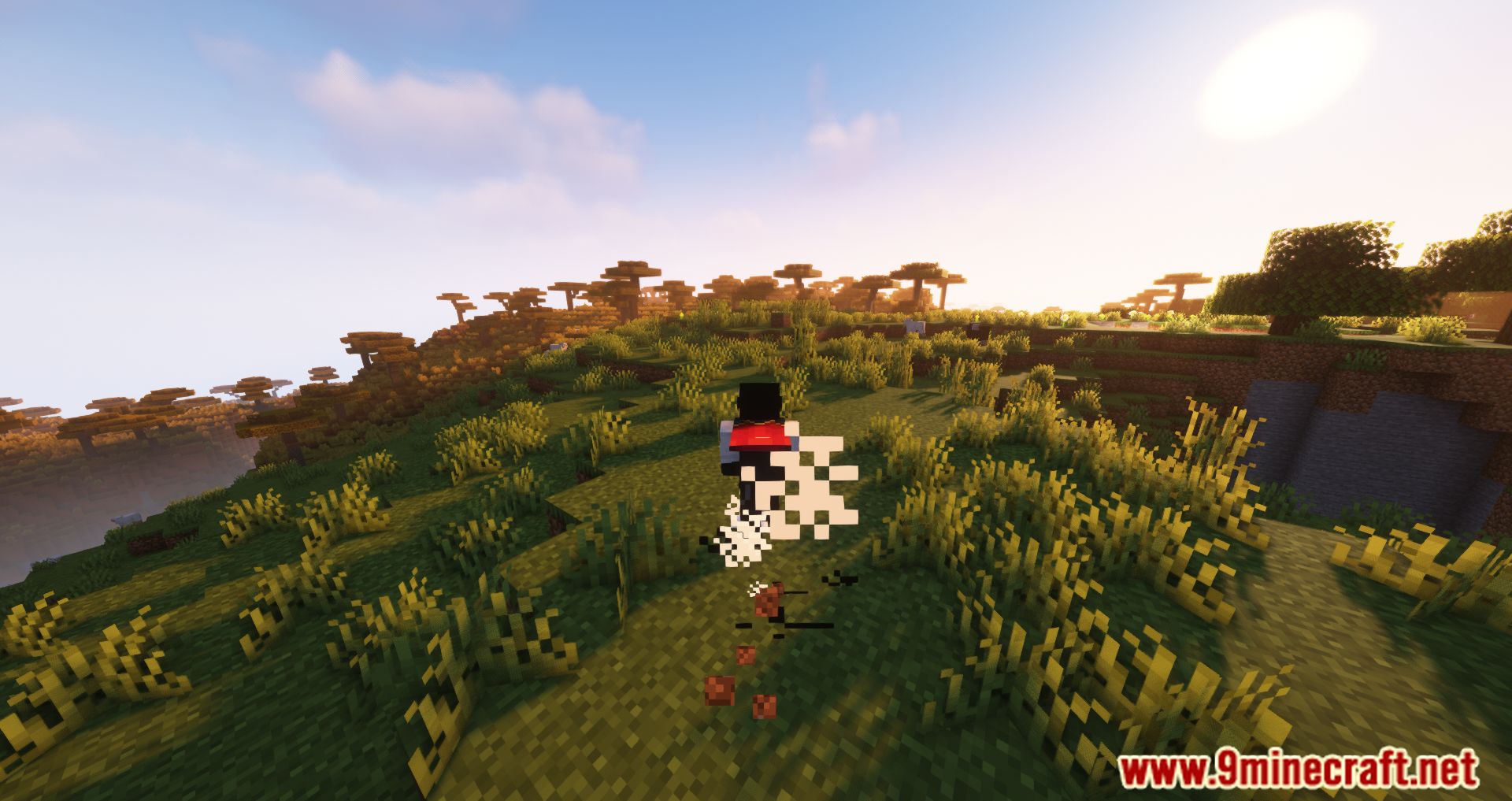
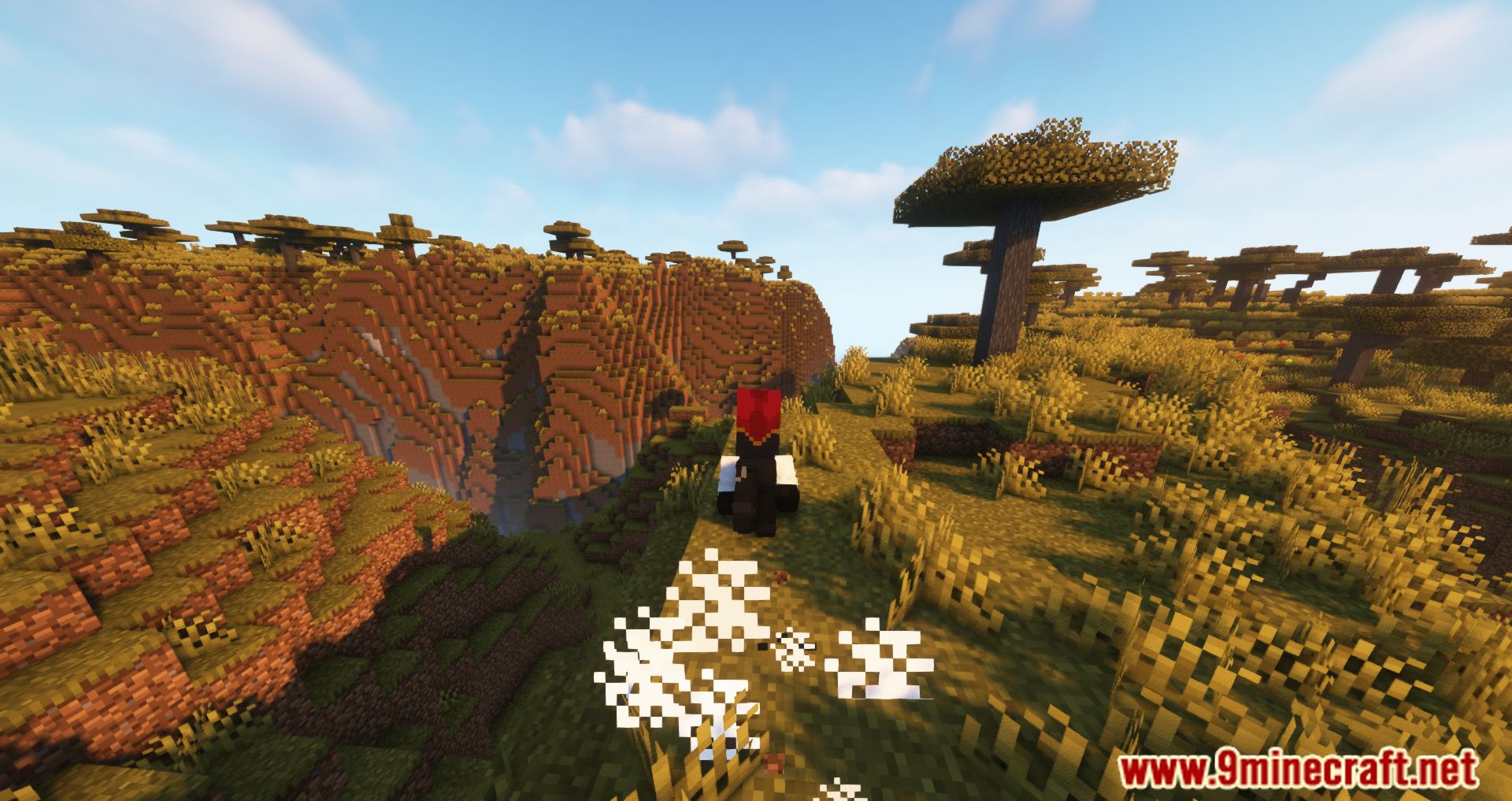
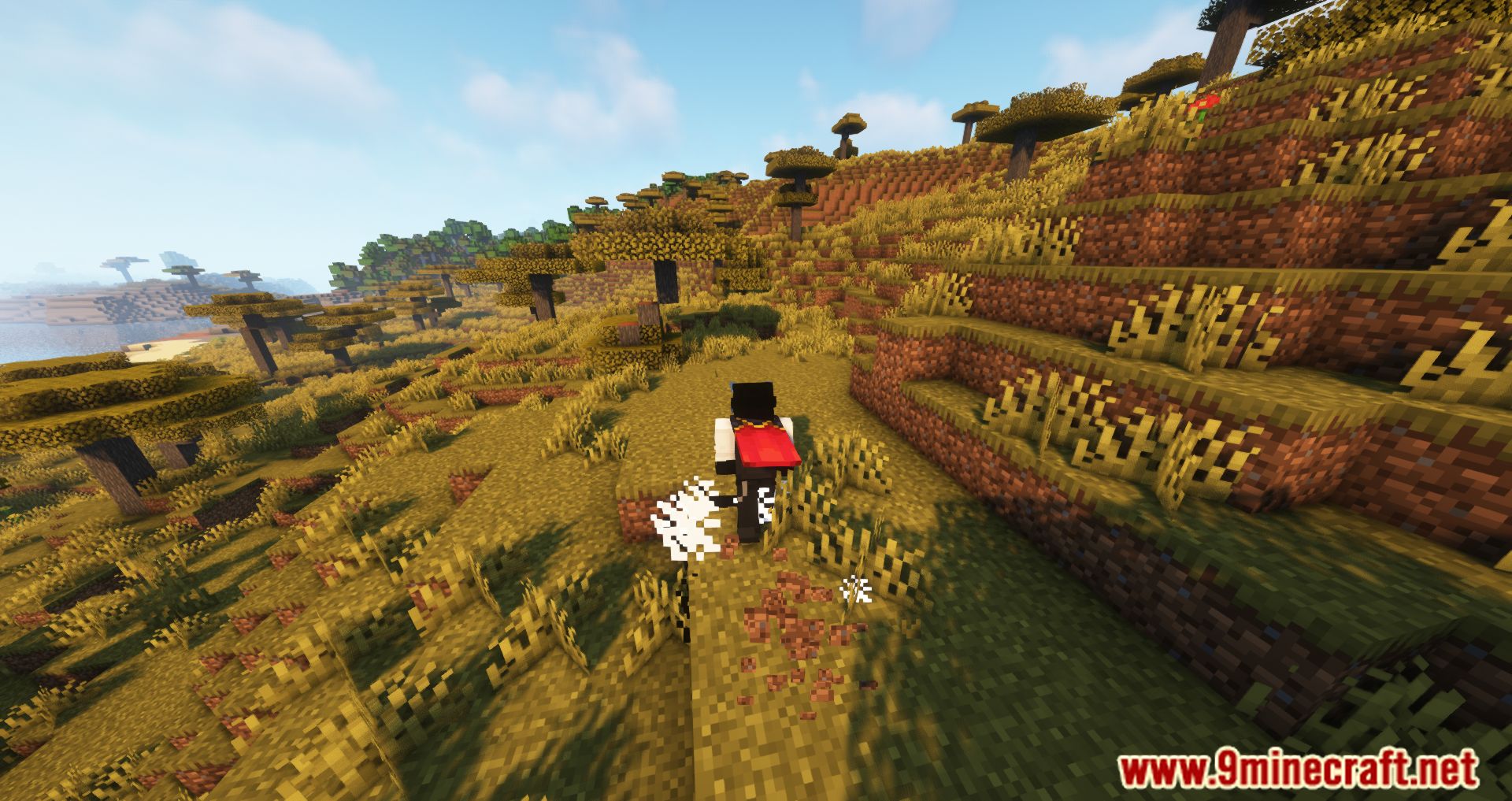
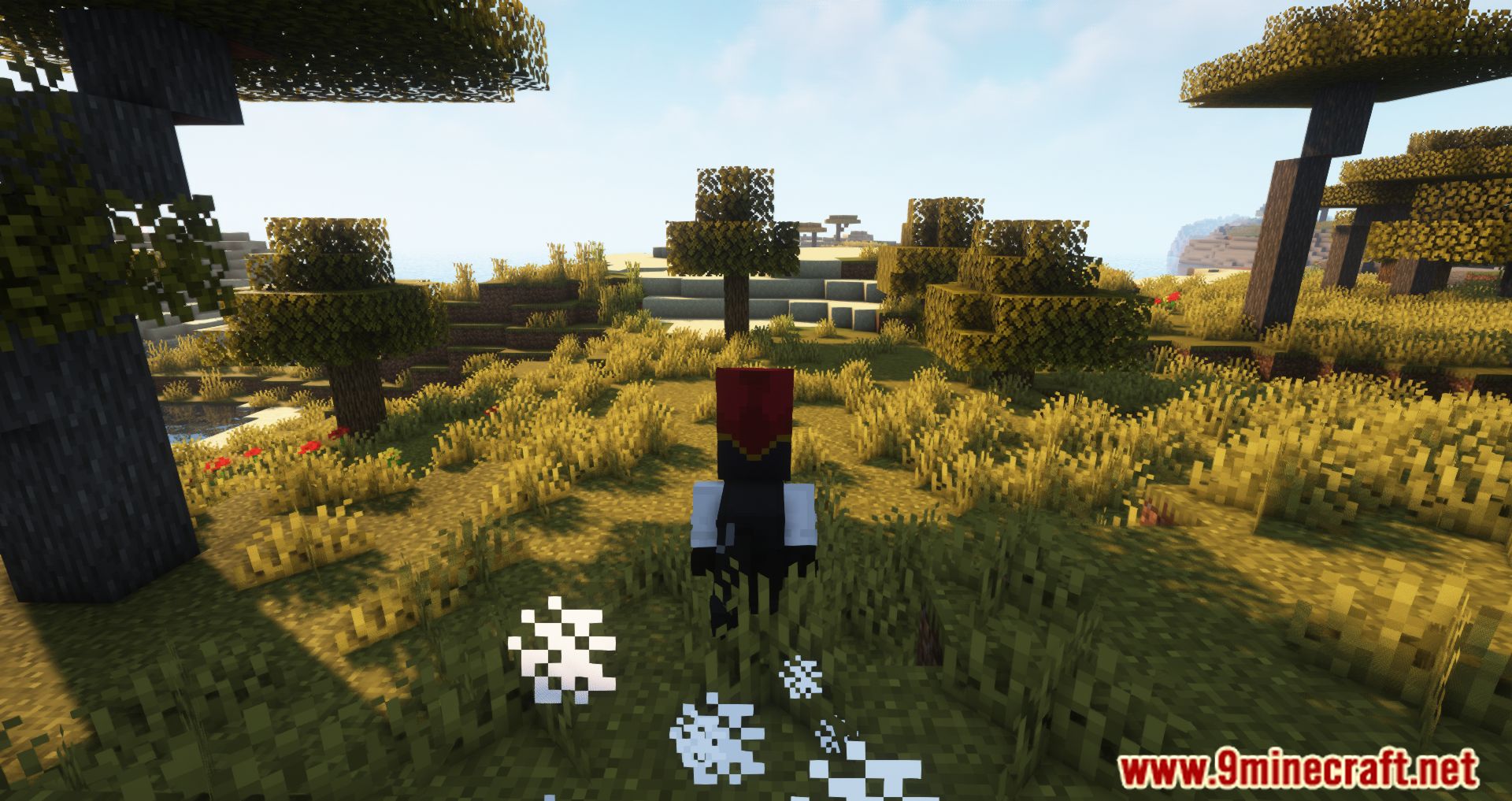
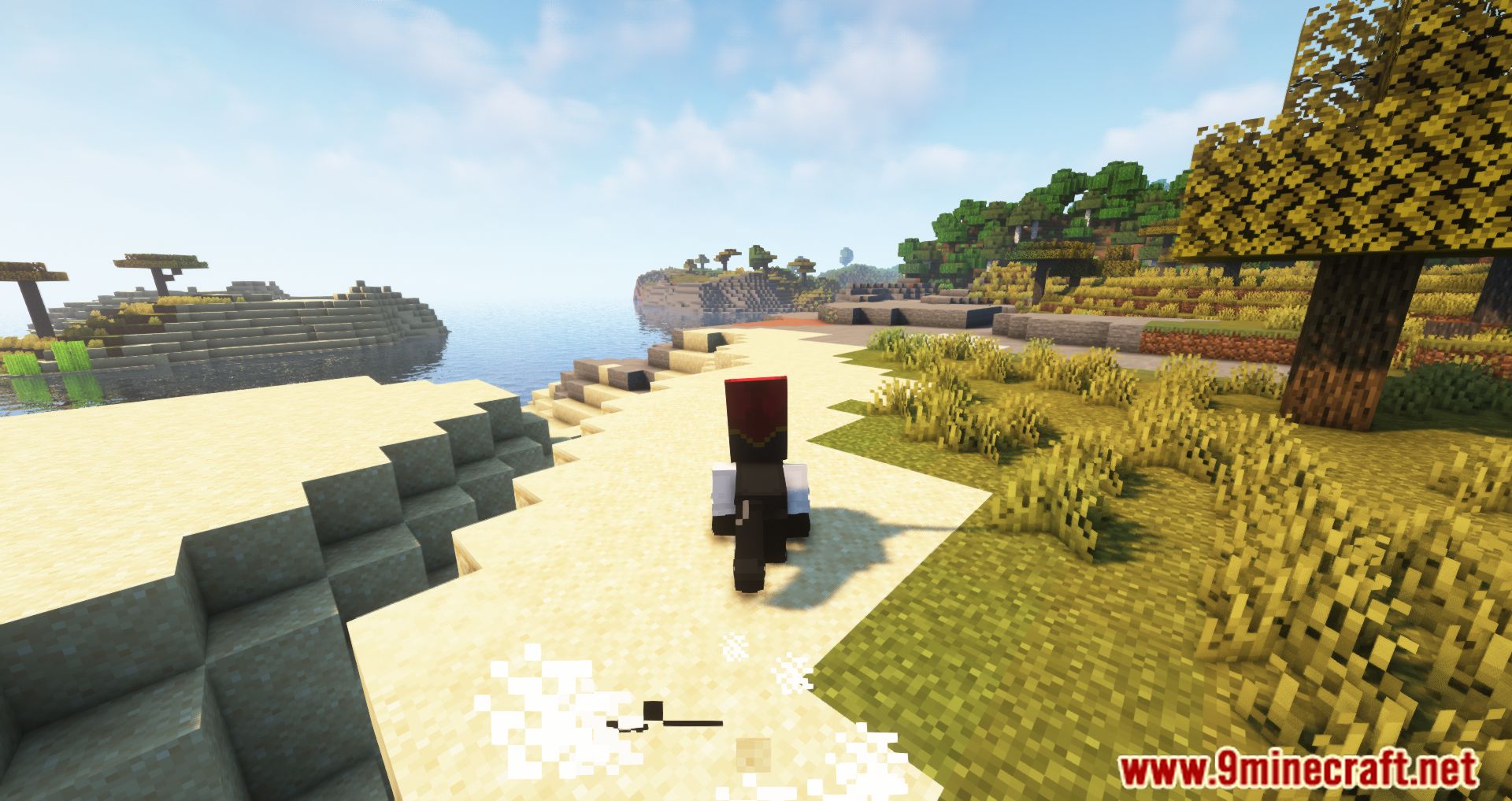
Combat Roll Mod is a mod that adds a new ability or movement to our Minecraft character. This ability consists of rolling/dodging/running, allowing us to evade attacks with these new movements. By default, the key to roll is the “R” key. Beyond using a key to perform a new movement, the mod also allows us to use three new enchantments: Multi-Roll, which can be applied to helmets; Acrobat, which can be applied to chestplates and leggings; and Longfooted, which can be applied to boots. By default, after pressing the “R” key to roll, you have to wait 4 seconds to use the ability again. However, this can be improved with the previously mentioned enchantments, allowing us to perform the action more frequently without waiting.
Features:
- Combat Roll Ability: Press the “R” key (by default) to perform a roll in any direction (forward, backward, sideways, etc.).
- Cooldown: The roll ability has a default cooldown of 4 seconds, which can be configured on the server.
- Attributes: New entity attributes determine the properties of the roll ability, such as distance, recharge speed, and the number of rolls before needing to recharge.
- Enchantments:
- Multi-Roll: Can be applied to helmets, granting extra rolls.
- Acrobat: Can be applied to chestplates and leggings, increasing the recharge speed of the roll cooldown.
- Longfooted: Can be applied to boots, increasing the distance of your rolls.
- Invulnerability Frames: Optional invulnerability frames during the roll (disabled by default, can be turned on in the config).
- Exhaust: Adds hunger to the player upon rolling (server-side configurable).
- UI Indicator: Shows the cooldown and number of rolls available on the HUD.
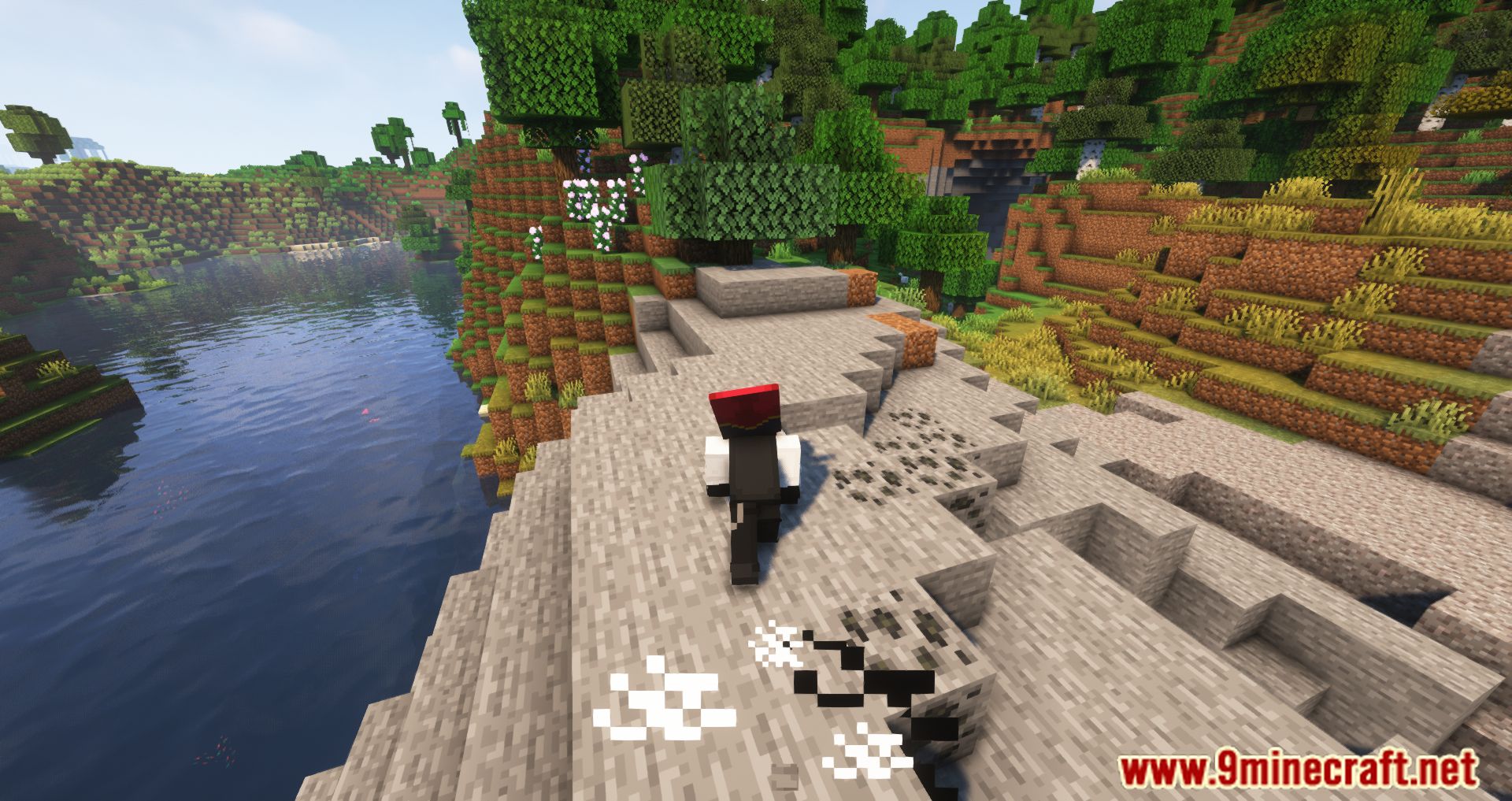
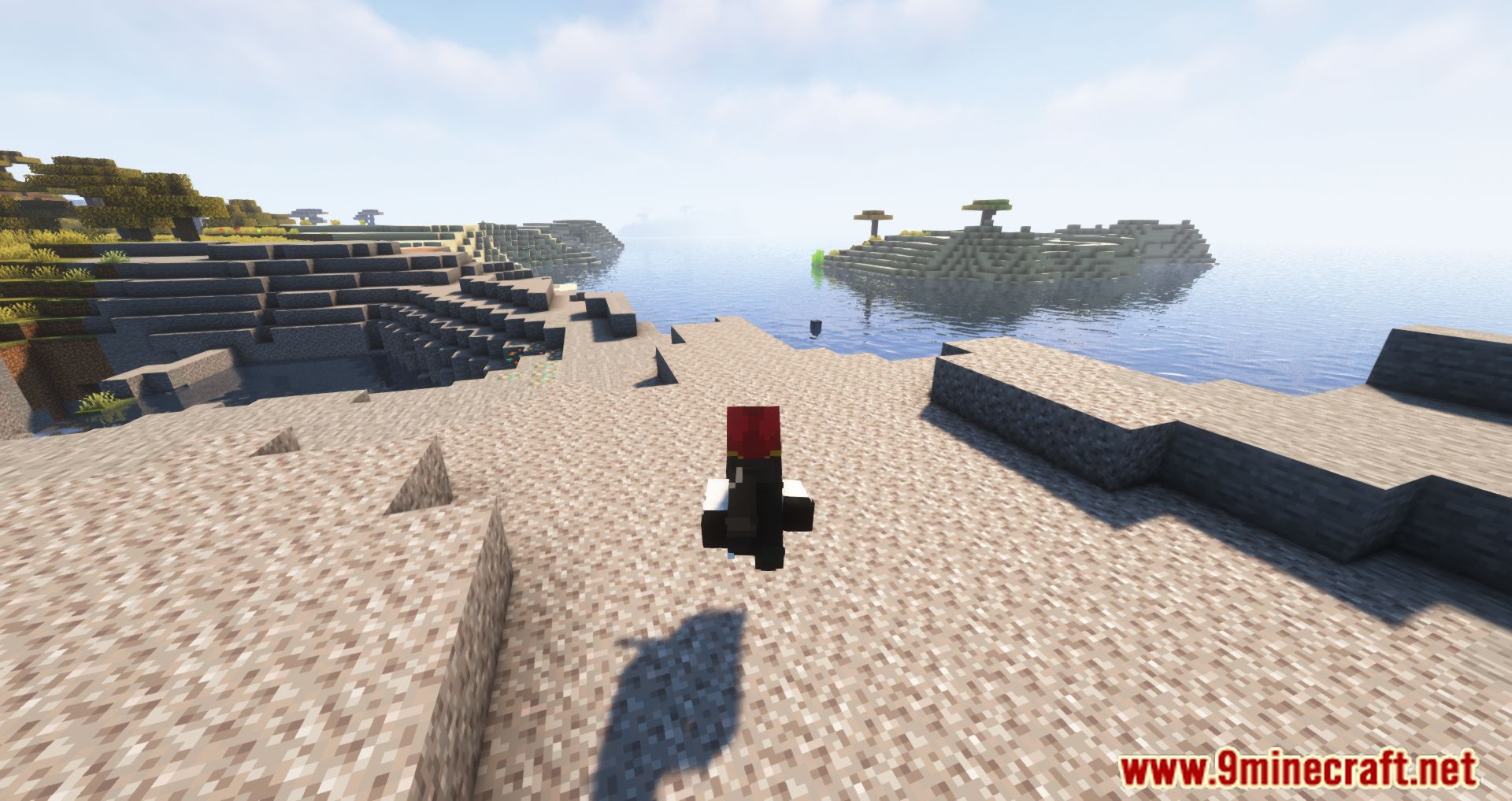
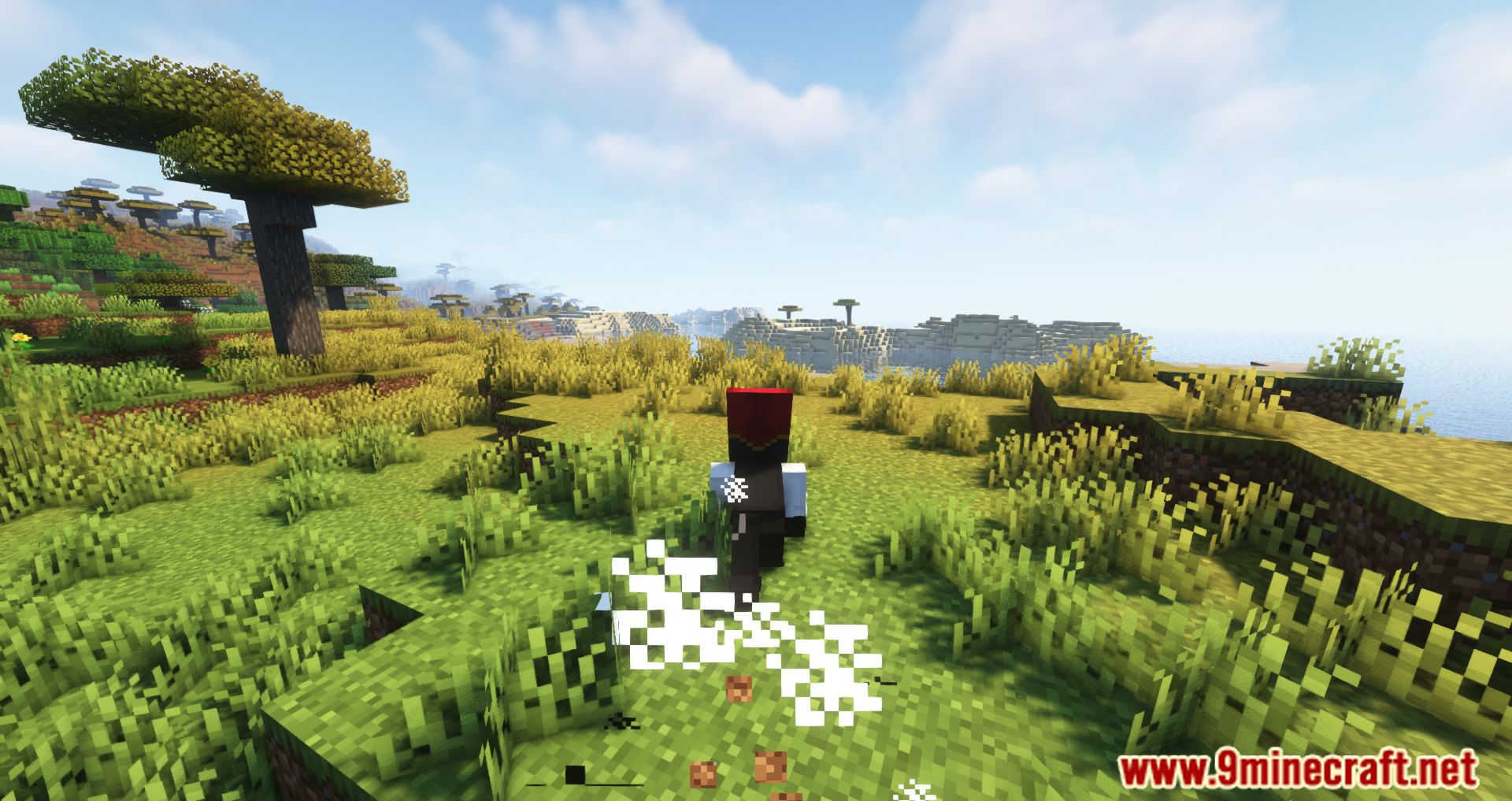
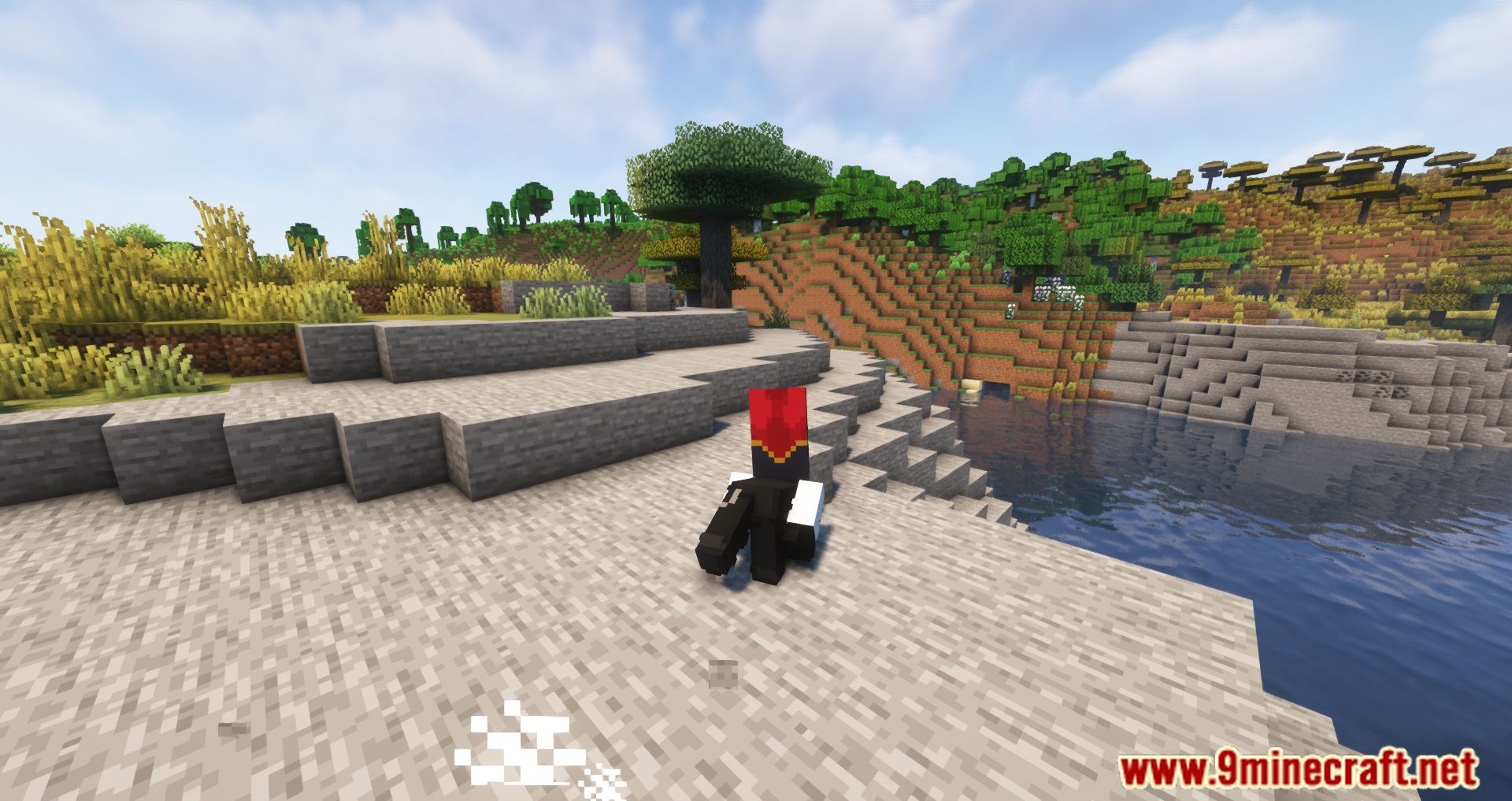
Screenshots:
Combat Roll Mod Download Links
- Edition: Minecraft Java
- File type: .jar
- Minecraft version listed: 1.20.1
- How to install: Install the matching mod loader (Forge, Fabric or NeoForge) for your Minecraft version. → Download the .jar. → Put it in the .minecraft/mods folder and launch that loader profile.
- Where to get it: In MC Java Mods, or directly above on this page.
Install steps are the general flow for this file type — How to install Minecraft Java mods & modpacks walks through it step by step.
- Downloads as 30305.mcaddon
- Download size: 199 KB
- Download link checked 25 Sept 2026 — working
- Mirrored on our own servers — the download does not depend on the original host
These come from our own check of the pack file, not from the source page.