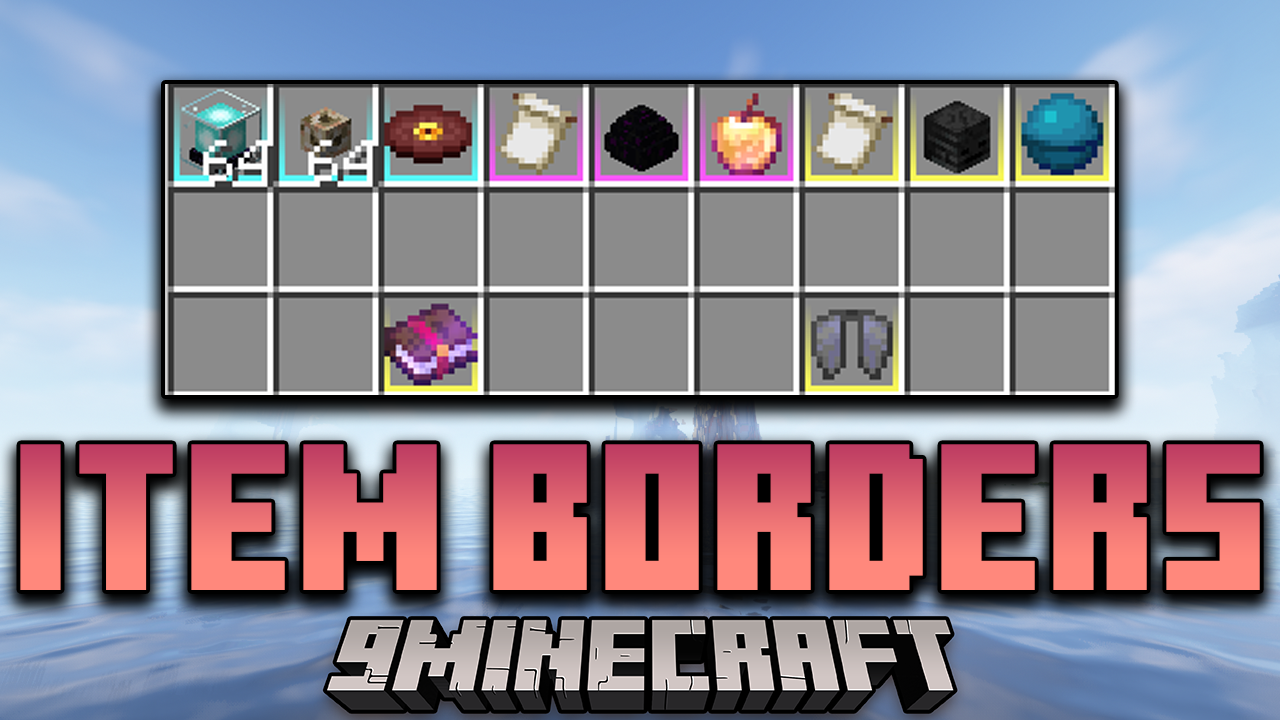
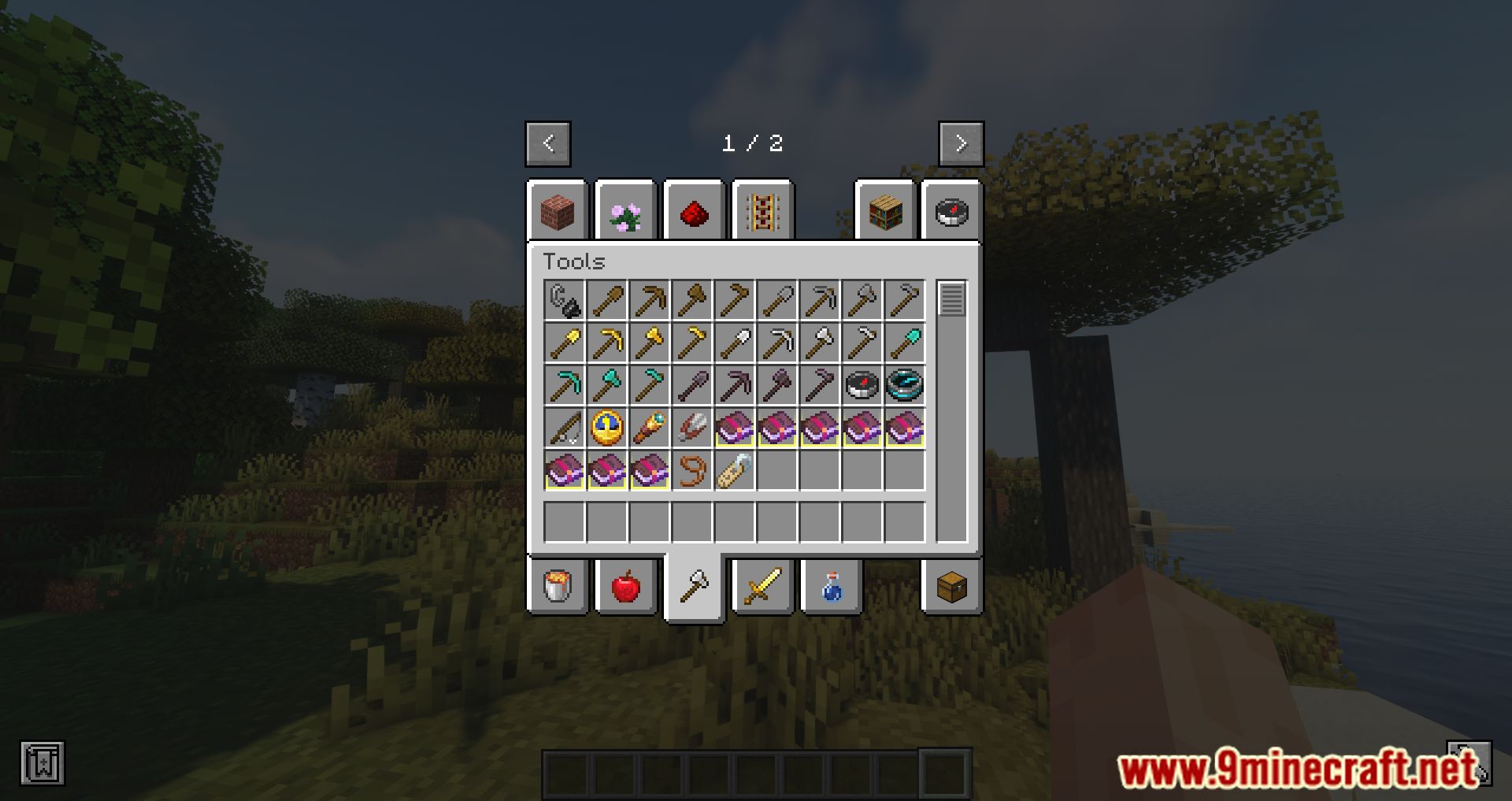
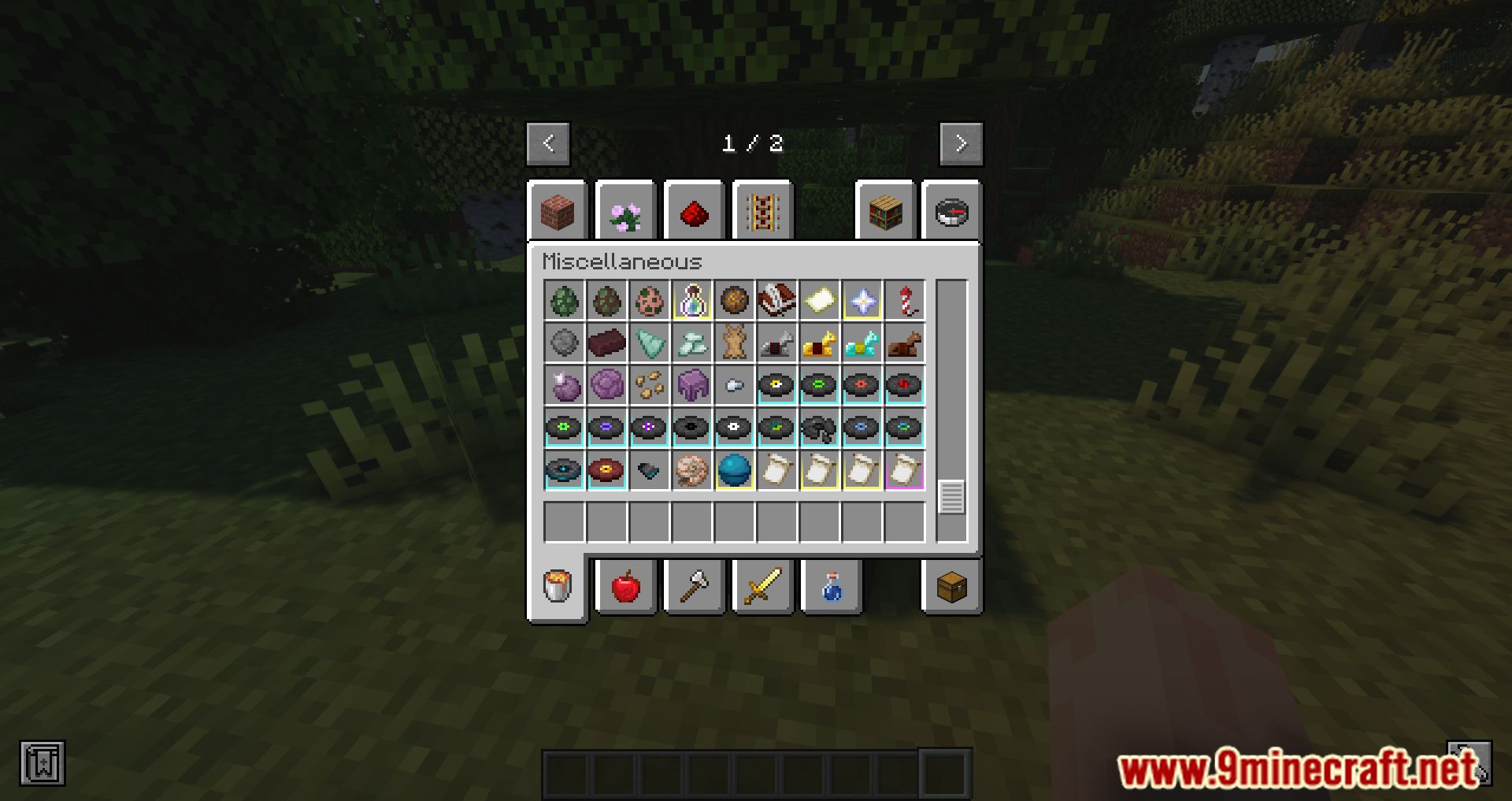
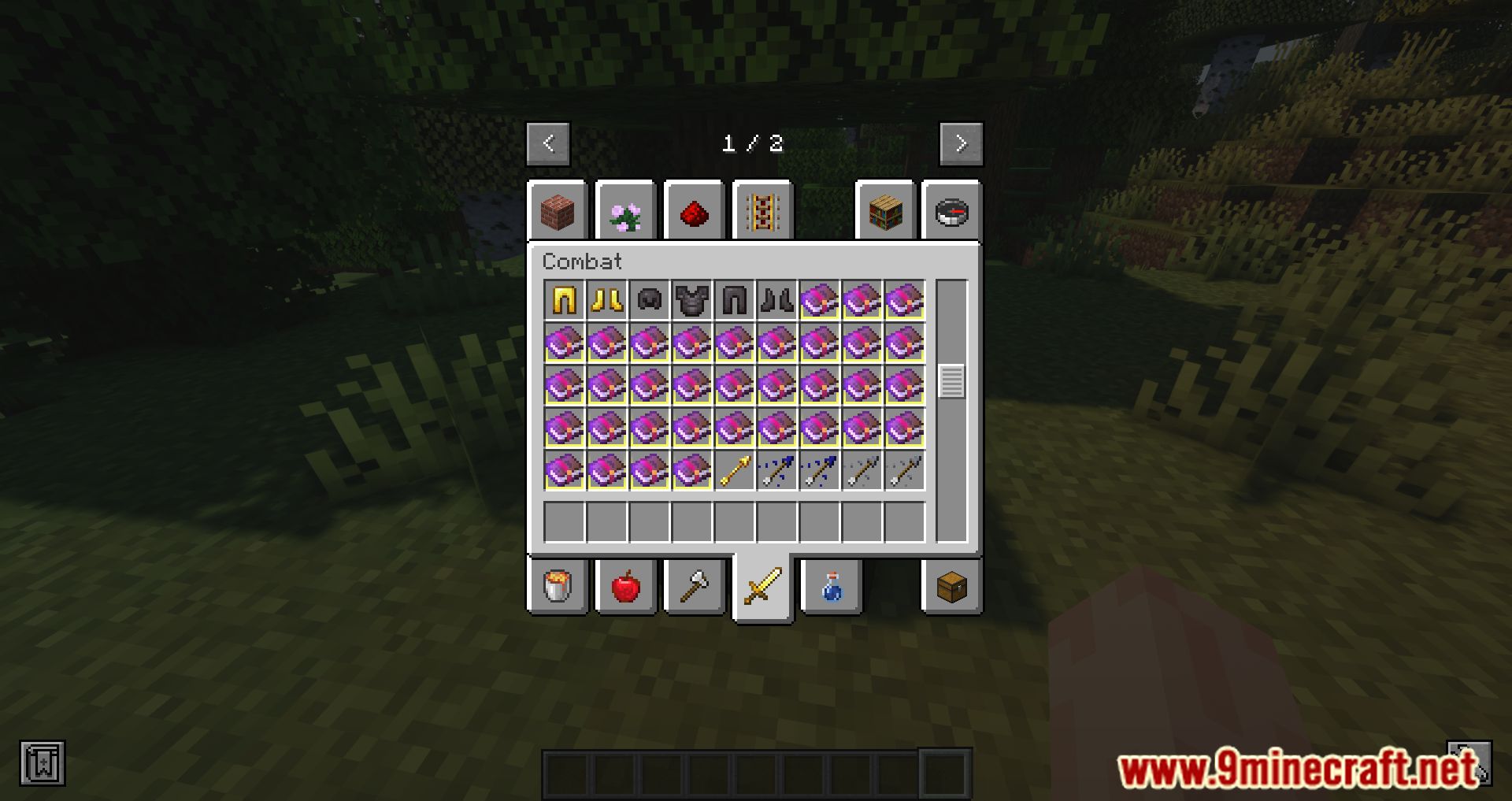
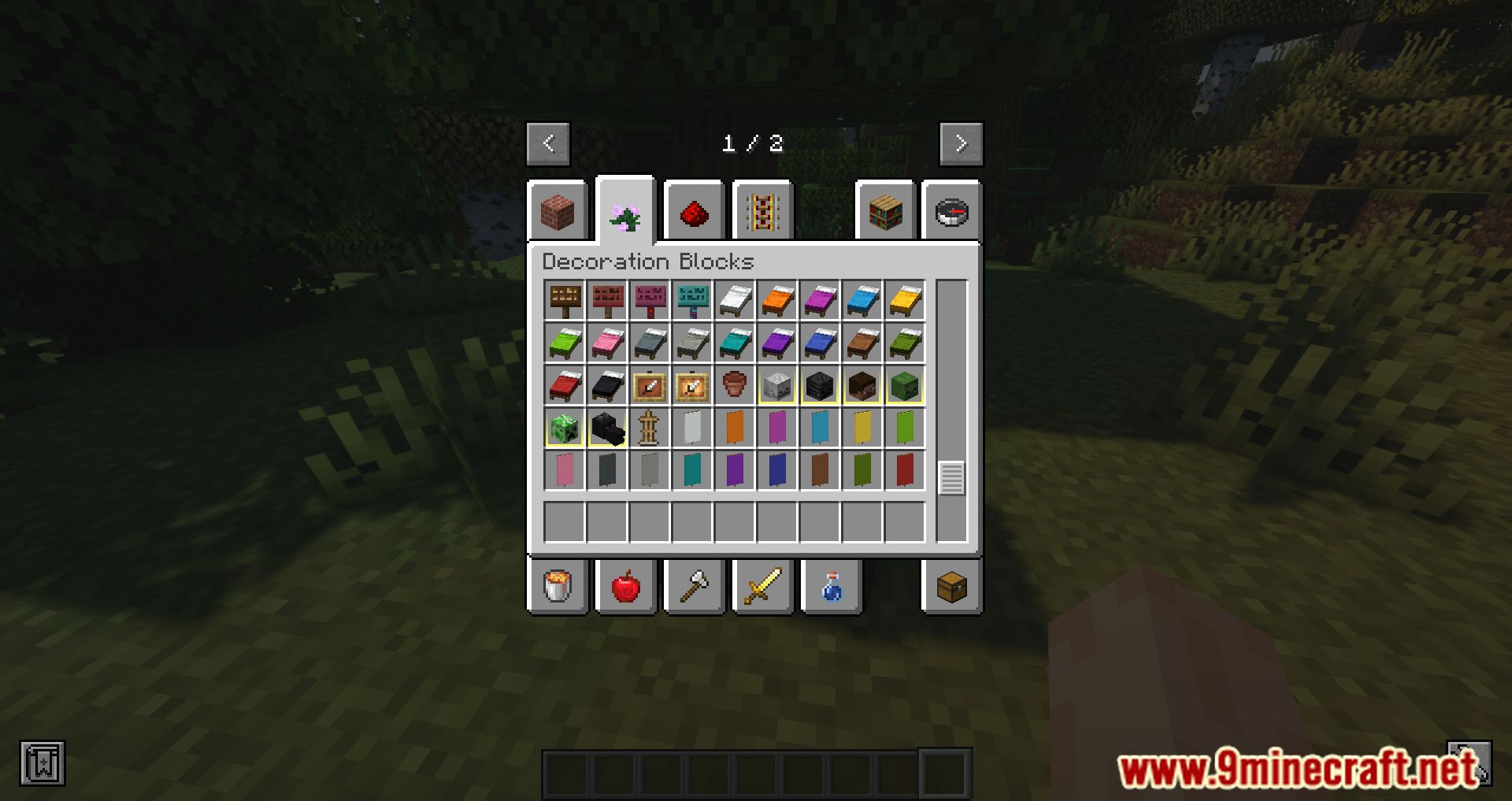
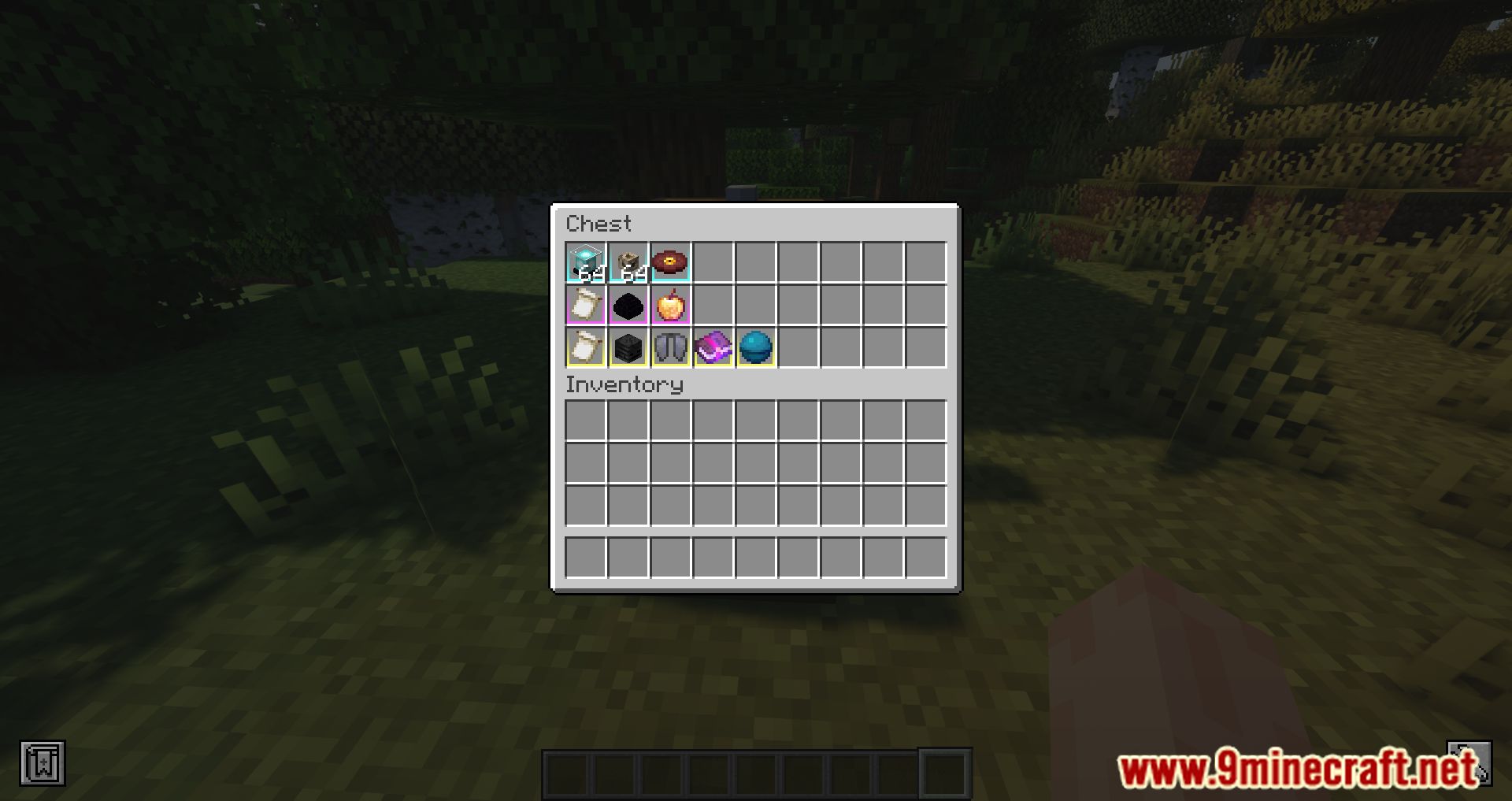
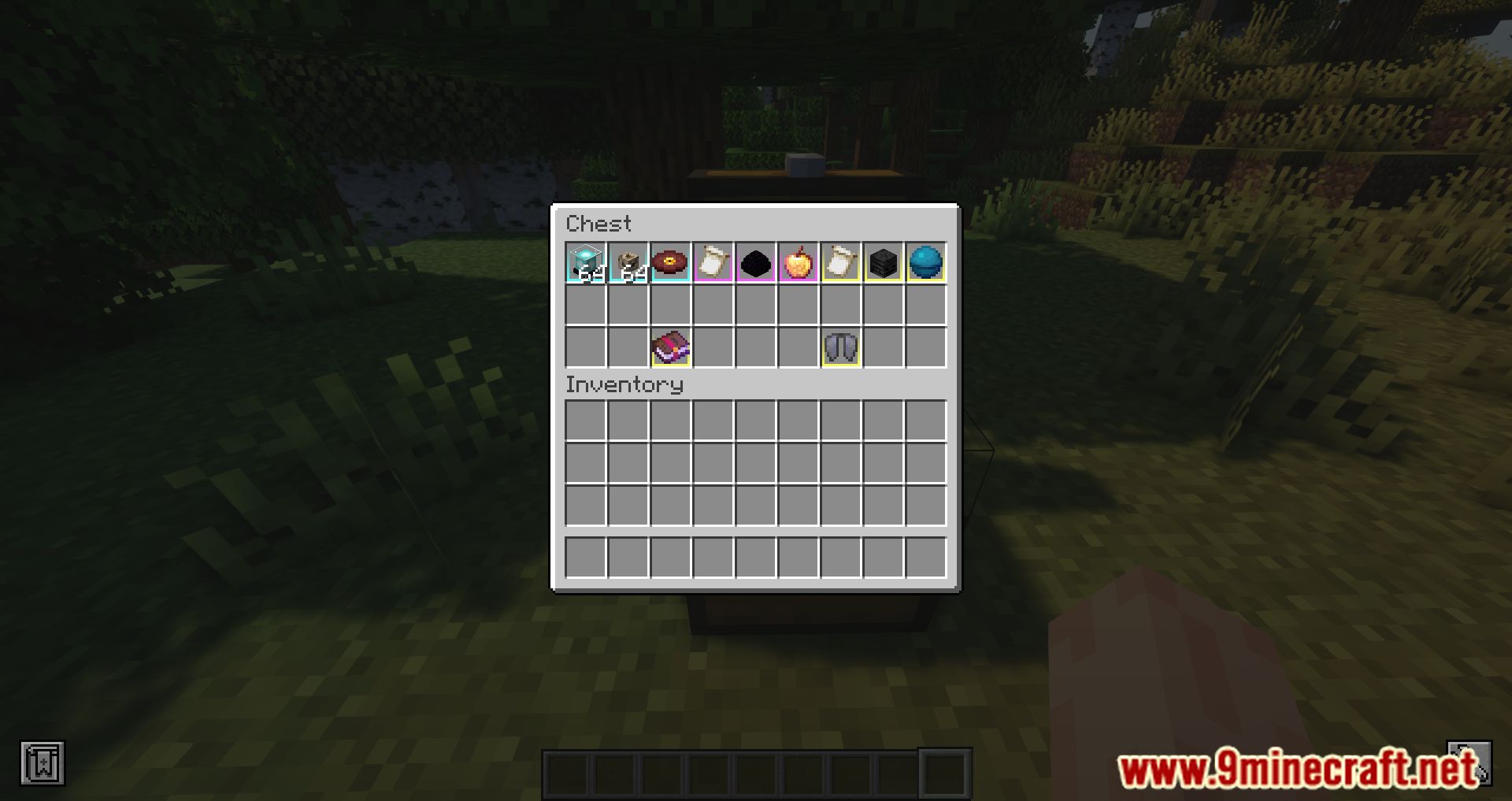
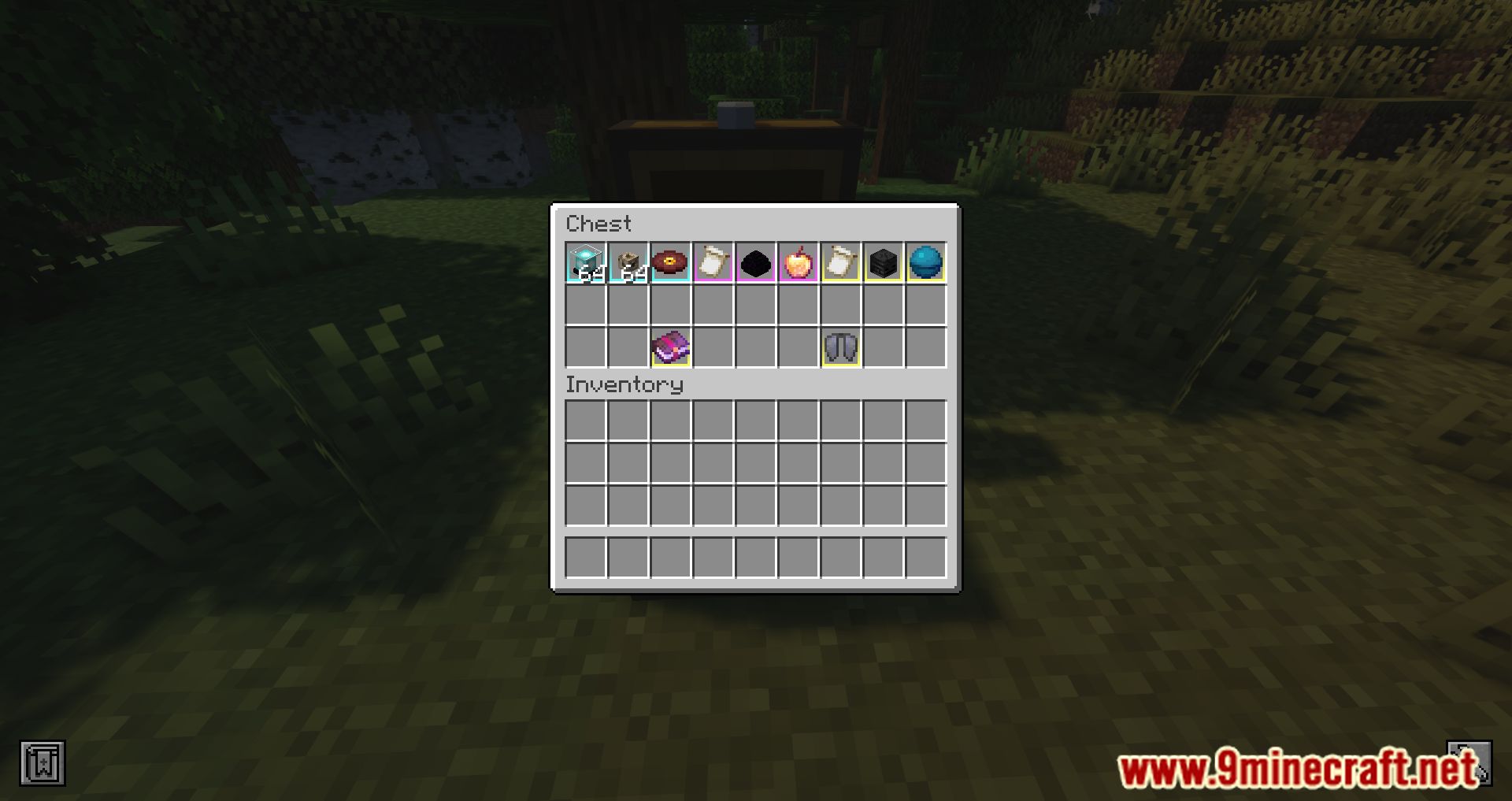
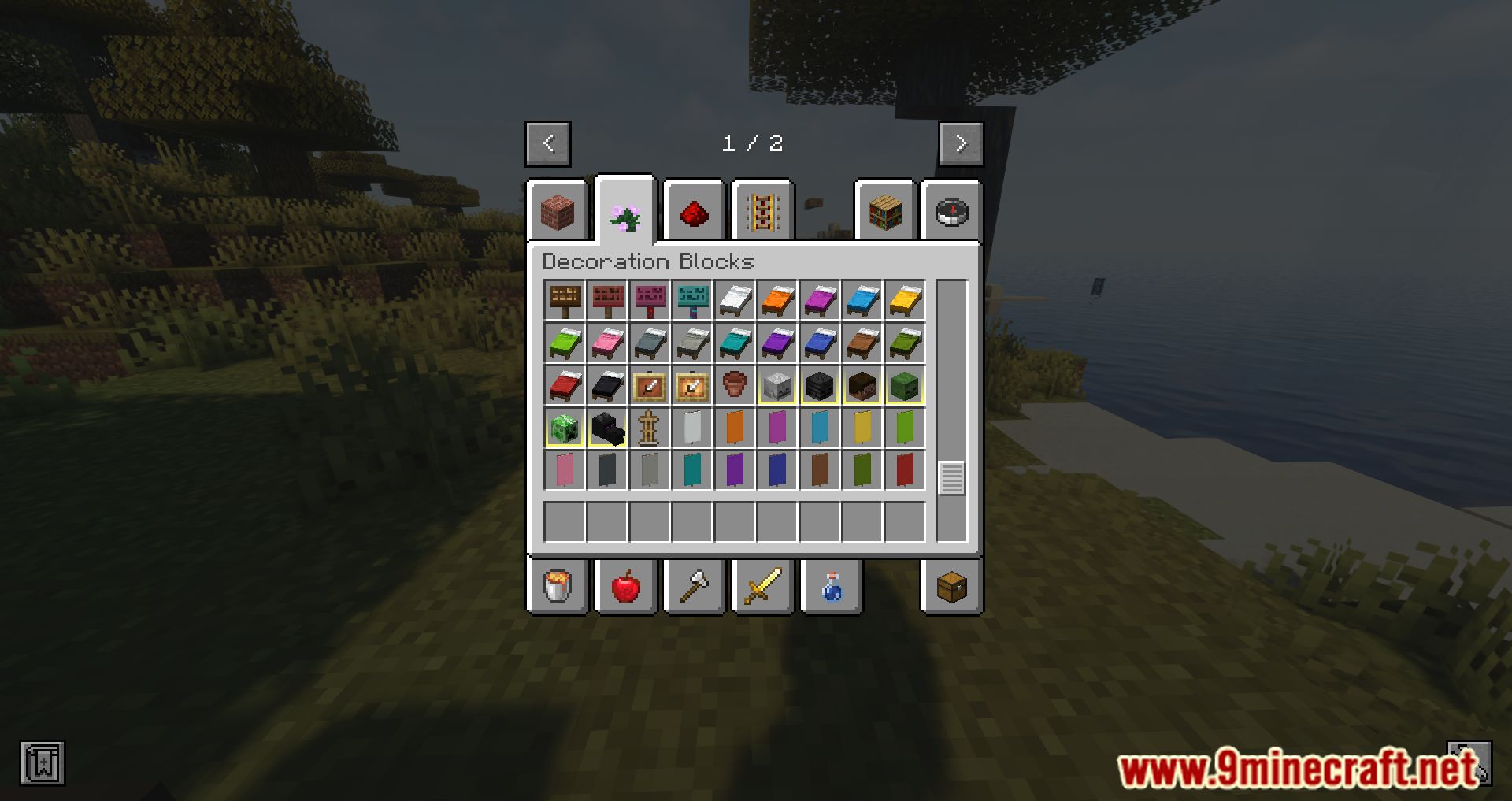
Item Borders Mod adds a colored outline around rare game items in your inventory. For new players, this helps prevent accidentally discarding valuable resources, while for modpack creators, it allows highlighting specific items with custom colors to draw players’ attention to them. The mod is customizable through config files located in .minecraft/configs. You can disable highlighting in the hotbar, adjust the outline itself, and modify the glow effect. The config file includes explanations for all customization options, including adding items from other mods.
Example:
FCC040 = [“minecraft:stick”, “torch”]
green = “#forge:ores”
red = “oak_planks”
Features:
- Players can configure item borders using a config file, specifying colors for different items or tags.
- Borders can be enabled or disabled for the hotbar and inventory separately.
- Synchronizes with the Loot Beams mod to match item border colors.
Screenshots:
Item Borders Mod Download Links
- Edition: Minecraft Java
- File type: .jar
- Minecraft version listed: 1.20.1
- How to install: Install the matching mod loader (Forge, Fabric or NeoForge) for your Minecraft version. → Download the .jar. → Put it in the .minecraft/mods folder and launch that loader profile.
- Where to get it: Opens on the file's original source — not every file is mirrored on our own servers.
Install steps are the general flow for this file type — see the MC Java Mods guides for the full walkthrough.
Item Borders Mod (26.2, 1.20.1) – Borders For Rare Items is a free Minecraft Java mod. Compatible with Minecraft 1.20.1. Download it and open it directly in the game.