ModsJava
Rubidium Extra Mod (1.21.11, 1.20.1) – Customize Your Game's Look
Java mod listed for Minecraft 1.20–1.21. Downloads from the MC Java Mods app on Android.
⬇ Download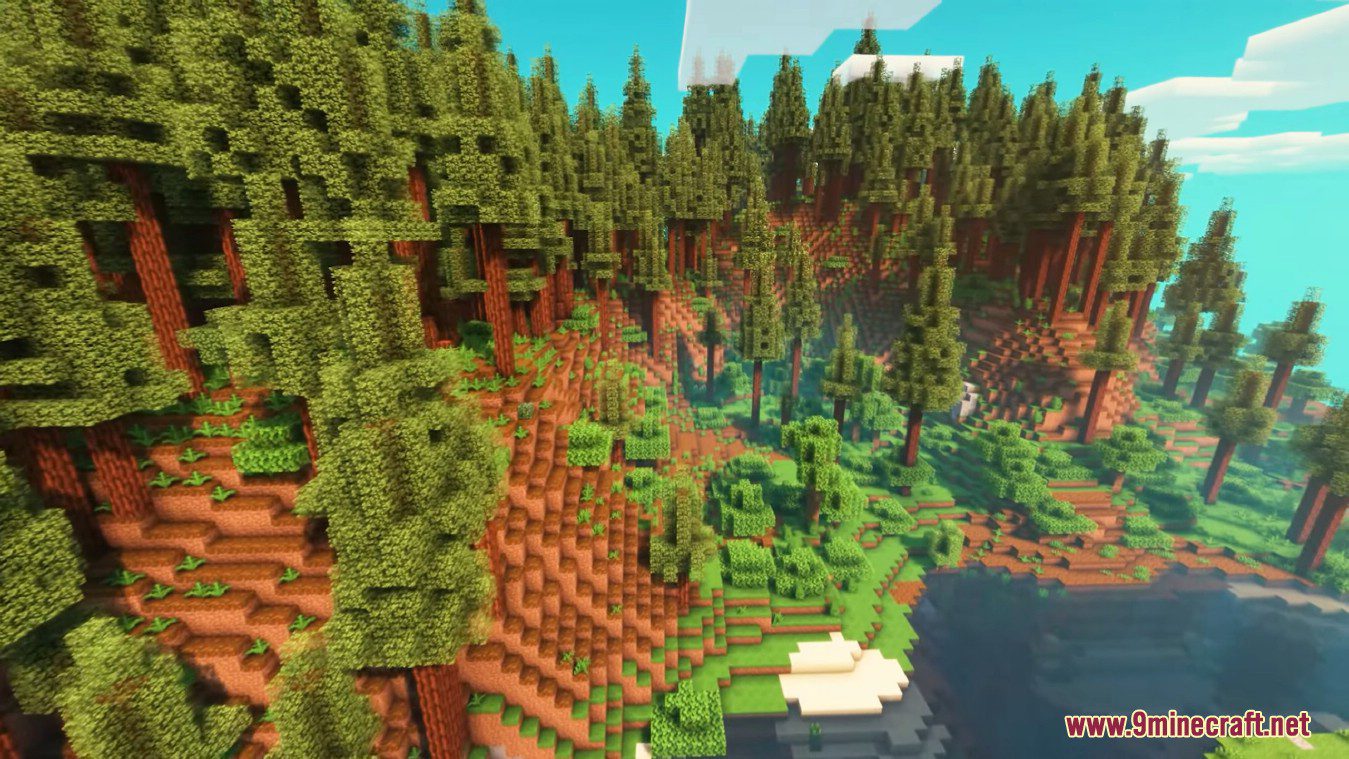
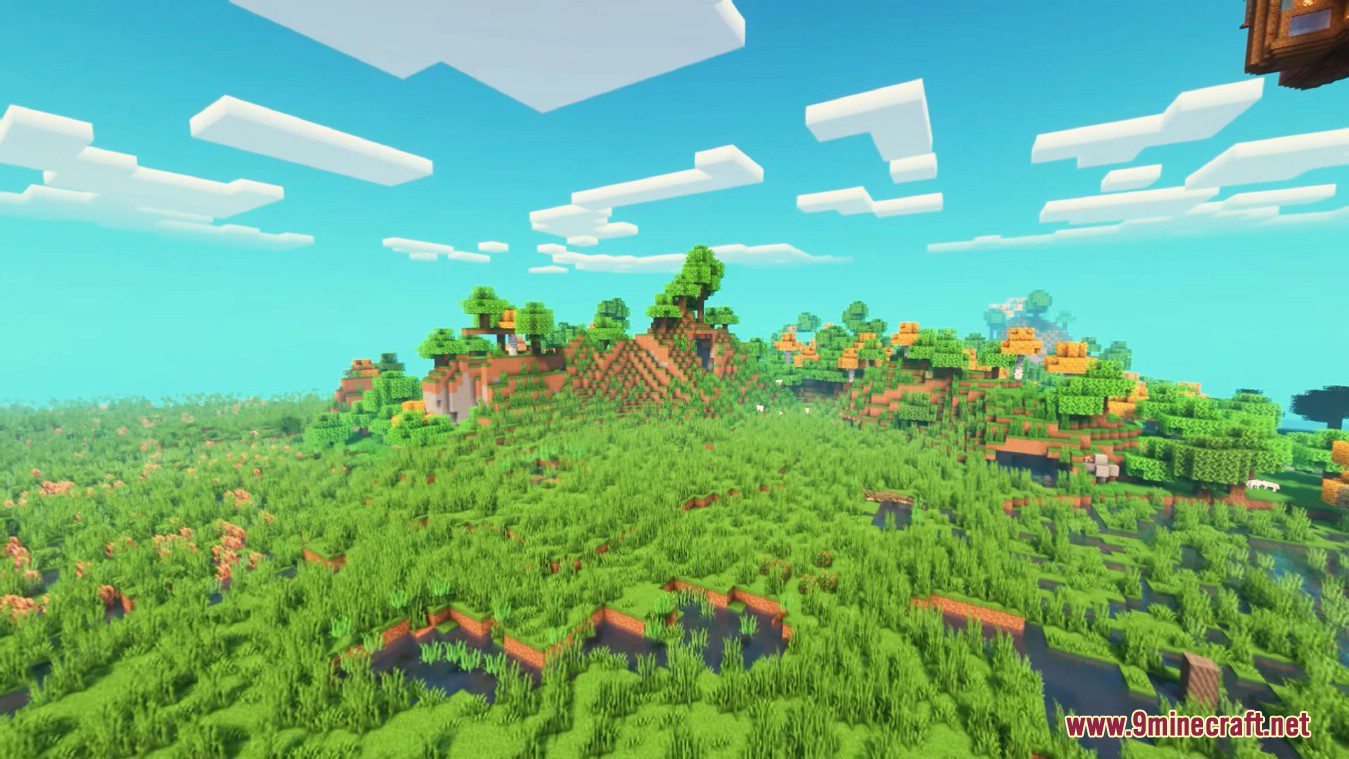
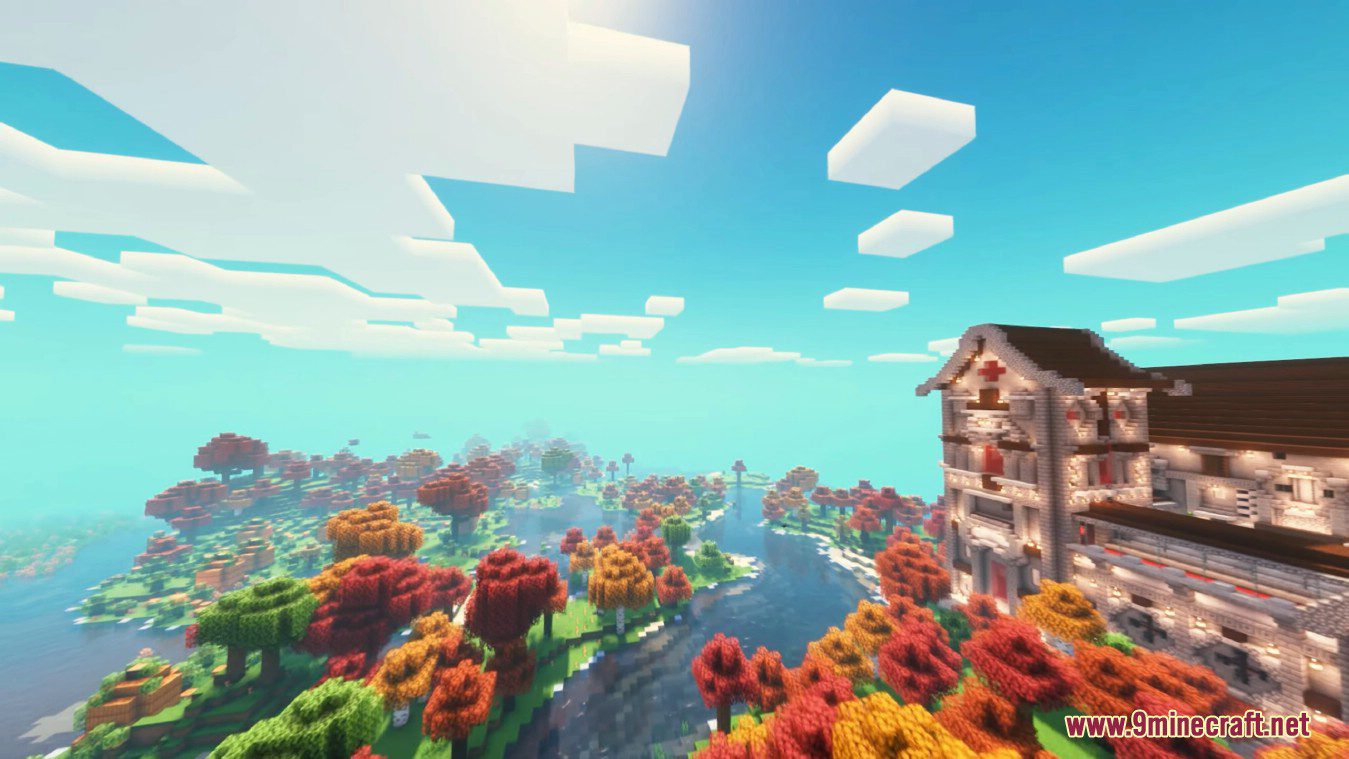
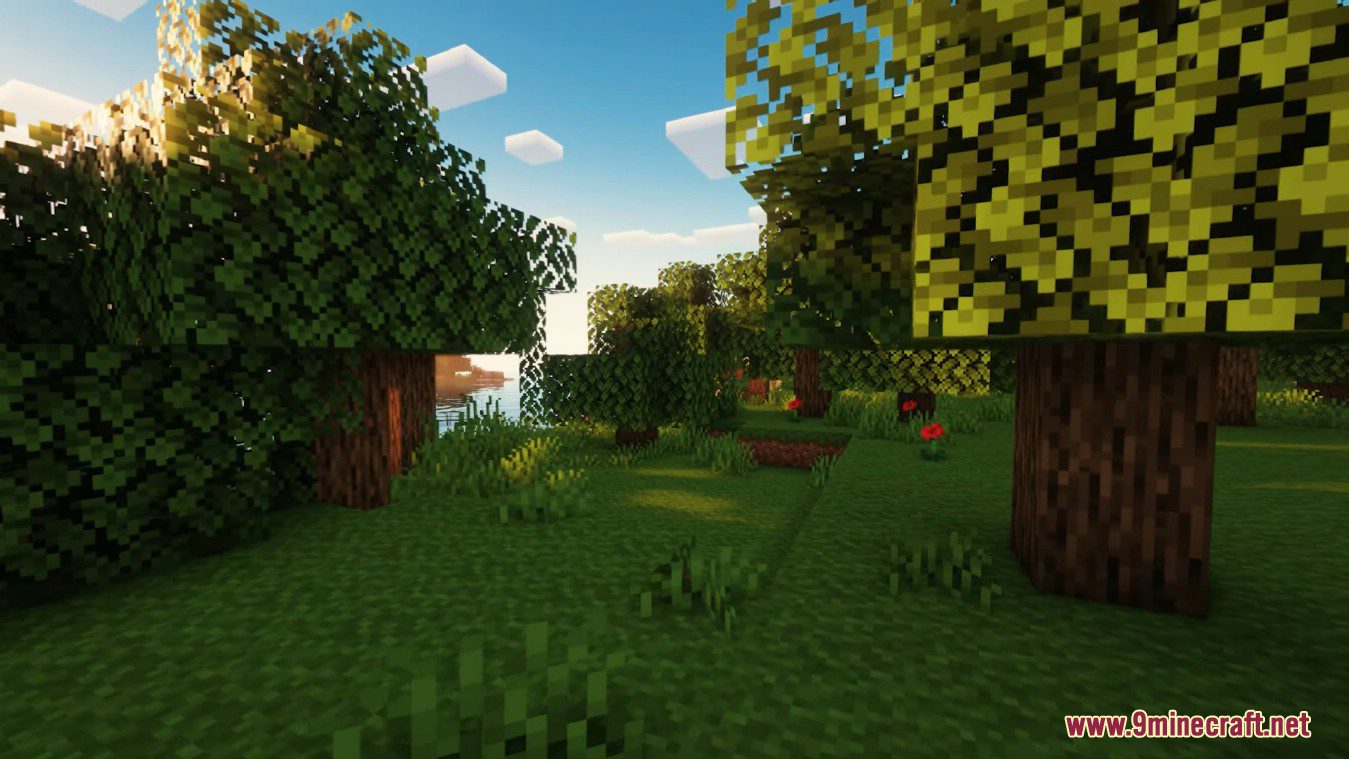
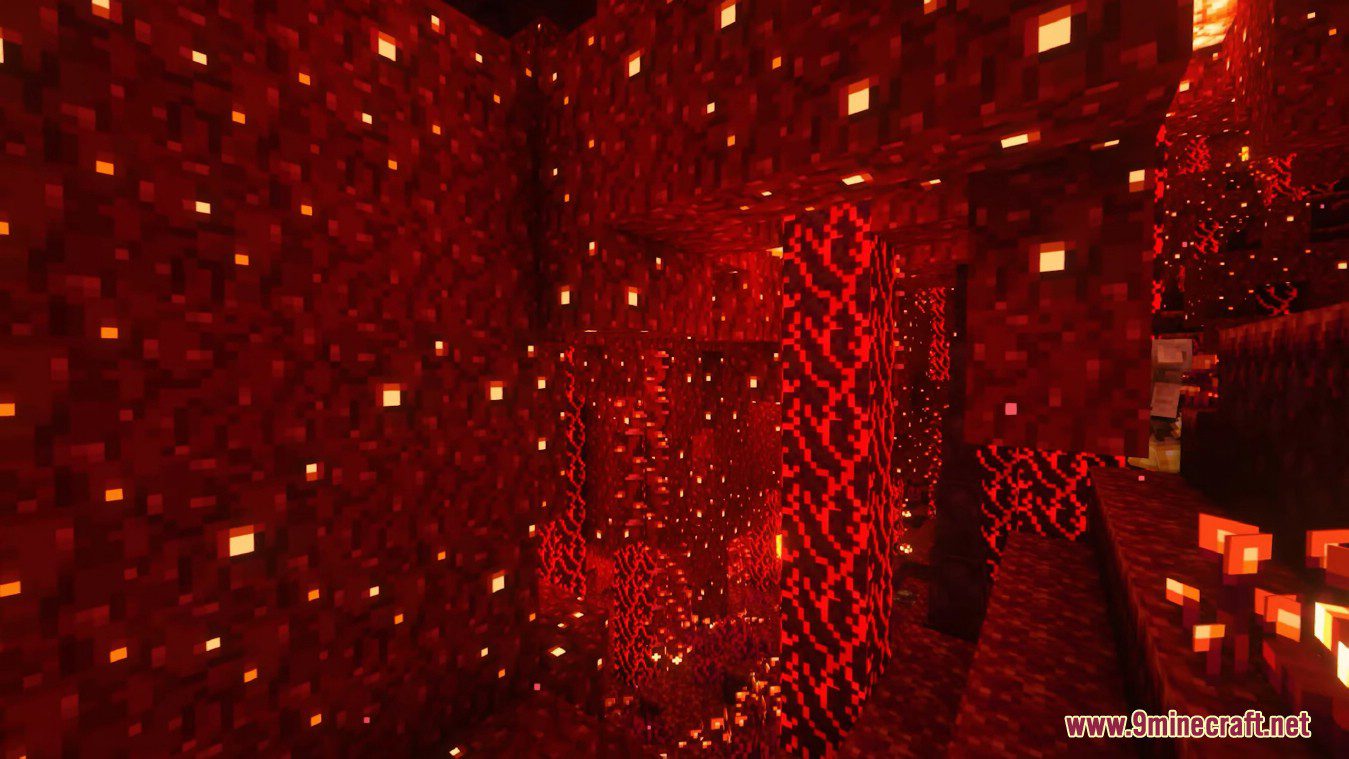
Rubidium Extra Mod brings many popular OptiFine-style features to players using the Rubidium or Embeddium performance mods. It works as an addon for those mods, porting over extra settings from Sodium Extra. This gives you more control over your game’s graphics, from animations and particles to weather effects.
Features:
- Lets you control animations for fire, water, lava, and other blocks.
- Gives you options to manage all types of particles, even those from other mods.
- Change details in the world, such as the sky, stars, sun, moon, and weather.
- Adjust render settings for things like fog and other on-screen elements.
- Toggle extra information displays for FPS, coordinates, clouds, and notifications.
Screenshots:
Rubidium Extra Mod Download Links
Quick facts
- Edition: Minecraft Java
- File type: .jar
- Minecraft versions listed: 1.21.11, 1.20.1
- How to install: Install the matching mod loader (Forge, Fabric or NeoForge) for your Minecraft version. → Download the .jar. → Put it in the .minecraft/mods folder and launch that loader profile.
- Where to get it: In MC Java Mods, or directly above on this page.
Install steps are the general flow for this file type — How to install Minecraft Java mods & modpacks walks through it step by step.
File checked by MCModsHub
- Downloads as 30309.mcaddon
- Download size: 374 KB
- Download link checked 24 Sept 2026 — working
- Mirrored on our own servers — the download does not depend on the original host
These come from our own check of the pack file, not from the source page.