
performance improvement
Sodium and his add-ons, EntityCulling, ImmediatelyFast
To improve fps, world generation and multiplayer with your friends
Dynamic FPS, Exordium, FerriteCore
To improve stability
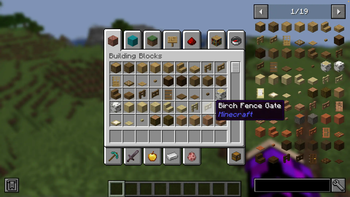
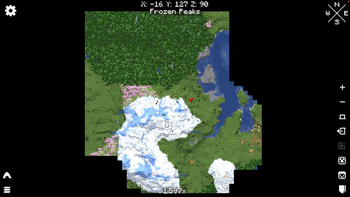
HUD improvement
Just Enough Items, BetterF3, AppleSkin, Blur (Fabric), Eating Animation, Chat Heads, WTHIT, Xaero's Minimap, World Map
Adds handy features, animations and visual enhancements to the HUD
game visual improvement
3d Skin Layers, Iris Shaders, LambDynamicLights, Entity Texture Features
To improve the visuals of the game with, shader compatibility and Optifine resources pack compatibility
Add features
Simple Voice Chat, MidnightControls, Zoomify, Mouse Tweaks, Shulker Box Tooltip
Add practical features such as Zoom or voice chat for compatible servers
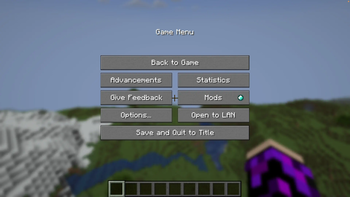
100% customized loading screen and main menu
thanks to the fancy menu mod and its addons, optimax+ has 100% customized and embellished menus
- Edition: Minecraft Java
- File type: .jar
- Minecraft version listed: 1.20.2
- How to install: Install the matching mod loader (Forge, Fabric or NeoForge) for your Minecraft version. → Download the .jar. → Put it in the .minecraft/mods folder and launch that loader profile.
- Where to get it: Opens on Modrinth — not every file is mirrored on our own servers.
Install steps are the general flow for this file type — How to install Minecraft Java mods & modpacks walks through it step by step.
- Downloads as optimax+ 1.20.2.mrpack
- Download size: 390.4 MB
- Download link checked 7 Sept 2026 — working
These come from our own check of the pack file, not from the source page.